
Onboarding contractors in guest seats is currently in Early Access. If you're interested, go to the web app and select Contractors from the sidebar or from More. From the company profile, select Workers from the tab at the top of the page. Click Onboard, then click Confirm in the pop-up window to sign up for Early Access.
If you don’t see Onboard in your profile, contact our customer support team or your customer success manager to express your interest.
What is the Contractors dashboard?
The Contractors dashboard provides a centralized view of contractor companies in your organization, including their company documents, workers' credentials, and assigned onboarding workflows. It brings together the key information needed to oversee contractor compliance requirements across your organization.
From the dashboard, you can manage company profiles, review documents, track user credentials, and monitor onboarding workflows to keep requirements accurate and up to date. This gives your team greater control and visibility when working with multiple contractor companies at scale, reducing the need to monitor documents, worker qualifications, and onboarding progress separately.
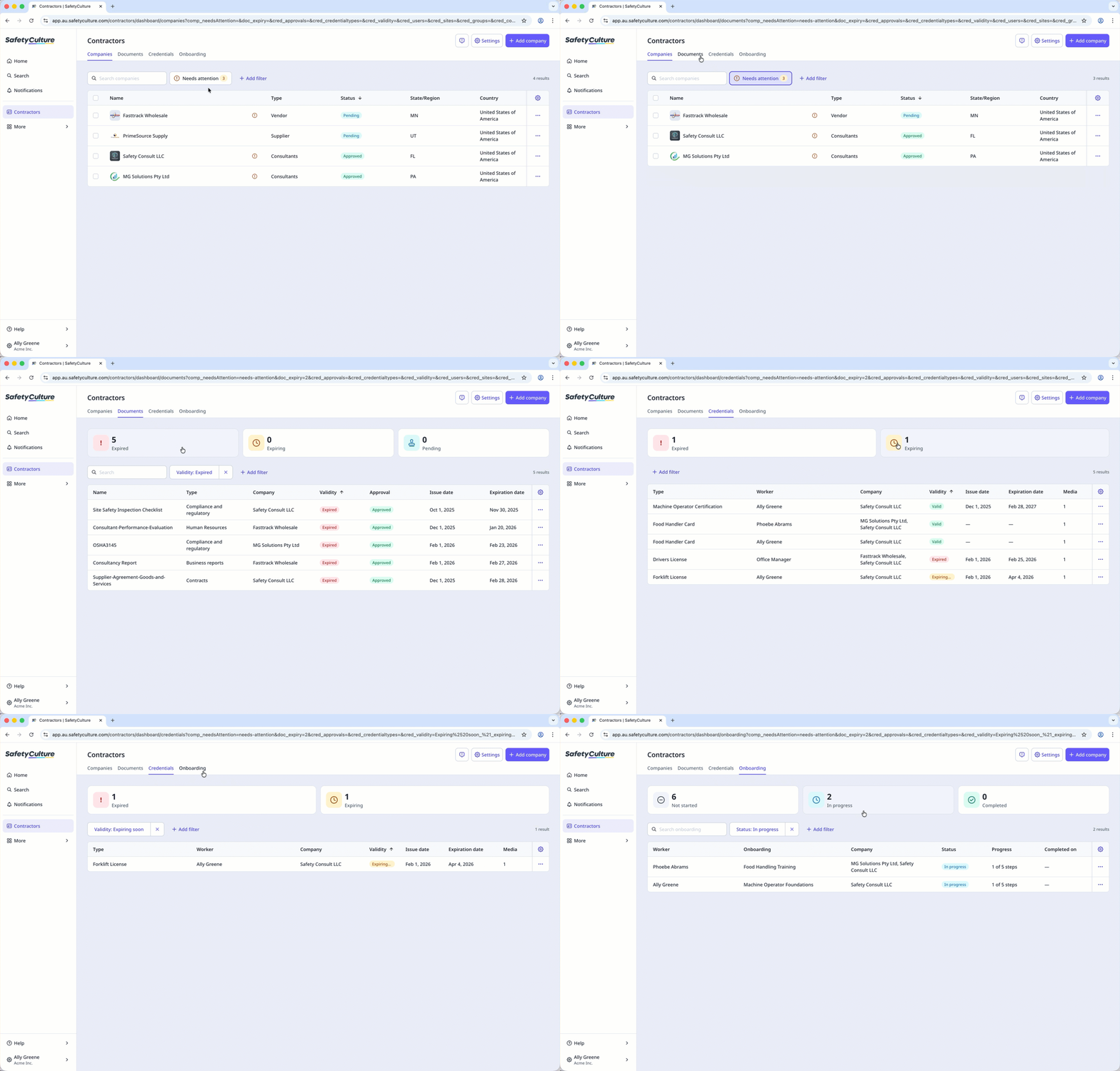
Depending on whether you're a company manager or a key contact, what you can view on the dashboard may vary.
Exploring the Contractors dashboard
Companies
In Companies, you manage the contractor companies you work with in your organization. You can add companies, update their details, and organize them by type. Add associated workers and assign key contacts in your company to help manage documents. You can also request and track documents required for each company’s compliance. This helps your team stay on top of contractor requirements and quickly identify which companies need attention.
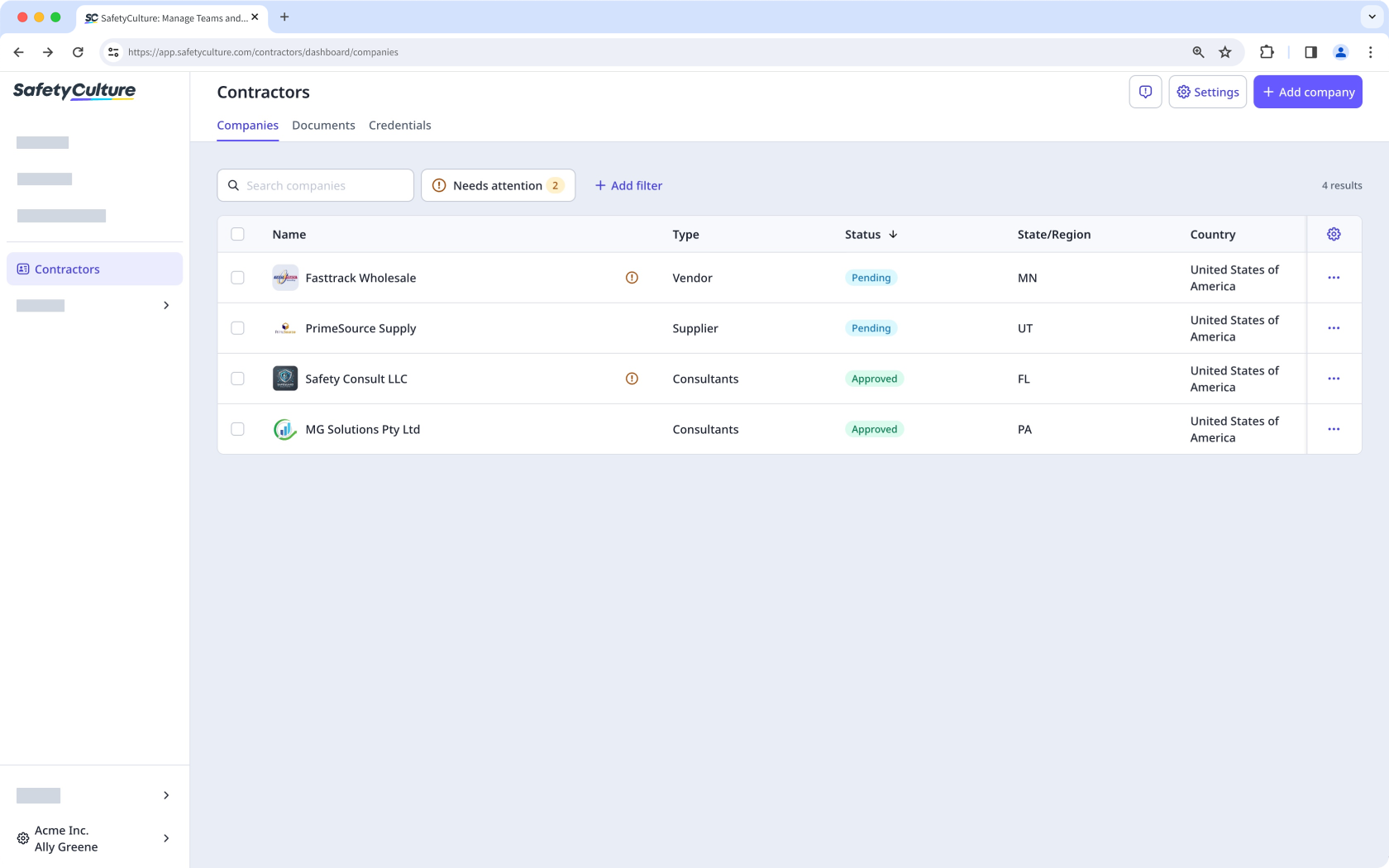
If you have “Contractors: Manage companies” permission, you can view and manage the dashboard.
Documents
In Documents, you can view all company documents associated with contractor companies in one place. You can view, edit, download, or archive documents, and monitor those that are expired or expiring soon. This gives your team clear visibility into document compliance, helping you quickly address outdated documents and follow up with companies that need to provide updated information.
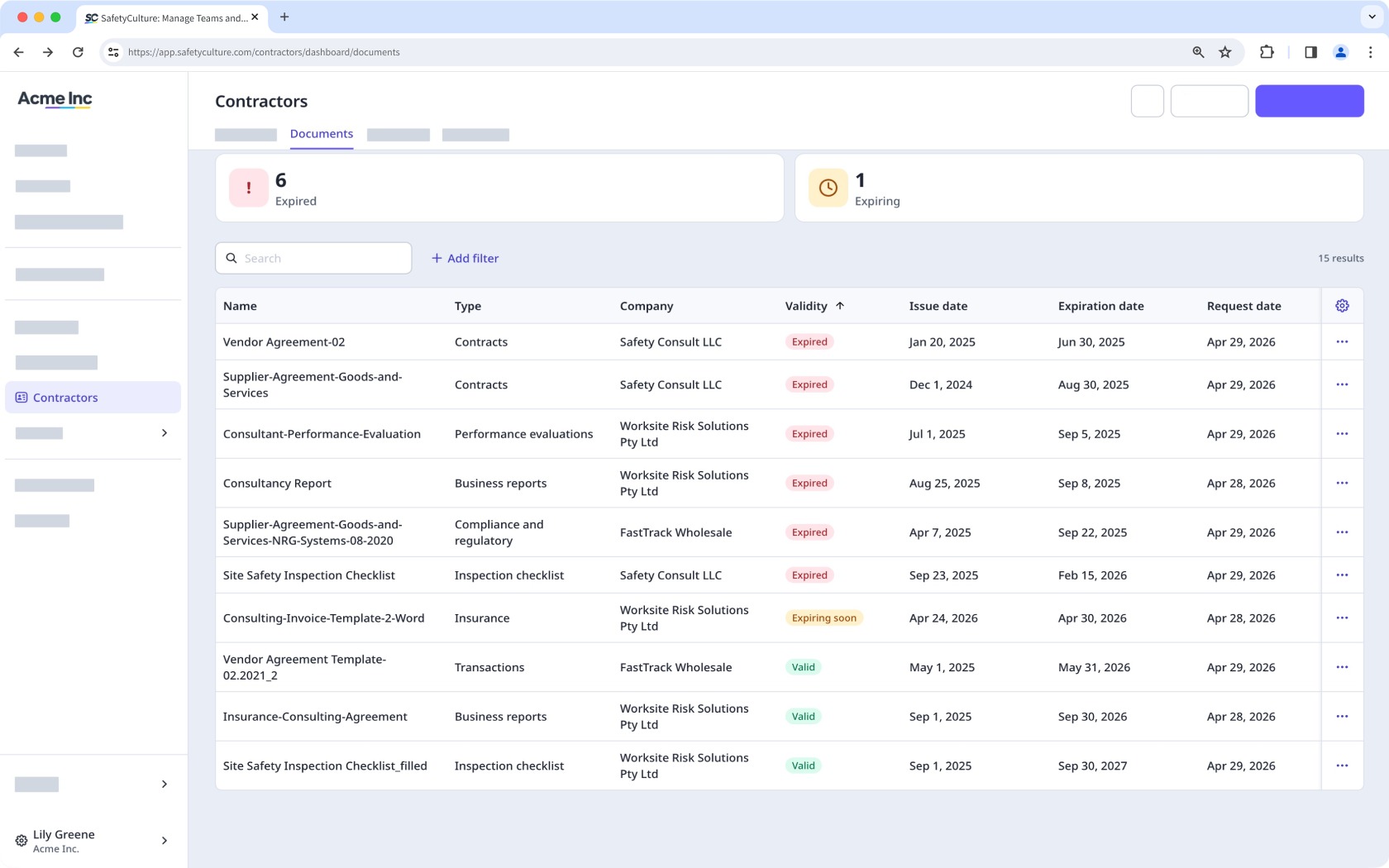
You can request a new version of documents or forms from the company profile or the Contractors dashboard to remind key contacts to update specific documents.
Credentials
In Credentials, you can view, update, archive, restore, and delete worker credentials across contractor companies, as well as track their history and activity. You can quickly narrow down credentials that are expiring soon, expired, or pending approval to identify which workers require attention. This helps ensure qualifications remain valid and up to date, supporting consistent compliance across your contractor companies.
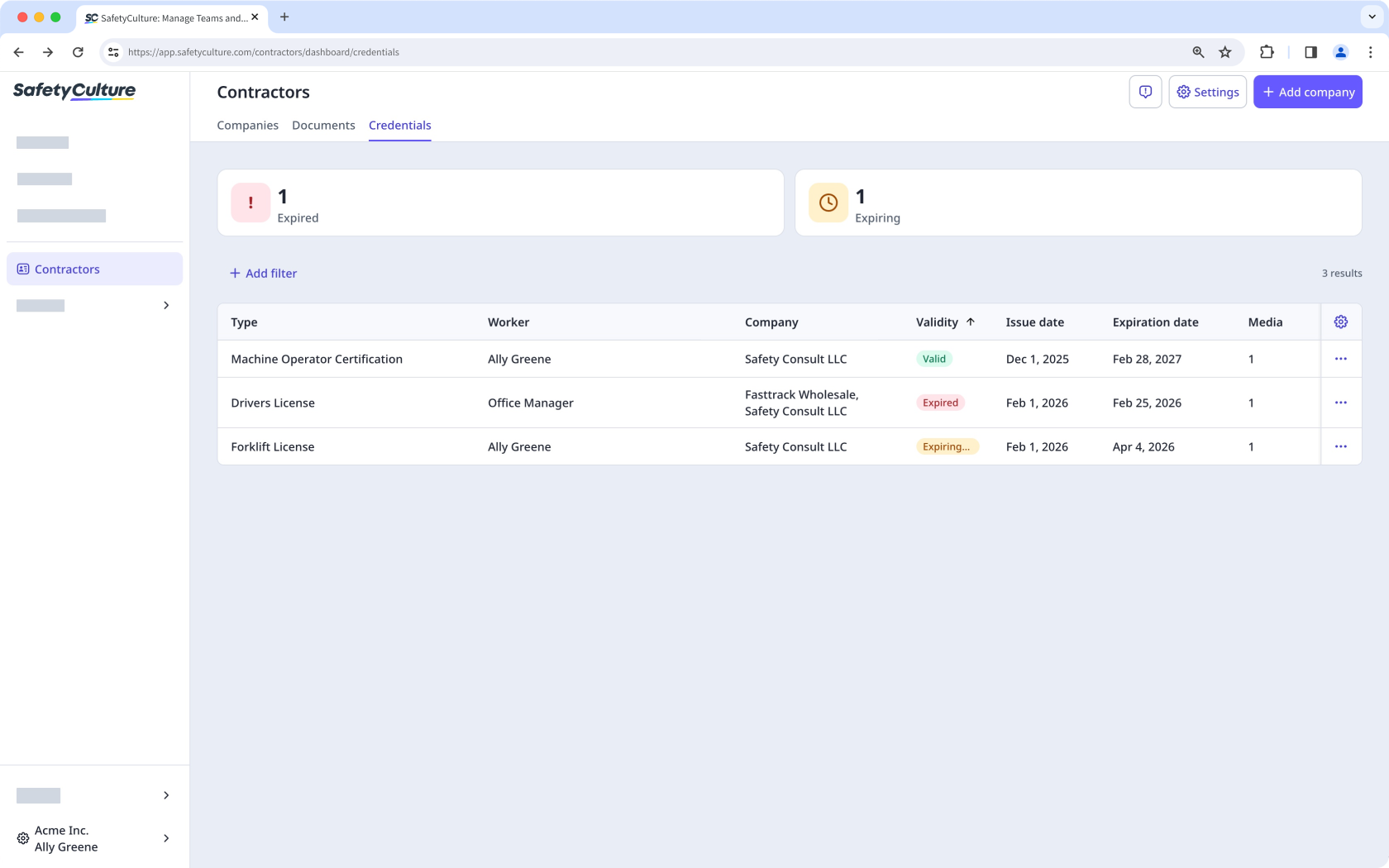
If you have "Platform management: Credentials" permission, you can view and manage the credentials of users in your company.
Onboarding
In Onboarding, you can view all onboarding workflows assigned to users across contractor companies. You can monitor each onboarding and track workers’ progress as they complete the required steps. This helps your team stay on top of onboarding completion and ensure workers finish the required training and have the qualifications needed before starting work.
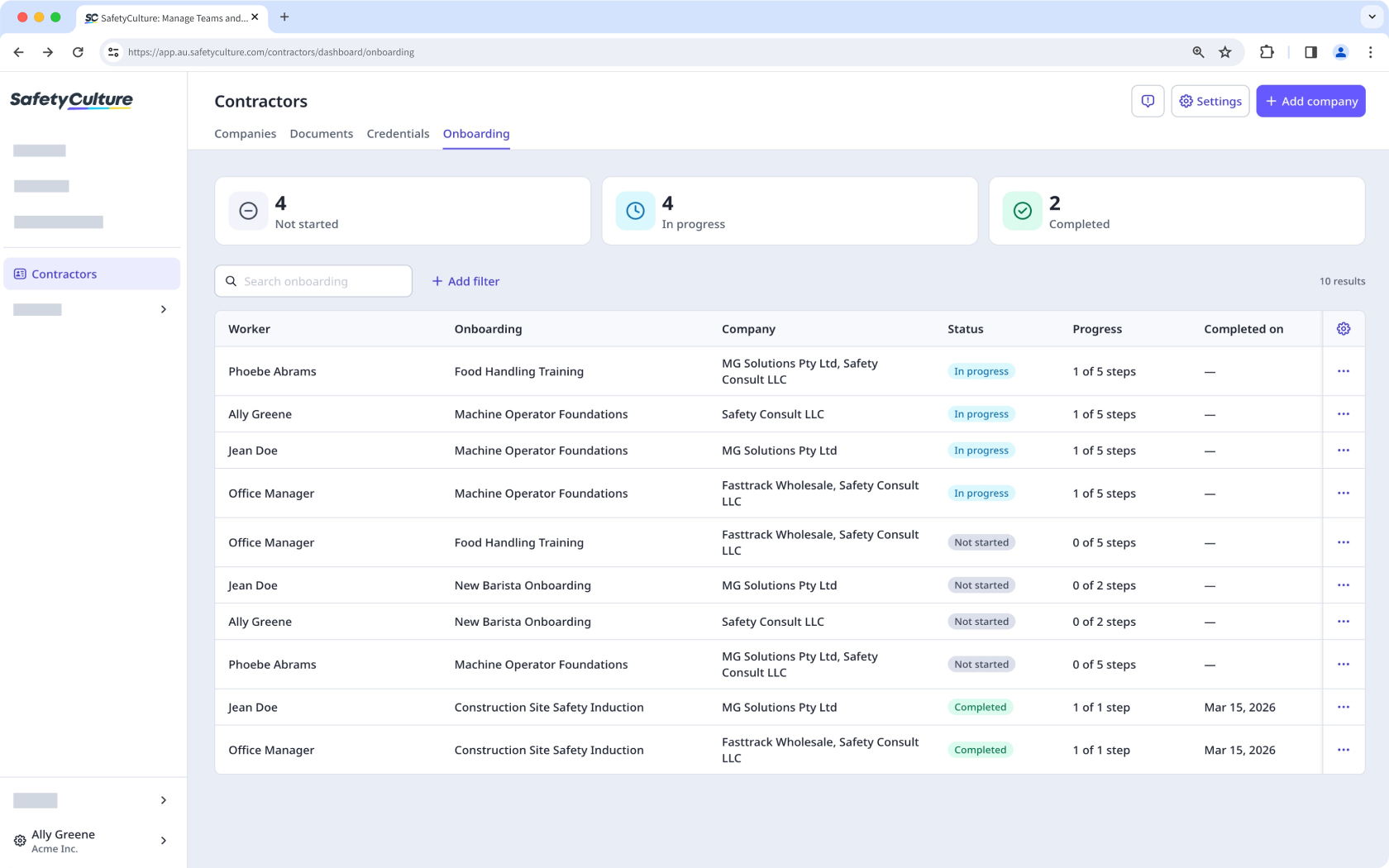
If you have "Training: Administration" permission and "Platform management: Credentials" permission, you can view and manage onboarding workflows for users in your company.
Get an overview of the Contractors feature and learn how to effectively manage the companies you work with as a company manager, key contact, or contractor worker.


