
What is a key contact in a company?
A company key contact is someone from a contractor company who is responsible for managing their company profile and handling administrative tasks on behalf of your organization. As a key contact, they can upload company documents in response to document requests, receive notifications when documents are expiring or have been rejected, and update information to keep it accurate and compliant with your organization’s requirements. This helps contractor companies stay accountable for their own records, reducing administrative work for your team.
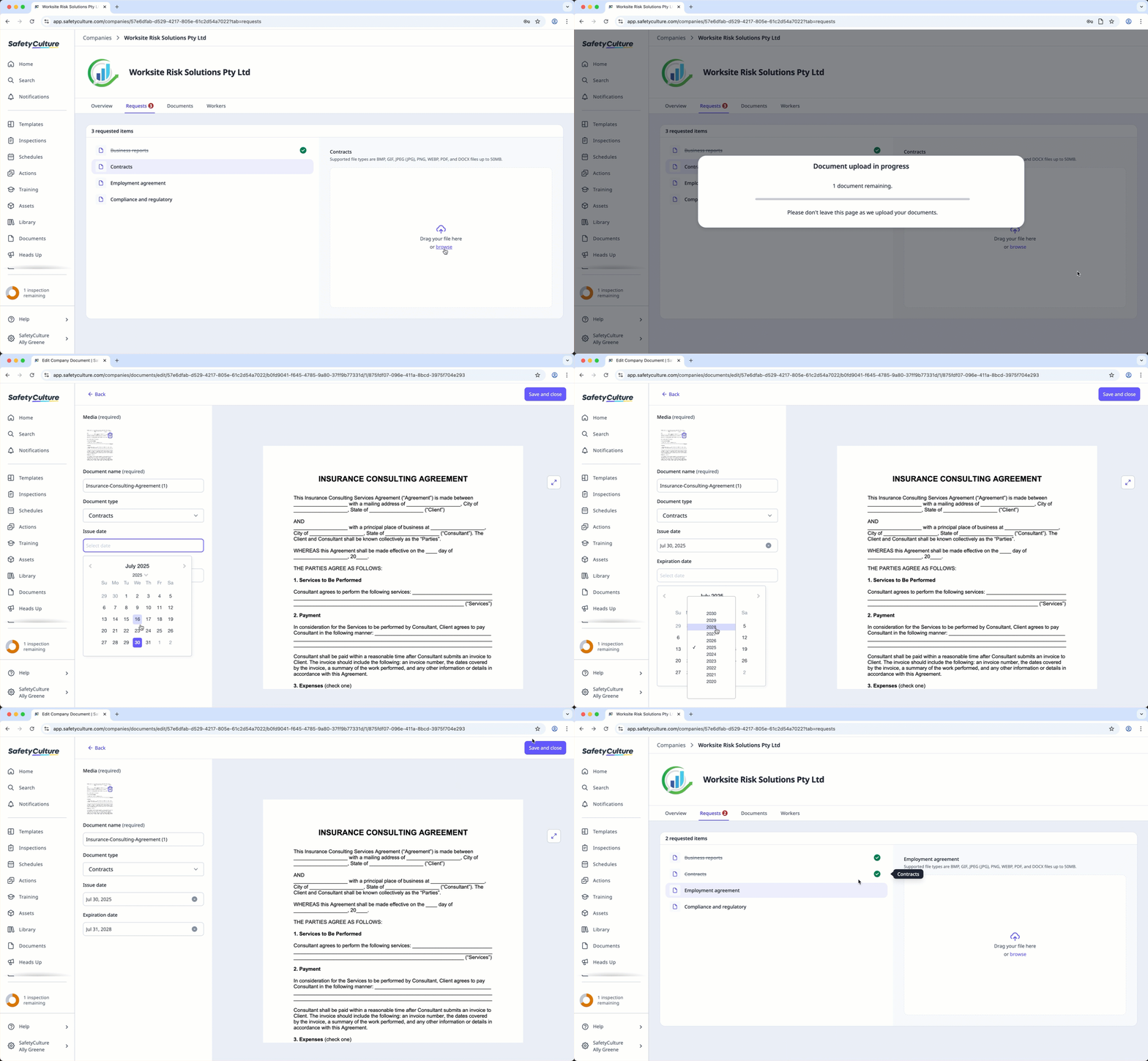
You can assign a company key contact when adding a new company or when adding a user to a company.
Assign a company key contact
Select Contractors in the sidebar or select it in More.
Select a company.
Click Workers tab in the company profile.
Click on the right-hand side of the user's row and select Assign as key contact.
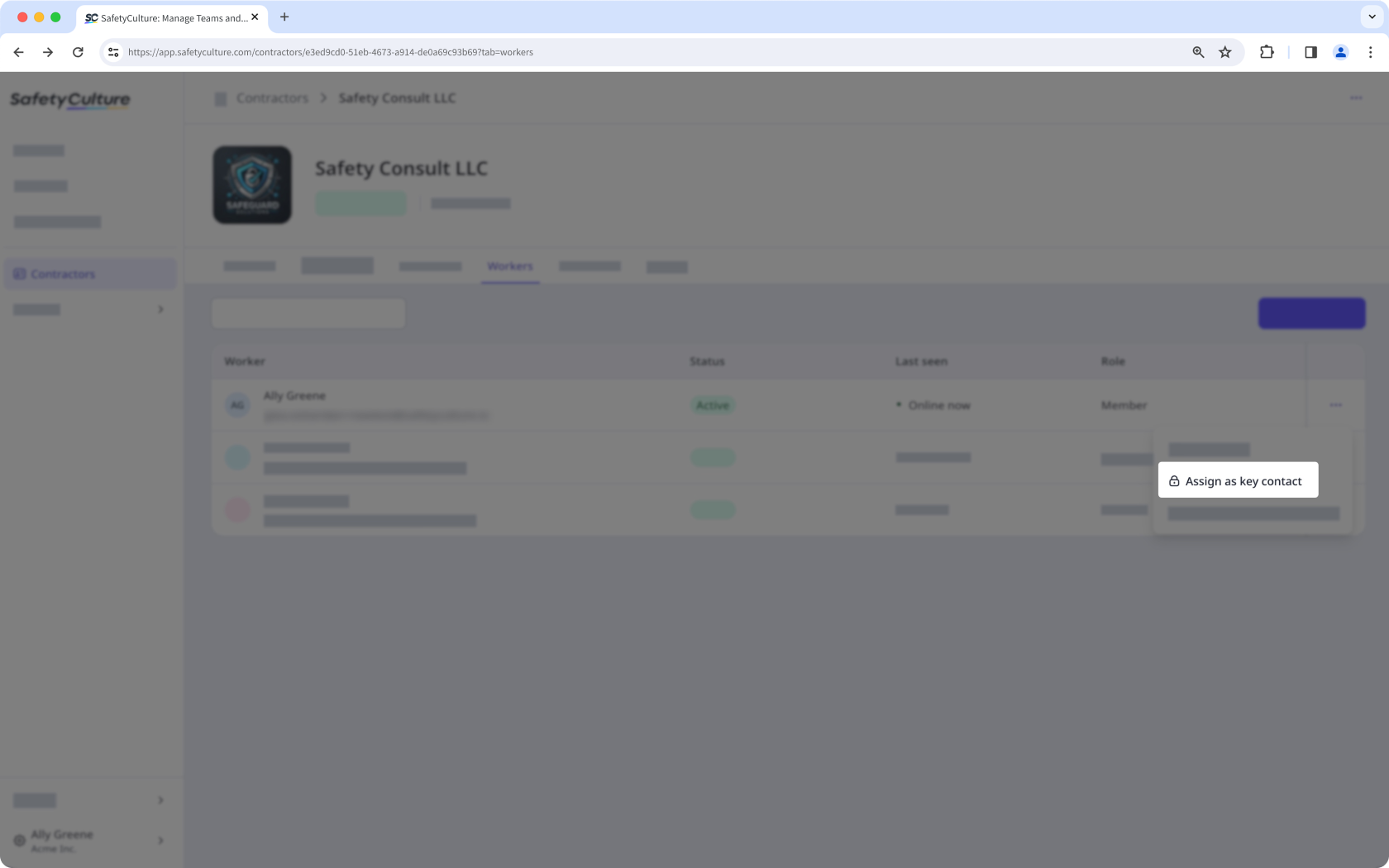
When you assign new users as key contacts, they will be added as guest seat users in your organization.
Unassign a company key contact
Select Contractors in the sidebar or select it in More.
Select a company.
Click Workers tab in the company profile.
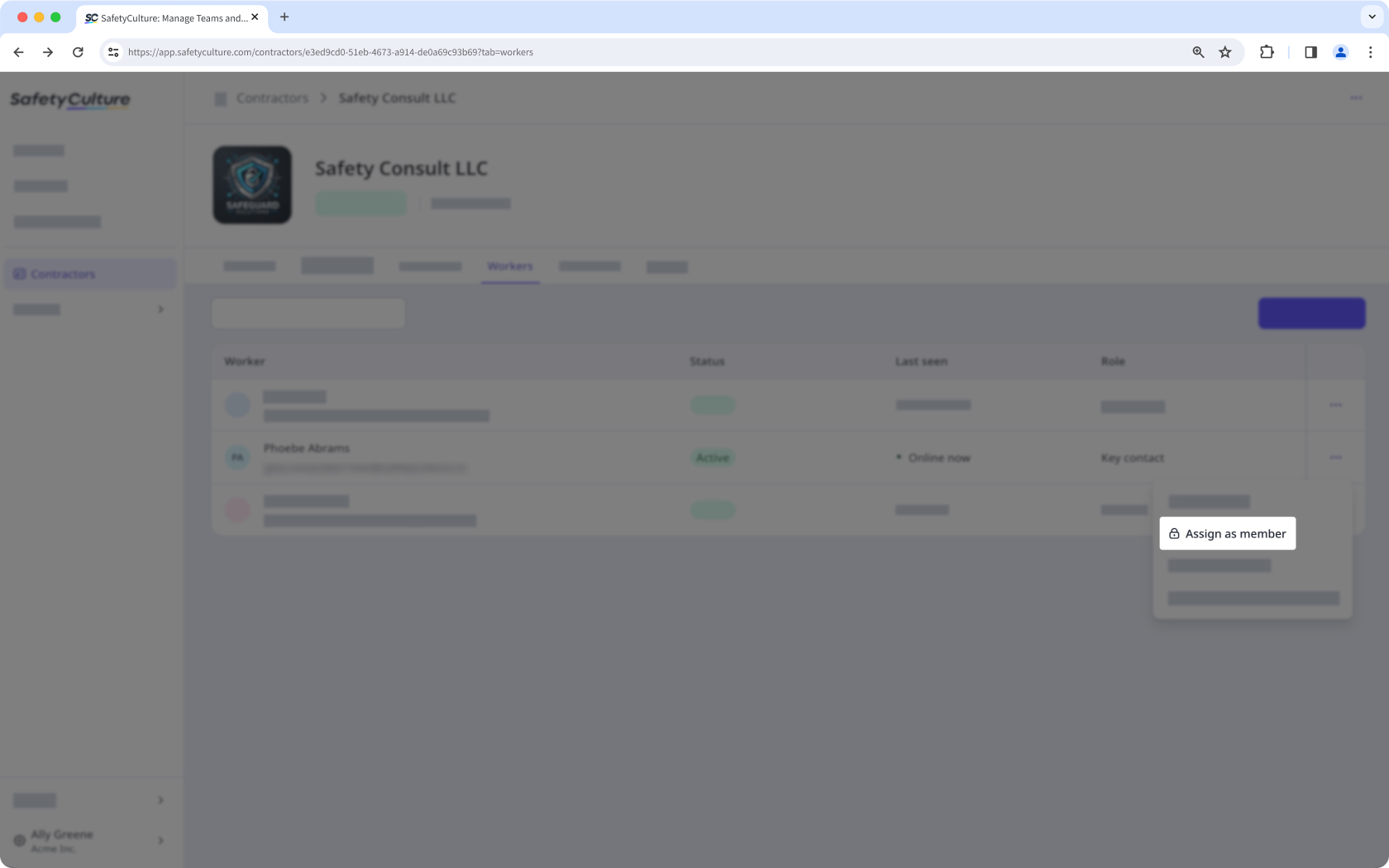
Click on the right-hand side of the key contact and select Assign as member. By default, members will not be able to view the company profile.
If you’re assigned as a company key contact, you can add and update documents for your company and receive notifications when they’re about to expire, have been rejected, when new document requests are made, or when a new version of a document is requested.


