
Why create actions in issues?
Creating actions in an issue helps your team identify, track, and resolve problems. This is useful when reporting issues like safety hazards, observations, or operational problems that require follow-up from different team members. From the issue profile, you can create an action, specify what needs to be done, assign a responsible team member, set the priority, and add a due date.While the action is linked to the issue, progress on the action does not automatically close the issue. The issue must be resolved separately. This helps your team take a structured approach to addressing each reported issue.
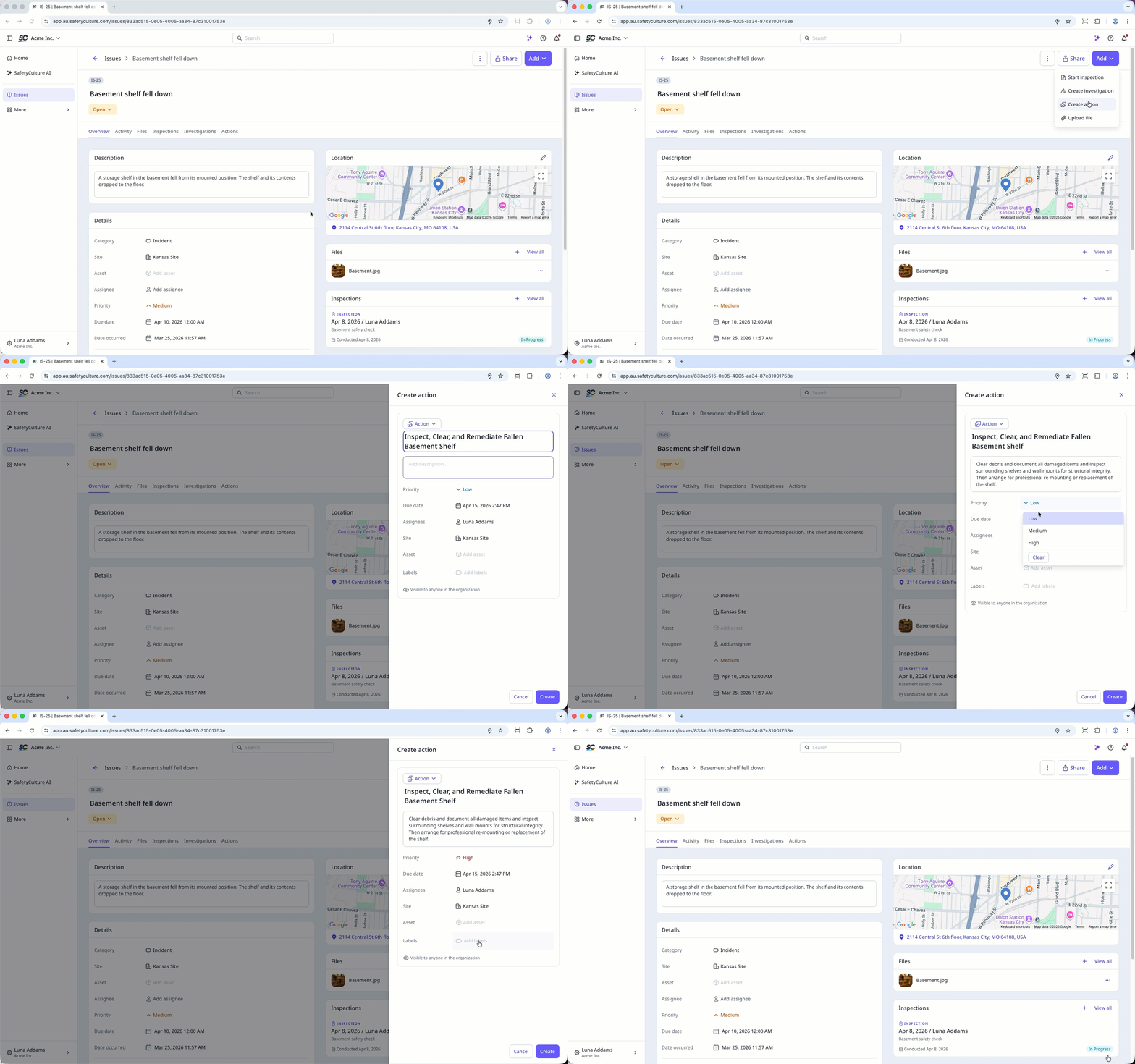
Actions created from issues follow the same access rules applied to standalone actions.
Create an action in an issue
Select Issues in the sidebar or select it in More.
Report an issue or select an existing issue.
Create an action in one of the following ways:
Click Add on the upper-right of the page, and select Create action.
In Overview tab, scroll down to Actions and click on the upper-right.
In Actions tab, click Create action.
In the side panel, select the relevant type and enter the action's title and description. You can also configure action fields such as site, label, and more.
Click Create.
View created actions on the Actions tab.
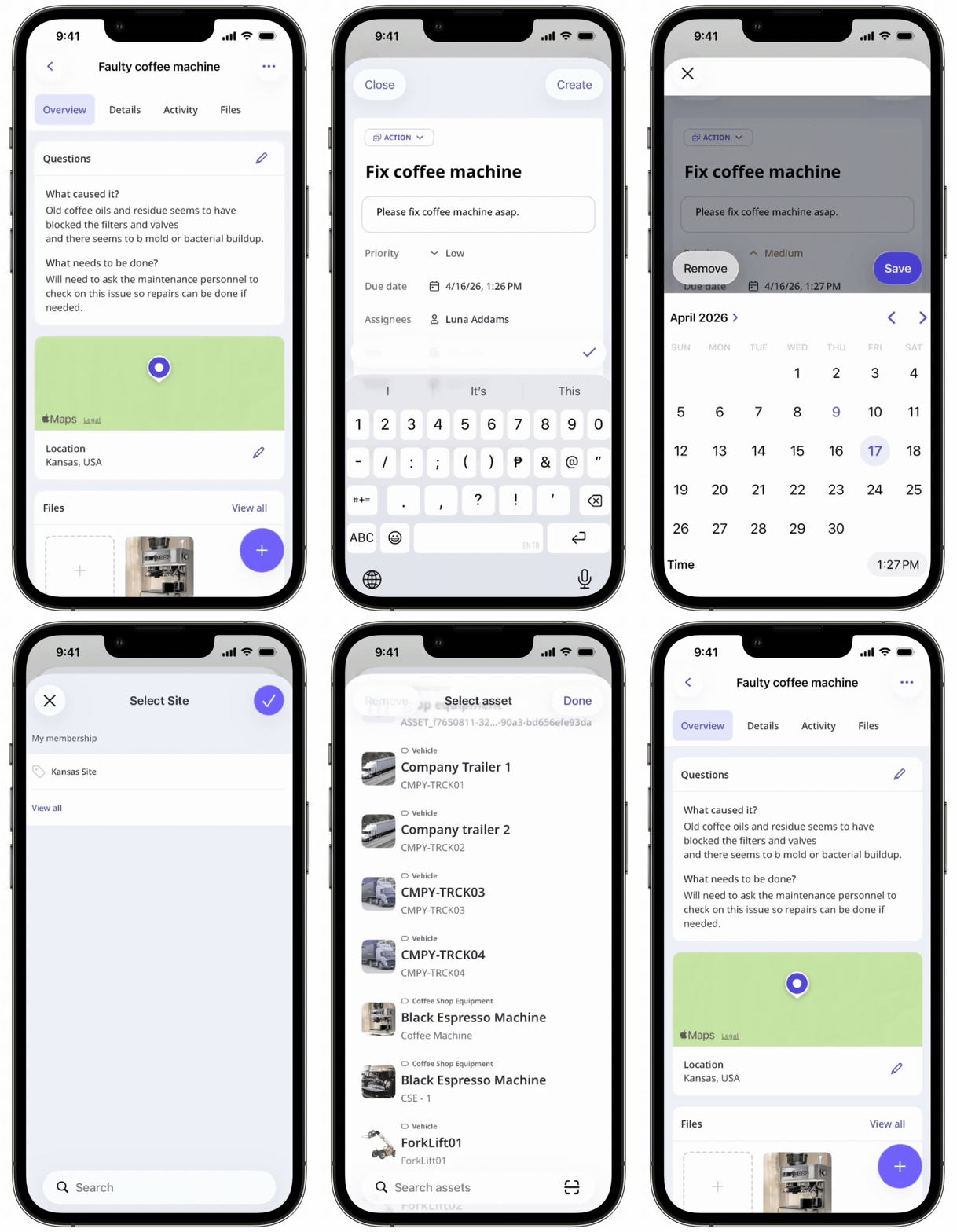
You can view any linked actions in the issue profile.


