
What happens when you configure access for standalone actions?
When you change the access setting, it applies to all existing and new standalone actions in your organization. Depending on the rule you select, access is either open to all users, limited to site members, or restricted to the creator and assignee only.
By default, standalone actions can be accessed by all users in your organization. You can configure access for standalone actions from the action settings page.
Configure access for standalone actions
Select Actions in the sidebar or select it in More.
Click Settings on the top of the page.
Scroll down to the "Access" section and select from one of three access rules you want to apply to all standalone actions:
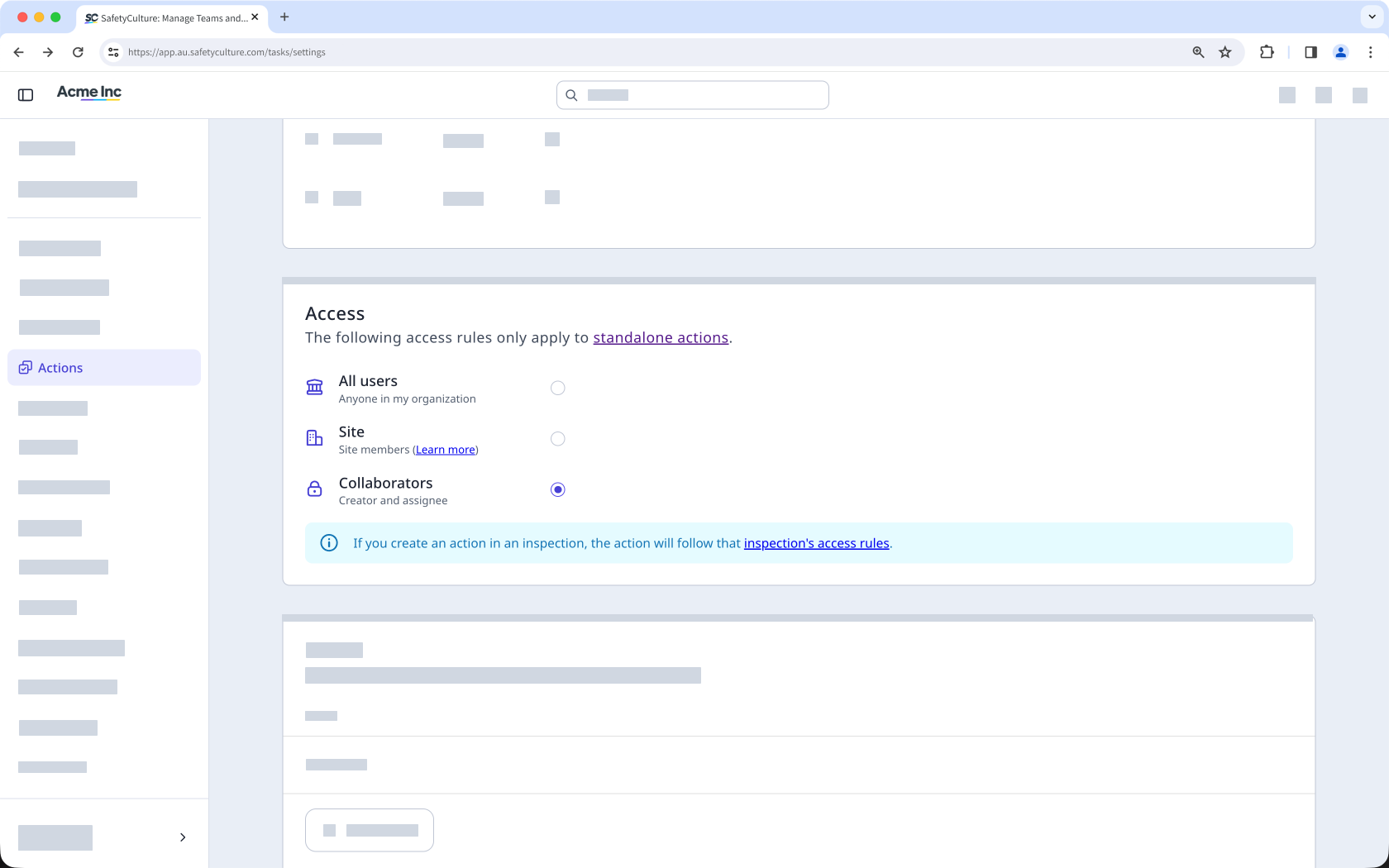
All users: All users in your organization can view and update.
Site members: Only members of the selected site can view and update.
Collaborators: Only the creator and assignee can view and update.
Access settings apply to all existing and new standalone actions in the organization.


