What are templates?
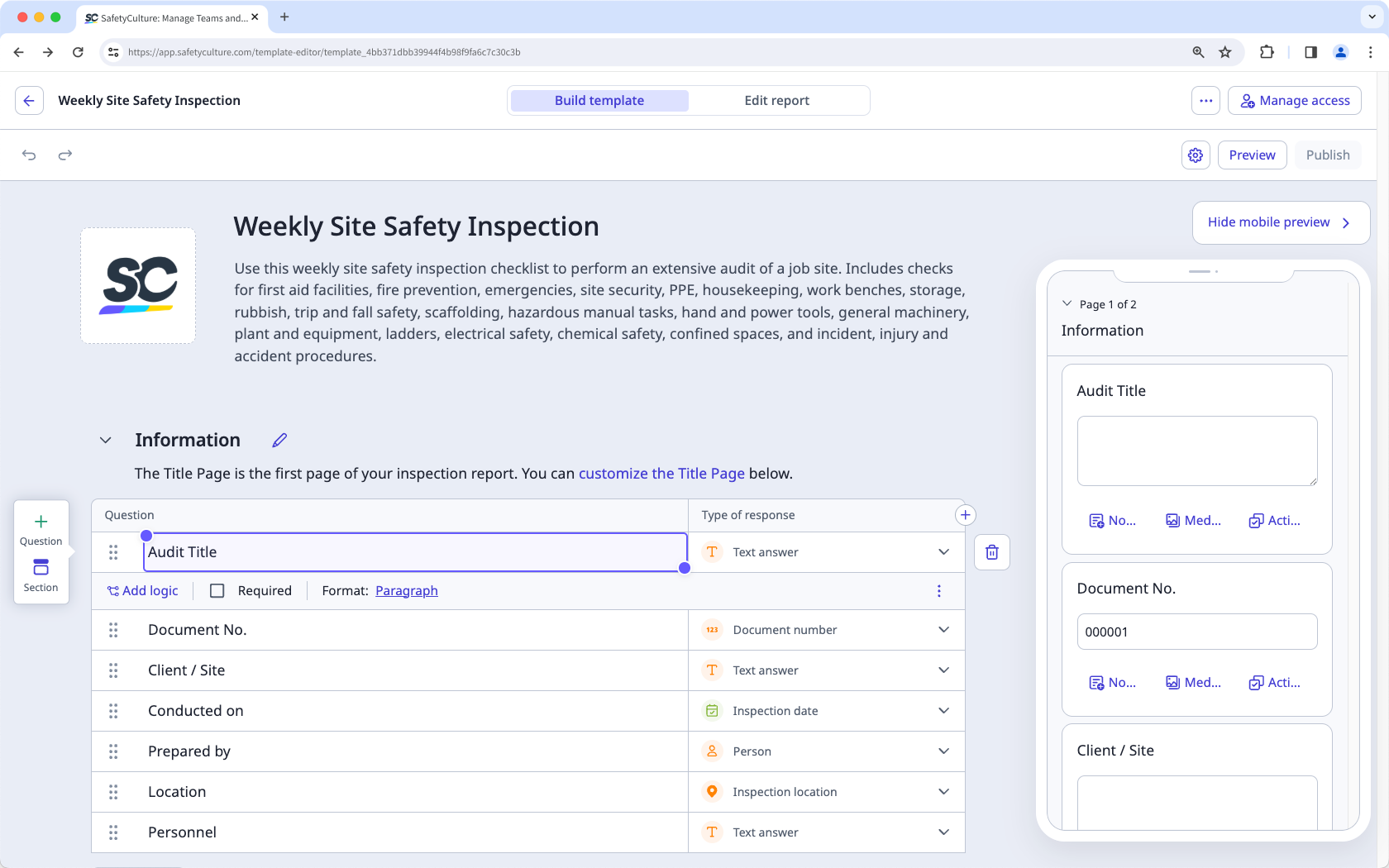
Templates are the foundation of your SafetyCulture experience. They define your team's daily workflow, structure how your reports look, and shape how the data your team captures is presented. With SafetyCulture, you can create templates with our intuitive Templates feature and customize responses to capture the information you need!
What you'll need
Manage a template
Select Templates in the sidebar or select it in More.
Click on the right-hand side of the template. On this page, you have the following options to manage a template:
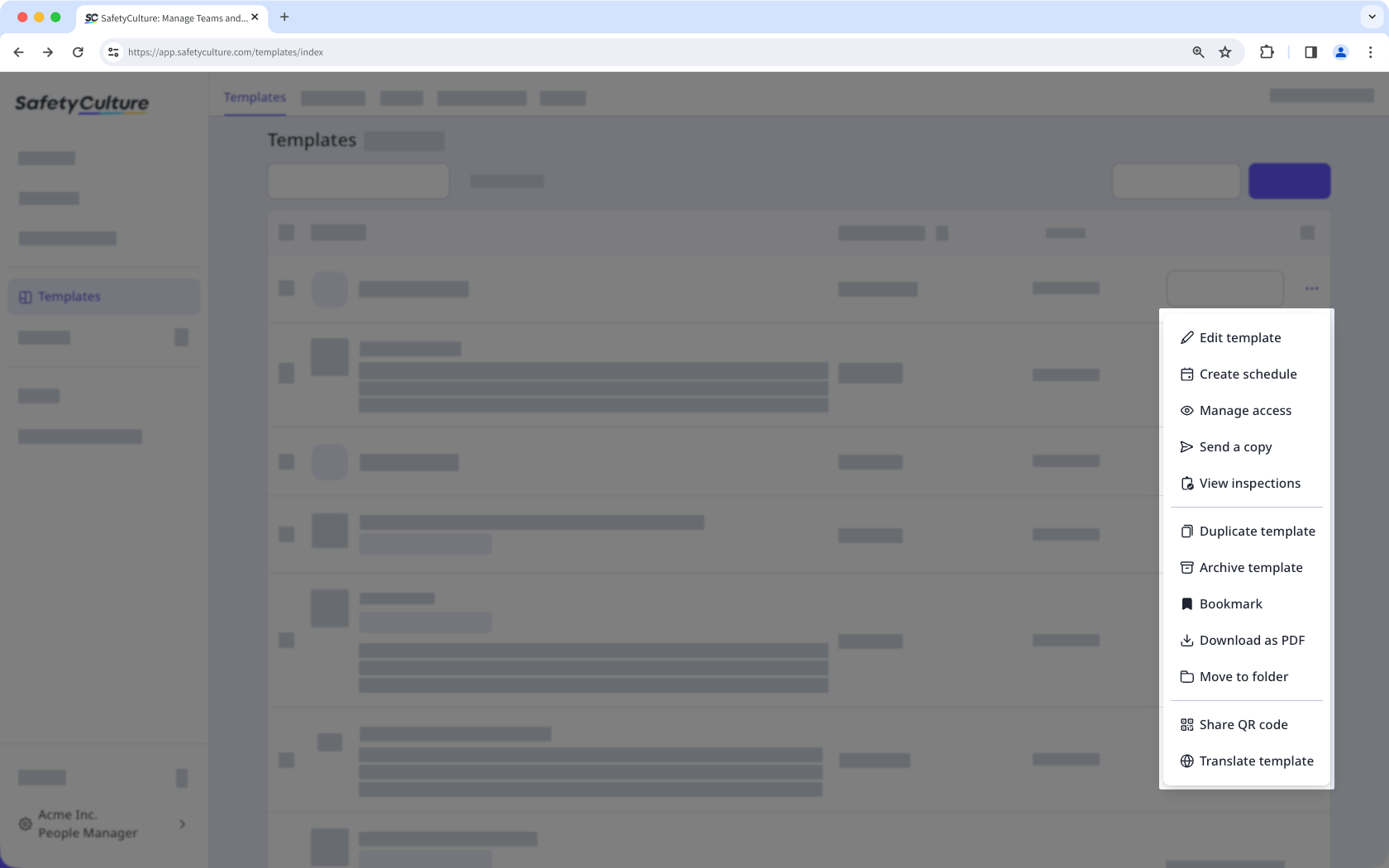
Edittemplate: Start editing the template.
Create schedule: Create a schedule for your templates to automatically generate assigned inspections at your set frequency to ensure they're completed consistently and on time.
Manageaccess: Provide your team access to the template and set up rules to automatically give inspection access. You can check out the four key questions to consider when it comes to access rules.
Send a copy: Easily send a copy of your template via email to users in other organizations.
Viewinspections: View all inspections conducted with the particular template.
Duplicatetemplate: Duplicate or copy the template to use for a new template you may want to build.
Archivetemplate: Archive and delete templates you no longer need.
Bookmark or unbookmark: Bookmark the template for easy access, or unbookmark it to remove it from your bookmarked list.
Download as PDF: Download your templates as PDF to ensure you have a physical copy for record-keeping or for when you’re in an area where devices aren’t allowed.
Movetofolder: Move templates to folders for easy access, either by your frequency of usage or the type of work you're doing.
ShareQRcode: Share QR codes for your team members to scan and start inspections easily on their mobile devices.
Translate template: Complete inspections in your preferred language to understand instructions better when conducting inspections.