What does it mean to send a template copy?
Sending a template copy creates an independent version of your template that you can share with users outside your organization. This standalone copy is separate from your original and is not affected by data center restrictions or access rules. Additionally, a ny changes made to the original template after sending won’t apply to the copy.
This is useful for working with external teams, allowing them to follow your inspection workflows without restrictions while keeping your original template unchanged.
What you'll need
If sending template copies is turned off for your organization, you won’t be able to send these to external users.
Send a template copy to users in other organizations
Select Templates in the sidebar or select it in More.
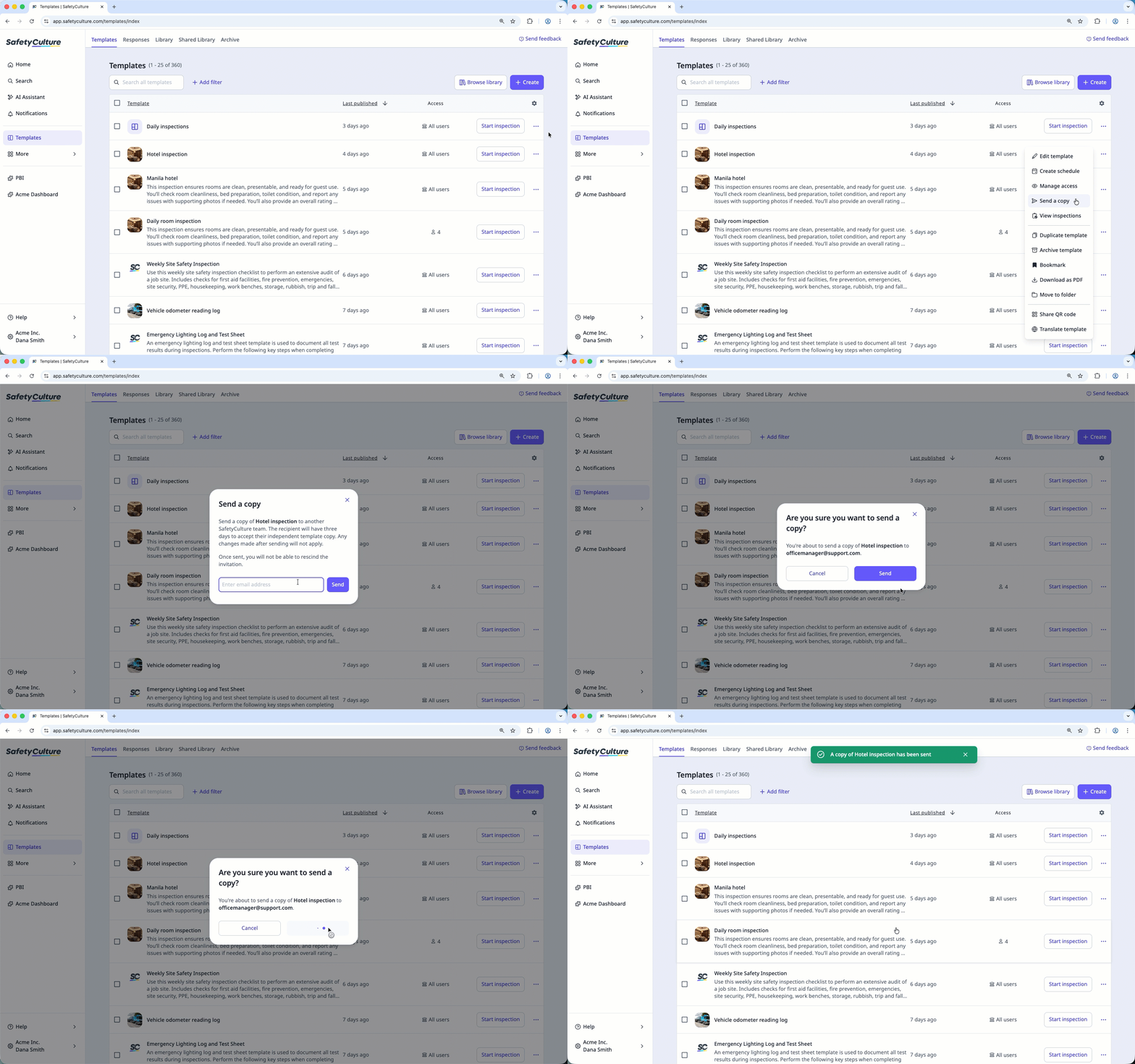
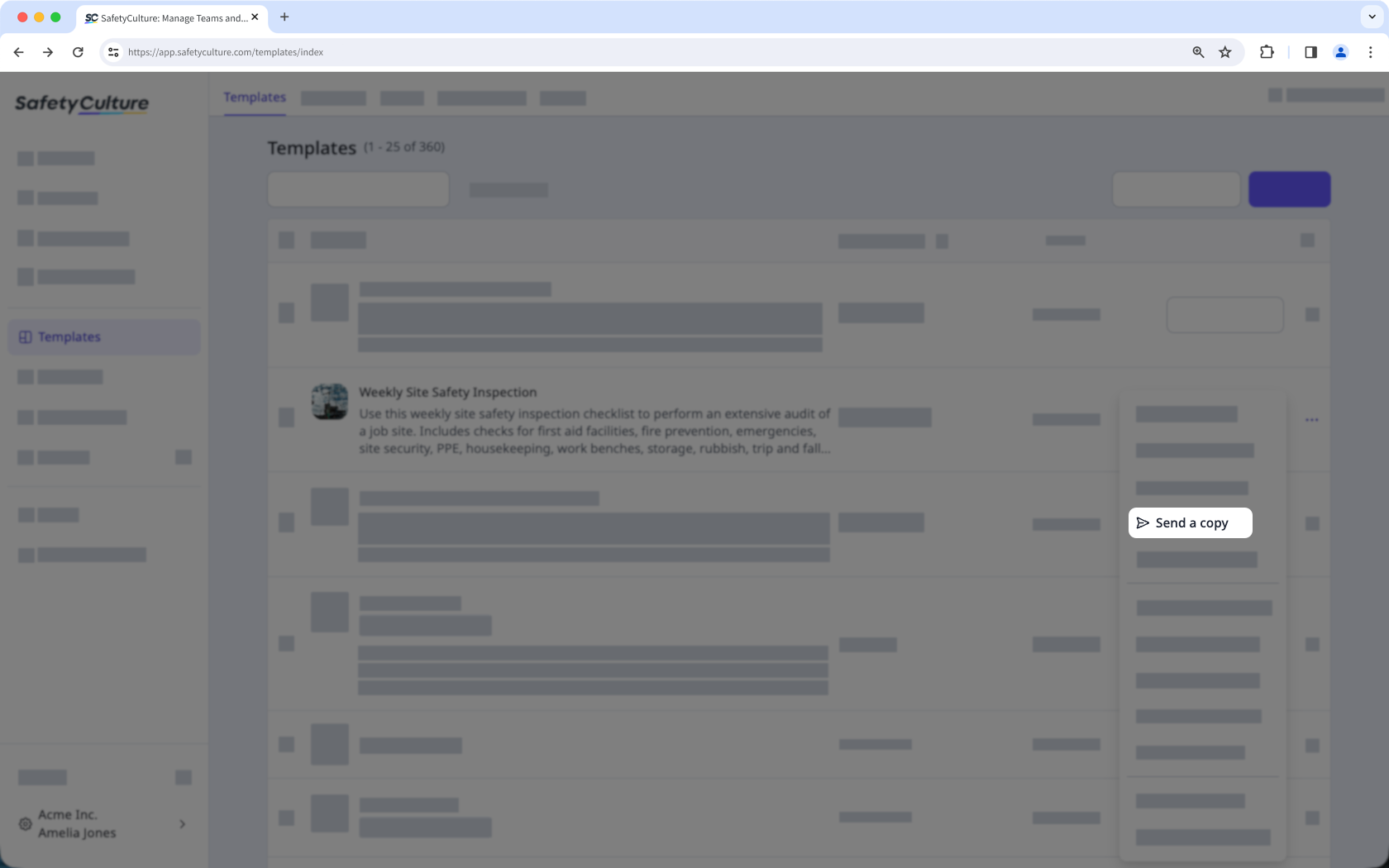
Click on the right-hand side of the template and select Send a copy.
In the pop-up window, enter the email address of the user from another organization and click Send.
Click Send.
Please note that the recipient must accept the invitation within three days to access the template copy.