Why download templates as PDF?
While SafetyCulture is built for digital workflows, we know having a physical copy of your template can be essential. Whether for record-keeping, routine reviews, or environments where digital devices aren’t allowed, downloading templates as PDFs ensures your team can stay aligned and continue working efficiently with SafetyCulture.
What you'll need
Download a template as PDF
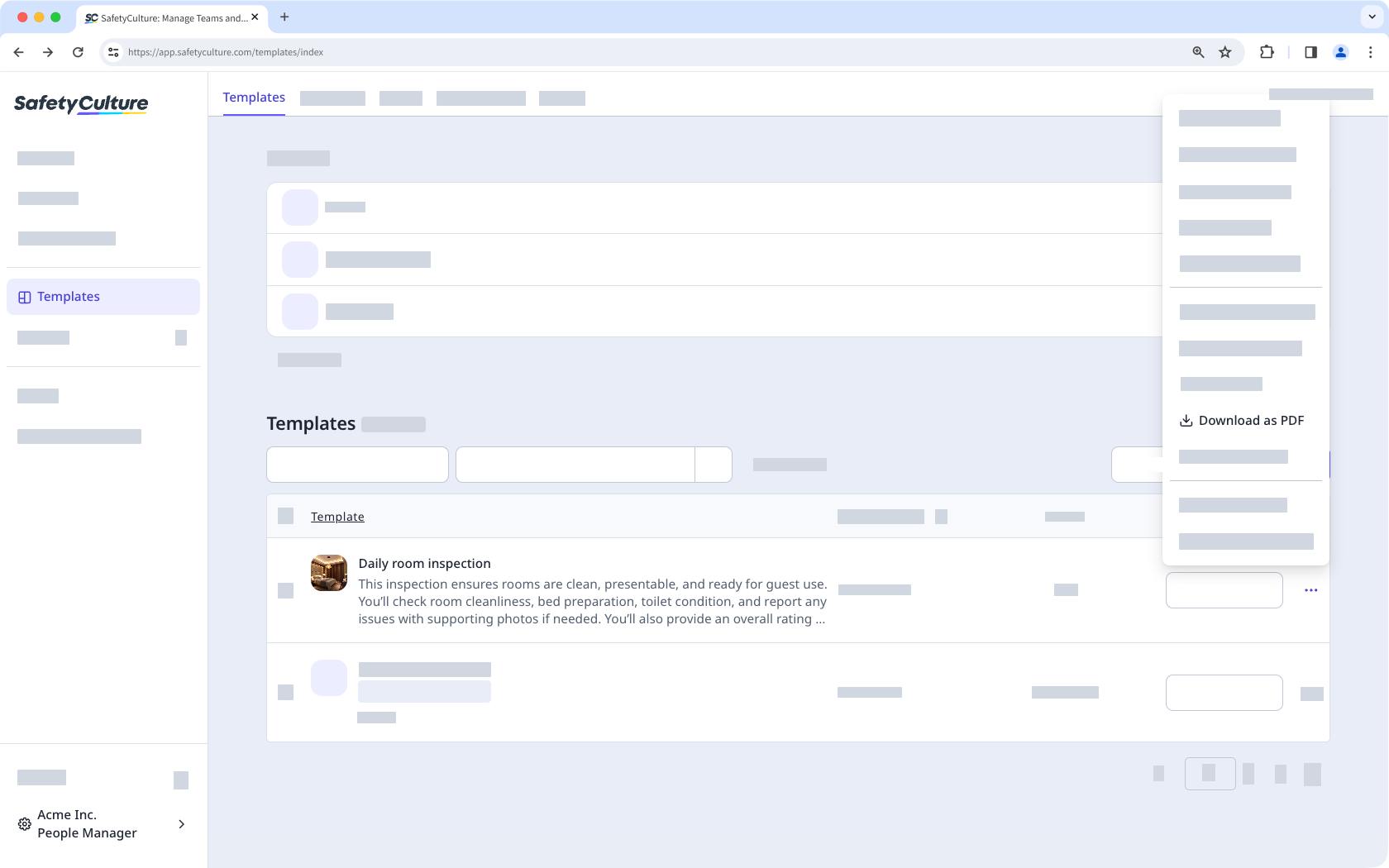
Select Templates in the sidebar or select it in More.
Click on the right-hand side of the template.
Select Download as PDF.
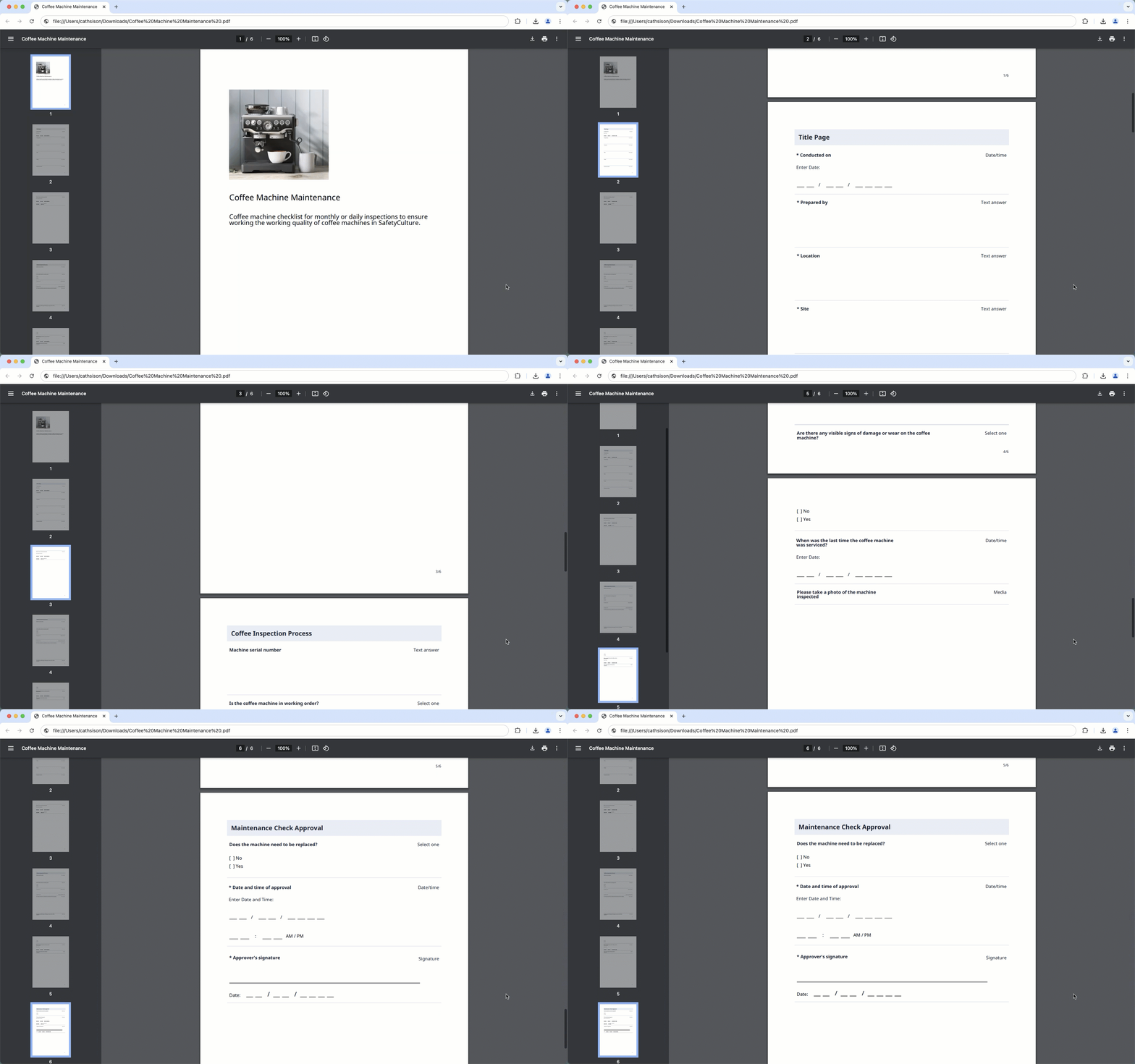
Downloaded templates are formatted in A4 portrait to ensure a clean and structured layout. This standard format helps maintain readability and consistency across different devices and printers.
Limitations
You can only download up to 500 questions at a time. If your template has more, only the first 500 will be included.
Scoring and flagged responses are not included in downloaded templates.
Multiple choice questions display only the first 10 responses. The remaining options will be shown as “+ 10 more,” based on the number of responses.
Multi-language templates can only be downloaded in their original language. Translated versions are not supported.