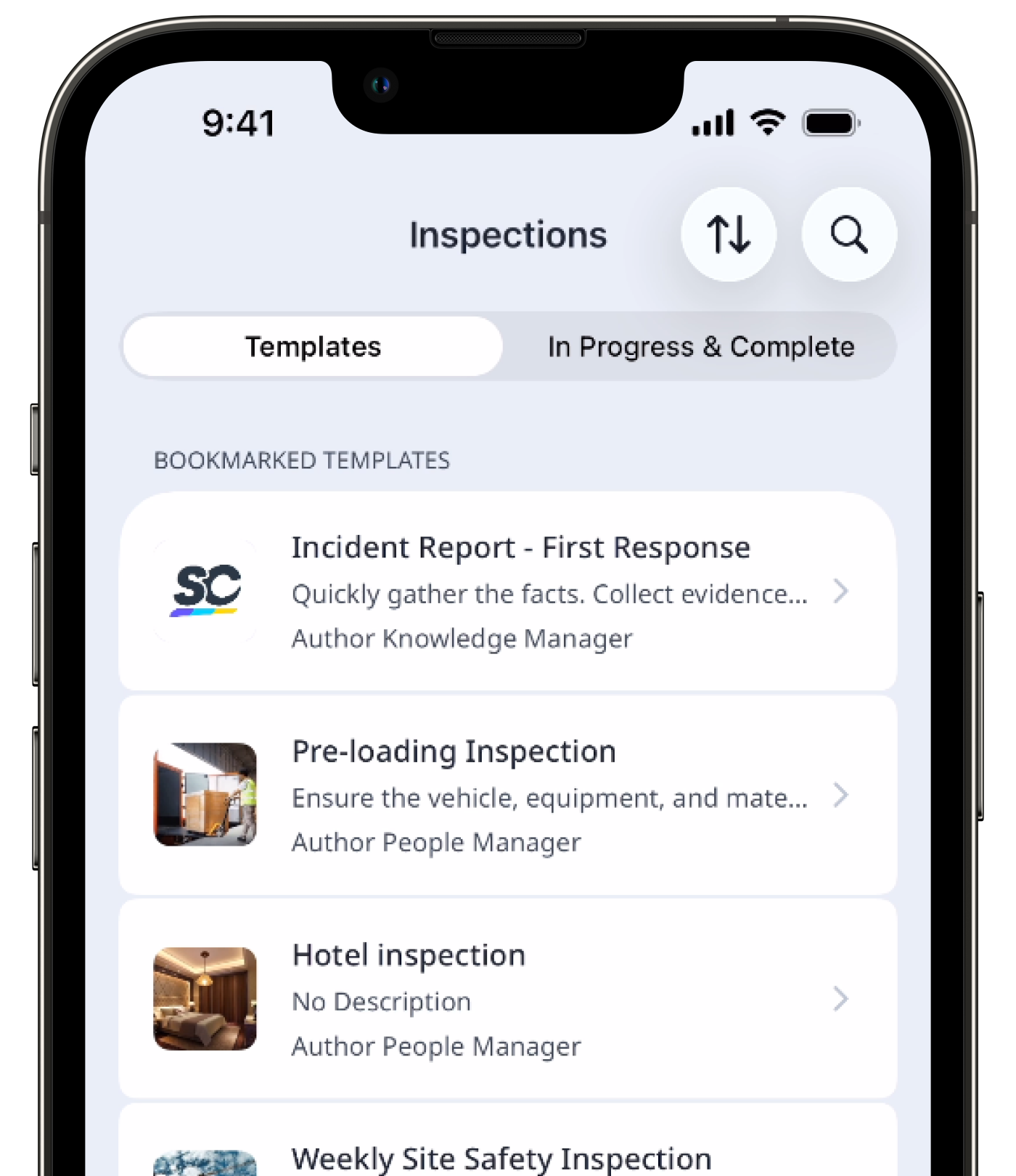
Why bookmark templates?
Bookmarking templates is a great way to easily pin templates that you frequently use at the top of your list. Rather than looking for the template, you'll have it readily available whenever you want to conduct new inspections.
What you'll need
Your bookmarked templates are only visible to you and no one else in your organization.
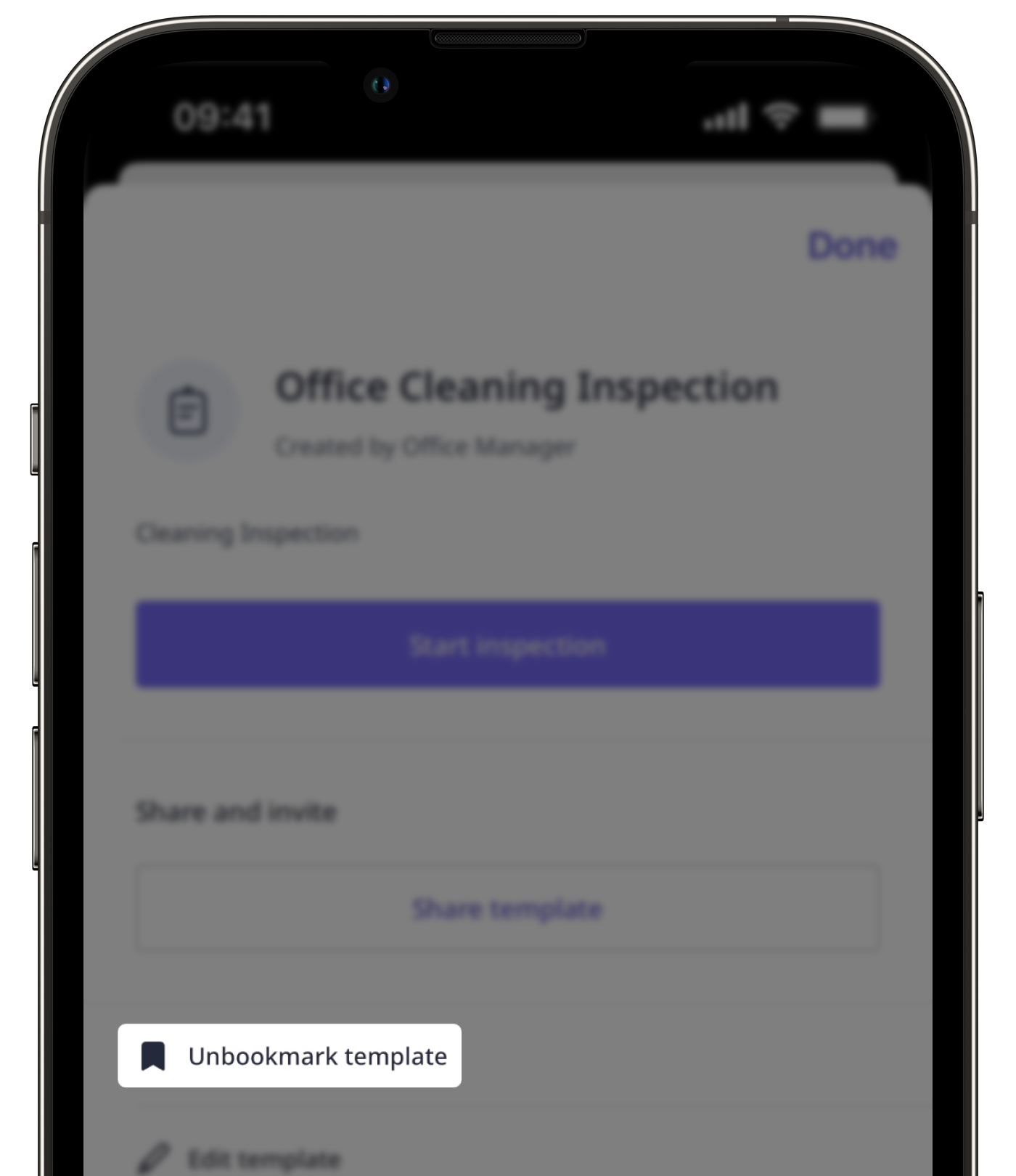
Bookmark a template
Select Templates in the sidebar or select it in More.
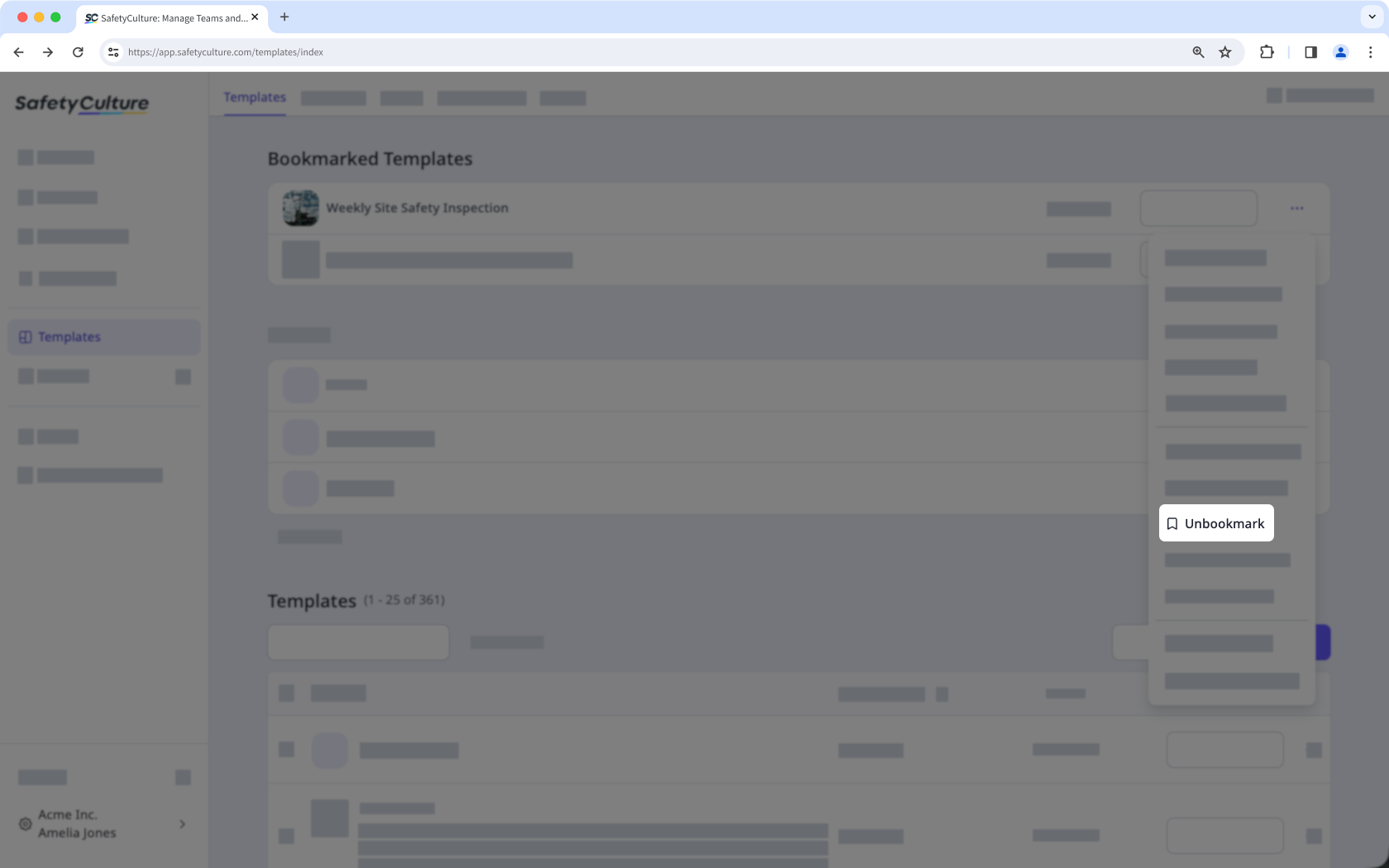
Click on the template's right-hand side and select Unbookmark.
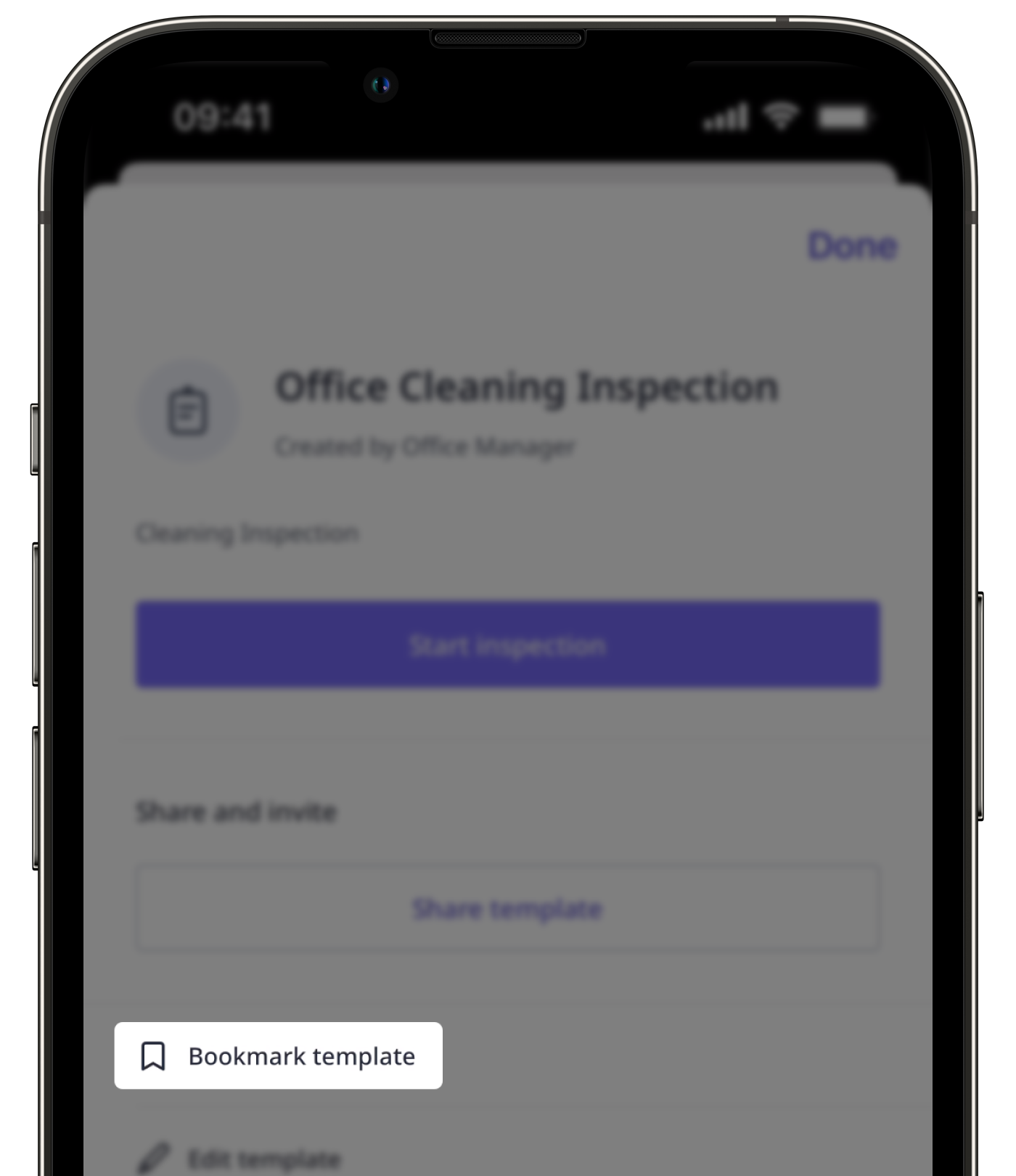
You can only bookmark up to 20 templates. If you've reached the template bookmark limit, you can unbookmark existing templates to bookmark new ones.
Unbookmark a template
Select Templates in the sidebar or select it in More.
Click on the template's right-hand side and select Unbookmark.