Depending on asset access settings, the assets you can view and manage may vary based on your site membership.
View an asset with open actions
Click Assets from the menu on the left-hand side.
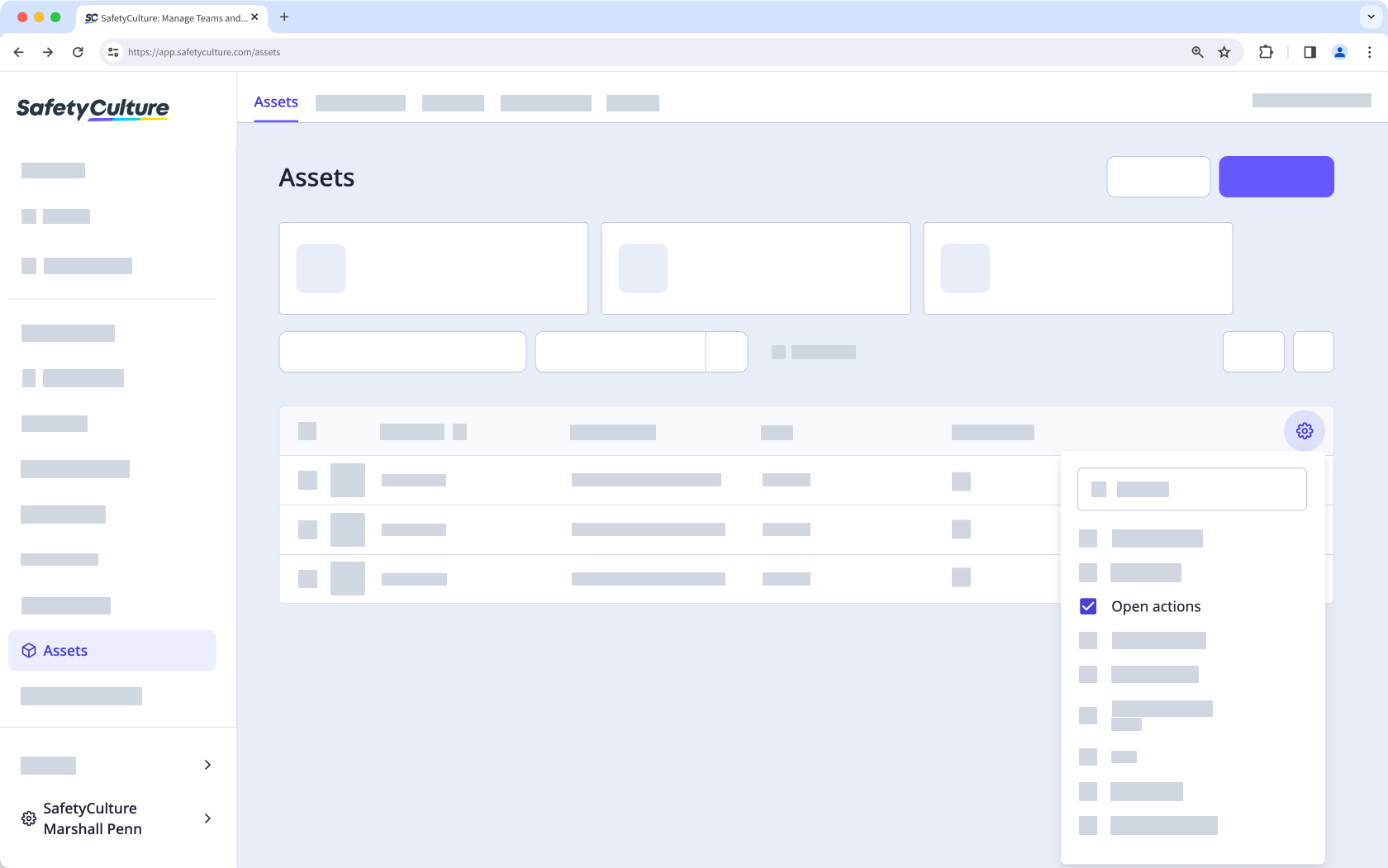
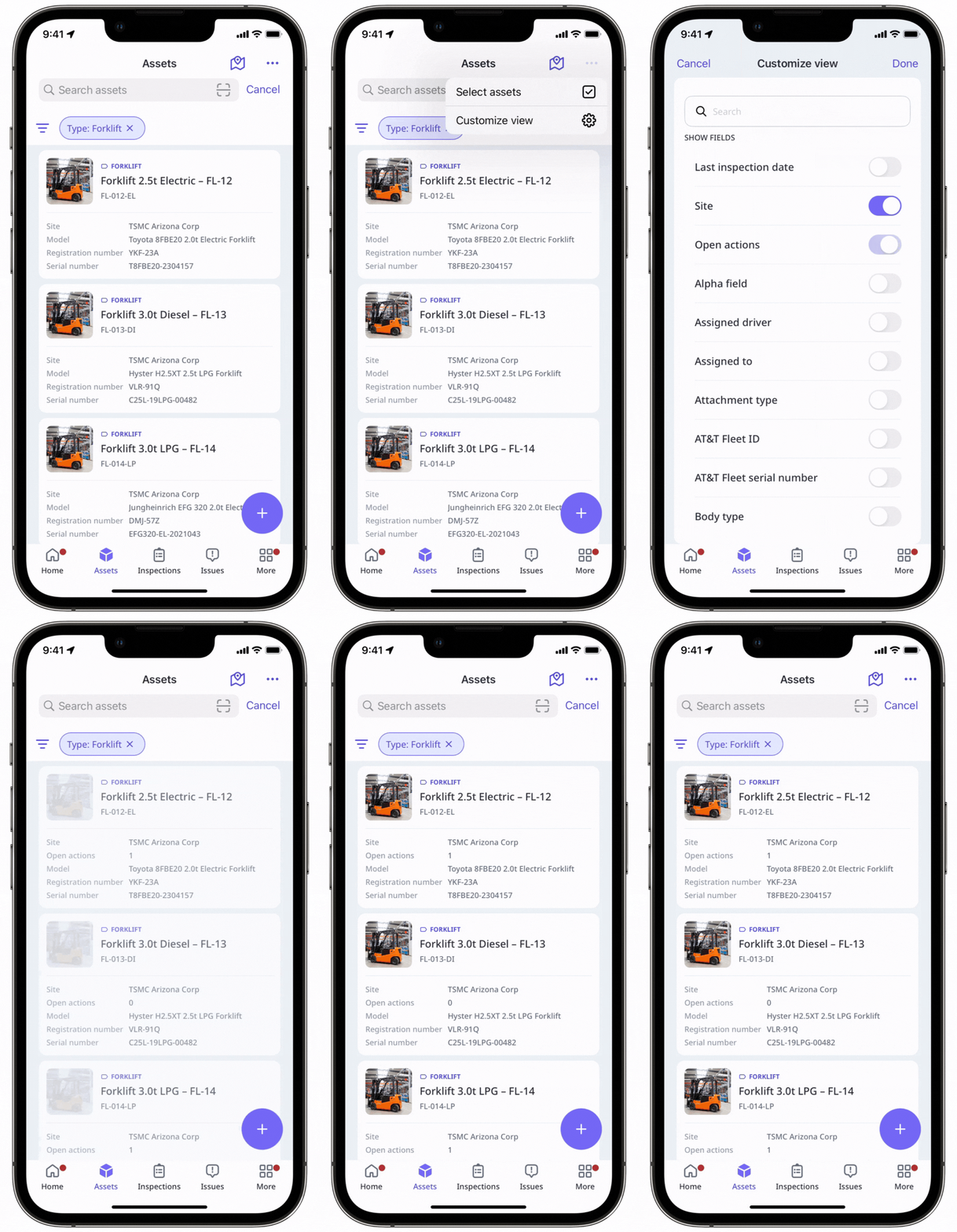
To view open actions for each asset in the list, add the Open actions column:
Click the at the upper-right of the asset list.
Select Open actions.
Select the number of actions on the asset list for a specific asset.
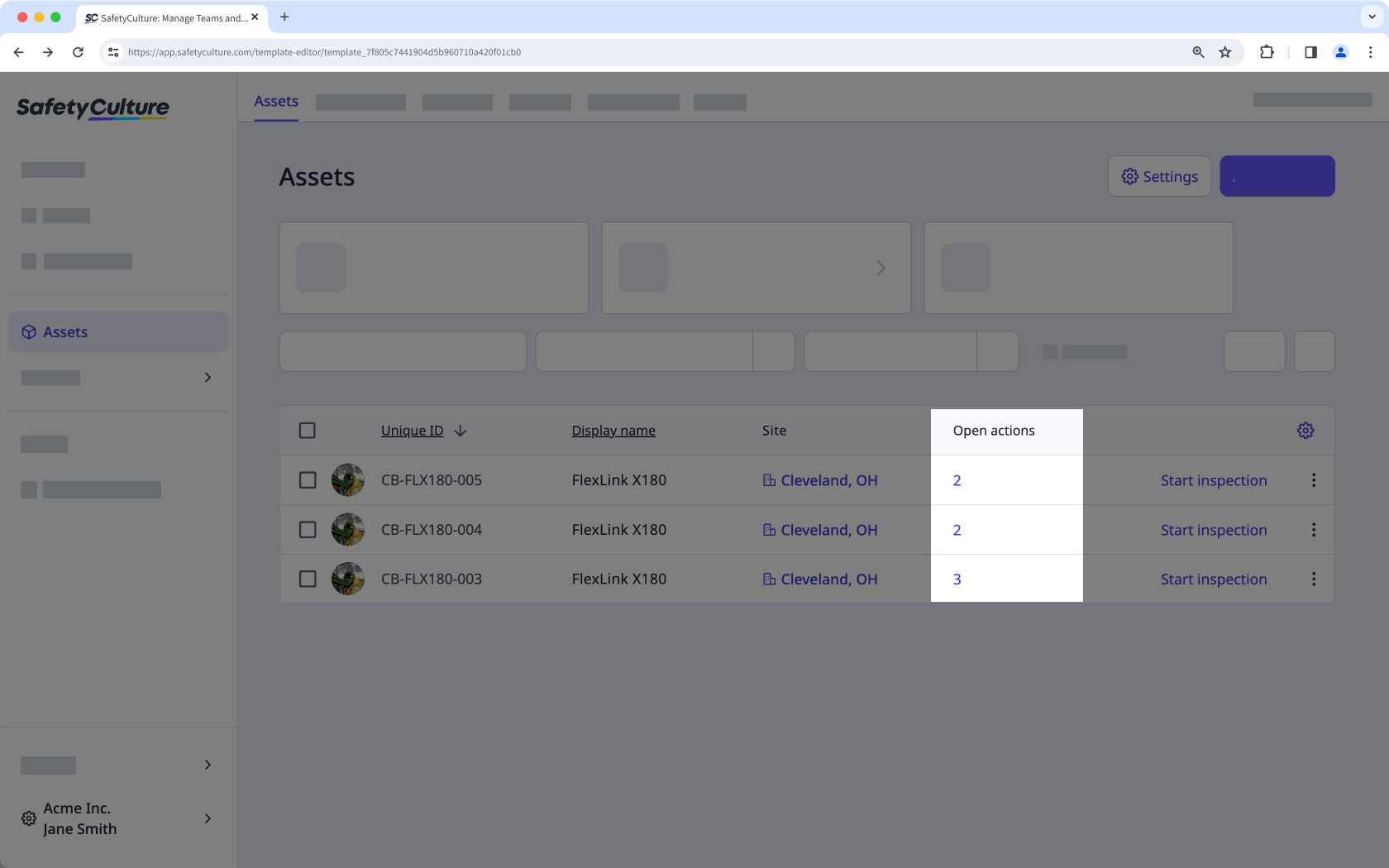
View the open actions on the side panel.
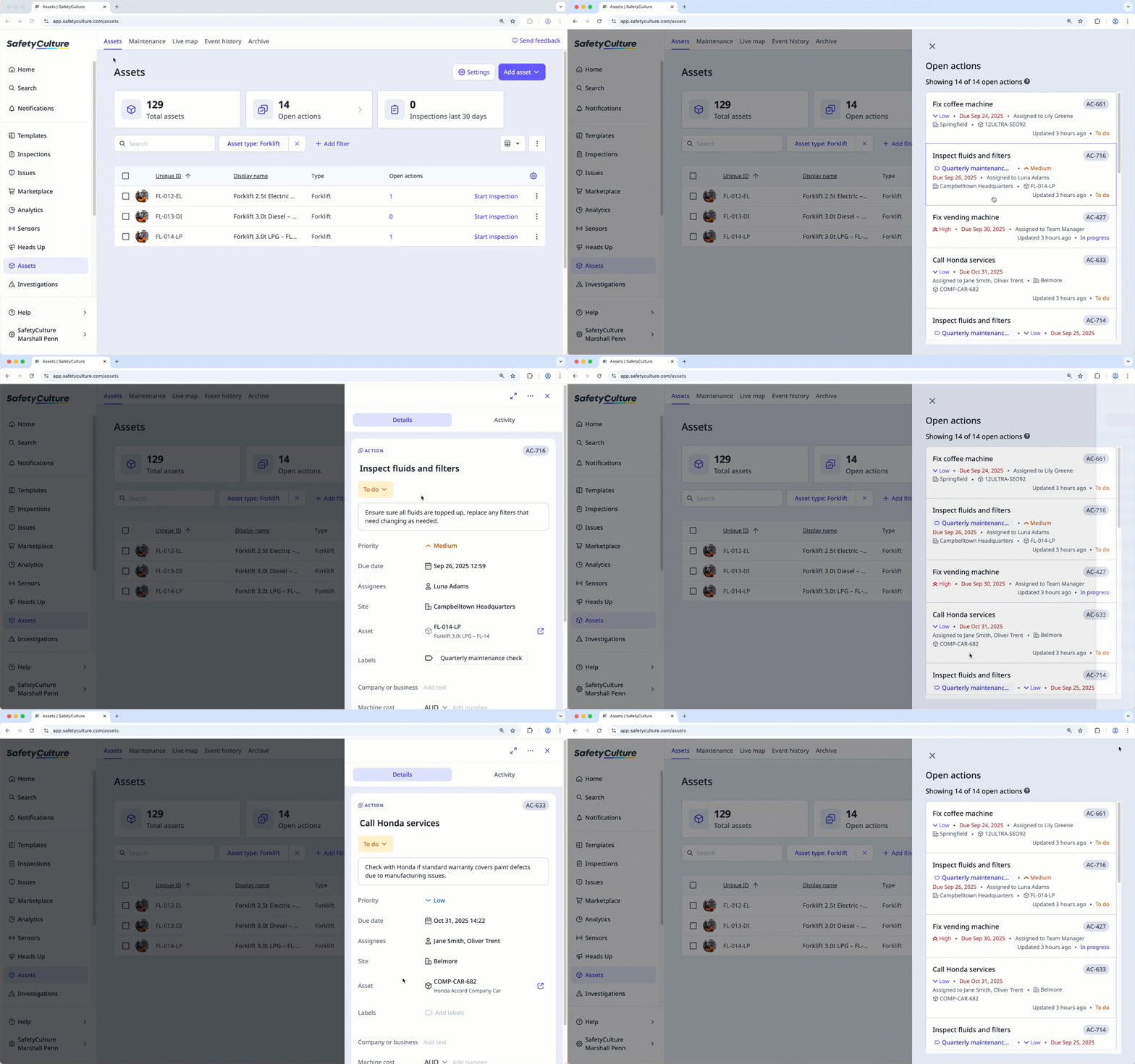
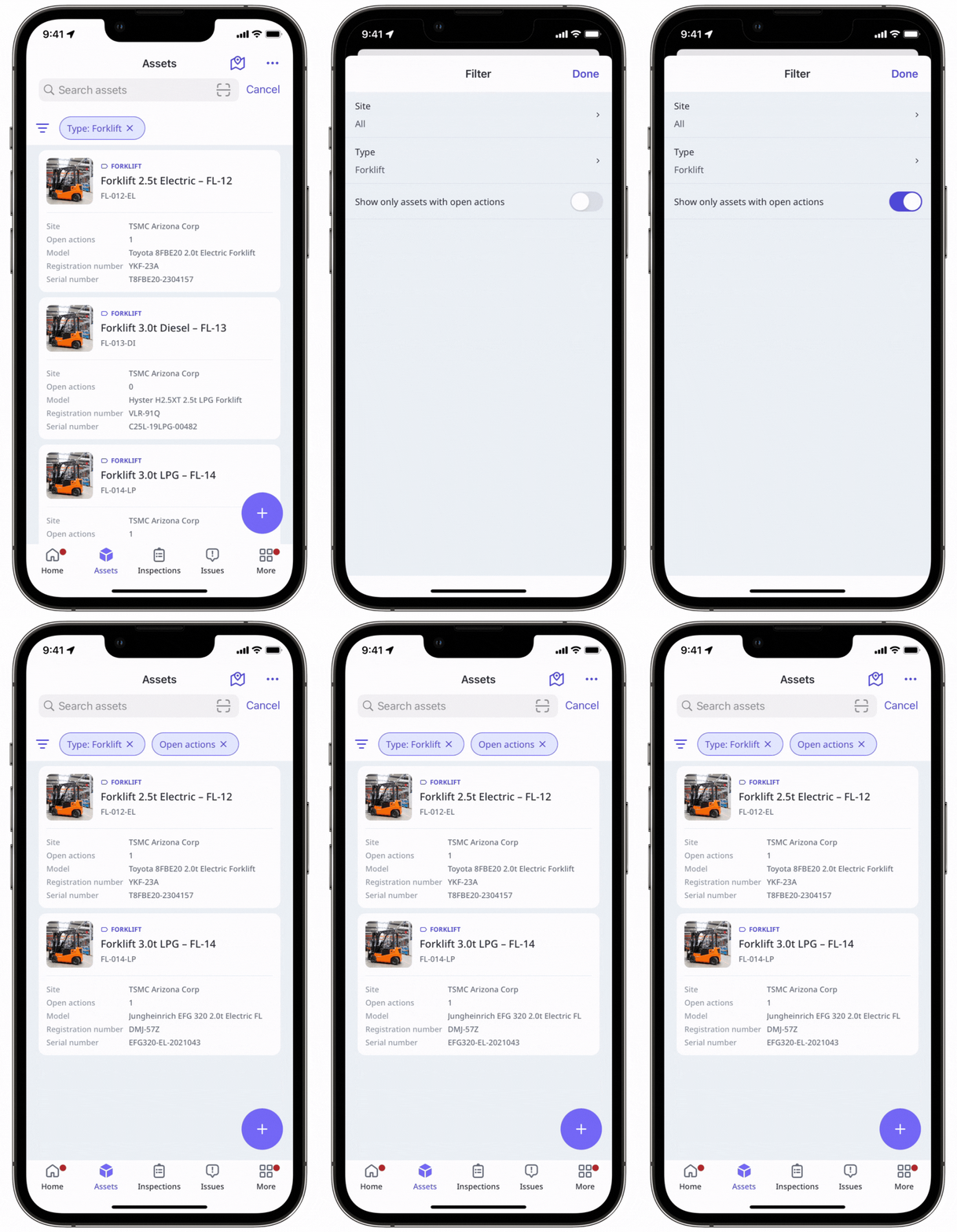
View assets with open actions in your organization
Select Assets in the sidebar or select it in More.
Click Open actions at the top of the page.
In the side panel, select an action to view more details.