
This feature is part of an add-on package for individual assets. To explore if it’s the right fit for your team, reach out to your customer success manager or get in touch with a product expert about sensor and telematics solutions.
Why track asset locations in SafetyCulture?
Asset tracking in SafetyCulture helps you understand where your equipment, vehicles, or materials are at any given time. Asset location is determined either by data from connected telematics devices or by location responses captured through inspections. Whether you're monitoring company vehicles or office equipment, as long as the asset has valid location data, it can appear on the map.
With Live map, you can monitor real-time asset locations across your organization, check if a vehicle or asset is currently on-site or in transit, verify whether it has reached its destination, and improve coordination and operational visibility for field teams.
Want more than your asset's current location? Review past locations and movement patterns in your asset tracking records.
What you'll need
View an asset's location in real time
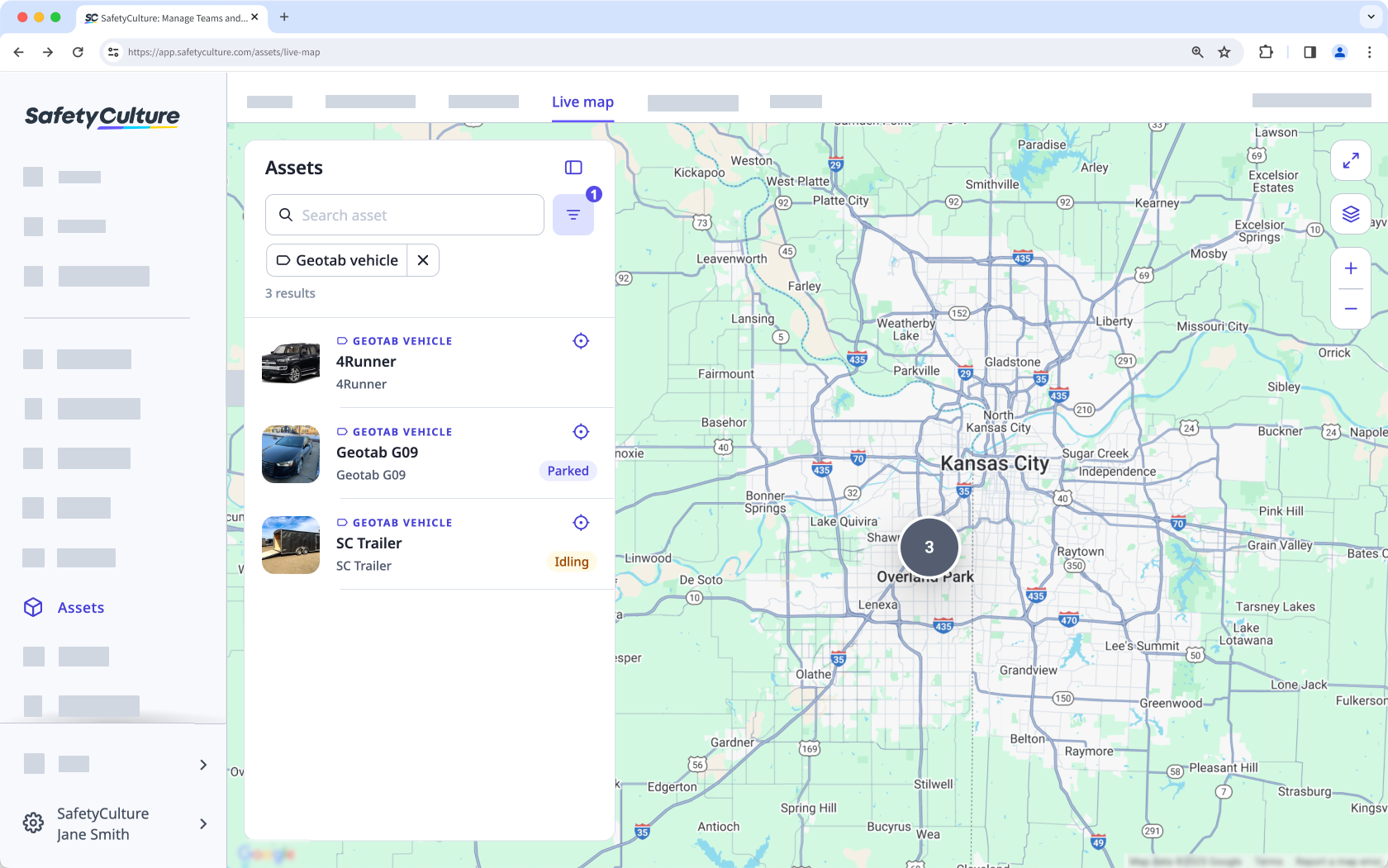
Select Assets in the sidebar or select it in More.
Click Live map at the top of the page.
Search for the asset's unique ID, type, or display name.
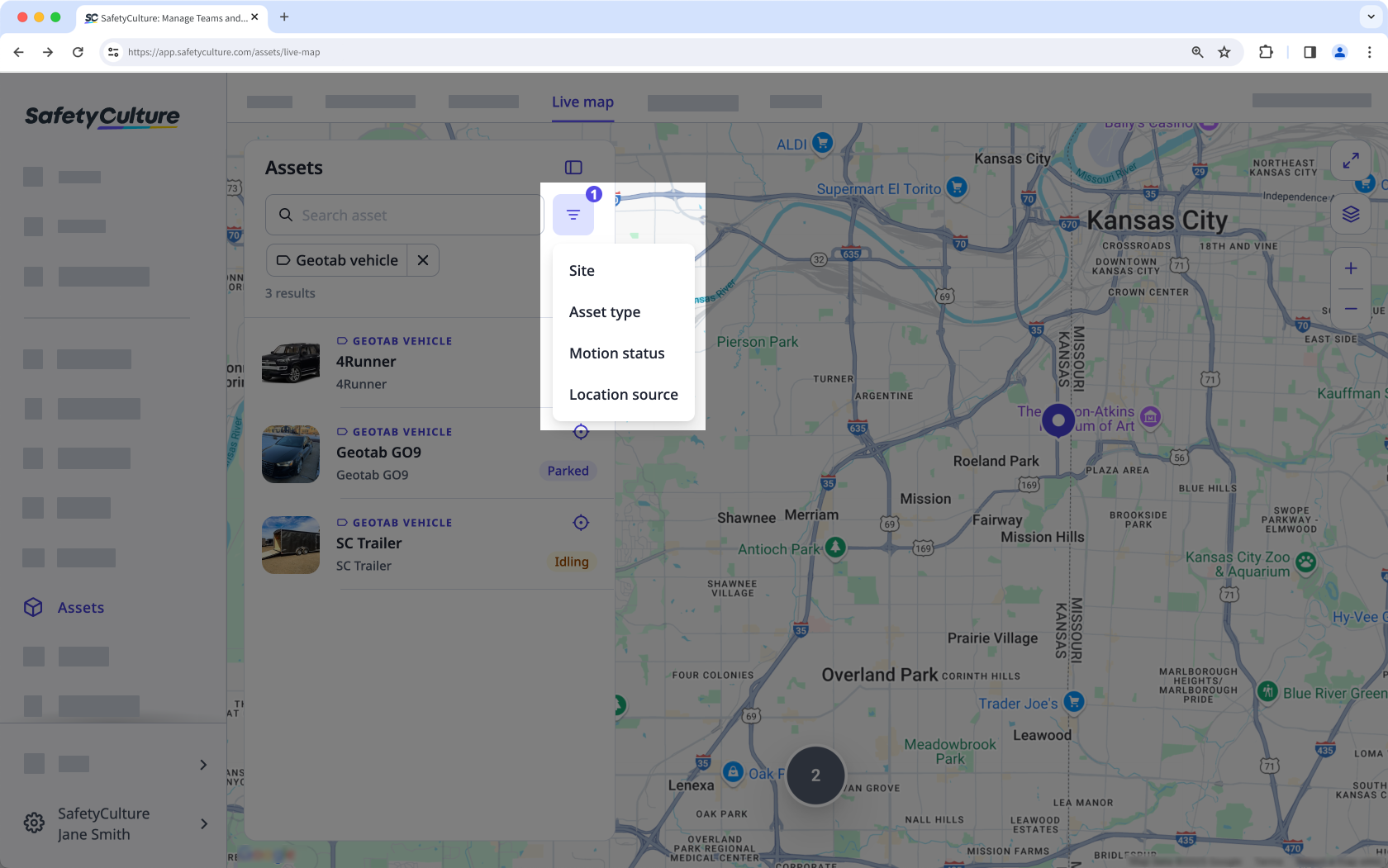
Click to filter results by site, asset type, asset, or location source.
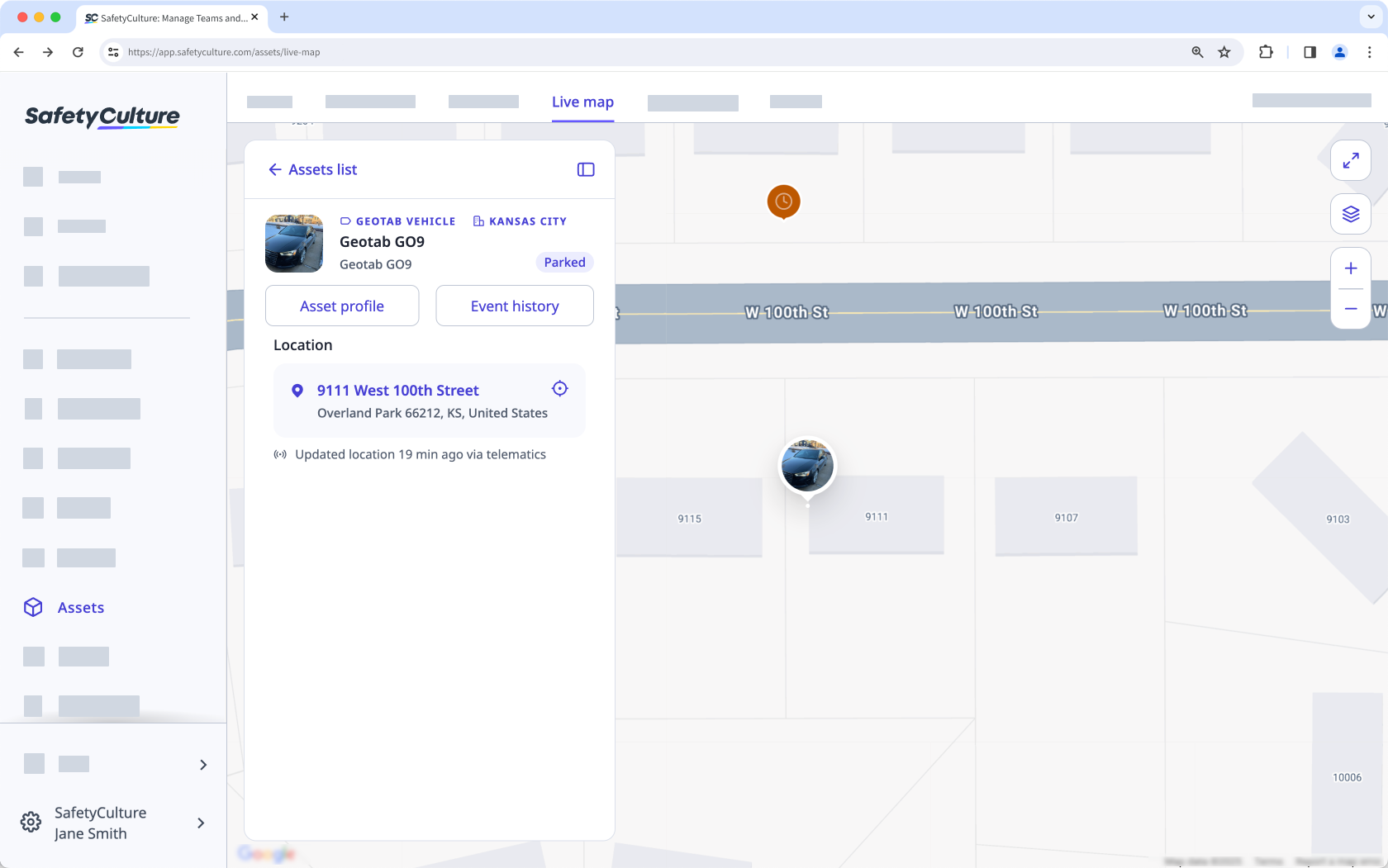
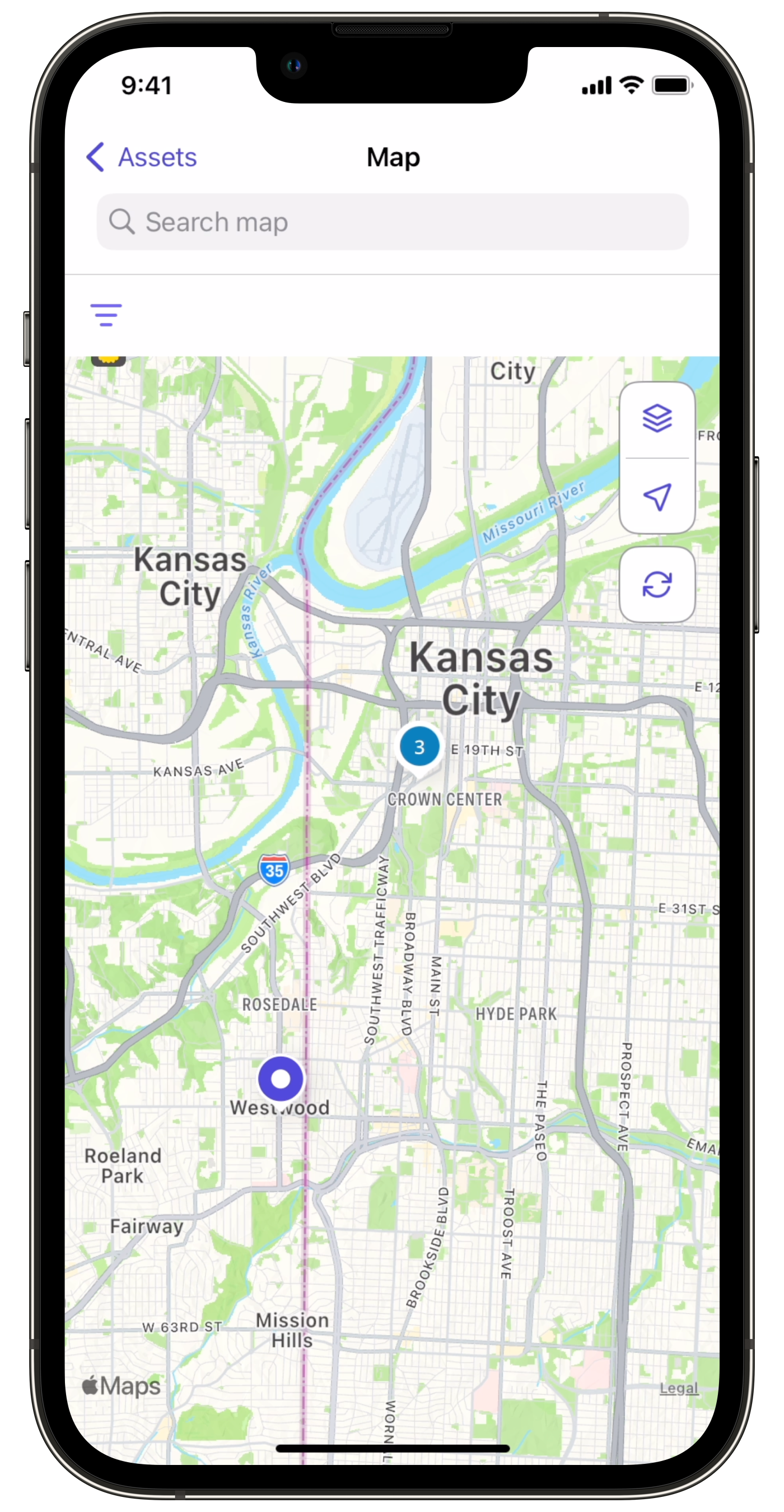
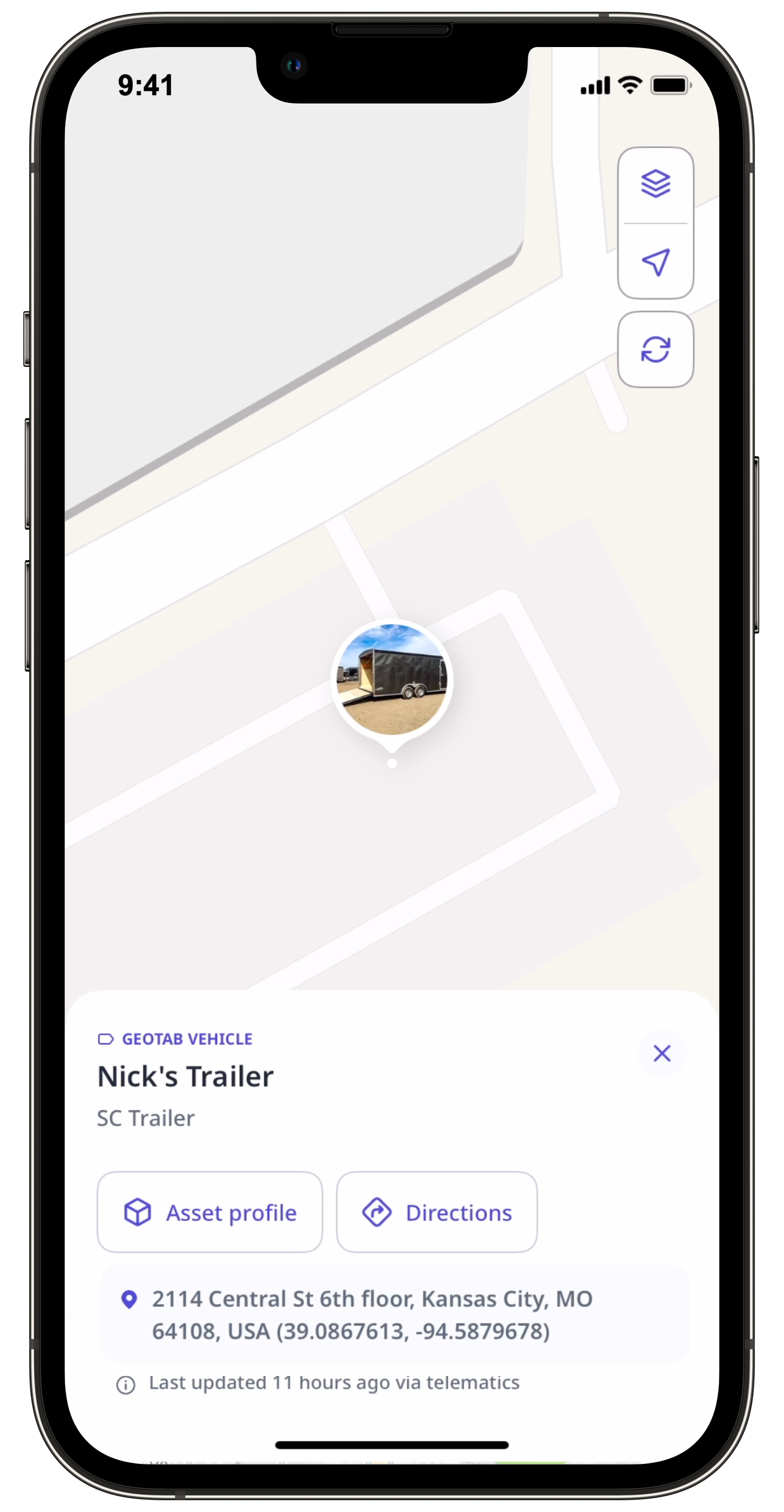
Click the asset to see its location on the map.
Filters and map controls
You can use a combination of filters and map controls to customize how your assets appear on the Live map.
Filter options
Narrow down which assets appear on the map using the following filters:
Filter | Description |
|---|---|
Site | Show only assets assigned to a site. |
Asset type | Show assets from a specific type, such as vehicles, machinery, computers, or tools. |
Status | Show assets by their real-time status. • Parked: The asset is stationary with the engine off. • Moving: The asset is in motion and reporting GPS data. Requires a connected telematics device. • Idling: The engine is running, but the asset hasn’t changed location. Requires a connected telematics device. • Offline: No recent location data is available, often due to disconnection, power loss, or lack of activity. |
Location source | Show assets based on how the location was captured, either via integrated telematics or from an inspection. |
Map controls
Live map also includes additional controls to help you navigate and adjust your map views.
Icon | Description |
|---|---|
Collapse or expand the asset list panel. | |
Center the map on a selected asset. | |
Expand the map to full screen for better visibility. | |
Switch between the map, satellite, and terrain views. | |
/ | Zoom in and out of the map. |


