Quelles sont mes options de crédit IA ?
Chaque organisation est automatiquement inscrite et reçoit gratuitement des crédits IA à utiliser sans frais. Une fois ces crédits épuisés, vous choisissez le mode de paiement pour toute utilisation supplémentaire de l’IA. Un abonnement de crédits vous offre des crédits prépayés à tarif réduit facturés selon un cycle mensuel ou annuel régulier, ce qui convient particulièrement si vous prévoyez une utilisation régulière ou plus intensive de l’IA et souhaitez des coûts prévisibles. La limite de dépassement correspond à un modèle de paiement à l’utilisation paiement à la demande, dans lequel vous n’êtes facturé que pour l’utilisation de l’IA dépassant vos crédits, ce qui convient à une utilisation occasionnelle ou imprévue.
Ce dont vous aurez besoin
Add a credit subscription pack
Cliquez sur le nom de votre organisation en bas à gauche de la page et sélectionnez Facturation.
Cliquez sur Utilisation en haut de la page.
Cliquez sur Ajouter un abonnement avec crédit en bas de la page.
Dans la fenêtre contextuelle, sélectionnez un pack d'abonnement de crédits ainsi que le nombre total de crédits souhaité.
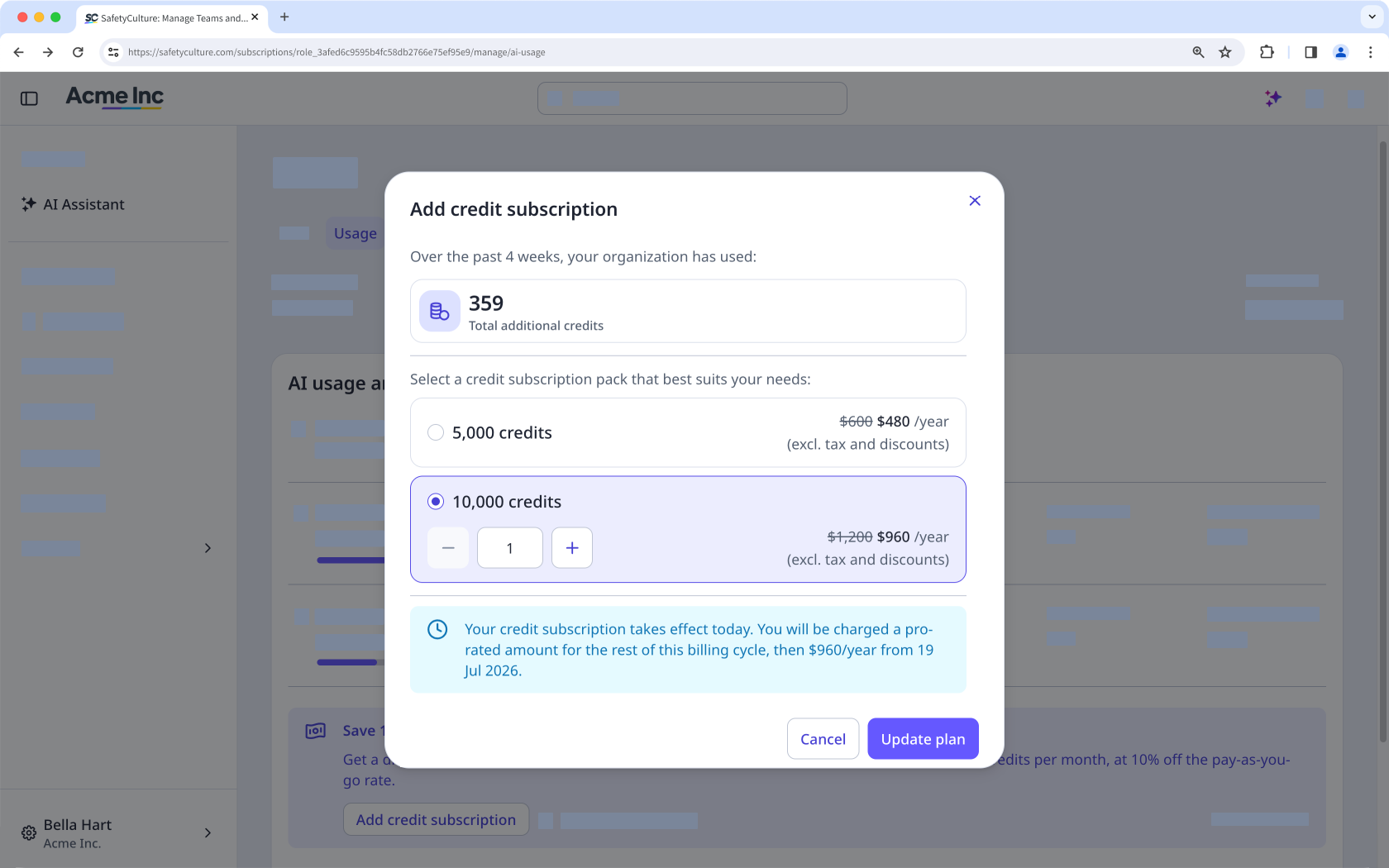
Cliquez sur Mettre à jour l'abonnement.
Un nouvel abonnement de crédits entre en vigueur immédiatement ; il est facturé au prorata pour le reste du cycle de facturation en cours, puis au tarif plein à chaque cycle . Vous bénéficiez de l'intégralité des crédits, quelle que soit la date d'achat.
Mettre à jour un abonnement de crédits
Pour les organisations disposant d'un abonnement mensuel, vous pouvez réduire ou supprimer vous-même des packs, mais uniquement dans les 28 jours précédant la date de renouvellement. Les modifications s'appliquent à partir de votre prochain cycle de facturation, et non lors de la réinitialisation de vos crédits mensuels. Si vous disposez d'un abonnement annuel, contactez votre gestionnaire de compte pour effectuer des modifications.
Cliquez sur le nom de votre organisation en bas à gauche de la page et sélectionnez Facturation.
Cliquez sur Utilisation en haut de la page.
Dans la rubrique Abonnement de crédits, cliquez sur Gérer.
Dans la fenêtre contextuelle, sélectionnez un autre pack d'abonnement de crédits ou modifiez le nombre total de crédits souhaité.
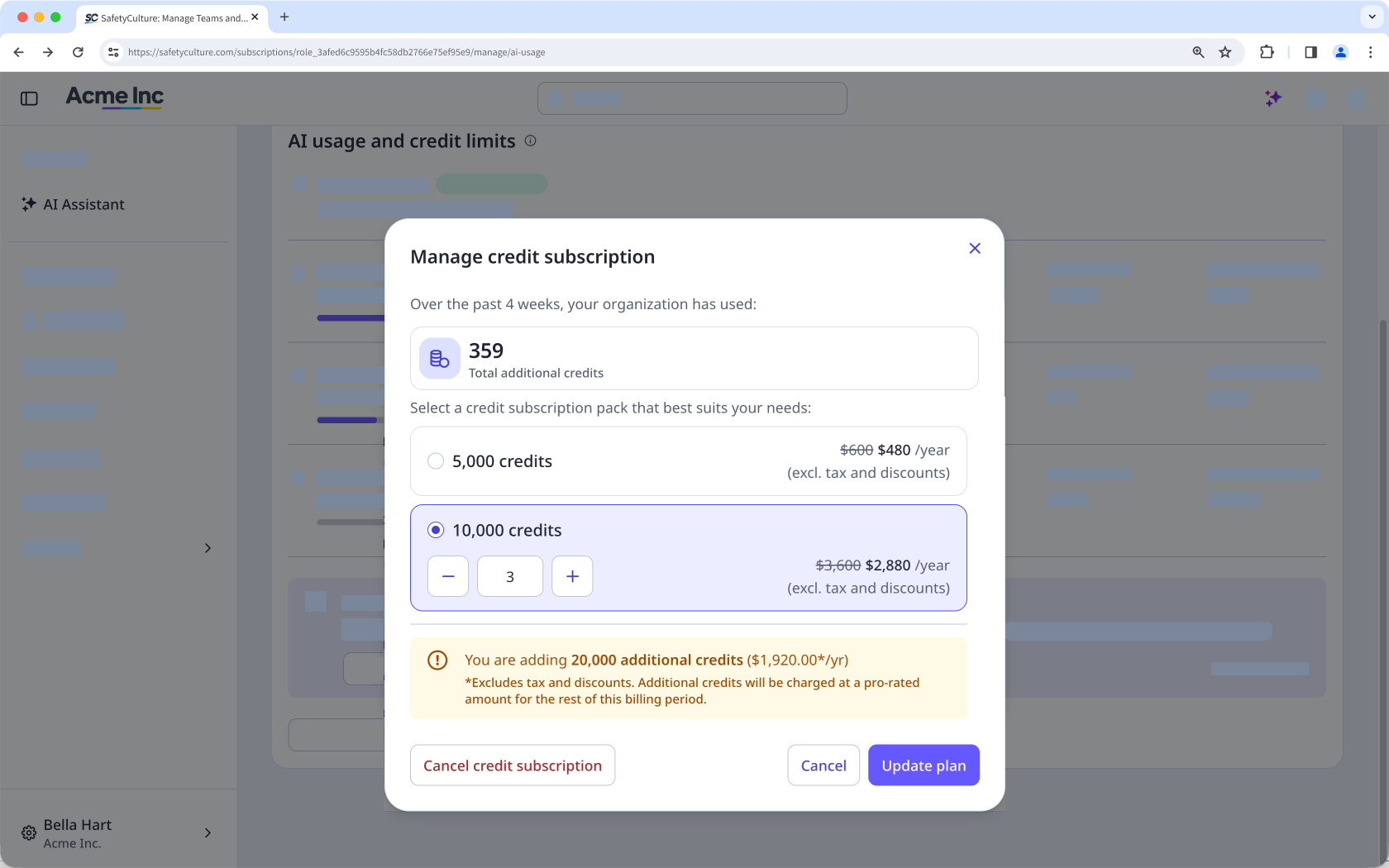
Cliquez sur Mettre à jour l'abonnement.
Résilier un abonnement payant
If you cancel your credit subscription, it stops at the end of your current billing cycle. You keep the credits you've already paid for until the cycle ends, and unused subscription credits don't roll over to the next cycle. After your subscription ends, any AI usage beyond your included and gifted credits is charged through your overage limit, if you have one set.
Click your organization name on the lower-left corner of the page and select Facturation.
Click Utilisation at the top of the page.
In "Credit subscription", click Gérer.
In the pop-up window, click Cancel credit subscription.
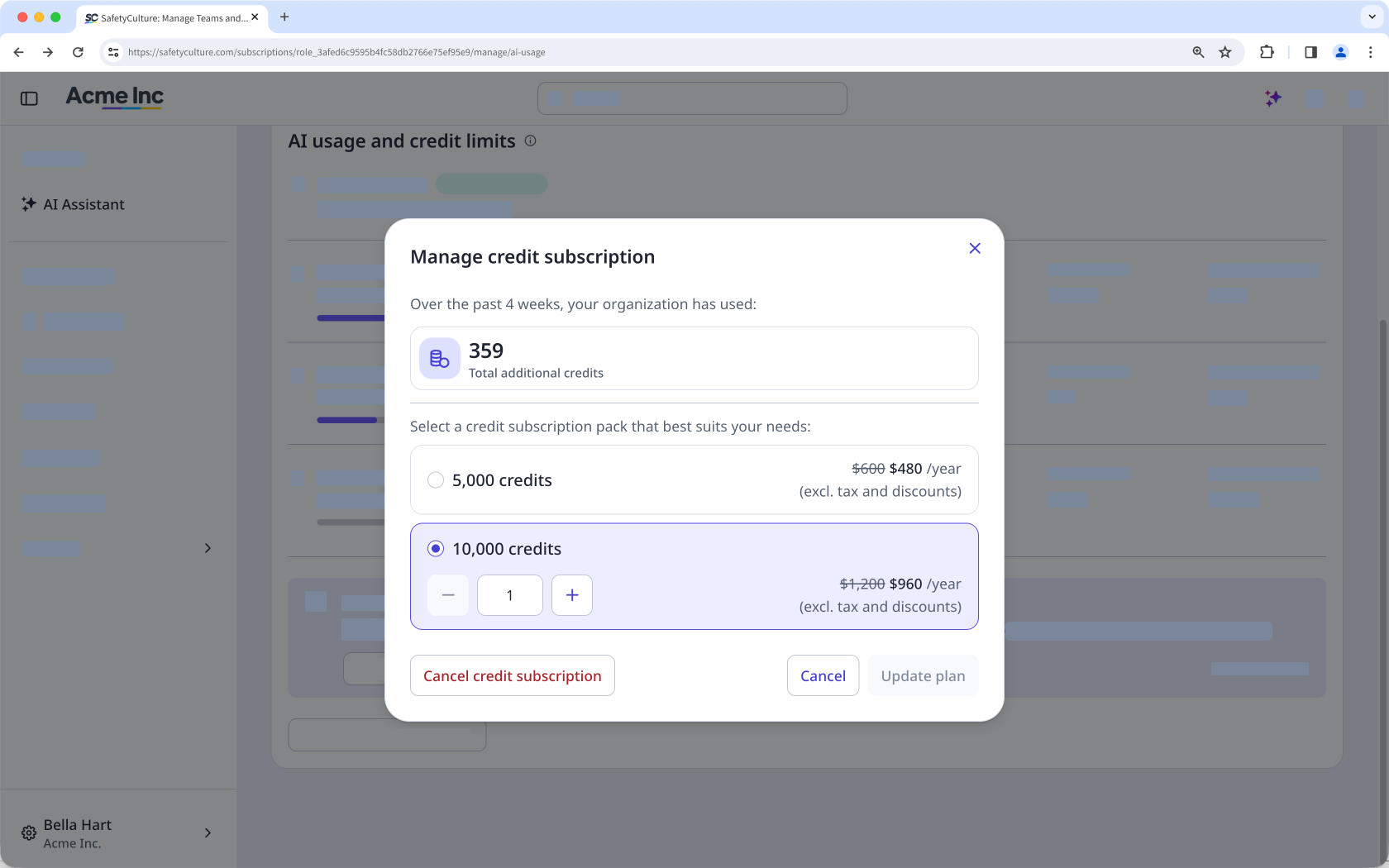
In the pop-up window, click Confirmer.