What are billing cycles?
Billing cycles determine how often your organization is billed for its billing plan (opens in new tab). With SafetyCulture, you can choose to be billed either monthly or annually, offering you month-to-month flexibility or a lower price when locking in for a year. If your organization is on the Premium Plan already, we understand that you may sometimes need to switch how often you’re billed as your business’s circumstances change.
The pricing between the monthly and annual billing options are different. Please refer to our pricing page for more information.
If you're currently trialing the Premium Plan, you can switch your billing cycles at any time without losing your trial period.
Switch from monthly to annual
Click your organization name on the lower-left corner of the page and select Billing.
Click Edit plan on the upper-right of the page.
In the side panel, click the dropdown menu for "Plan term" and select Annual.
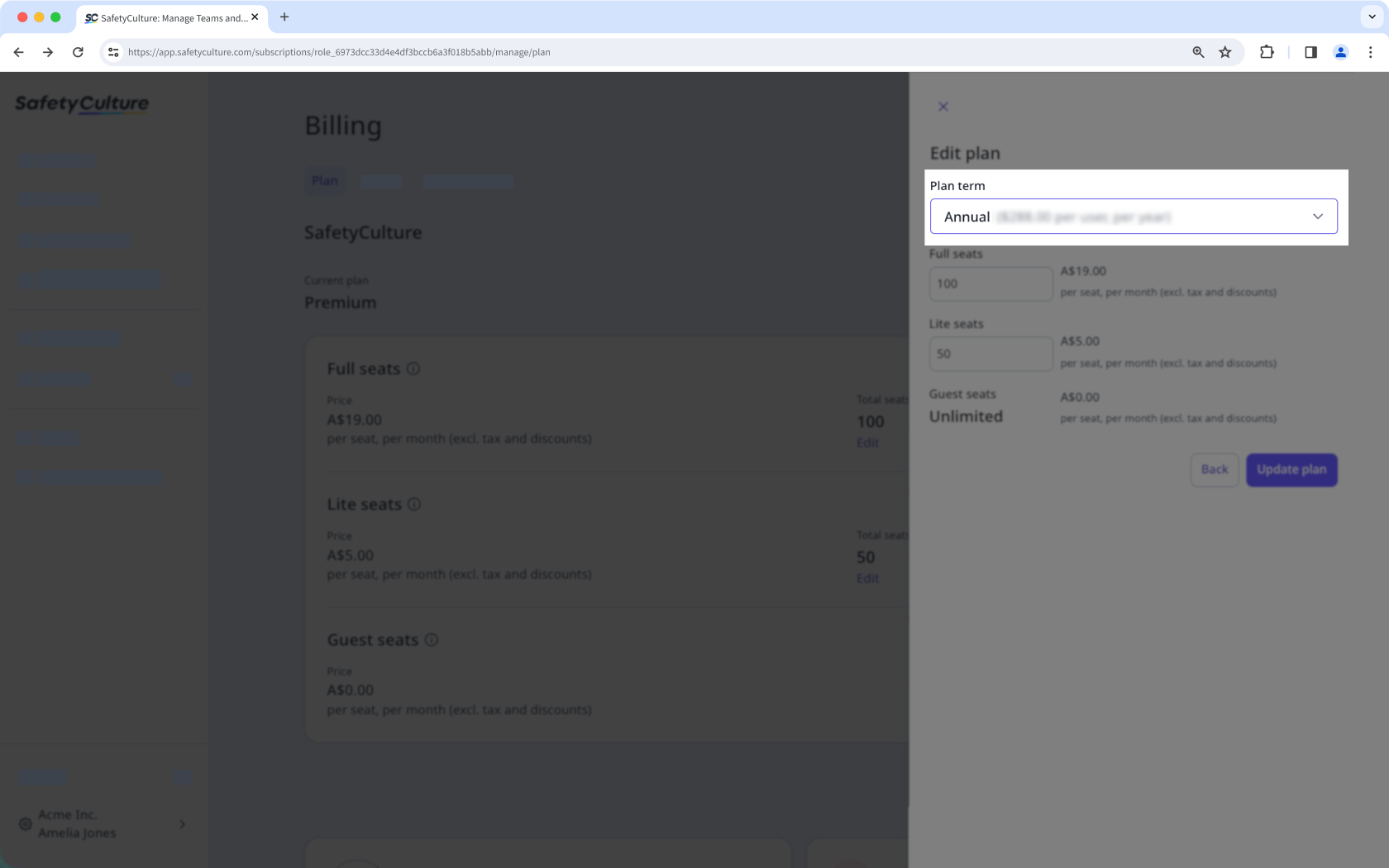
Click Update plan.
After switching to an annual plan, this credits your account a pro-rated amount proportional to the days left in the period, charges the annual cost from your payment method, and sets your plan's renewal to the same date next year.
Switch from annual to monthly
Please contact our customer support team (opens in new tab) or your account manager to switch your plan from annual to monthly billing.