What are the differences between a recurring certification and a recurring course?
Recurring certifications in EdApp and recurring courses in SafetyCulture both make a course repeat on a schedule, requiring learners or users to complete it again at set intervals. While the core purpose is the same, the two features behave differently across recurrence options, reassignment timing, progress resets, certificates, and admin visibility.
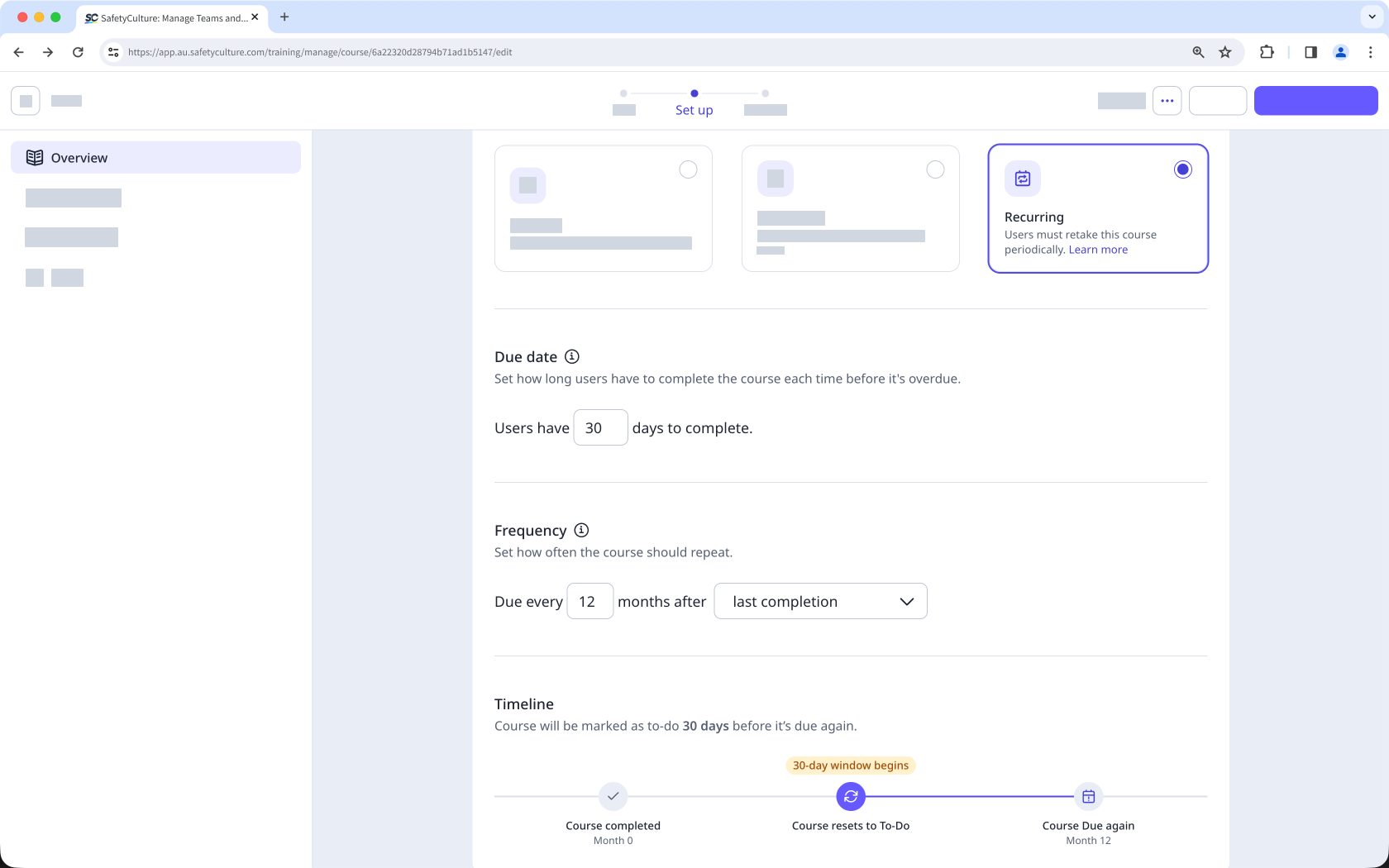
Area | EdApp recurring certifications | SafetyCulture recurring courses |
|---|---|---|
Primary purpose | Admins can set a course to recur at specified intervals and automatically re-enroll learners before expiry. | Admins can make a course repeat on a schedule so users must complete it again when the selected frequency is reached. |
Recurrence options | Courses can recur months after learner completion, months after the publish date, or on a specific date. | Courses can recur by months after publishing, months after the user last completed the course, or on a specific date each year. |
Due date or retake window | Admins set how many days learners have to complete the course, relative to enrollment. | Admins set a due date defining how many days users have to complete the course after assignment. |
Reassignment timing | Learners are automatically re-enrolled before expiry, and reminder notifications are sent for upcoming and overdue due dates. | The system calculates reassignment by subtracting the due date period from the next scheduled repeat so users are reassigned early enough to finish on time. |
What happens to learner or user progress | Learner progress resets when learners are re-enrolled in the course. | If course progress is reset, users need to complete the course again. For discussion and assignment lessons, posts and comments do not reset. |
Converting existing one-off courses to recurring | Changing an existing published course to recurring is not recommended because learners who already completed it are not included in future recurrences. | When a course is updated from one-off to recurring, existing completions are checked against the new schedule. If they still fit, nothing changes; otherwise, users are asked to complete the course again. |
Certificates | Expiry can be displayed on the completion certificate for recurring courses. | Issued certificates remain valid for that specific completion. However, if progress is reset, the previous certificate becomes invalid, and users will receive a new one upon completing the recurring course. |
Stopping recurrence | Admins can stop recurrence by reverting the course to draft or changing it to mandatory or optional. | Admins can update the course type, and recurring is one of the available course type settings alongside optional and mandatory. |
Admin visibility or reporting | Visibility or reporting focuses on setup, learner app display, and certificates. | Recurring courses appear in the training matrix, where admins can review required, completed, and gap counts by user. |
Les cours récurrents sont uniquement disponibles sur Offre Premium ou Offre Enterprise. Les organisations disposant de Offre Gratuite ne peuvent pas définir un cours comme récurrent.