
- Usar SafetyCulture
- -
- Iniciar y completar turnos de trabajo en solitario
Iniciar y completar turnos de trabajo en solitario
Aprenda cómo iniciar y completar un turno de trabajo en solitario a través de la aplicación móvil para garantizar el seguimiento de seguridad mientras realiza el trabajo.Qué necesitará
Servicios de ubicación
Notificaciones habilitadas
Cuando los turnos estén activados para su organización, los trabajadores en solitario deberán iniciar un turno antes de iniciar un trabajo.
Iniciar y completar un turno
Open the mobile app.
Tap
 Más at the bottom of your screen.
 Select
 - from the list of options.
Tap
 at the lower-right of your screen.
You can also tap Inicio at the bottom of your screen, then tap
and select Iniciar trabajo en solitario.
Tap Iniciar turno.
If you're assigned to multiple groups in your organization, select the group where you would like to start your shift.
Tap Iniciar turno.
While a shift is in progress, you can:
Start and complete a lone-work job. In the duration of your shift, you can complete more than one job.
Tap and hold
 Pánico for 3 seconds to manually trigger a panic at any time during your shift, even without an active job.
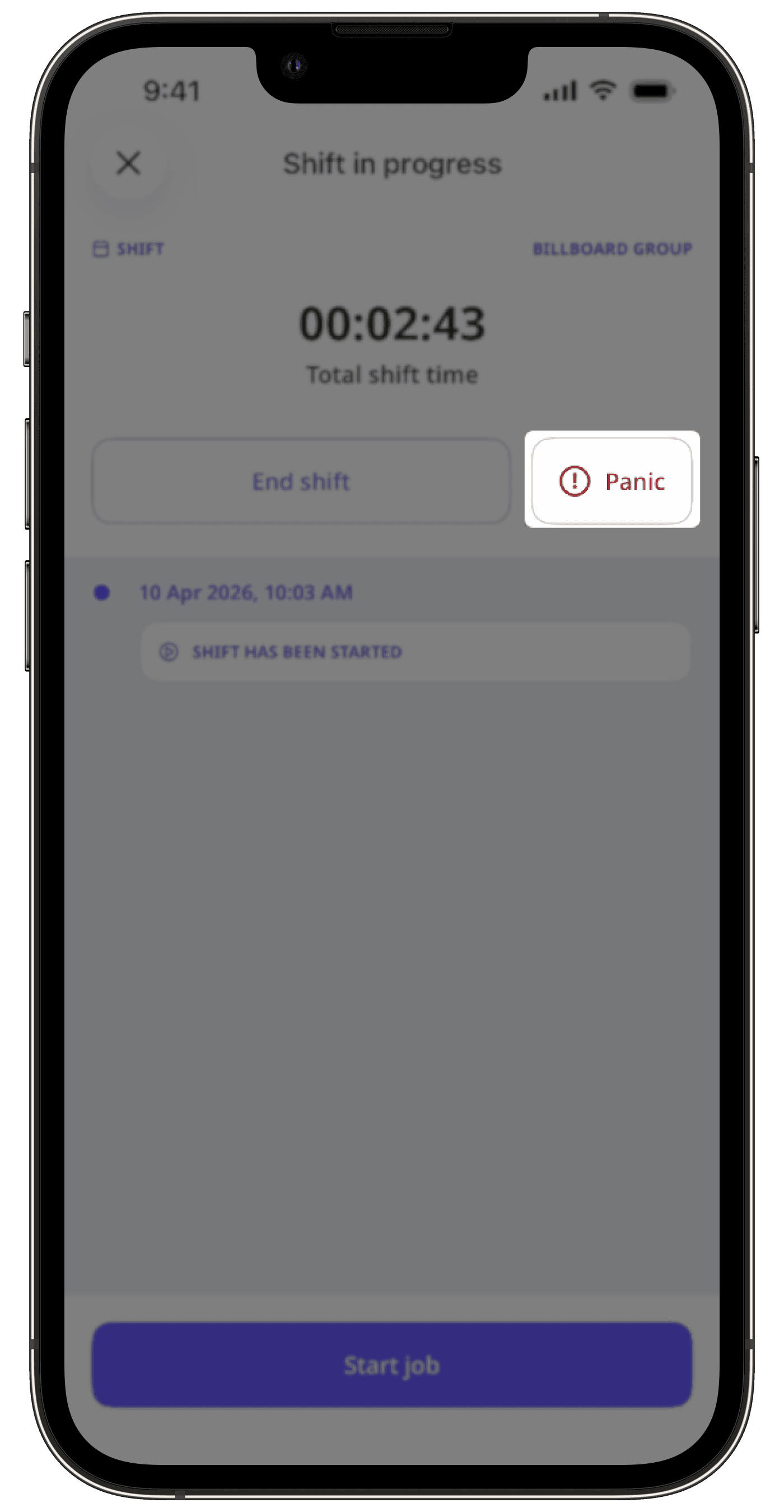
When your shift is done, tap Finalizar turno.
If applicable, you can include your break in the total duration of your shift.
Tap Finalizar turno.
In the pop-up window, tap Hecho.
Solo puede iniciar un turno desde un dispositivo a la vez. Si usa varios dispositivos, las actualizaciones de la ubicación solo se enviarán desde el dispositivo que utilizó para iniciar el turno.
Preguntas frecuentes
No. Solo el administrador de su organización puede cambiar la duración de su descanso. Si desea ajustar la duración, póngase en contacto con su administrador.
¿Esta página le fue de ayuda?
Gracias por hacérnoslo saber.