
- SafetyCulture nutzen
- Inspektionen
- Inspektionsverlauf als CSV herunterladen
Inspektionsverlauf als CSV herunterladen
Erfahren Sie, wie Sie den Inspektionsverlauf als CSV-Datei über die Web-App herunterladen können, damit Sie jede Änderung an einer Inspektion genau aufzeichnen und die Einhaltung der Vorschriften überwachen können.Was Sie brauchen
Sie können bis zu sieben Jahre der Inspektionshistorie als CSV-Datei herunterladen.
Inspektionsverlauf als CSV herunterladen
Wählen Sie
 Inspektionen in der Seitenleiste oder in
  Mehr aus.
Klicken Sie auf
 auf der rechten Seite der Inspektion und wählen Sie aus.
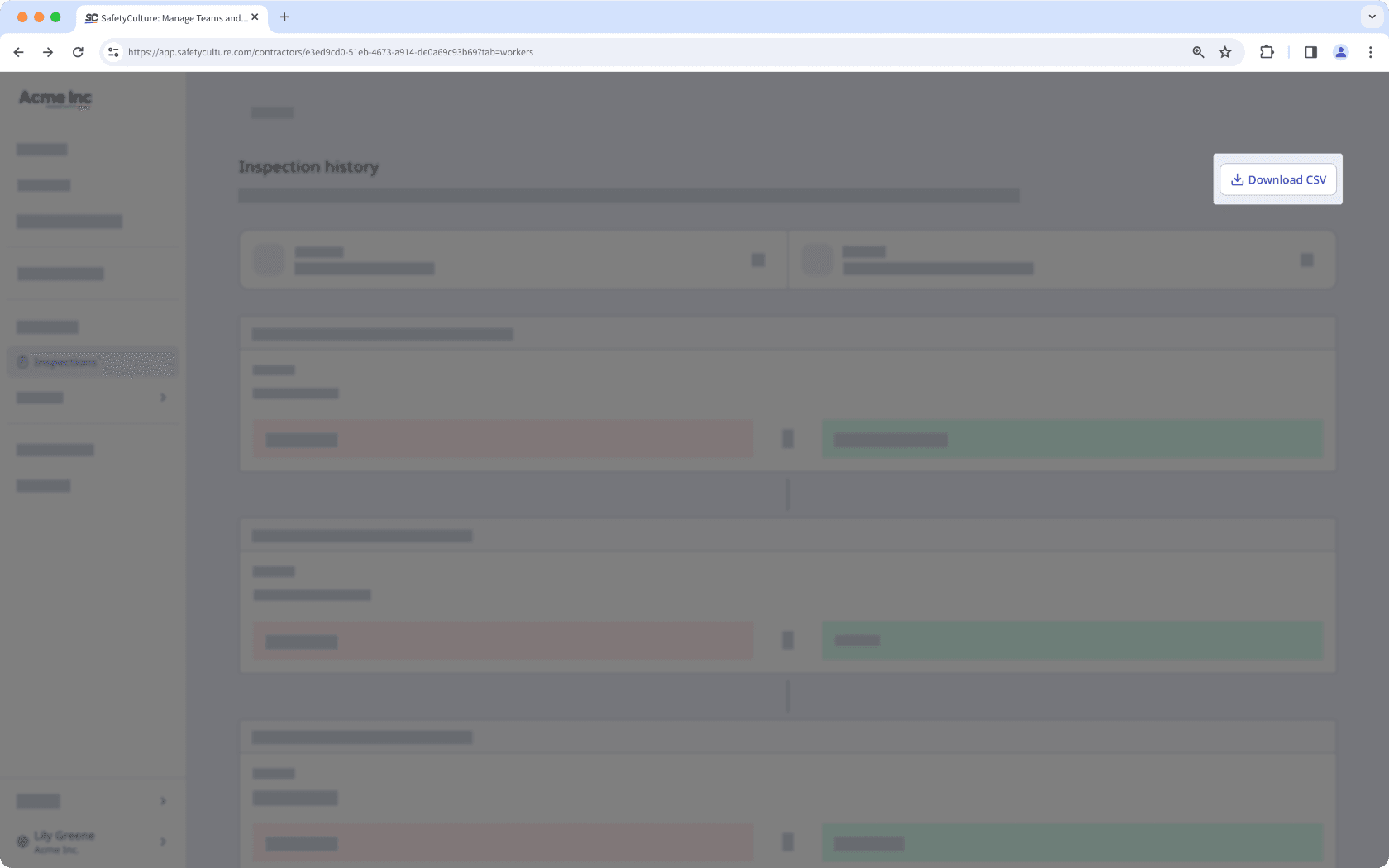
Klicken Sie auf
 CSV herunterladen oben rechts auf der Seite.
CSV column headers
Column header | Description |
|---|---|
Modified at | The date and time a response was modified. The date is formatted as YYYY-MM-DD, followed by the time in Coordinated Universal Time (UTC). For example, 2026-02-05T22:10:57Z. |
Action | The action taken on a response, which can either be “added” or “edited”. |
Author ID | The unique ID of the user who made changes to the inspection. |
Author name | The name of the user. |
Change type | The type of change recorded for a response, which can either be "added" or "edited". |
Field type | The type of field used on the inspection page. |
Item ID | The unique ID of a question automatically generated in SafetyCulture. |
Label | The name of a question in an inspection. |
Old value | The previous response to a question before it was edited. This is blank if the response was added for the first time. |
New value | The updated response to a question after a change was made. This is blank if the previous response was removed. |
Häufig gestellte Fragen
Inspektionshistorie, die älter als sieben Jahre ist, wird für weitere sechs Monate gespeichert. Danach wird sie dauerhaft gelöscht. Stellen Sie sicher, dass Sie Ihre Inspektionshistorie innerhalb dieser Zeit herunterladen.
War diese Seite hilfreich?
Vielen Dank für Ihre Anmerkungen.