
This feature is currently in Early Access. If you're interested, please contact your customer success manager to check if your organization is eligible.
What is username login?
Username login allows you to use SafetyCulture without an email address. Your admin creates your account for one organization and gives you a login link, which you use to sign in with a username and password instead of an email. Your admin also manages your access and resets your password for you if you forget it, since password recovery by email doesn't apply.
The login link is not an invite link. Sign in with the login link or QR code your admin gives you. Invite links only work for people who join with an email address.
What you'll need
Log in with a username
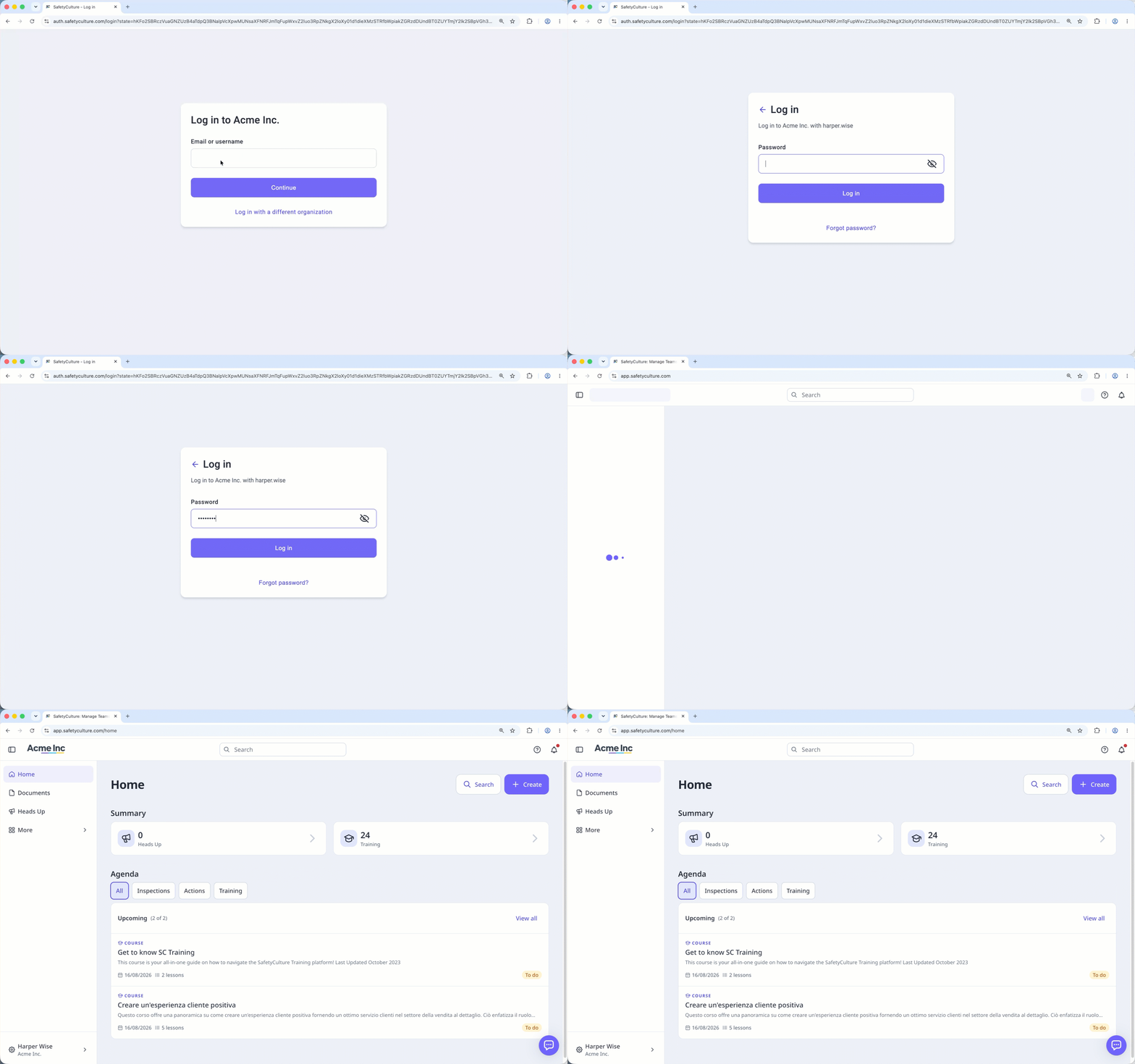
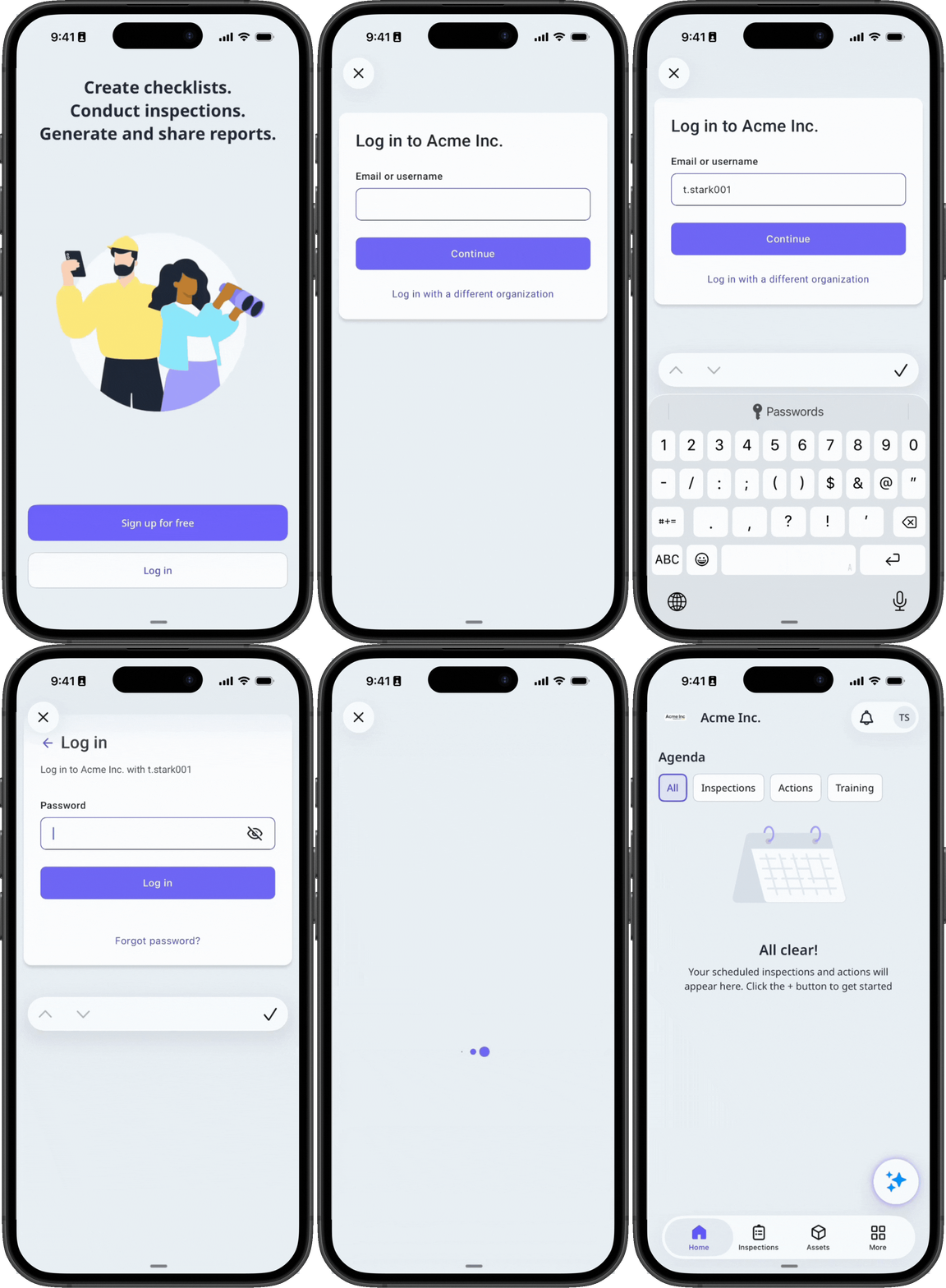
Open the login link from your organization.
Enter the username your admin provided, then click Continue.
Enter your password and click Log in. Set a new password if required.
You get push notifications by default. To also receive SMS notifications, add a mobile number to your account.


