
What you'll need
If you have "Documents: Administrator" permission, you can share any files in your organization.
Turn on file sharing on mobile for your organization to allow users to share files in Documents, Assets, and Heads Up.
Share a file
Open the mobile app.
Tap More and select Documents.
If you're on the Offline tab, tap All at the top of your screen.
Select a folder if the file you want to share is in it.
Tap the file.
Tap at the upper-right of your screen.
Select Share from the pop-up options.
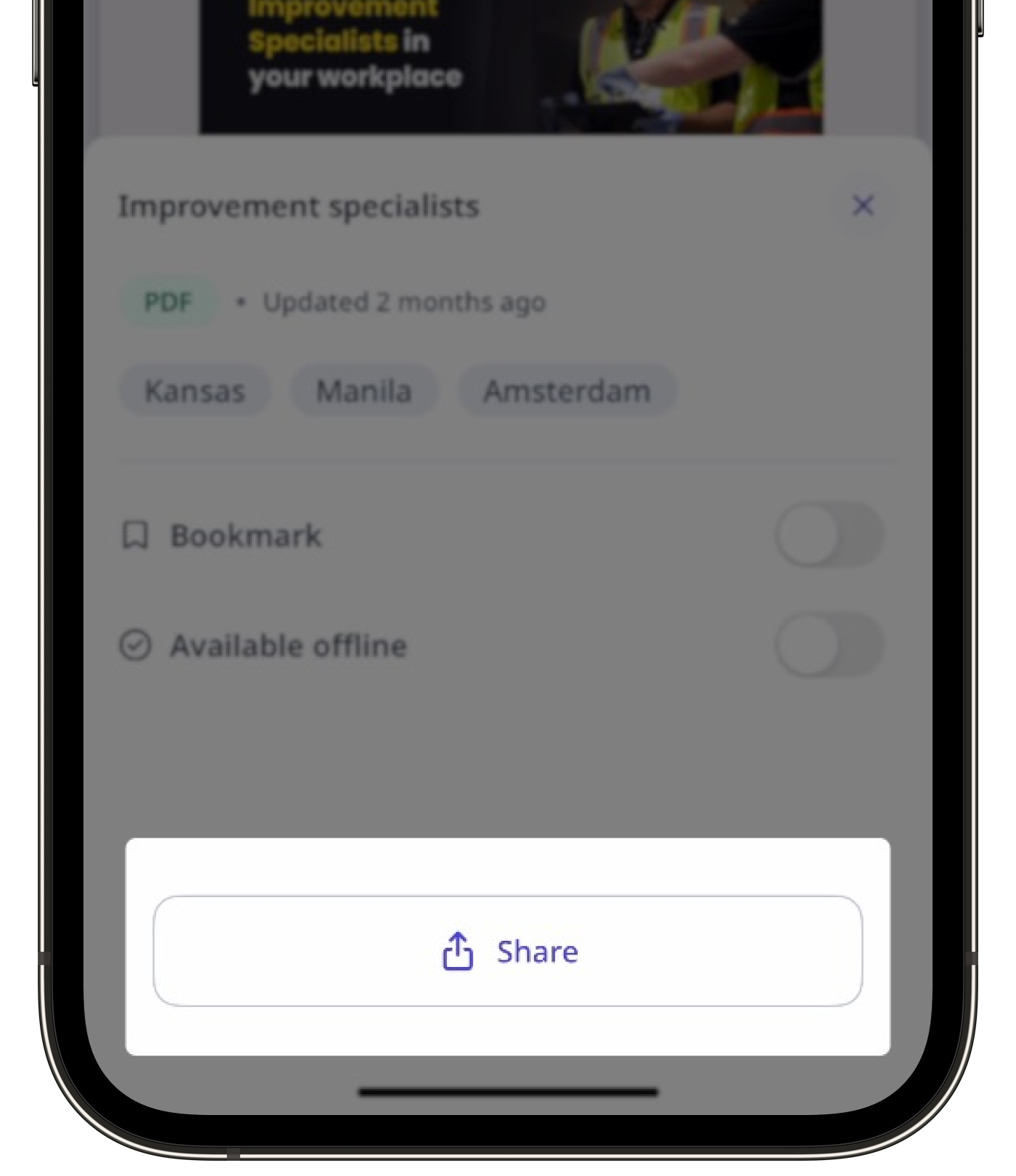
Share the file accordingly.
Sharing files in Documents is available only on the iOS mobile app for users with SafetyCulture version 25.38 and above.


