Mobile devices
We recommend using one of the following mobile devices and keeping the device operating system (OS) version as up-to-date as possible.
Although devices and operating systems (OS) within our minimum requirements can run SafetyCulture, it's best to use our recommended devices and operating systems (OS) for an optimal experience.
Recommended
Android | iOS |
|---|---|
Phones: Devices equivalent to Google Pixel 8, Samsung Galaxy S24, or above Tablets: Devices equivalent to Galaxy Tab S9/A9 or above OS: Android 15.0 or above | iPhones: iPhone 13 or above iPads: iPad (9th generation), iPad Air (5th generation), or above OS: iOS/iPadOS 18.0 or above |
Minimum
Android | iOS |
|---|---|
Phones: Devices running Android 9.0 or above Tablets: Devices running Android 9.0 or above OS: Android 9.0 RAM: 4GB or more | iPhones: iPhone 8, iPhone 8 Plus, or equivalent iPads: iPad mini 4 or equivalent OS: iOS 17 or iPadOS 17 |
Chrome OS as part of Android and iPhone SE (1st generation) are not supported.
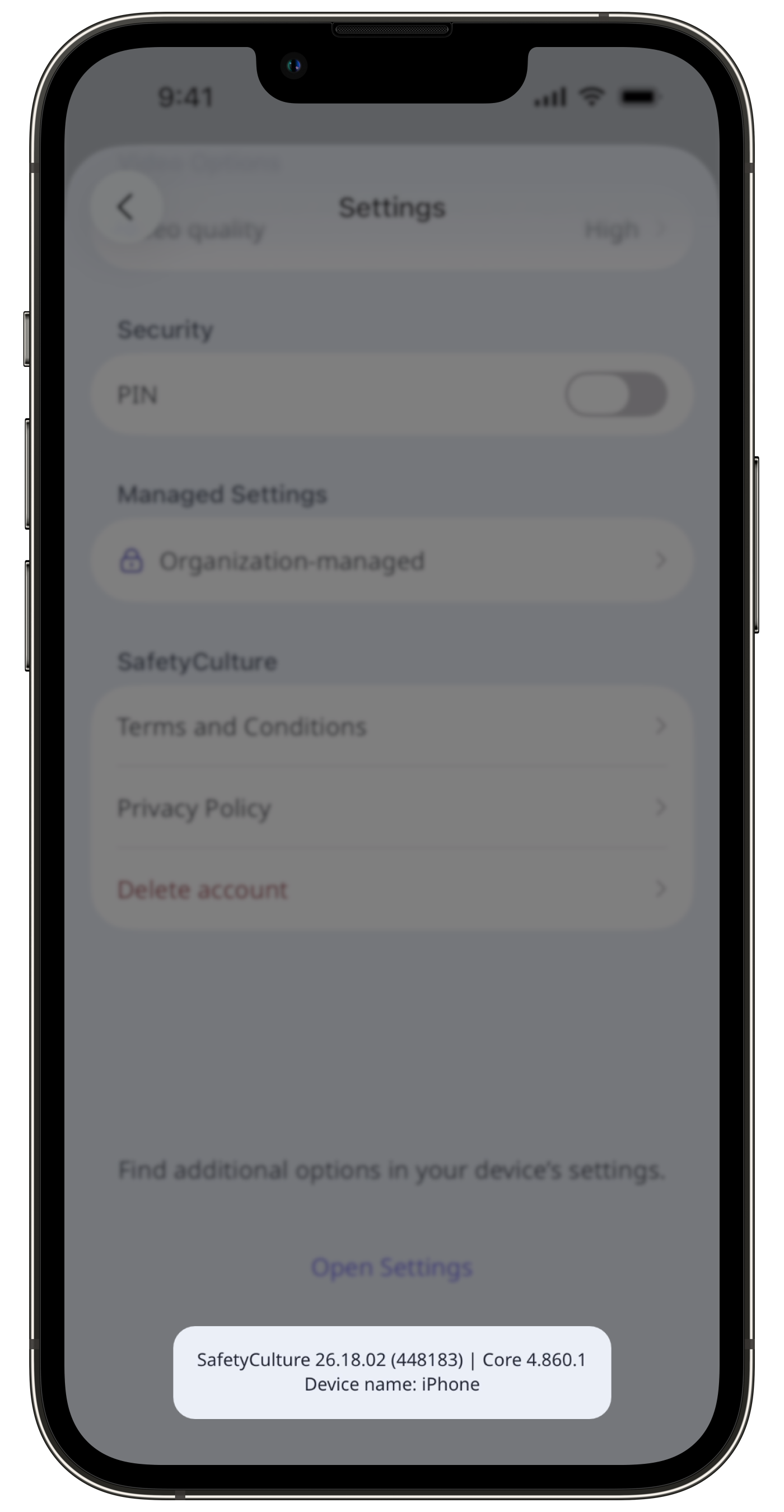
Check your mobile app version
Open the mobile app.
Tap Home at the bottom of your screen.
Tap your user profile icon at the upper-right of your screen.
Tap Settings.
Scroll down to check your mobile app version.