Turn on file sharing on mobile for your organization to allow users to share files in Documents, Assets, and Heads Up.
Share an asset file
Open the mobile app.
Tap Assets in the navigation bar or select it from More.
Tap the asset and select Media tab.
Select your file.
Tap at the upper-right of your screen.
Select Share from the pop-up options.
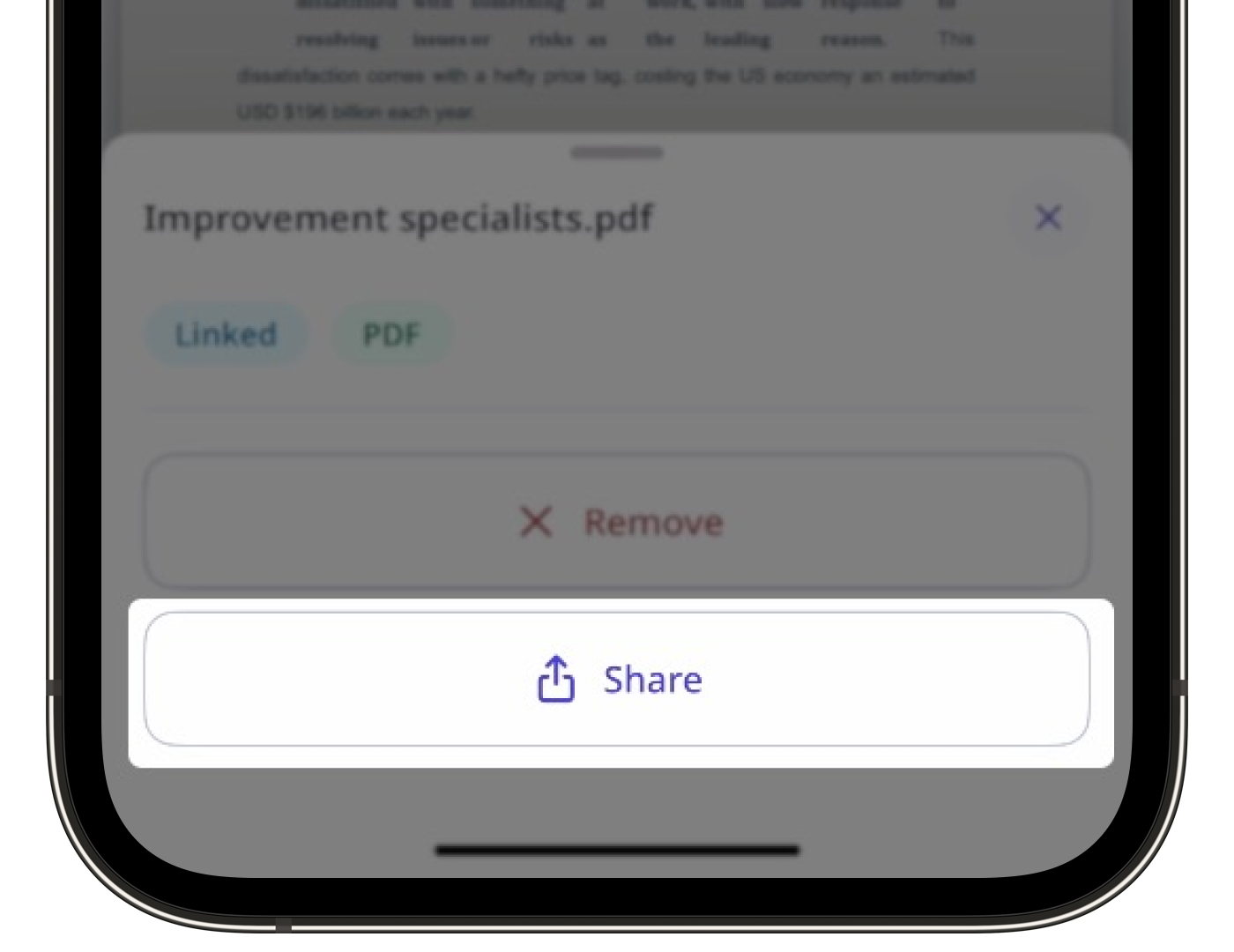
Share the file accordingly.
Users must have SafetyCulture version 25.38 or above to share files and linked files in Assets on the mobile app.