This feature is currently in Early Access.
What are the differences between a site manager and a site member?
Managers and members are two distinct types of site membership that can help you delegate user management and provide a more relevant experience for frontline teams.
When you're adding a user as a manager or member to a site, consider the following differences between the two types of membership:
Manager | Member | |
|---|---|---|
Role | A manager is someone who is expected to be responsible for managing membership and fellow managers in their sites, without the responsibility of completing assignments or the noise of having access to entities like templates and courses across the platform. | A member is someone who's expected to have access to entities, such as templates and courses , across the platform and be assigned jobs, such as inspection schedules, for completion. |
Experience | As a manager of a site, you can: • Add another user to the site as a manager or member. • Remove an existing manager or member from the site. | As a member of a site, you can: • Gain access to all entities that are shared with the site, such as templates , inspections, and more. • Complete jobs that are assigned to the site, such as actions, courses , and more. |
Users of any seat type can be added to a site as a member or manager, and a user can be a manager and a member of a site at the same time.
Each user can only be added to up to 40 sites as members or managers. However, a user can be a member of 40 sites and a manager of 40 sites at the same time.
If a user needs to be a direct member or manager of more than 40 sites, you can add levels or group sites and then add the user to the new levels to become an inherited member or manager for all sites below.
What you'll need
If you have "Platform management: Sites" permission, you can manage the membership for all sites in your organization.
Add a site manager
Click your organization name on the lower-left corner of the page and select Sites.
Click the site or level name.
Select the tab Managers and then click Add managers on the right-hand side.
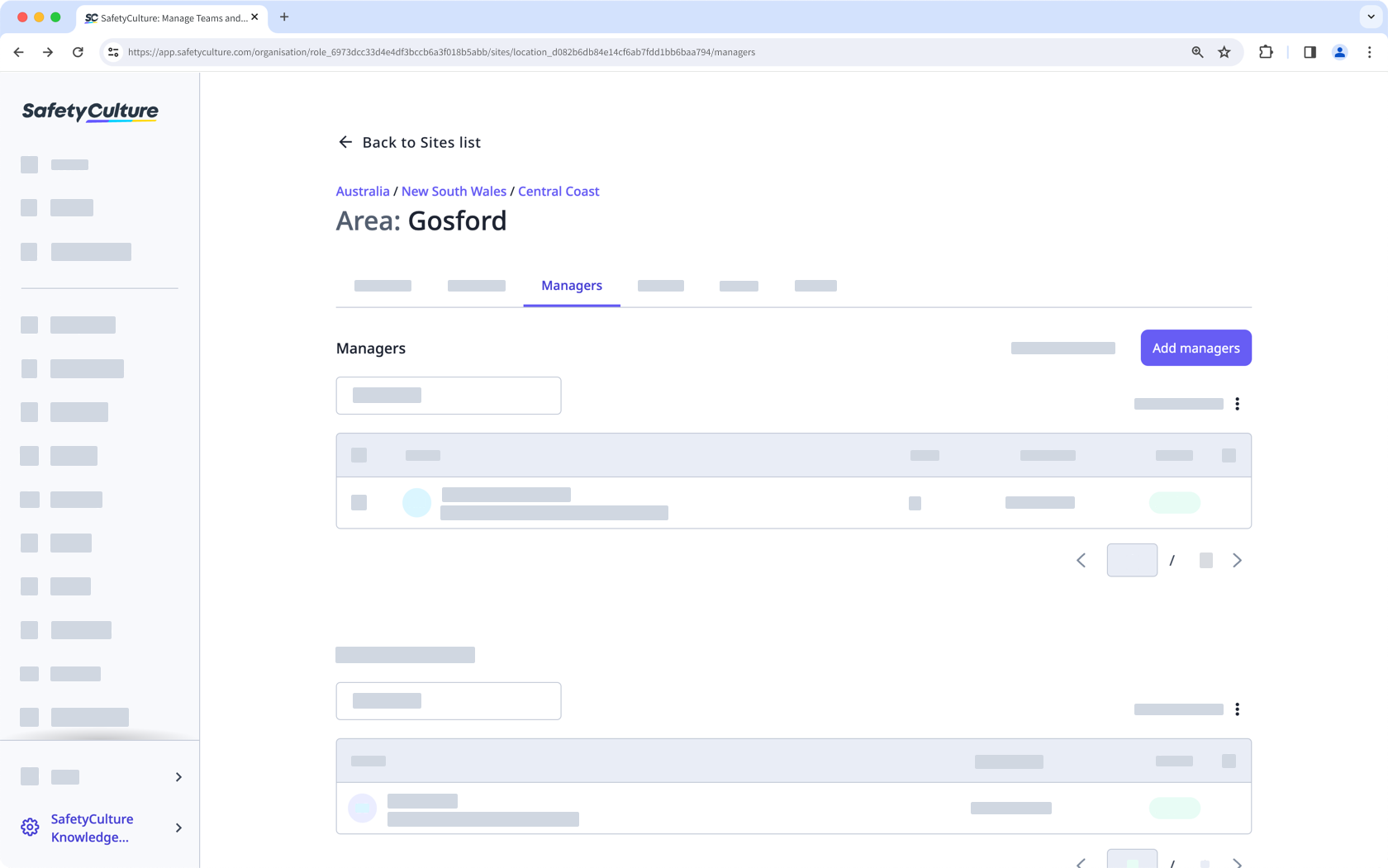
In the side panel, click the dropdown menu and select the user.
Click Done.
By default, the user will also be added as a member. If they only need to be a manager for the site, uncheck the "Also add as member" box.
Click Save and apply.
Remove a site manager
Click your organization name on the lower-left corner of the page and select Sites.
Click the site or level name.
Select the tab Managers.
Check the box next to the user's name and c lick Remove from site on the lower-right of the page.
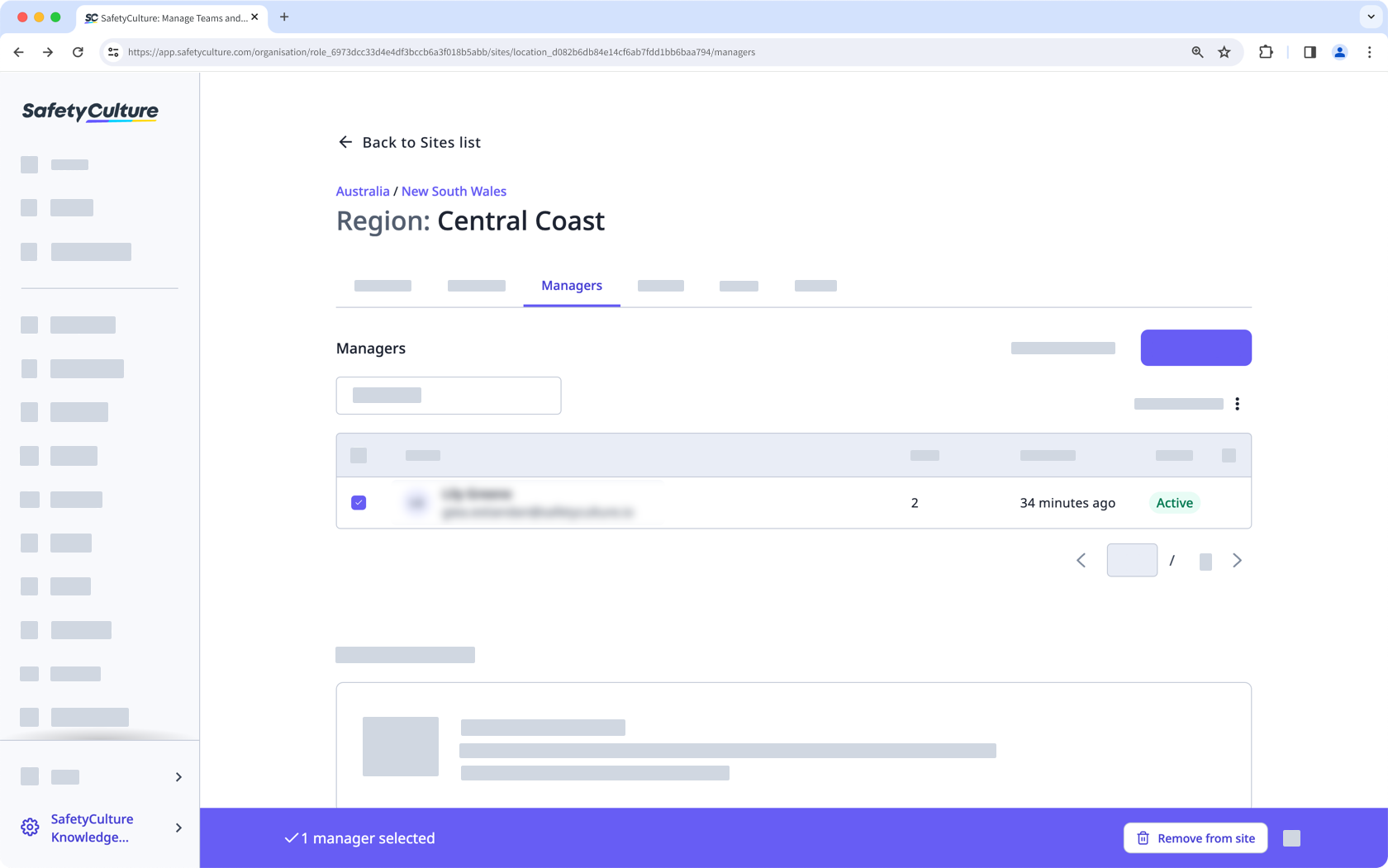
In the pop-up window, c lick Remove from site. By default, the user will also be removed as a member. If they need to remain in the site as a member, uncheck the "Also remove as member" box.