
What are credentials?
Credentials are the workforce qualifications your team needs to track and renew. These include certifications and external licenses, such as driver's licenses, first aid certificates, and high-risk work licenses. As an admin, you can organize credentials by type, add qualifications across your workforce, approve or reject submissions, and configure credential settings in your organization. Users can also submit and update their own credentials directly.
Each credential captures an issue date, expiration date, approval status, and version history. Use this to monitor renewals and confirm users meet role requirements before starting work. You can upload credentials in bulk via CSV or download credentials for reporting (opens in new tab). This gives you full visibility of qualifications across the workforce and connects to onboarding workflows (opens in new tab) to support compliance.
Users can customize their notification settings to be notified when their credential is about to expire.
If you have “Contractors: Manage companies” permission, you can view and manage credentials for users in a contractor company.
Exploring Credentials in SafetyCulture
Credential types
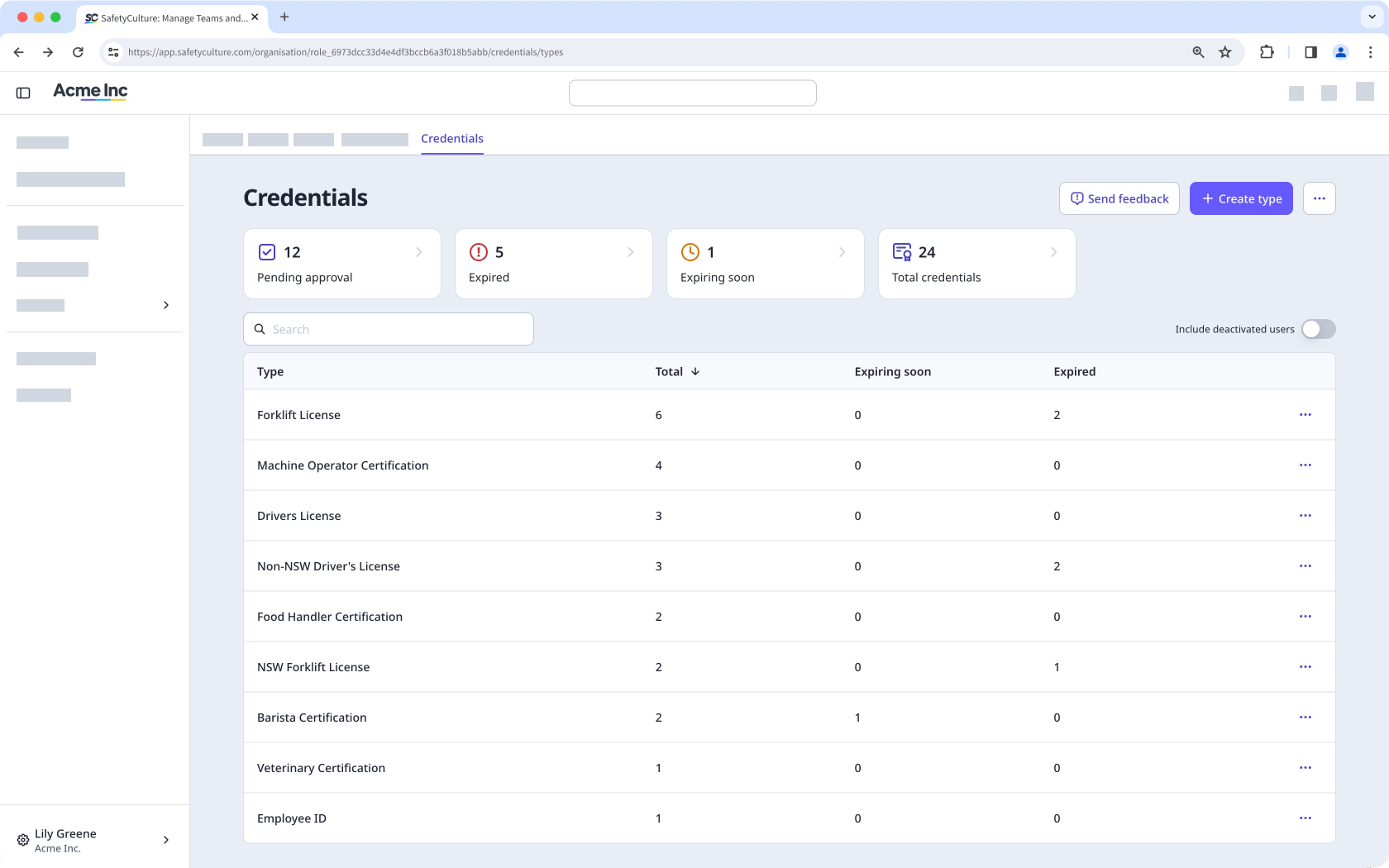
Credential types let you group qualifications into categories that match how your organization tracks compliance. You can define your own credential types, such as driver's licenses, first aid certificates, or high-risk work licenses. This makes it easier to organize records and find specific qualifications across your workforce.
Credential management
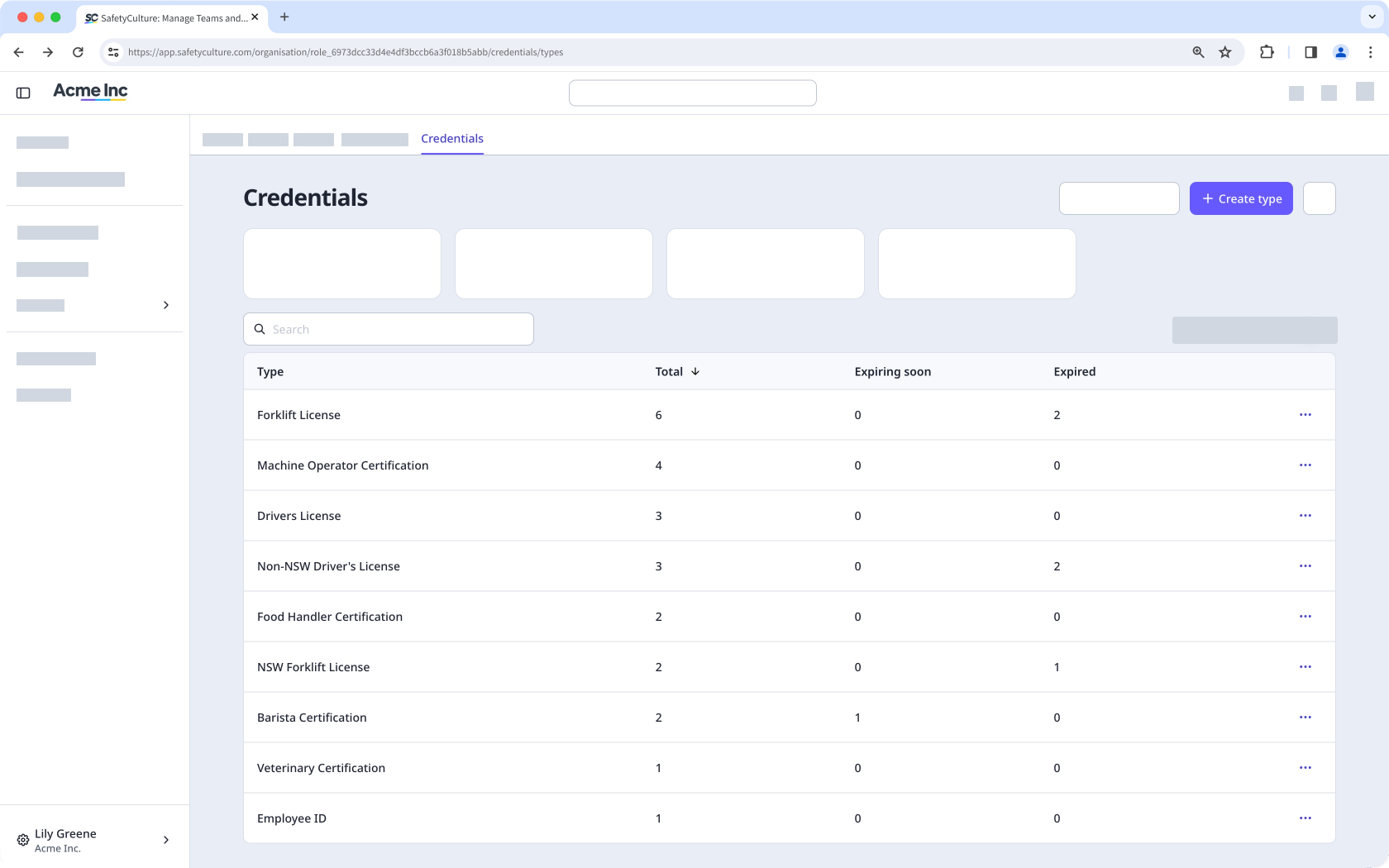
Credentials stay current when everyone in your organization can contribute. Users can add and renew their own qualifications, while admins can manage credentials for any user in the organization. Each credential records an issue date and expiration date, so you can see when qualifications are expiring soon or already expired.
Bulk upload
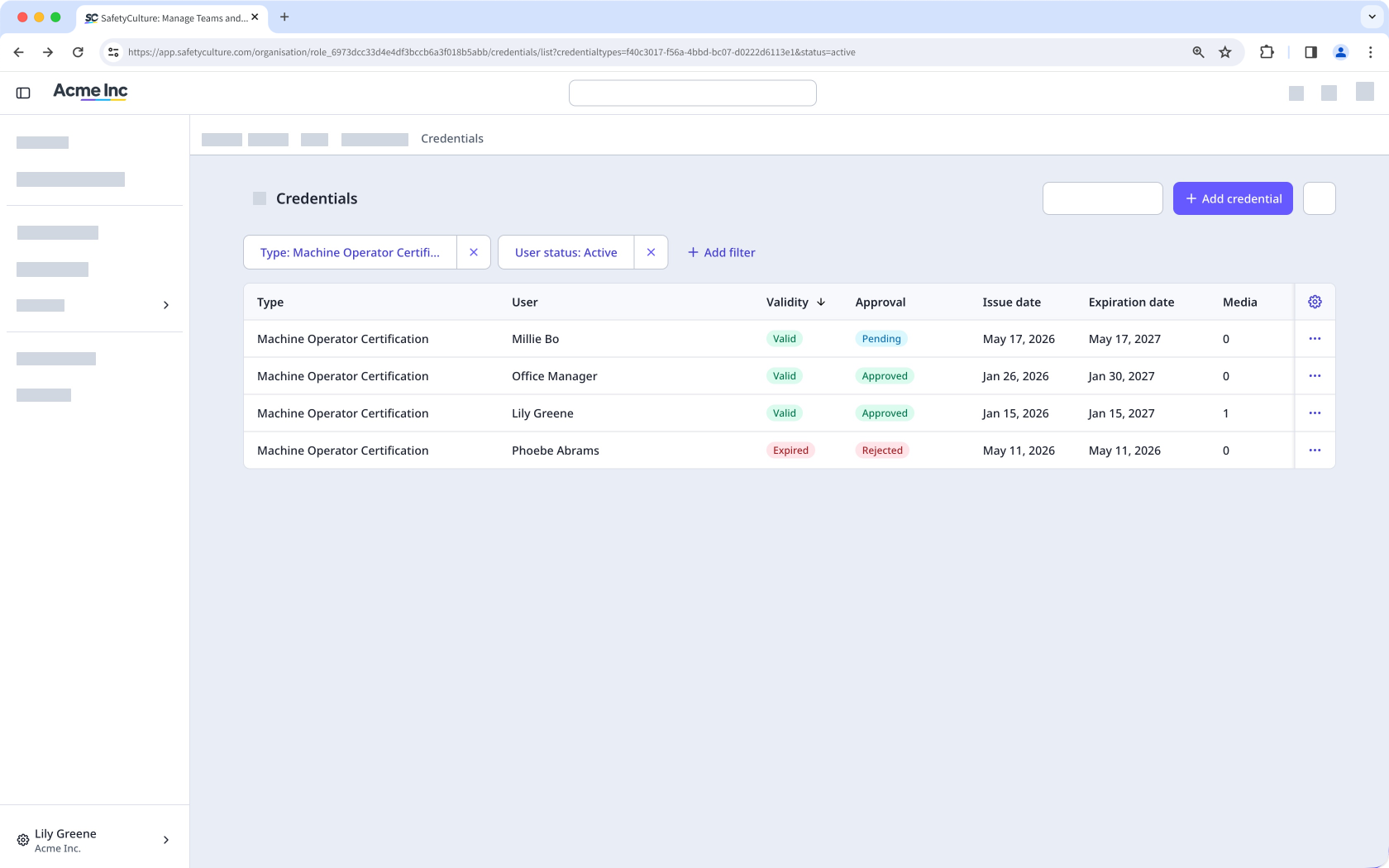
Adding credentials one at a time can be time consuming. Bulk upload via CSV lets you add multiple credentials at once. This is useful for onboarding new users, migrating records from another system, or adding qualifications across your organization.
History and version tracking
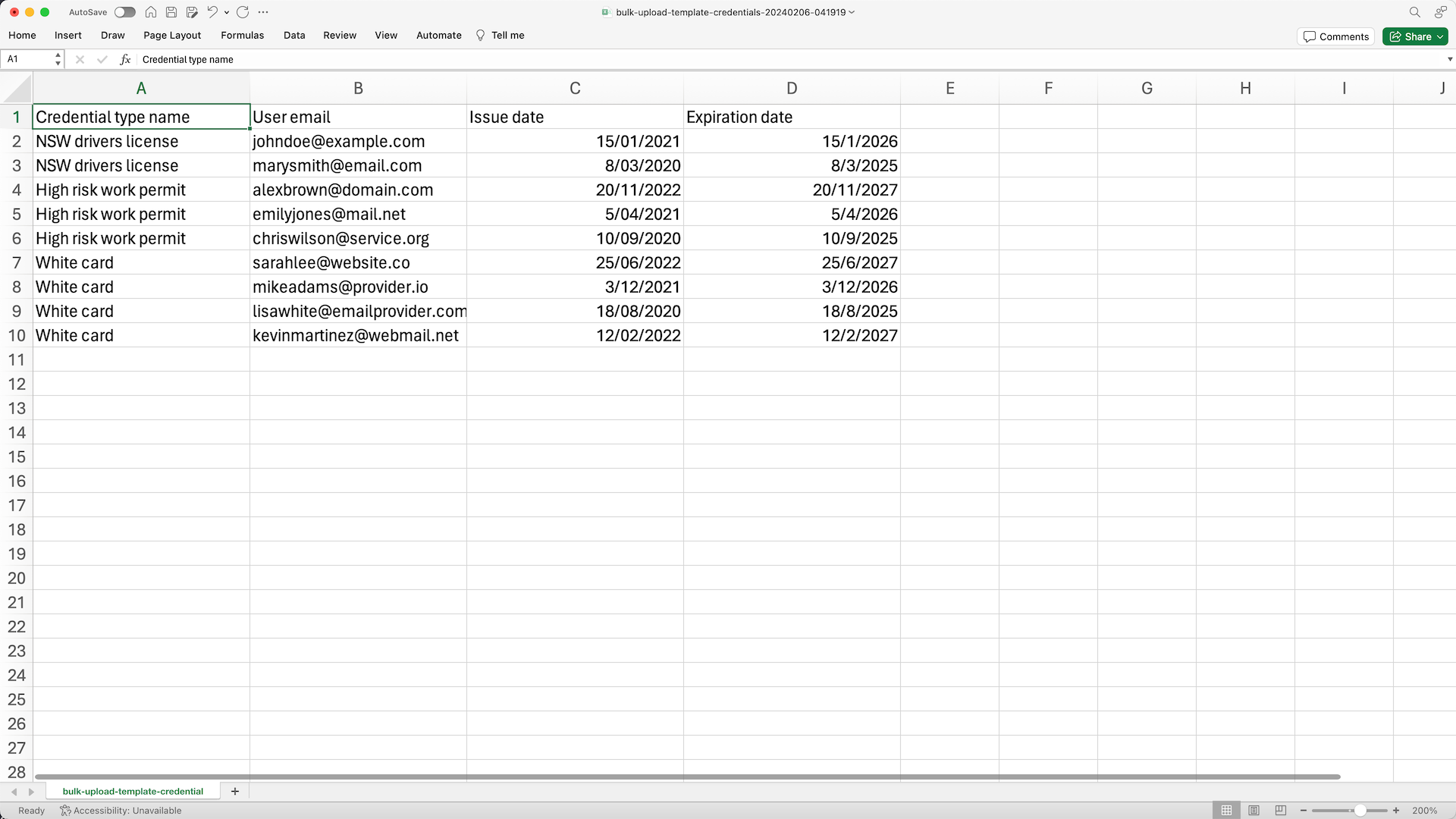
Credentials change over time as users renew expired licenses and update certifications. C redential history records each version along with its attached media files, so you have a complete history of every change.
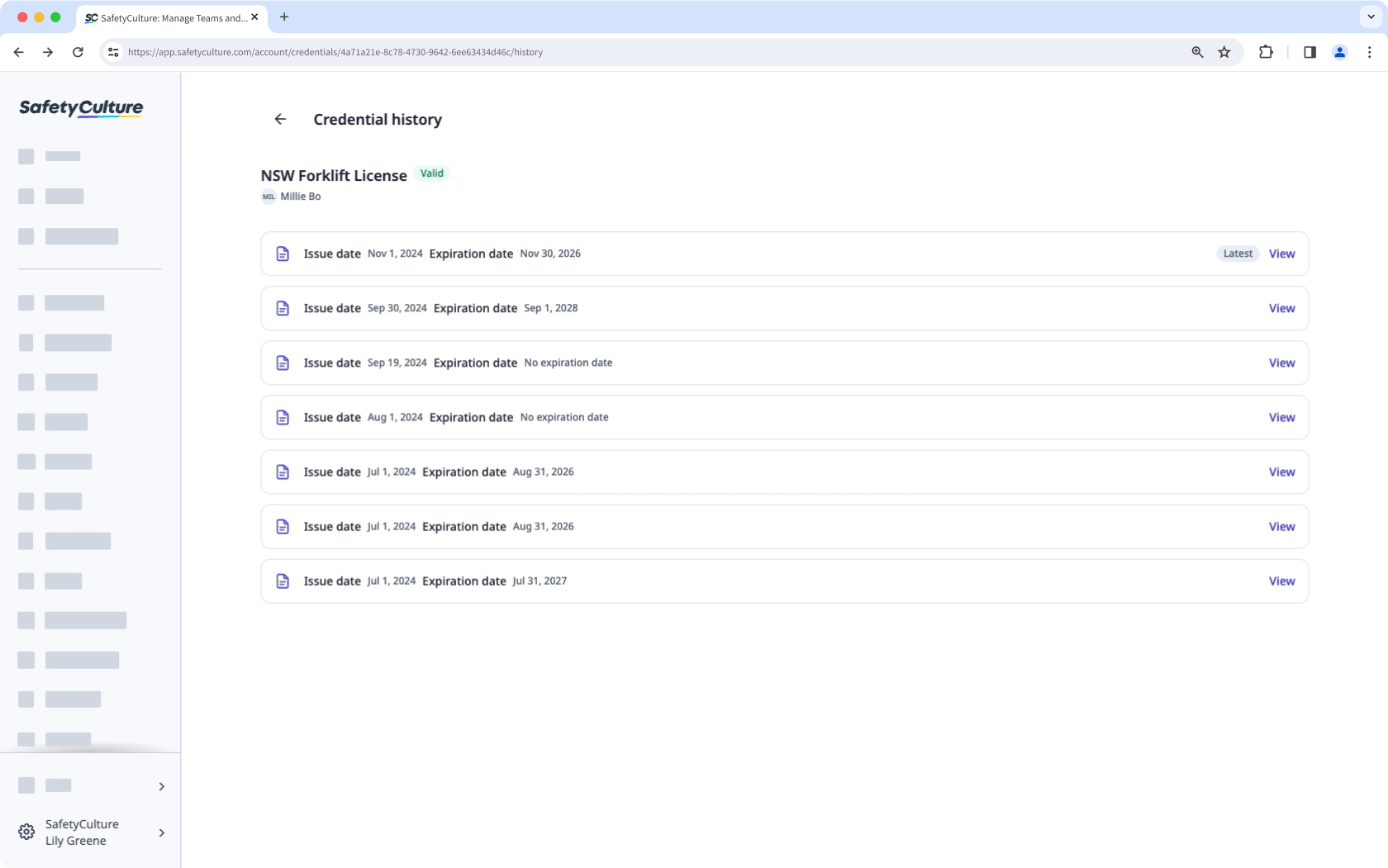
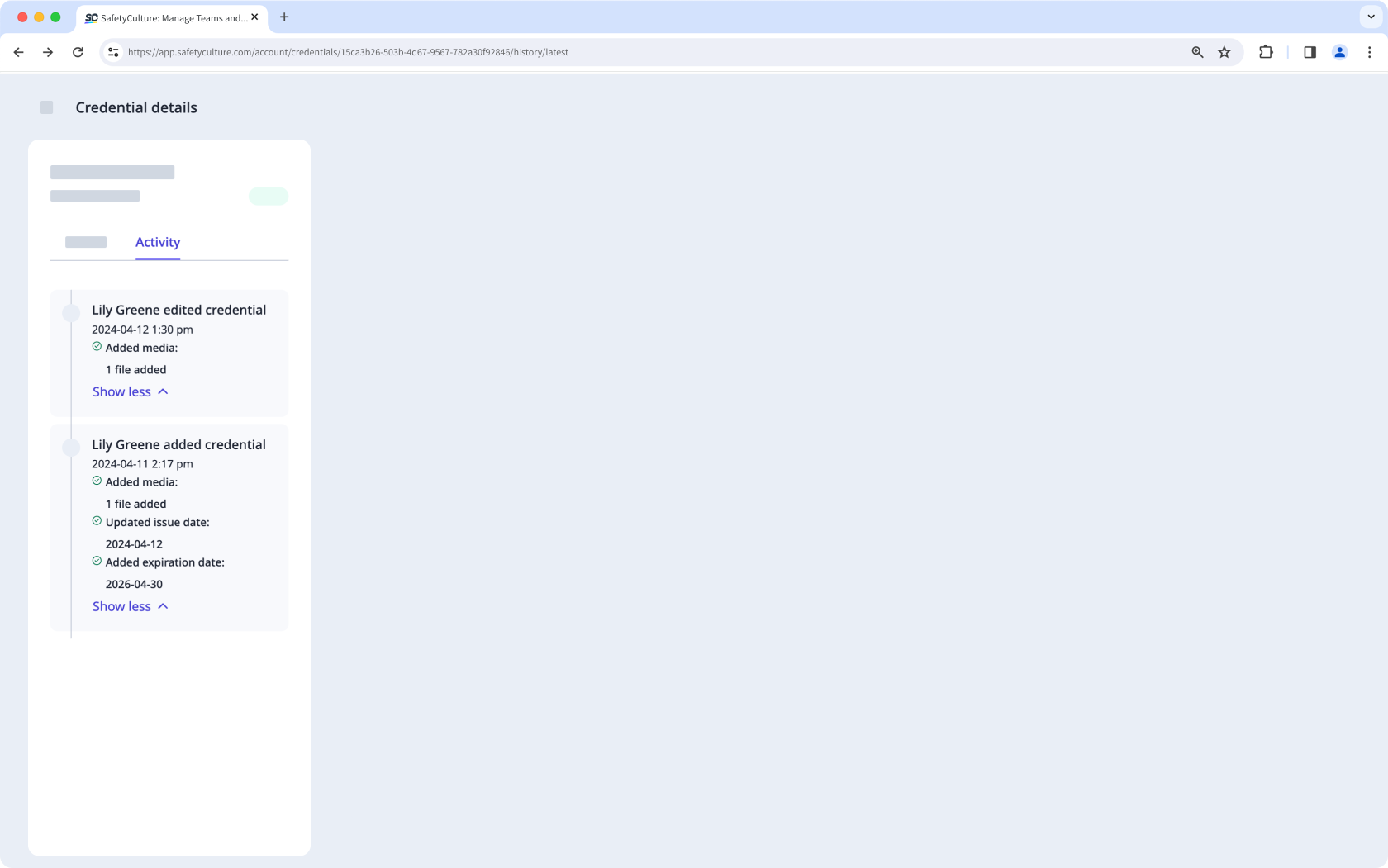
Within each version, the activity shows who made the change and when, giving you a clear audit trail for compliance reviews.
Credential approvals
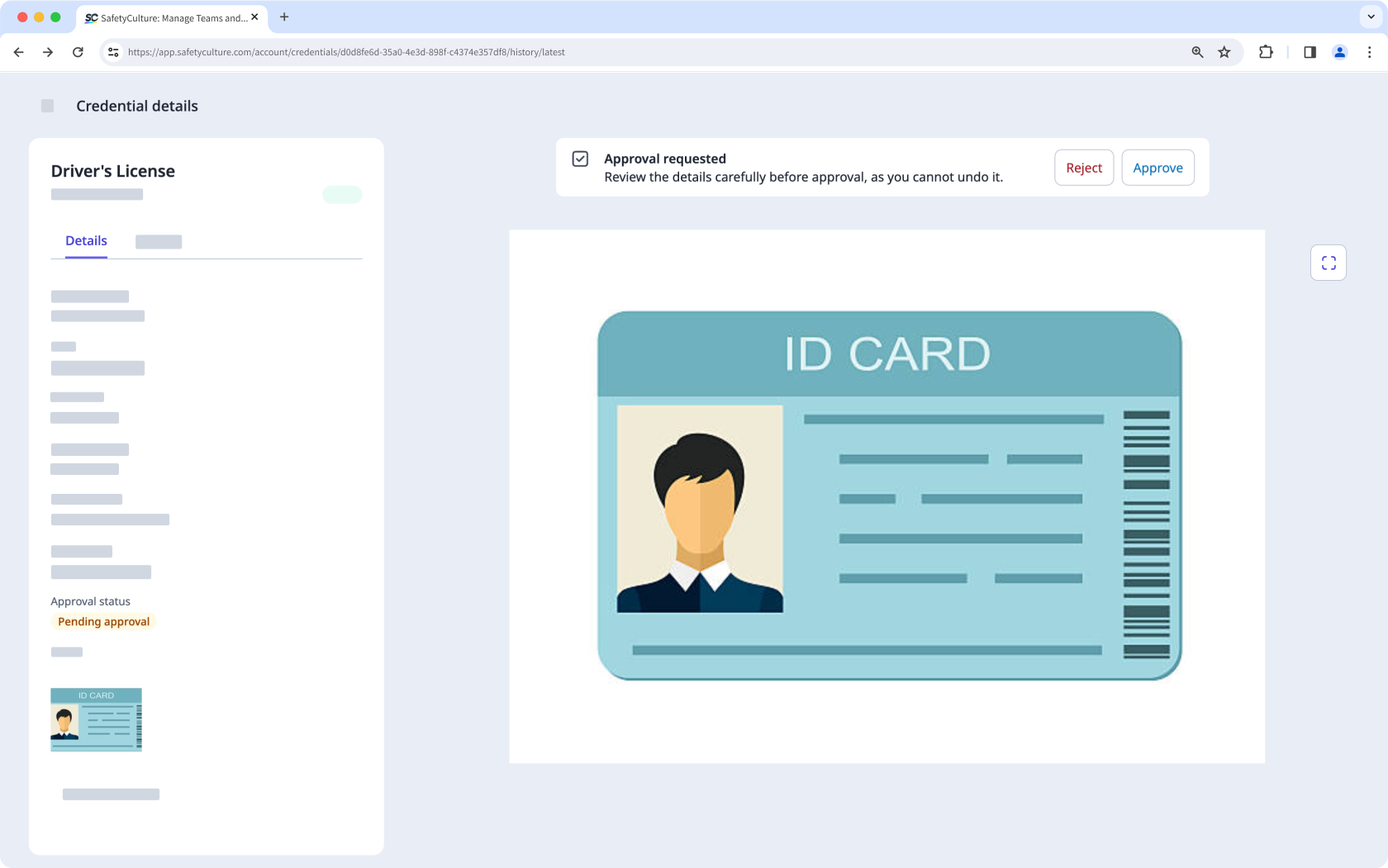
When users upload their credentials, an admin can approve or reject each submission before it counts as valid. Reviewing credential submissions keeps your records accurate and supports compliance and safety standards. This means only users with verified qualifications can take on tasks or roles that require those qualifications.
Credential settings
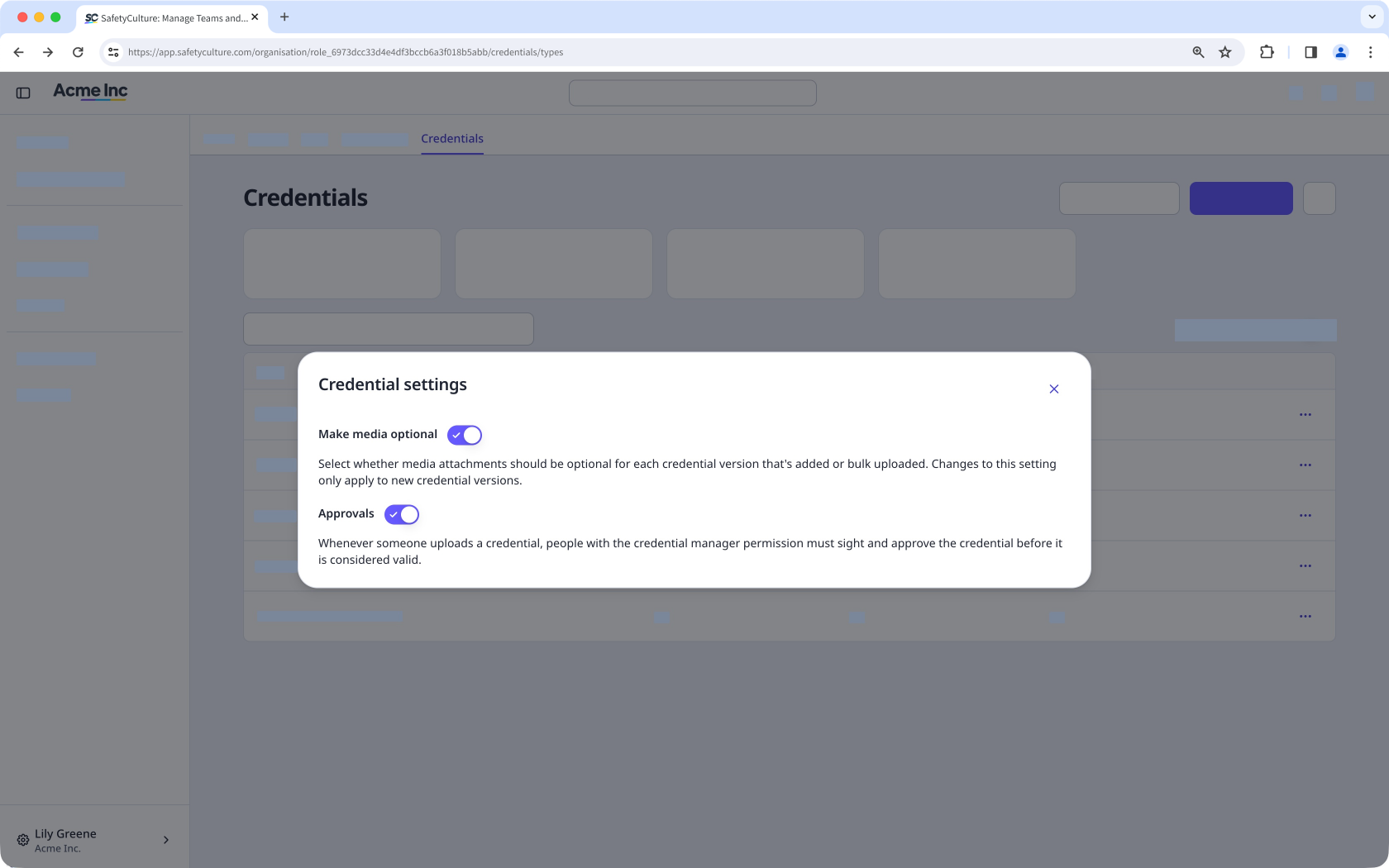
Not every organization handles credentials the same way. Credential settings let admins control how the feature works in your organization, including whether media files are required when credentials are submitted and whether each submission needs approval before it counts as valid.
Track credentials at a glance
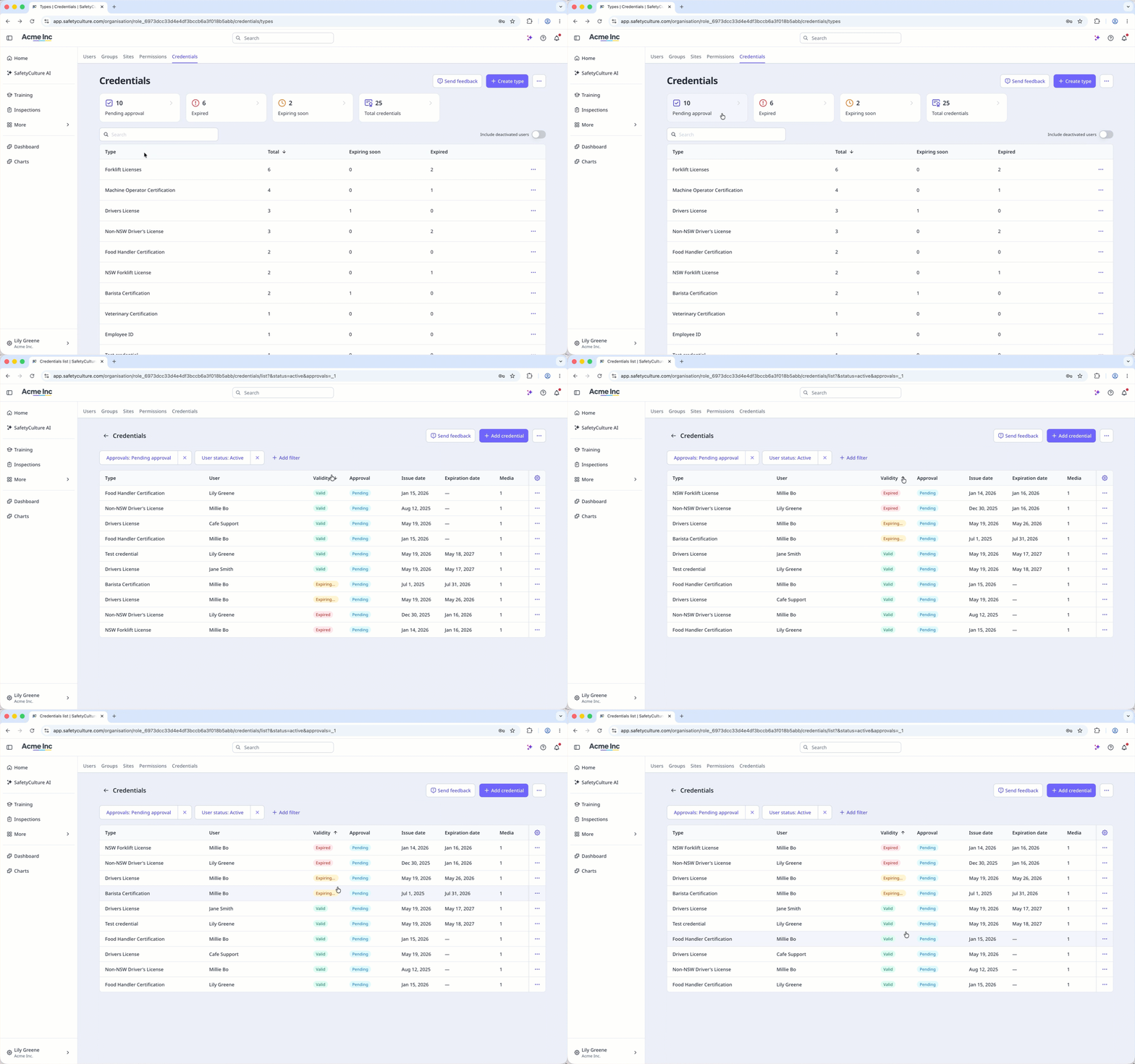
The credentials overview gives you a summary of credential statuses for every user in your organization. You can see who has valid credentials, who has credentials expiring soon or already expired, and who has credentials pending approval. The list also lets you filter and sort by status and include deactivated users for a complete view
Download credentials
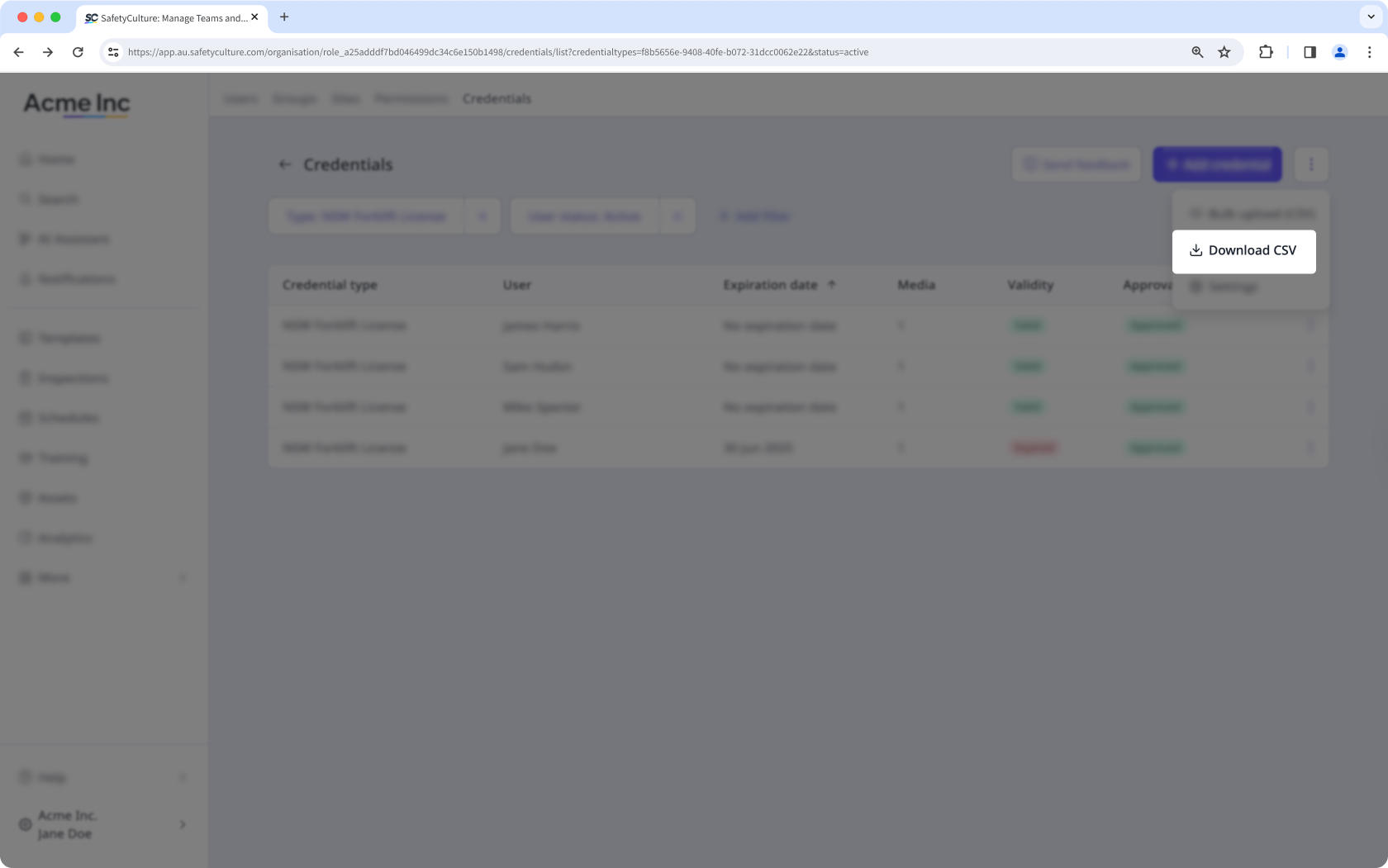
When you need credential records outside SafetyCulture, you can download credentials as CSV. This gives you a complete list of your team's qualifications for audits, reports, or compliance reviews.
Notifications for expiring credentials
When a credential is approaching its expiration date, users receive reminders at 90 days, at 30 days, and on the expiration date. You can customize notifications to control how these alerts are delivered, so users renew their credentials on time.
Credentials in onboarding workflows
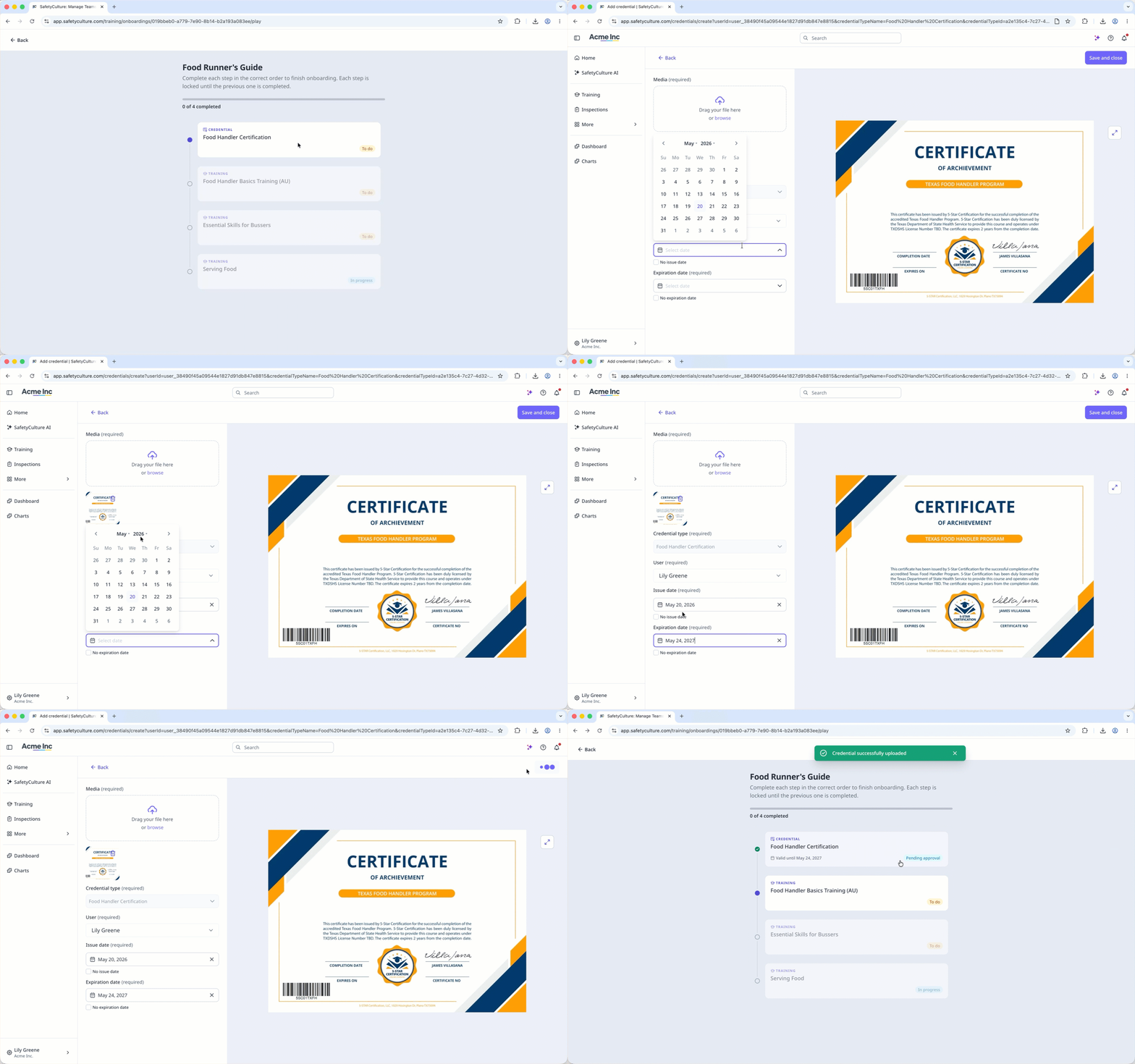
Add credentials as a required step in onboarding workflows, so workers submit their qualifications before starting their roles. You can track each worker's completion status to confirm that all credential requirements are met before they begin.
Credential media files often contain personal information, such as ID photos and license numbers. SafetyCulture encrypts credential media files and restricts access to authorized users in your organization. To track who has interacted with credentials, view your organization's activity log.


