You can download up to 50,000 credentials at a time. To export specific credentials, apply filters to refine your selection before exporting.
Download credentials as CSV
Click your username on the lower-left corner of the page and select Credentials.
On the "Credentials" page, select the credential type you want to view.
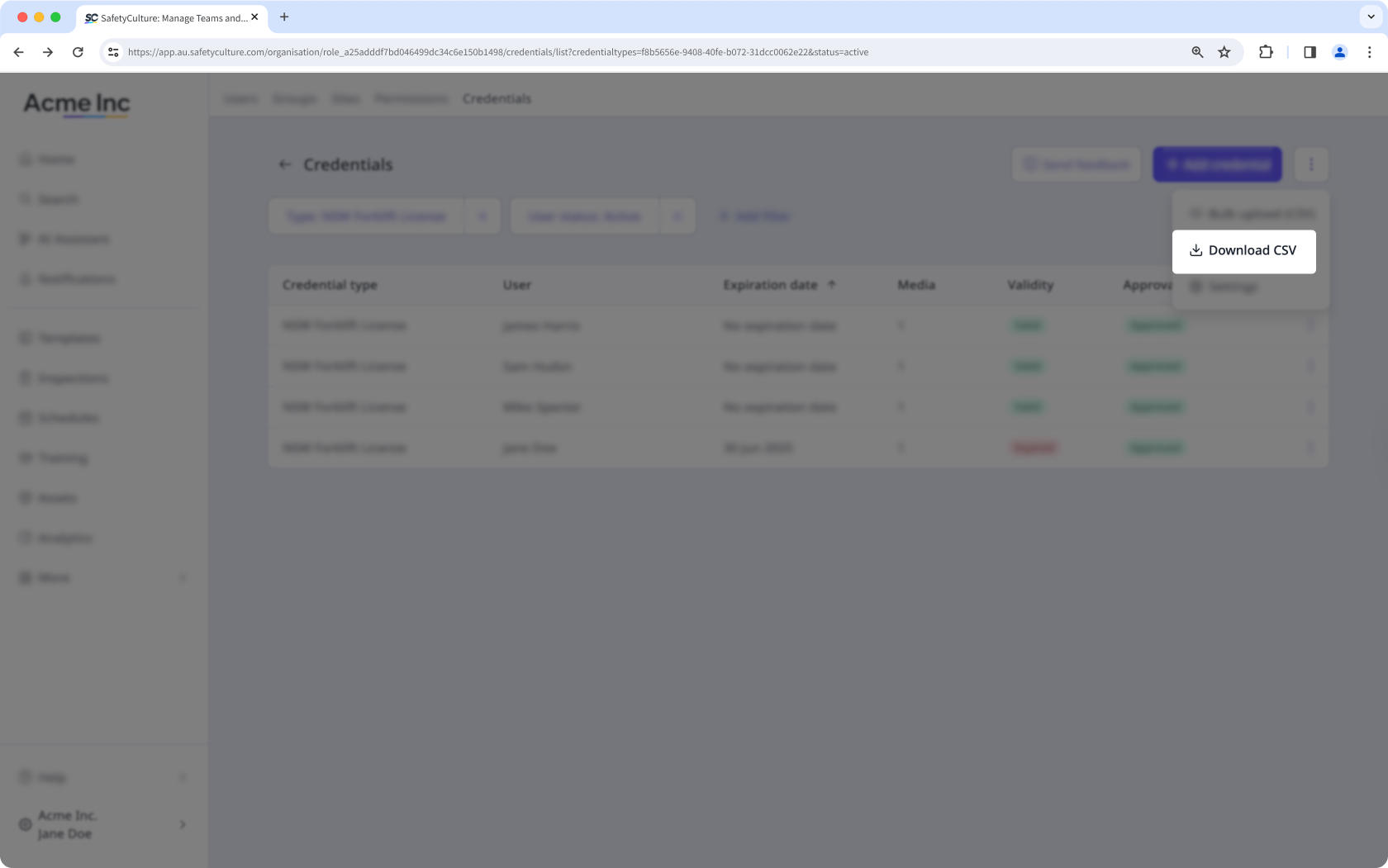
On the credential list page, click on the upper-right of the page.
Click Download CSV. This downloads all credentials to CSV, following any applied filters.
CSV column headers
Column header | Description |
|---|---|
Username | The user a credential is associated with. |
The email address of the user associated with a credential. | |
Credential type | The type of a credential. |
Issue date | The issue date of a credential, following your date format setting. |
Expiry date | The expiration date of a credential, following your date format setting. |