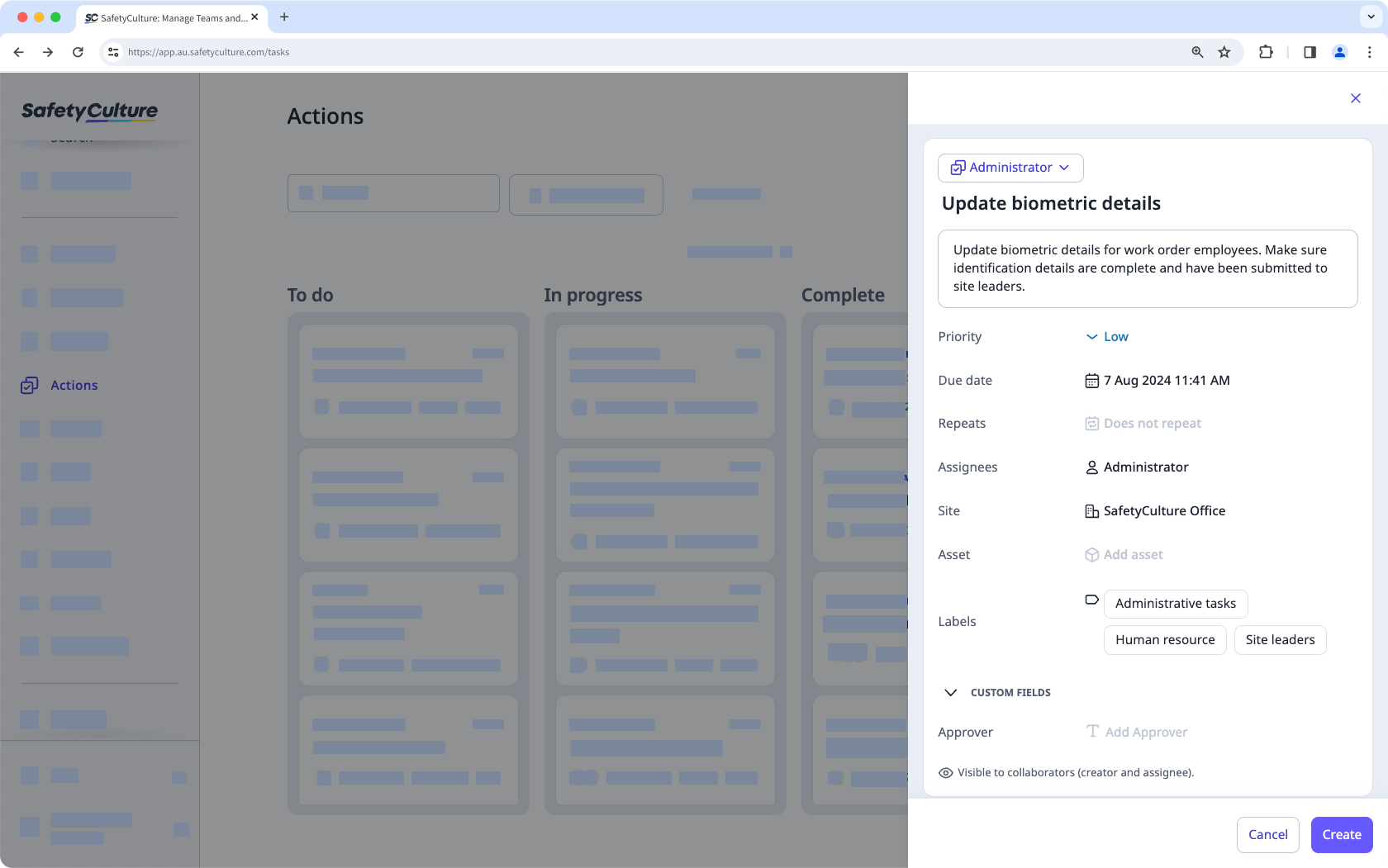
What are actions?
The Actions feature allows you to identify, track, and complete tasks as a team. You can create actions to highlight a problem that needs fixing as you walk through an inspection or create standalone actions on the go without having to start an inspection. For routine tasks such as maintenance, you can also create recurring actions to ensure regular checks are never missed.
Moreover, you can change the layout view of your actions to manage and complete your tasks more effectively. Each action includes a built-in chat space to collaborate with team members and timestamps to stay updated on everyone's interactions.
Actions in SafetyCulture
Inspections
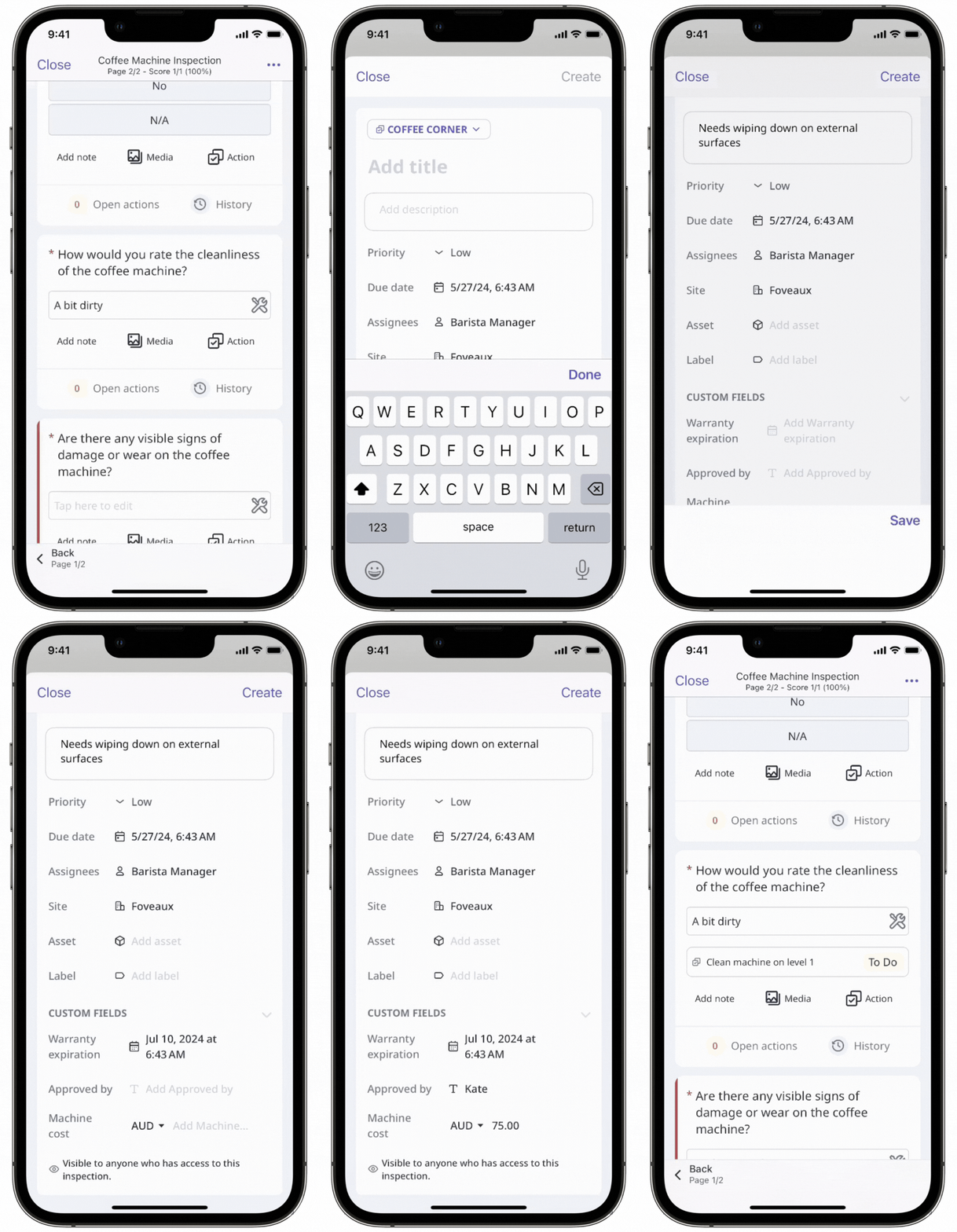
There will be times when you want to create tasks while conducting inspections or reviewing the inspection's web report. In these scenarios, not only can you create actions for each question, but you can also add logic fields to specific questions to require actions, so that users can't complete an inspection until they've created or linked an action.
Assets
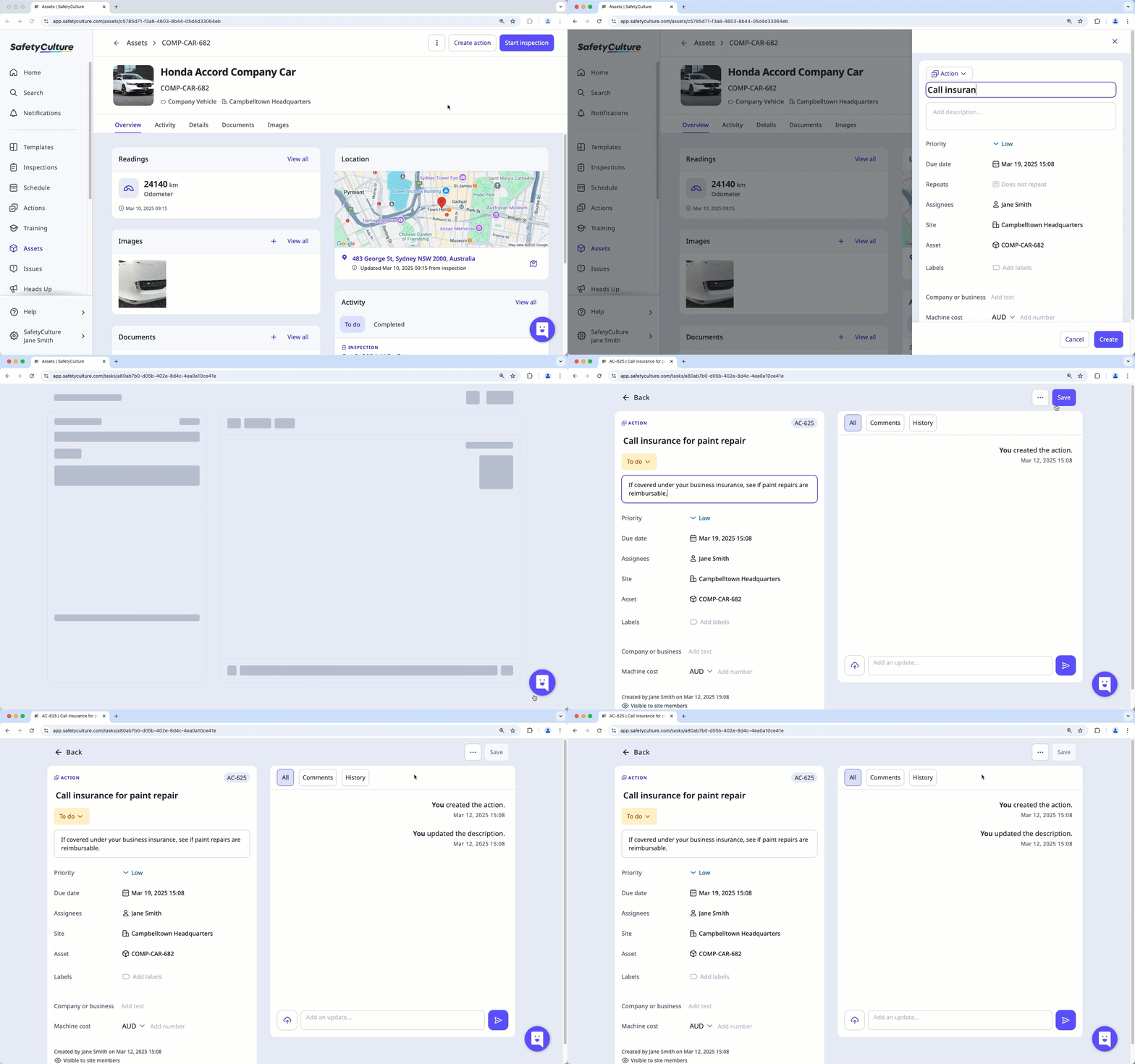
If your organization utilizes the Assets feature to track and manage assets, the asset profile page can be your source of truth for everything you need to know about them. From there, you can create and pre-fill actions with the asset, as well as view all completed and open actions relevant to the asset.
Issues
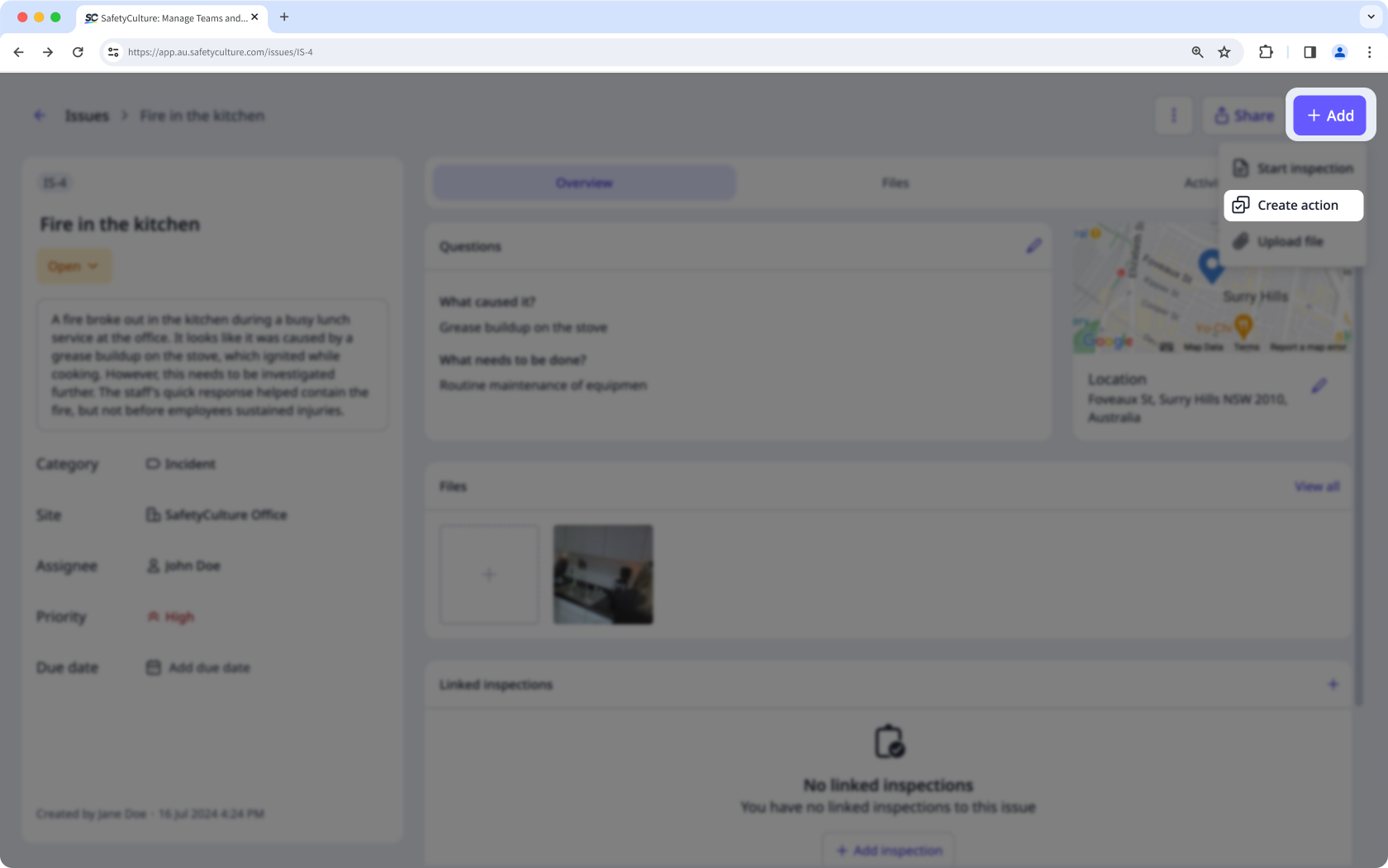
The Issues feature allows you and your team to report observations, incidents, or hazards, empowering your team members to report and collaborate with the relevant teams. You can resolve issues quicker by creating actions as follow-up tasks in issues.
Analytics
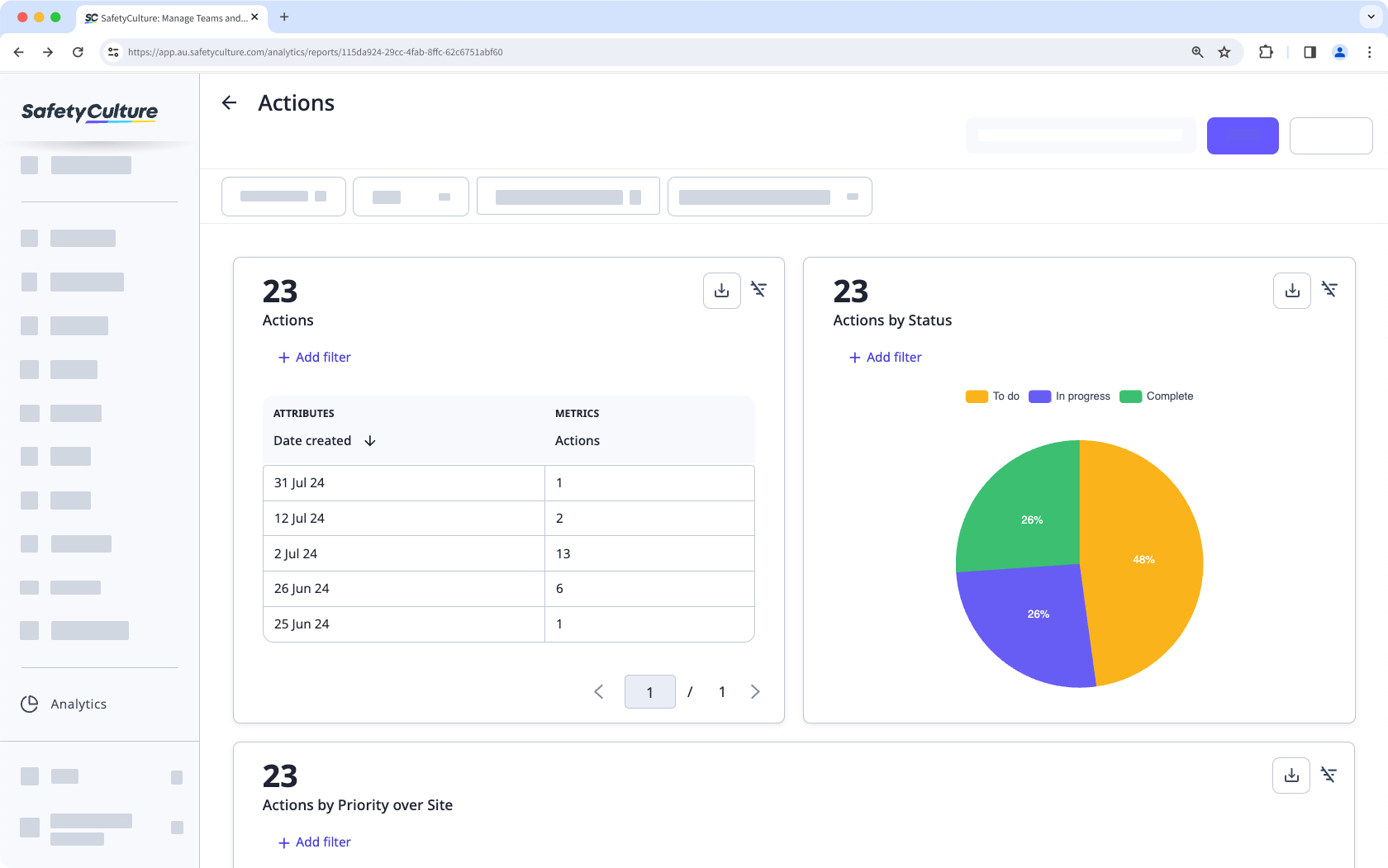
Your team captures actions that hold valuable data for your organization. The Analytics feature lets you view and analyze these data to identify improvement opportunities and spot trends. You can create customizable dashboards and charts to measure data, such as the number of actions created or the percentage of actions completed or moved to a closed status in the chosen period.
Standalone actions
There may be times when you want to create tasks that are not linked to any inspections. In these instances, you can create standalone actions (opens in new tab) from the action list to assign, track, collaborate with your team members, and get things done. Not only that, standalone actions can be repeated to automate and schedule routine tasks.