
Why create recurring actions?
The Actions feature allows you to identify, track, and complete tasks as a team. Each action includes a built-in chat and activity feed, where your team members can collaborate. With built-in timestamps, you can keep track of everyone's interaction from start to finish.
Not only that, you can arrange your actions in advance to recur every day, week, month, or year - the choice is yours. Set and forget your schedule and rely on your daily actions feed to tell you what tasks need to be done every day.
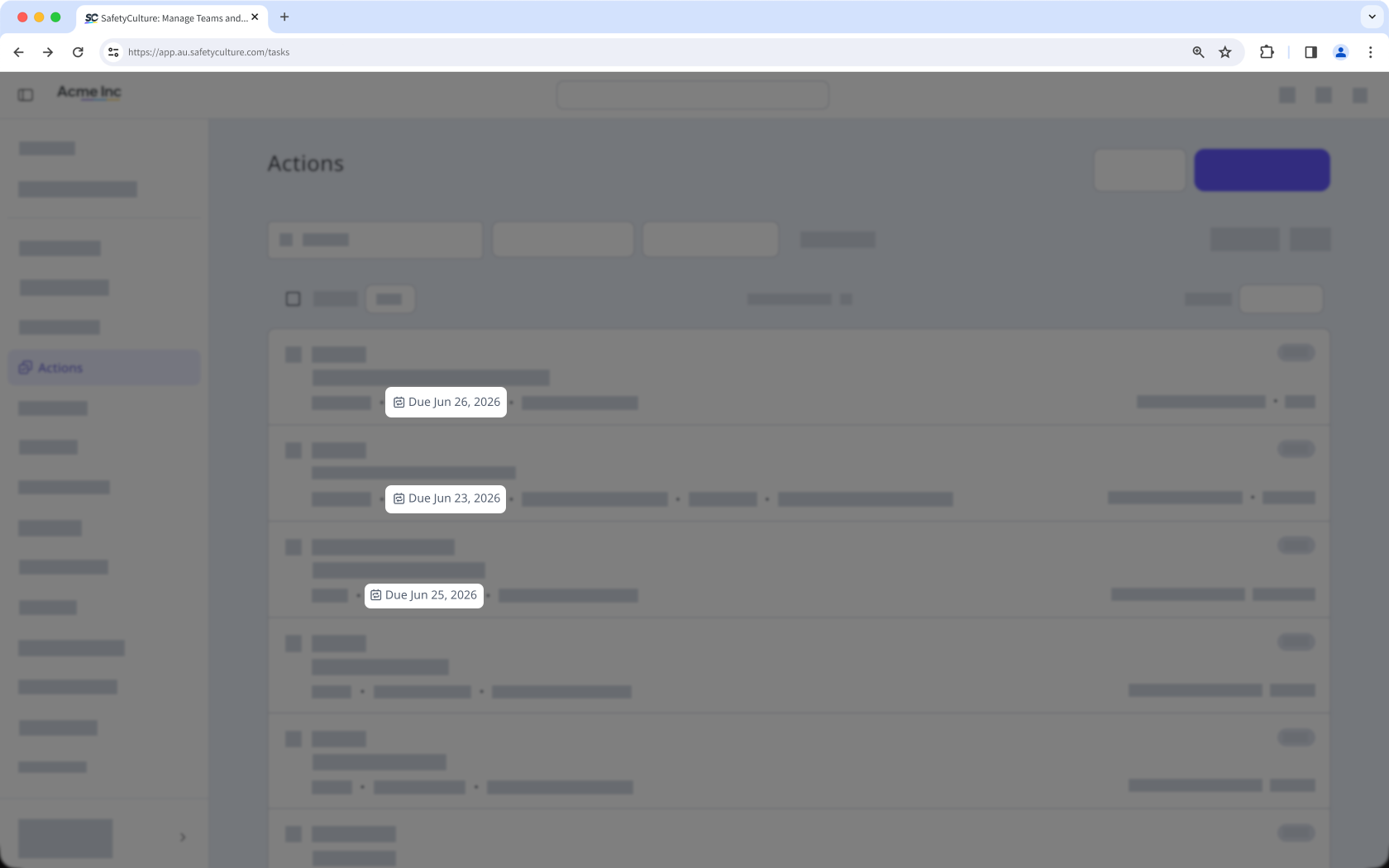
What you'll need
Create a recurring action
Select Actions in the sidebar or select it in More.
Click Create action on the upper-right of the page.
In the side panel, select the type from the dropdown on the upper-left corner and enter the action's title and description. You can also configure action fields such as a site, label, asset, and more.
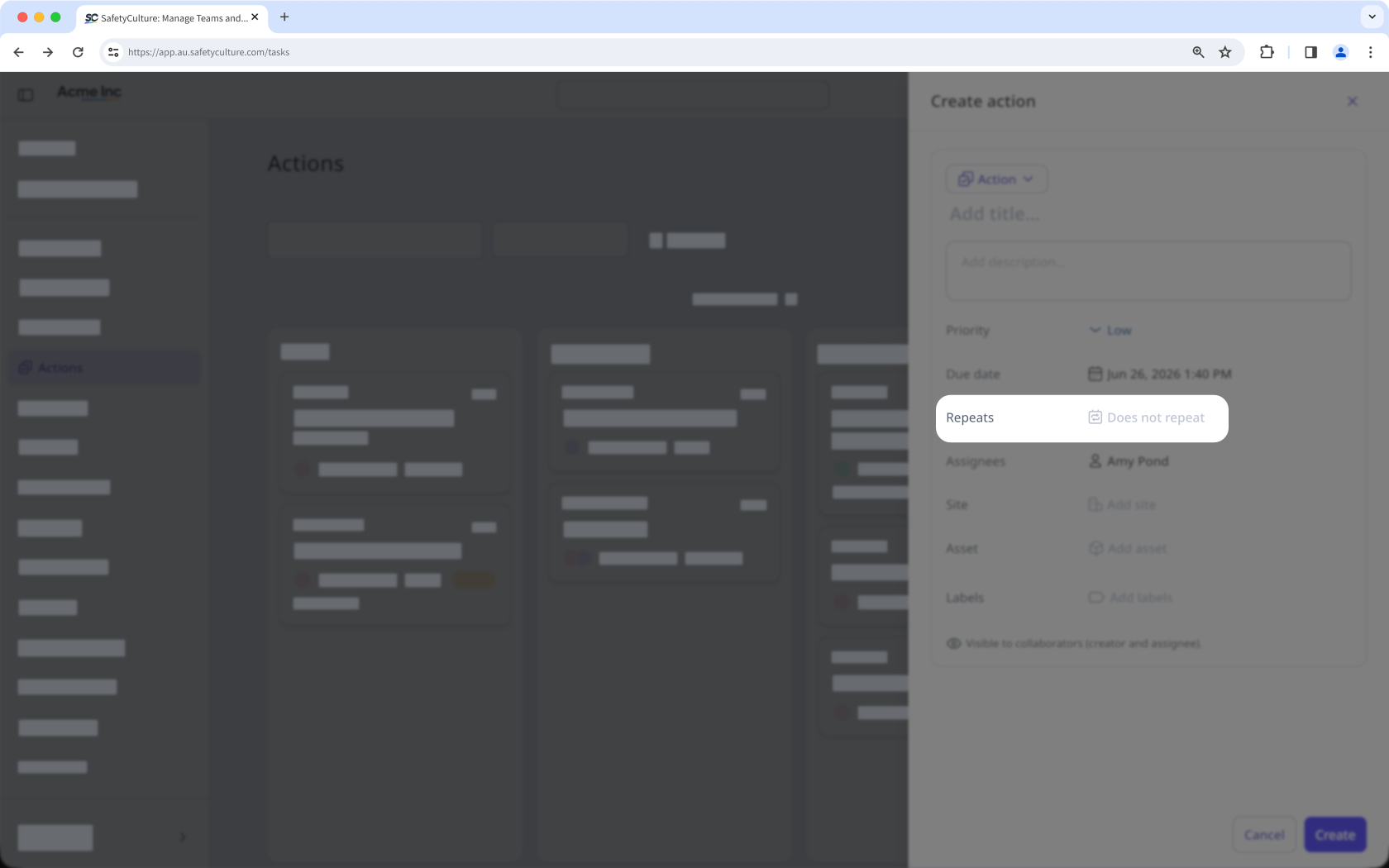
Click Does not repeat and set the recurrence accordingly.
Click Create on the lower-right corner of the page.
Limitations
External assignees can't be assigned to recurring actions.
In List and Board views, only the upcoming occurrence of a recurring action will be visible.


