What does it mean to deactivate users?
Deactivating a user temporarily revokes their SafetyCulture access and frees up a seat, while preserving all their data. This is ideal for users who need temporary access, like seasonal workers, or for those who permanently leave the organization, as it ensures their data remains intact. By deactivating users, you ensure your organization's data remains consistent and accurate, providing reliable insights in Analytics.
Deactivating users does not automatically reduce your seat count. Instead, it frees up those seats for new or existing users to occupy. To adjust the total number of seats in your plan, you'll need to manually add or remove full seats and lite seats for your organization.
Deactivate a user
Click your organization name on the lower-left corner of the page and select Users.
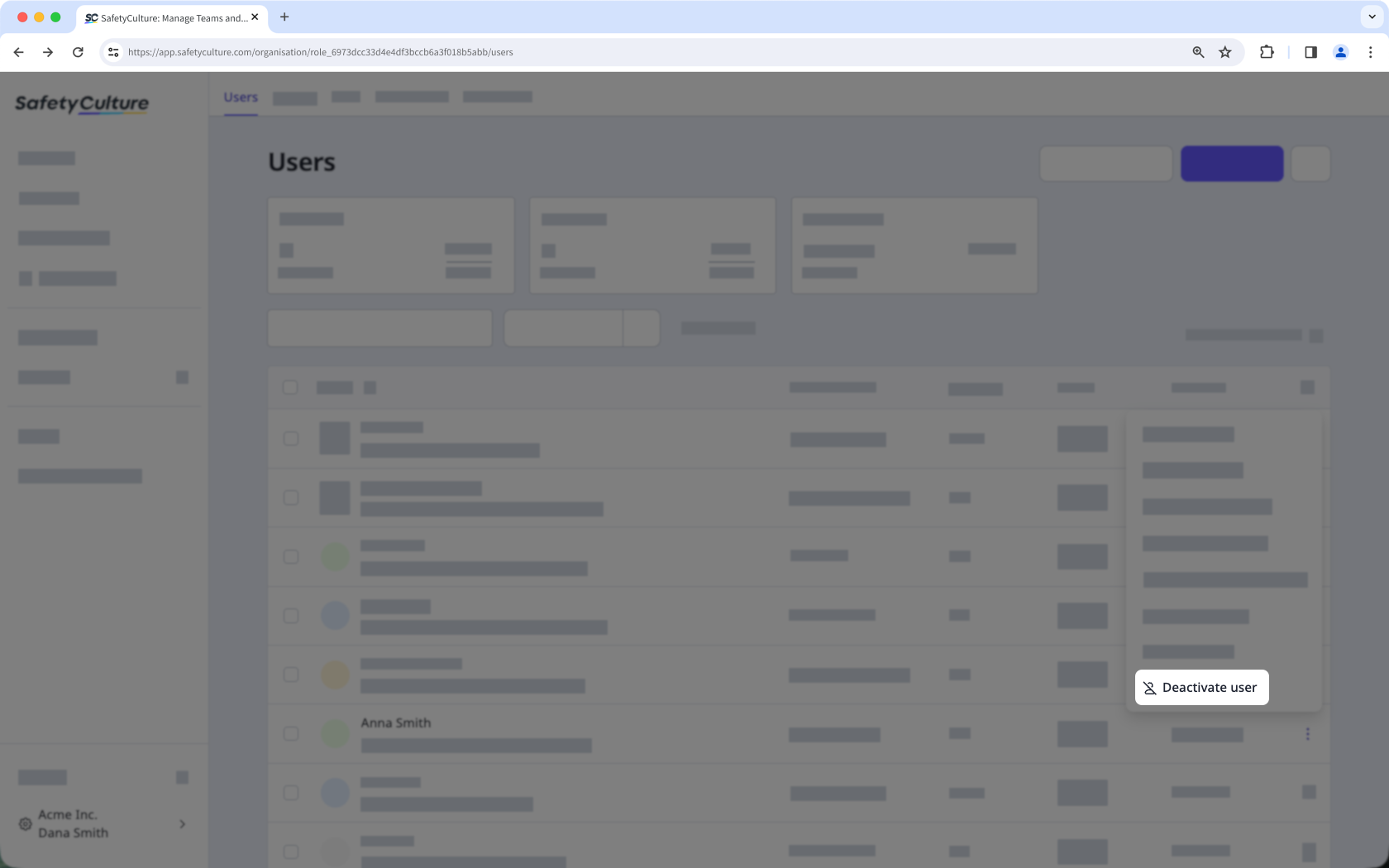
Click on the right-hand side of the user's row and select Deactivate user.
In the pop-up window, click Deactivate.
If your organization uses a supported HR integration, users are deactivated automatically when they're marked inactive in your HR system. If you manually reactivate a user who is still inactive in your HR system, their status will revert to deactivated on the next daily sync.
Bulk deactivate users
Click your organization name on the lower-left corner of the page and select Users.
Check the boxes next to the active users' names and select
 Deactivate at the bottom of the page.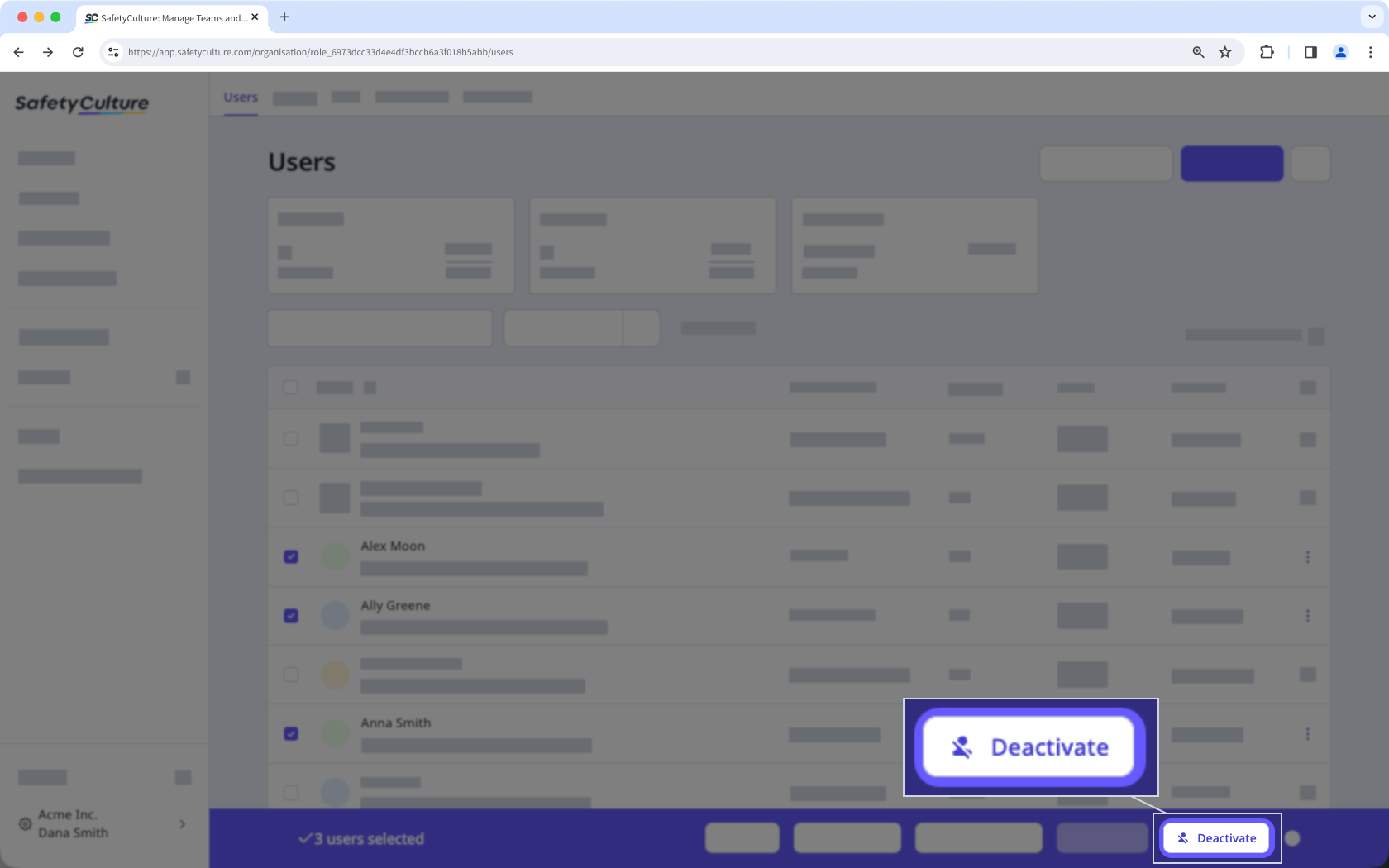
In the pop-up window, click Deactivate.
If you want to deactivate your entire organization rather than only individual users, learn more about canceling your plan.