
- Utiliser SafetyCulture
- Travailleur isolé
- Commencer et terminer des postes de travail isolé
Commencer et terminer des postes de travail isolé
Apprenez à commencer et à terminer un poste via l'application portable pour assurer le suivi de la sécurité pendant le travail.Vous aurez besoin
Services de position
Notifications activées
Lorsque les postes sont activés pour votre organisation, les travailleurs isolés devront commencer un poste avant de commencer un travail.
Commencer et terminer un poste
Open the mobile app.
Tap
 Plus at the bottom of your screen.
 Select
 Travailleur isolé from the list of options.
Tap
 at the lower-right of your screen.
You can also tap Accueil at the bottom of your screen, then tap
and select Commencer un travail isolé.
Tap Commencer le poste.
If you're assigned to multiple groups in your organization, select the group where you would like to start your shift.
Tap Commencer le poste.
While a shift is in progress, you can:
Start and complete a lone-work job. In the duration of your shift, you can complete more than one job.
Tap and hold
 Panique for 3 seconds to manually trigger a panic at any time during your shift, even without an active job.
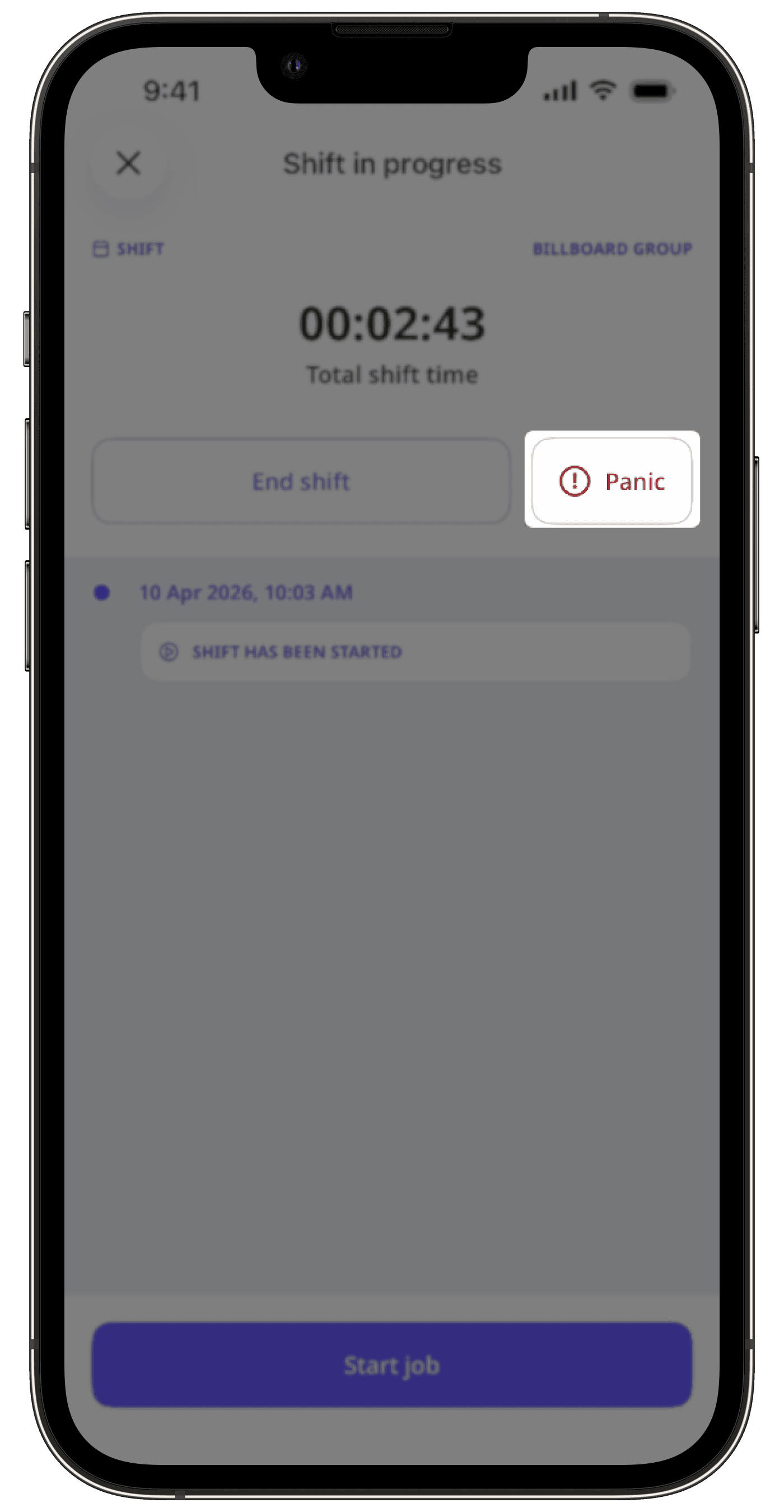
When your shift is done, tap Fin de poste.
If applicable, you can include your break in the total duration of your shift.
Tap Fin de poste.
In the pop-up window, tap Terminé.
Vous ne pouvez commencer un poste qu'à partir d'un seul appareil à la fois. Si vous utilisez plusieurs appareils, les mises à jour de position pendant votre pose ne seront envoyées qu'à partir de l'appareil que vous avez utilisé pour commencer le poste.
Questions fréquentes
Non. Seul l'administrateur de votre organisation peut modifier la durée de votre pause. Si vous souhaitez ajuster la durée, contactez votre administrateur.
Cette page vous a-t-elle été utile?
Merci pour votre commentaire.