
- Utiliser SafetyCulture
- Inspections
- Télécharger l'historique des inspections au format CSV
Télécharger l'historique des inspections au format CSV
Apprenez à télécharger l'historique des inspections au format CSV via l'application Web afin de conserver un enregistrement clair de chaque modification apportée à une inspection et de rester en conformité.Vous aurez besoin
Vous pouvez télécharger jusqu'à sept ans d'historique d'inspections sous forme de fichier CSV.
Télécharger l'historique des inspections au format CSV
Sélectionnez
 Inspections dans la barre latérale ou sélectionnez-le dans
  Plus.
Plus.Cliquez sur
 à droite de l'inspection et sélectionnez .
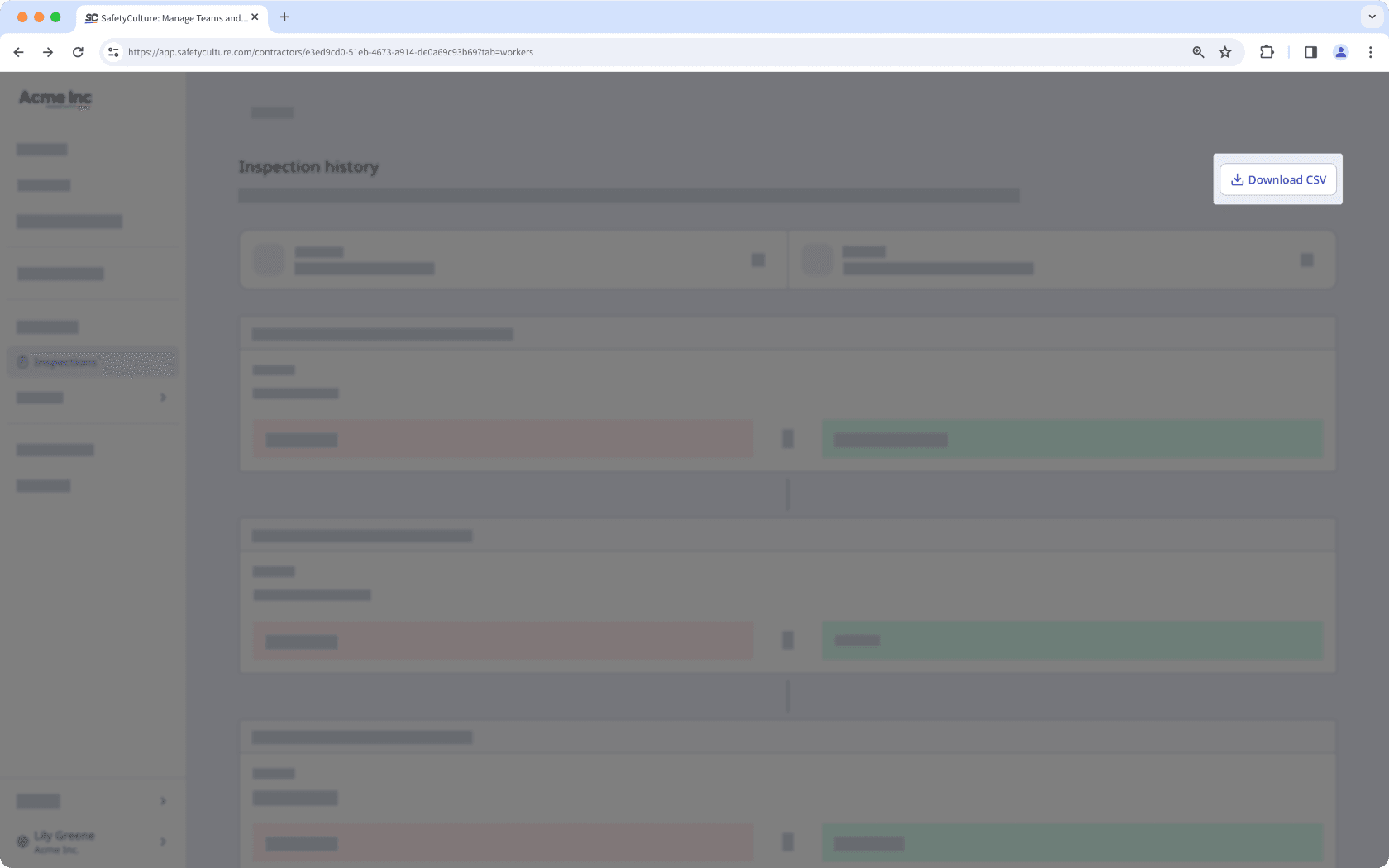
Cliquez sur
 Télécharger le CSV en haut à droite de la page.
CSV column headers
Column header | Description |
|---|---|
Modified at | The date and time a response was modified. The date is formatted as YYYY-MM-DD, followed by the time in Coordinated Universal Time (UTC). For example, 2026-02-05T22:10:57Z. |
Action | The action taken on a response, which can either be “added” or “edited”. |
Author ID | The unique ID of the user who made changes to the inspection. |
Author name | The name of the user. |
Change type | The type of change recorded for a response, which can either be "added" or "edited". |
Field type | The type of field used on the inspection page. |
Item ID | The unique ID of a question automatically generated in SafetyCulture. |
Label | The name of a question in an inspection. |
Old value | The previous response to a question before it was edited. This is blank if the response was added for the first time. |
New value | The updated response to a question after a change was made. This is blank if the previous response was removed. |
Questions fréquemment posées
L'historique des inspections de plus de sept ans sera stocké pendant six mois supplémentaires. Après cela, il sera définitivement supprimé. Assurez-vous de télécharger votre historique des inspections dans ce délai.
Cette page vous a-t-elle été utile?
Merci pour votre commentaire.