
- Usar SafetyCulture
- Inspecciones
- Descargar el historial de inspecciones en CSV
Descargar el historial de inspecciones en CSV
Aprenda a descargar el historial de inspecciones en CSV a través de la aplicación web para mantener un registro claro de cada cambio realizado en una inspección y estar al tanto del cumplimiento normativo.Qué necesitará
Puede descargar hasta siete años de historial de inspecciones como archivo CSV.
Descargar el historial de inspecciones en CSV
Seleccione
 Inspecciones en la barra lateral o selecciónelo en
  Más.
Más.Haga clic en
 en el lado derecho de la inspección y seleccione .
Haga clic en
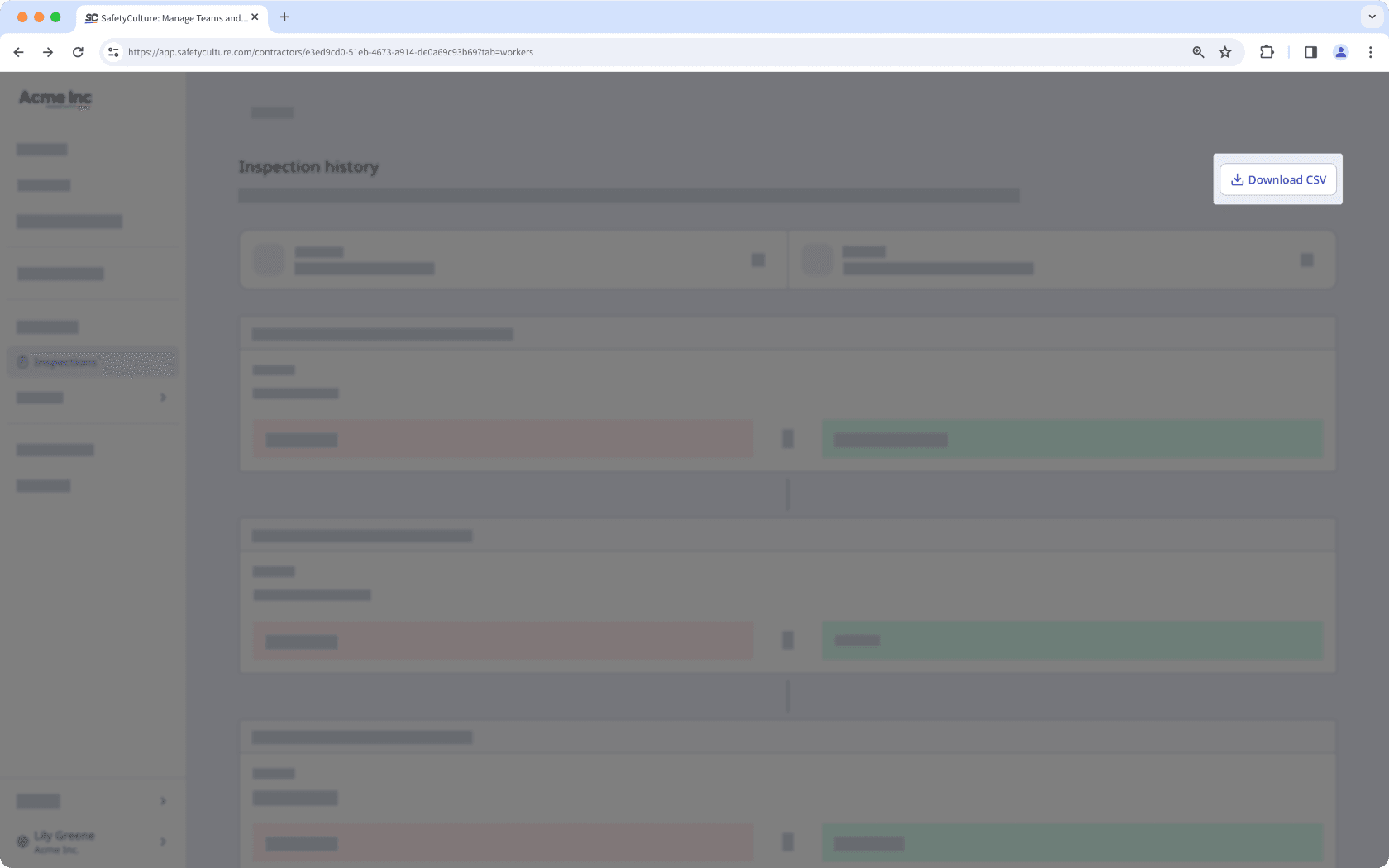
 Descargar CSV en la parte superior derecha de la página.
CSV column headers
Column header | Description |
|---|---|
Modified at | The date and time a response was modified. The date is formatted as YYYY-MM-DD, followed by the time in Coordinated Universal Time (UTC). For example, 2026-02-05T22:10:57Z. |
Action | The action taken on a response, which can either be “added” or “edited”. |
Author ID | The unique ID of the user who made changes to the inspection. |
Author name | The name of the user. |
Change type | The type of change recorded for a response, which can either be "added" or "edited". |
Field type | The type of field used on the inspection page. |
Item ID | The unique ID of a question automatically generated in SafetyCulture. |
Label | The name of a question in an inspection. |
Old value | The previous response to a question before it was edited. This is blank if the response was added for the first time. |
New value | The updated response to a question after a change was made. This is blank if the previous response was removed. |
Preguntas frecuentes
El historial de inspecciones de más de siete años se almacenará durante seis meses adicionales. Después de ese periodo, se eliminará de forma permanente. Asegúrese de descargar su historial de inspecciones dentro de ese plazo.
¿Esta página le fue de ayuda?
Gracias por hacérnoslo saber.