
What does it mean to downgrade from the Premium Plan?
When you downgrade your organization's Premium Plan, you and your team lose access to Premium features. However, you can still use SafetyCulture on the Free Plan. Here's what to expect:
You can create or download as many templates as you like, but only 5 can be active for starting inspections at a time.
If you have more than 10 active users and pending invites, every user except you is deactivated.
Custom access rules on templates are reset, so all users see the same template list.
Your Analytics access is limited to 3 default dashboards.
Any AI Assistant welcome grant credits are forfeited, and your organization moves to the Free Plan's monthly AI credit allocation.
You can also continue to send Heads Up to your team, create actions, and download courses from the Library.
Custom permission sets aren't carried over after downgrading. Every user is automatically assigned the “Administrator” permission set, since all users move to full seats on the Free Plan.
Not planning to use SafetyCulture for a while? Consider deactivating your organization instead of downgrading. It keeps your current setup exactly as you left it, ready to pick back up when you return.
If your organization has a dedicated account manager, contact them to remove full or lite seats, or to deactivate or downgrade your organization.
Downgrade your organization's Premium Plan
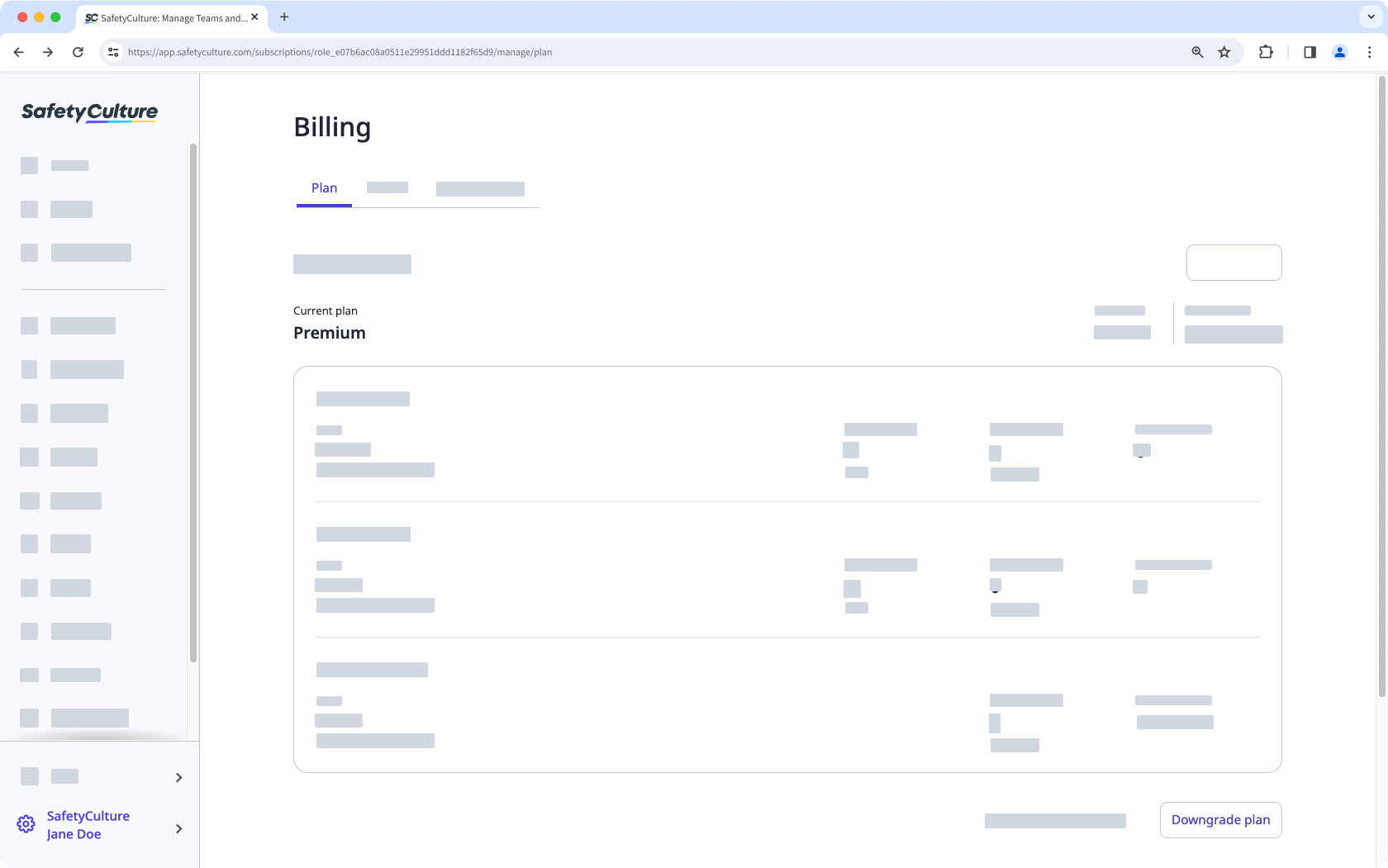
Click your organization name on the lower-left corner of the page and select Billing.
Click Downgrade plan on the lower-right of the page.
Click Lose all my Premium features.
Proceed through the survey to share why you're downgrading, then click Next.
Once your organization is downgraded, click Go to Account to continue using SafetyCulture on Free Plan.


