What is the Lone Worker dashboard?
The Lone Worker dashboard gives teams a clear, real-time view of each lone-worker's activity, bringing core capabilities together in one place. From the dashboard, you can monitor an escalation, track an active job, and check panic alerts. This way, teams can see what’s happening and act faster when it matters most.
For example, a team manager can use the dashboard to set up a job for a worker heading to a location, confirm monitoring is active, and track their status in one view. If a check-in is missed or a panic alert is triggered, the dashboard flags it and prompts the next step, calling the worker, escalating, or activating an emergency response. 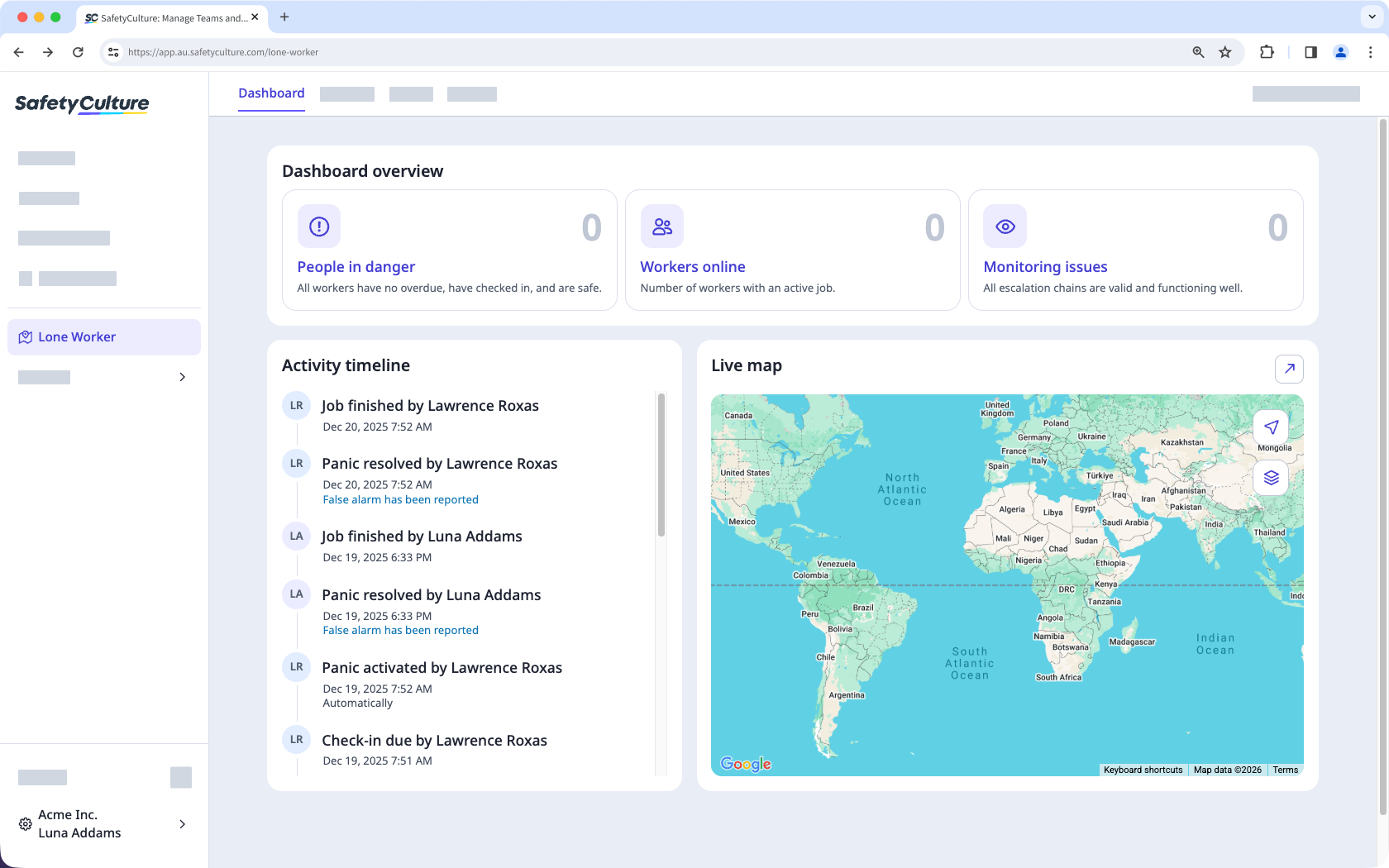
Depending on your lone-worker permissions, the lone work you can start, manage, view, or monitor from the dashboard may vary.
Exploring the Lone Worker dashboard
Dashboard overview
The dashboard overview provides an at-a-glance safety snapshot of lone workers, with dedicated sections to see which workers are in danger, online, and need monitoring. This reassures lone workers that check‑ins are actively monitored, and alerts will escalate reliably, while giving coordinators instant visibility to respond if a worker’s status changes. 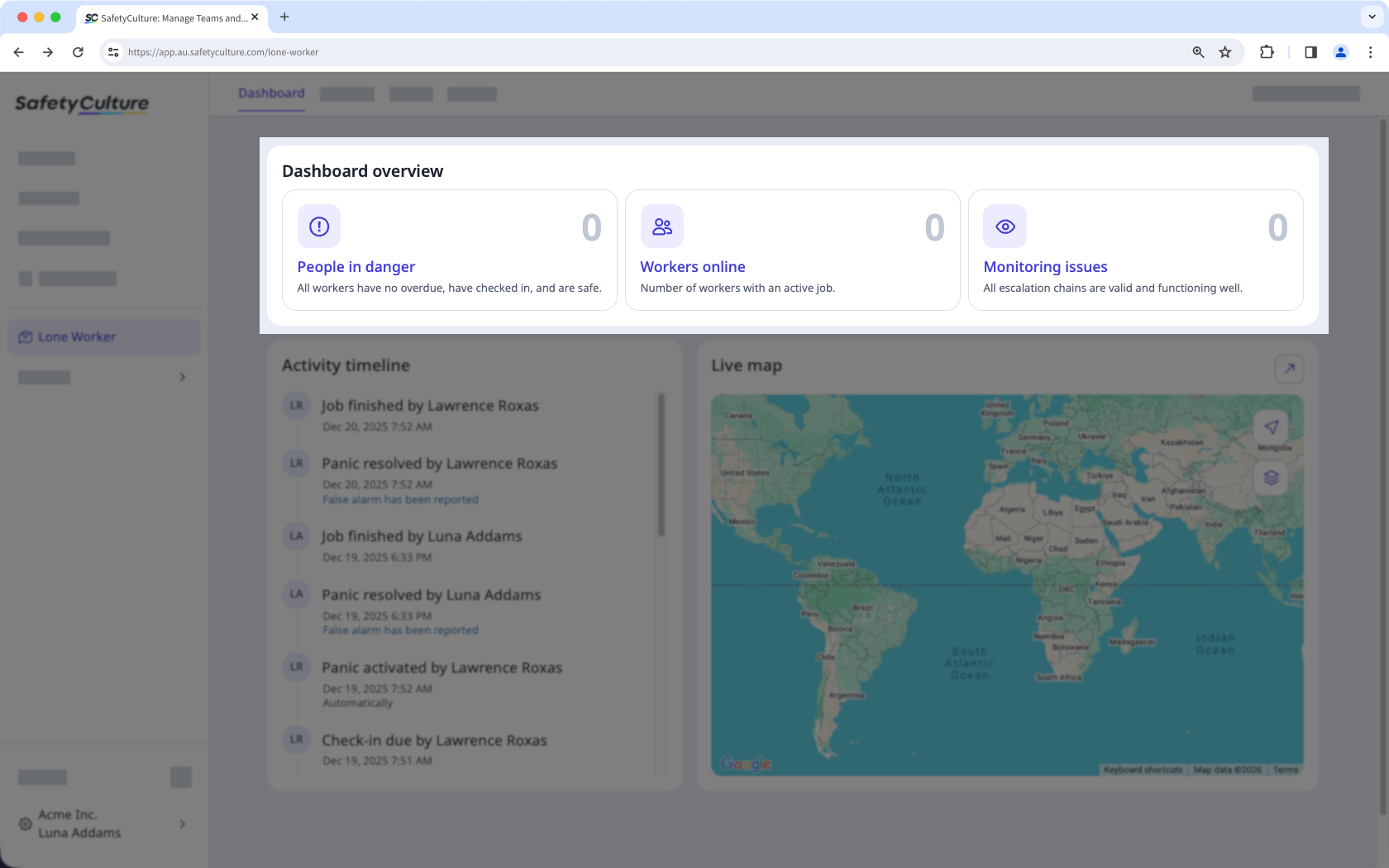
Activity timeline
The activity timeline shows the real-time activities of all lone workers, making it easy to verify progress with their job and confirm their location, such as when entering or exiting geofences. This is especially helpful for teams that deploy several lone workers at the same time. 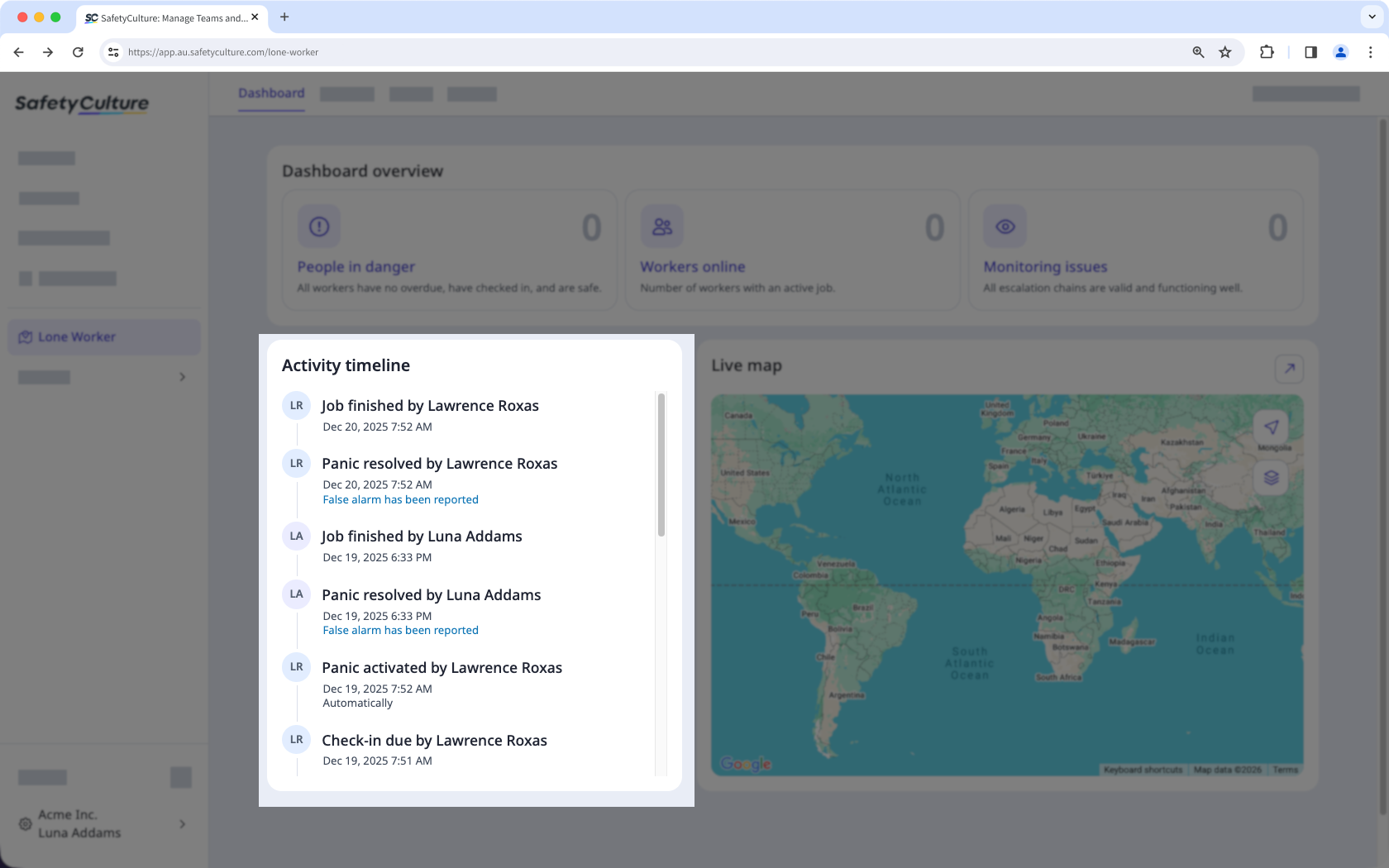
Live map
Knowing a lone worker's precise location is essential for teams to get the help they need in times of emergency. The live map provides a quick view of the locations and also shows important notifications such as escalations and panic alerts, to easily track and see any panic or workers in distress on one page. 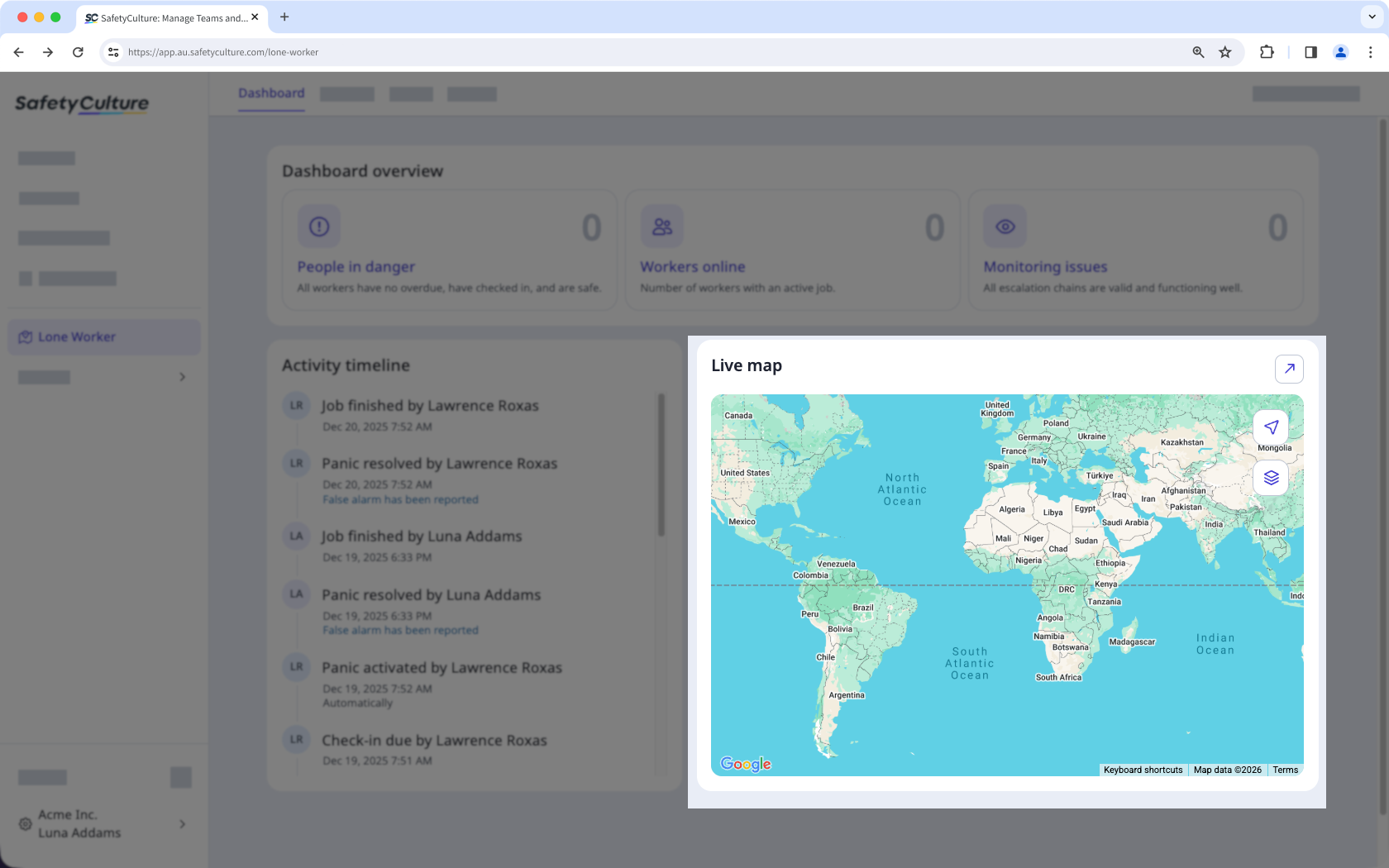
Get an overview of the Lone Worker feature and learn how it helps protect employees working alone and supports compliance with industry standards.