Warum sollten Sie Probleme bei einem Asset anzeigen?
Das Anzeigen von Problemen zu einem Asset zeigt Ihnen alle damit verknüpften Probleme, sowohl offene als auch gelöste. Dies gibt Ihnen vollständige Transparenz, damit Probleme im Blick bleiben, egal ob Sie Aufgaben zuweisen oder den Fortschritt überprüfen. Das Prüfen von Problemen hilft Ihnen, die Abdeckung zu überprüfen, fehlende Punkte zu erkennen und sicherzustellen, dass die Arbeit in der richtigen Reihenfolge erledigt wird. Im Laufe der Zeit hilft Ihnen diese Transparenz dabei, Muster zu erkennen, doppelten Aufwand zu reduzieren und die Art und Weise zu verbessern, wie Sie Probleme in Ihren Assets verwalten.
Was Sie brauchen
Ein Asset mit offenen Problemen anzeigen
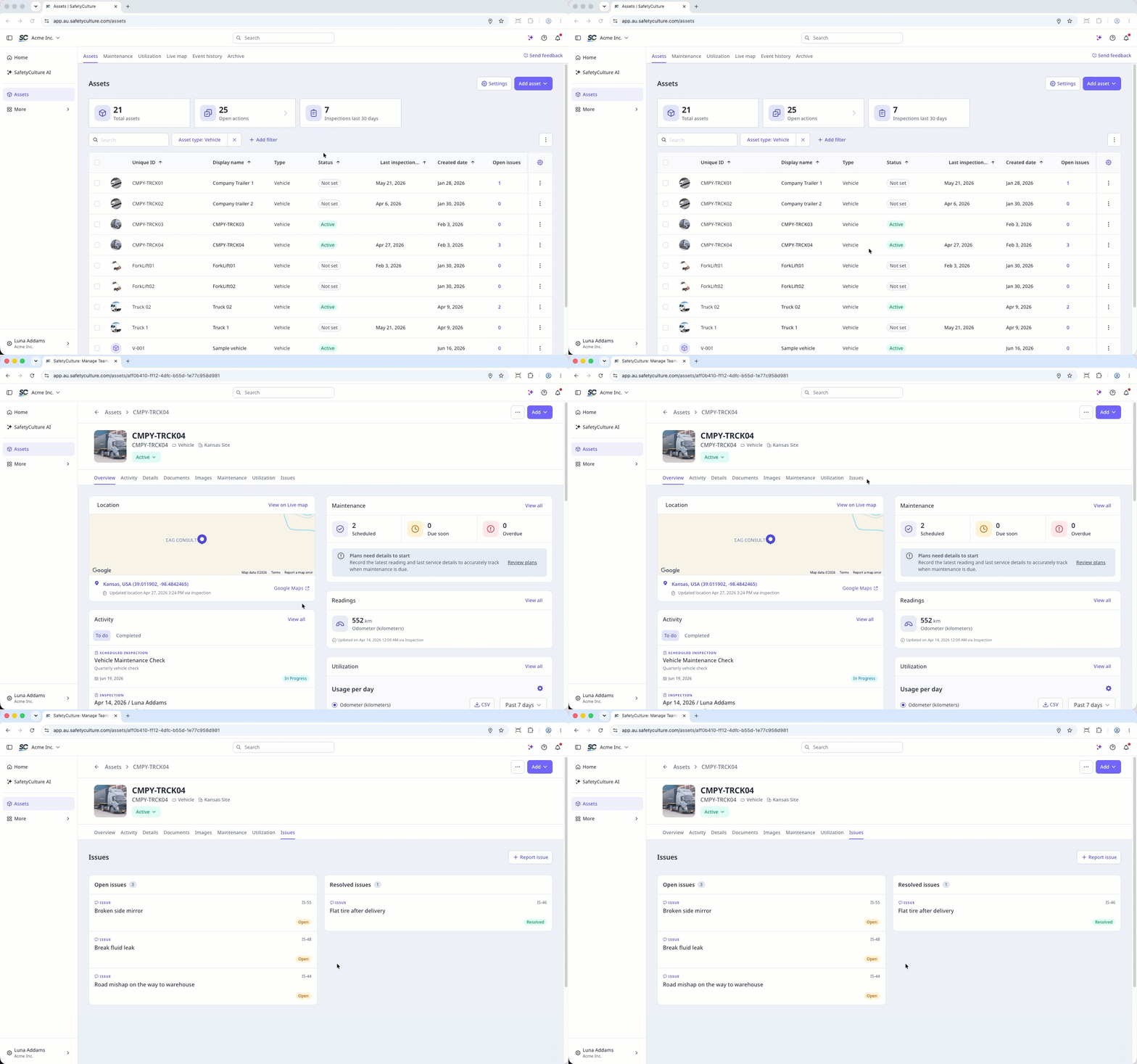
Select Assets in the sidebar or select it in Mehr.
To view open issues for each asset in the list, add the Probleme in Bearbeitung column:
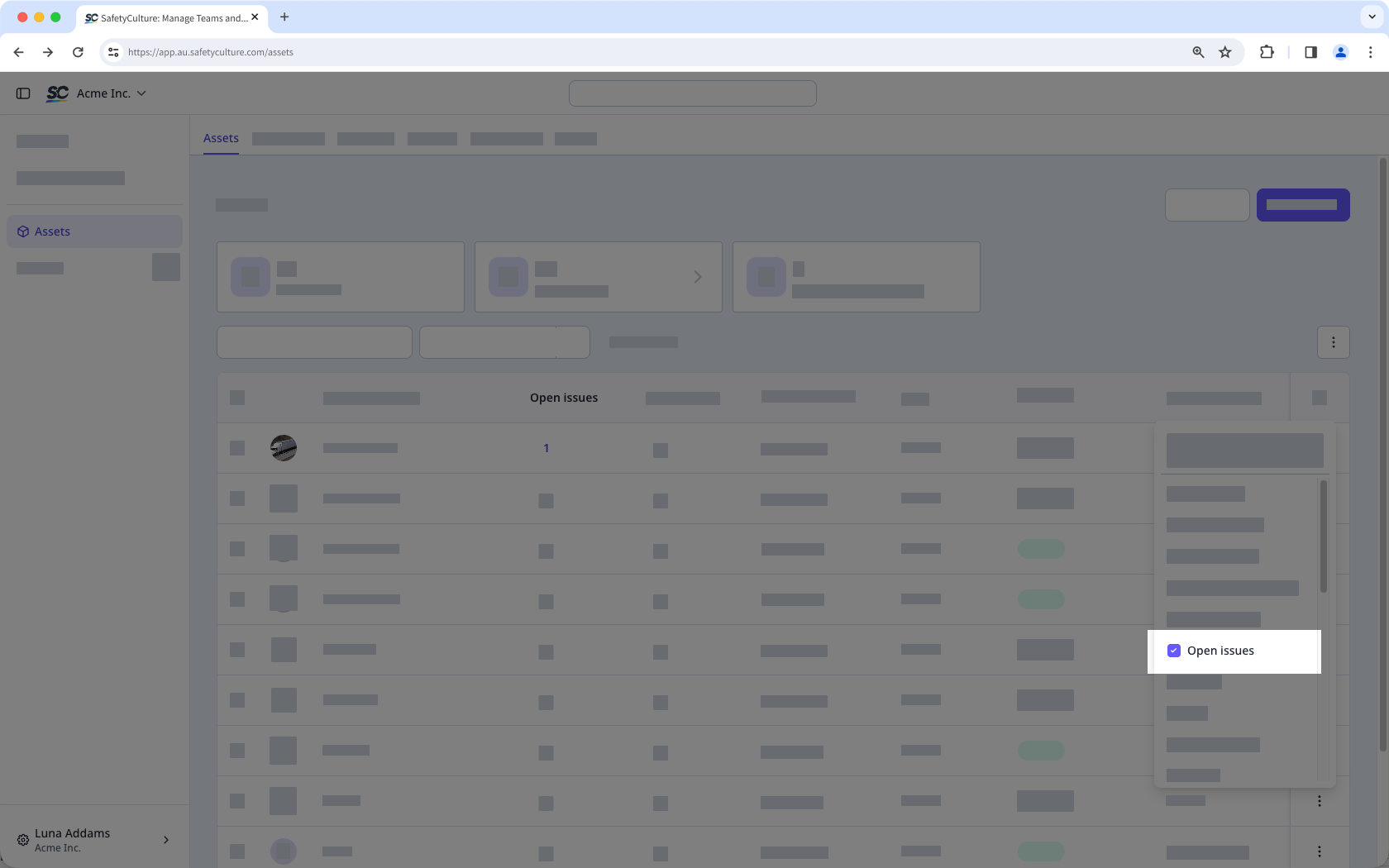
Click the at the upper-right of the asset list.
Select Probleme in Bearbeitung.
Click the issue count for the asset.
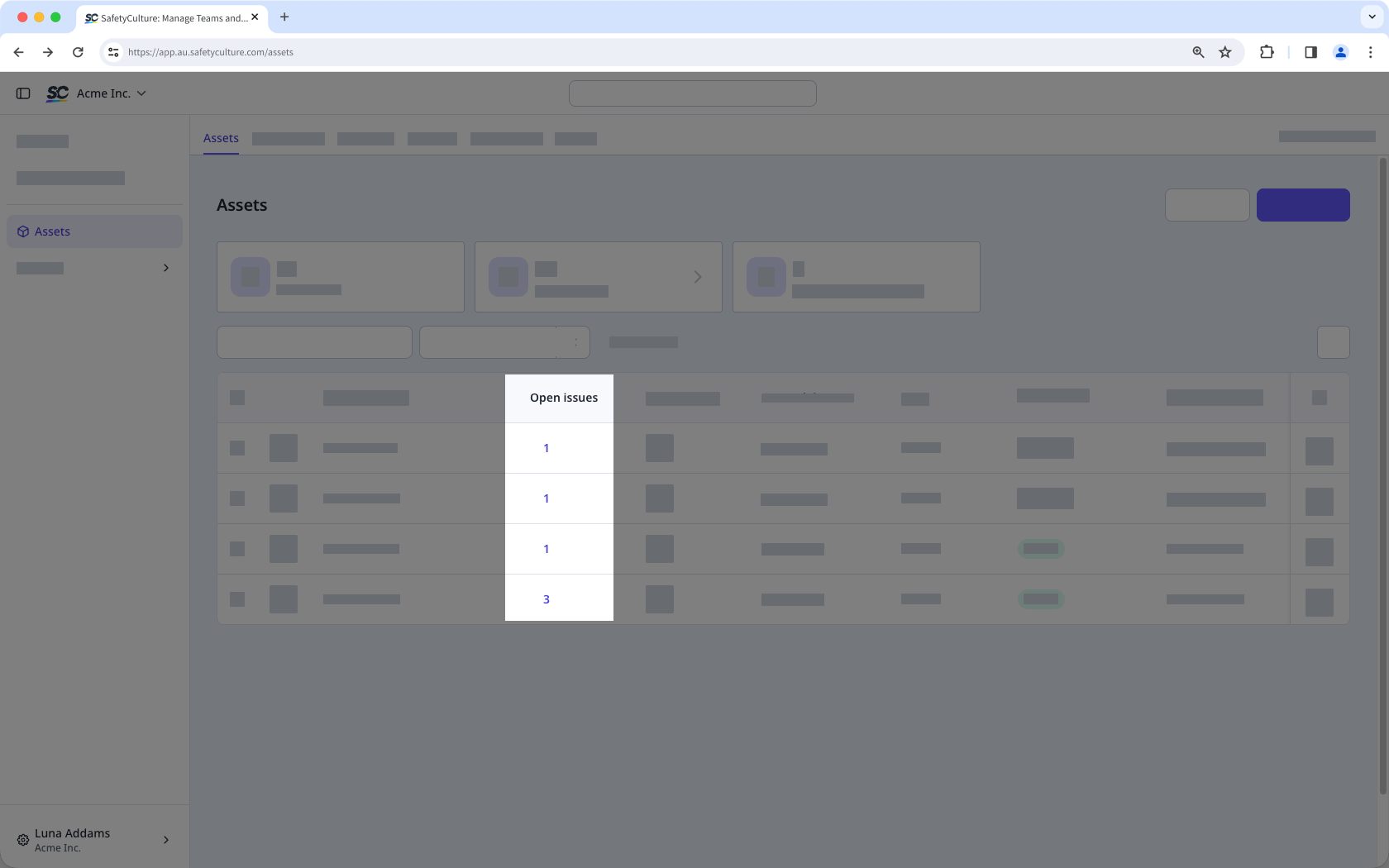
View the open issues in the side panel.
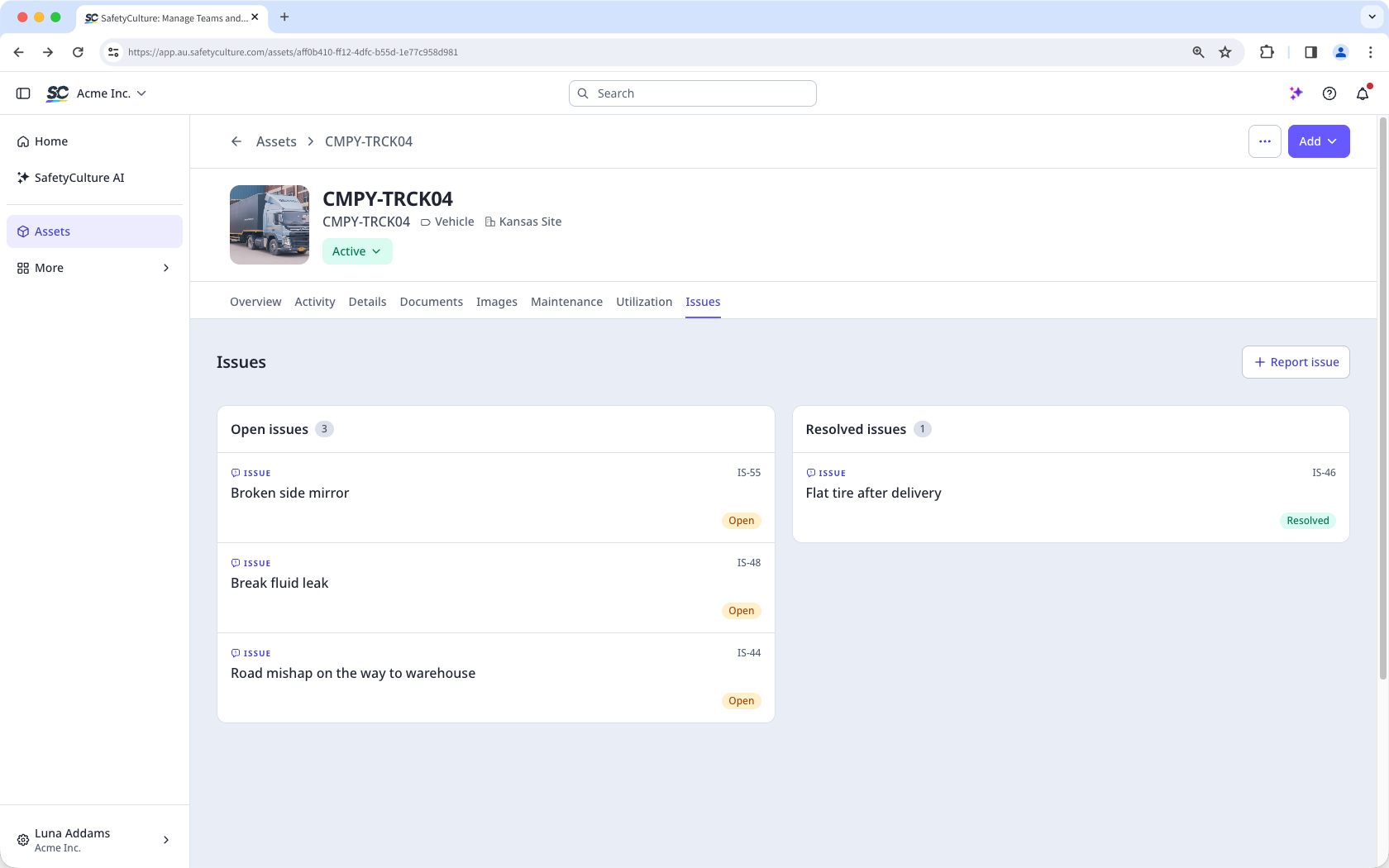
Alternatively, in the asset profile click Probleme tab to view the issues linked to the asset:
Probleme in Bearbeitung: Issues that have been created and require action. They are visible on the asset, and your team can assign, update, or resolve them.
Gelöste Probleme: Issues that have been addressed and closed. Resolved issues are kept on the asset record so your team can track what was reported and how each issue was handled.