How does AI issue creation work?
With AI issue creation, you can capture and submit issues faster without manually filling in every field. Record a voice note to capture details and attach photos for further context, and AI generates suggested values for issue fields such as the title, description, category, date occurred, and custom questions based on what you’ve shared.
You can review, edit, or clear any field before submitting, so the final report always reflects what you actually observed on site.
Adding descriptions to issue categories helps the AI categorize reports more accurately. The more specific the description, the better the match.
What you'll need
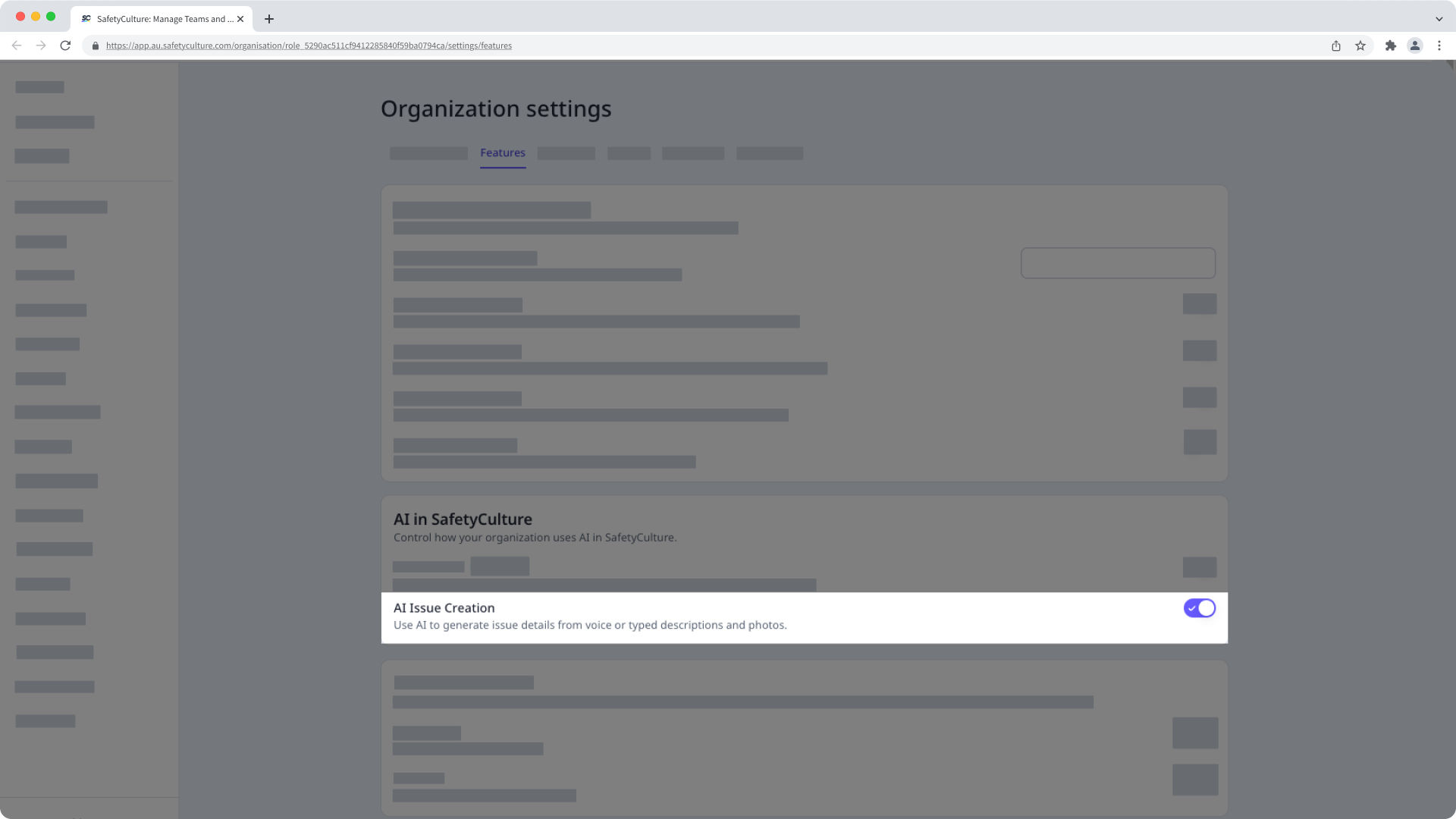
Turn AI issue creation on or off
Click your organization name on the lower-left of the page and select Organization settings.
Select Features at the top of the page.
In the "AI in SafetyCulture" section, turn "AI Issue Creation" on or off.