What are Lone Worker Critical Alerts?
Lone Worker Critical Alerts is a looping alarm that activates on a worker's mobile device when they miss a check-in or their job goes into overtime. Unlike standard notifications, Critical Alerts override silent mode and do-not-disturb settings and continue looping until the worker responds. This helps organizations support worker safety, respond faster to potential incidents, and meet lone worker monitoring compliance requirements.
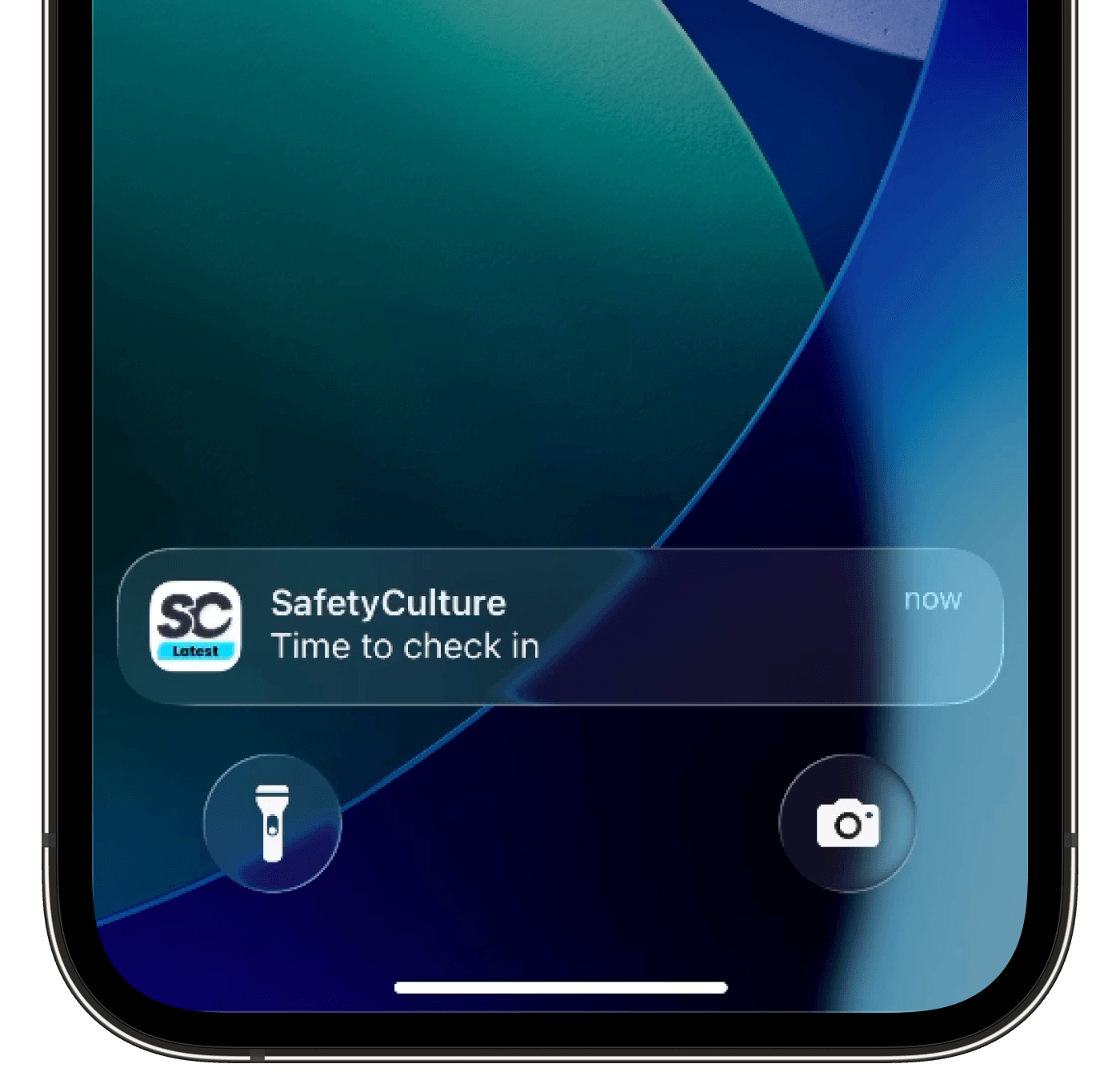
What's the difference between Critical Alerts in Issues and Lone Worker?
Both Issues and Lone Worker use the same Critical Alert push notification. For Issues, that notification is the alert. For Lone Worker, the push notification fires alongside a looping alarm sound with vibration that overrides silent mode and do-not-disturb settings, and continues until the worker responds. This distinction matters because Lone Worker is designed for active field monitoring, where a standard notification may not be enough to reach a worker in a loud or physically demanding environment.
What you'll need
Respond to a missed check-in critical alert
Open the mobile app.
If you miss a check-in during your active job, you will receive a push notification and a looping alarm will fire on your device.
To stop the alarm, tap Check in.
Respond to a job overtime critical alert
Open the mobile app.
If your your active job goes overtime, a looping alarm and push notification will fire on your device.

To stop the alarm, tap Extend or Complete.