
What is the AI Assistant in SafetyCulture?
The AI Assistant in SafetyCulture is a conversational interface that brings together the tools and information users need in one place. It keeps a summary of all a user's past conversations and uses it in new ones, so context carries over automatically. It helps users work more efficiently across safety, quality, compliance, training, and day-to-day operations. Instead of navigating between features, users can find answers, surface the right context, and take action directly in the platform.
This co-pilot experience saves time on repetitive tasks and makes it easier to stay focused on the work that drives outcomes. With the AI Assistant, you can work smarter, get support when you need it, and spend more time on the work that matters most.
What you'll need
The AI Assistant is turned on by default for all users in your organization. They are automatically granted the "AI Assistant: Access" permission. You can modify your users'permission sets at any time.
Usage is also measured in credits. View your organization's AI credit usage to track consumption against your plan's allocation.
Turn AI Assistant on or off
Click your organization name on the lower-left corner of the page and select Organization settings.
Select Features at the top of the page.
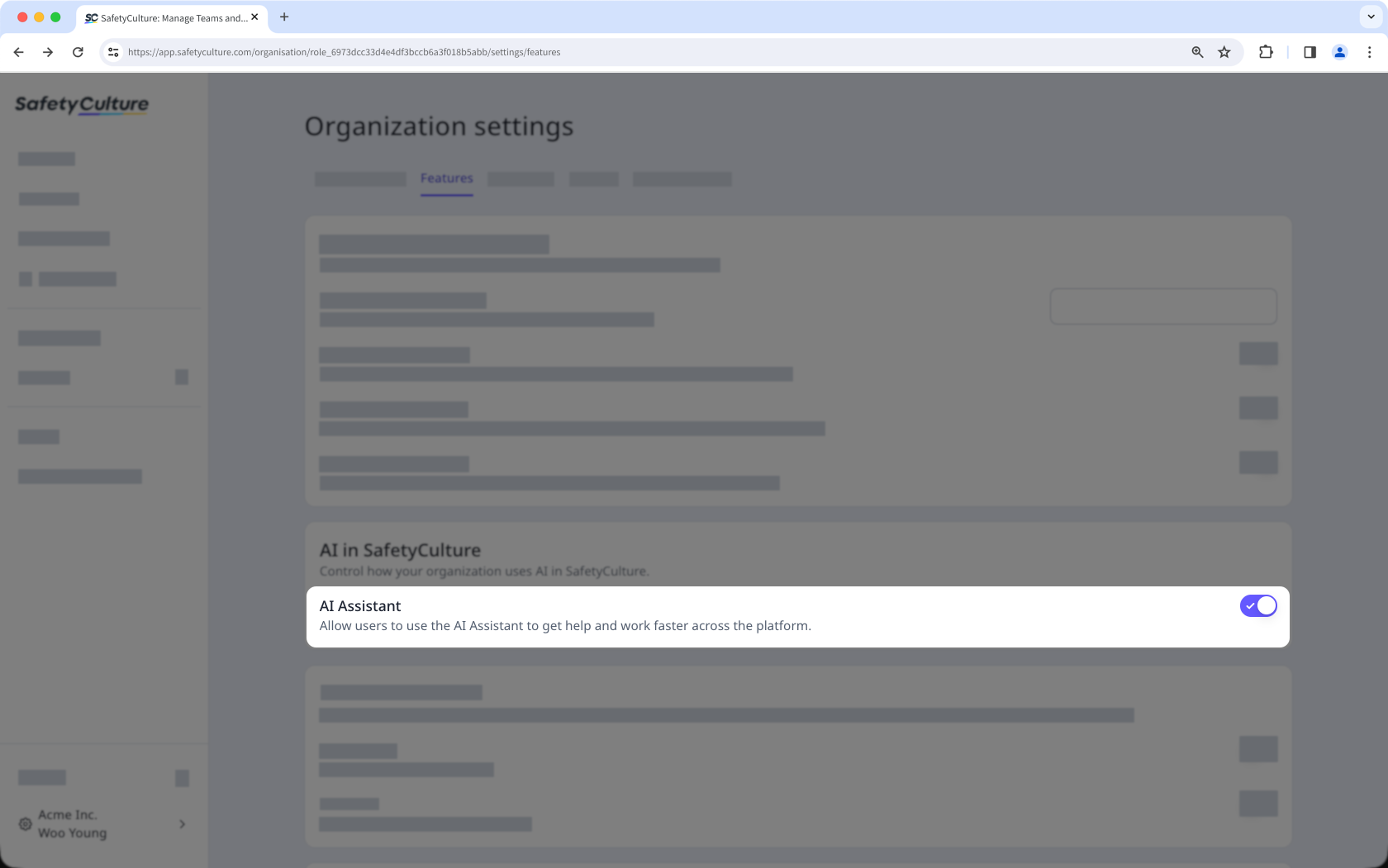
In the "AI in SafetyCulture" section, turn "AI Assistant" on or off.
Add custom contexts to tailor the AI Assistant’s responses to your organization’s workflows and terminology.


