
Why use multiple choice response questions?
Multiple choice response questions let users select from a list of predefined answers. This makes inspections quicker and easier to complete while reducing the need for manual typing. It also ensures consistent responses across teams, which minimizes errors and creates standardized data that's easier to analyze, compare, and turn into reliable insights.
For example, when identifying room issues, instead of having users type what they find, you can create a Global Response Set related to room issues. This way, rather than entering "dirty linen" or "dirty carpet", they can simply select "Cleanliness", which covers all dirt-related issues in a room. You can also create custom response sets for simple questions with options like "Yes, No, NA" or "Pass, Fail, NA", ensuring answers stay clear and consistent.
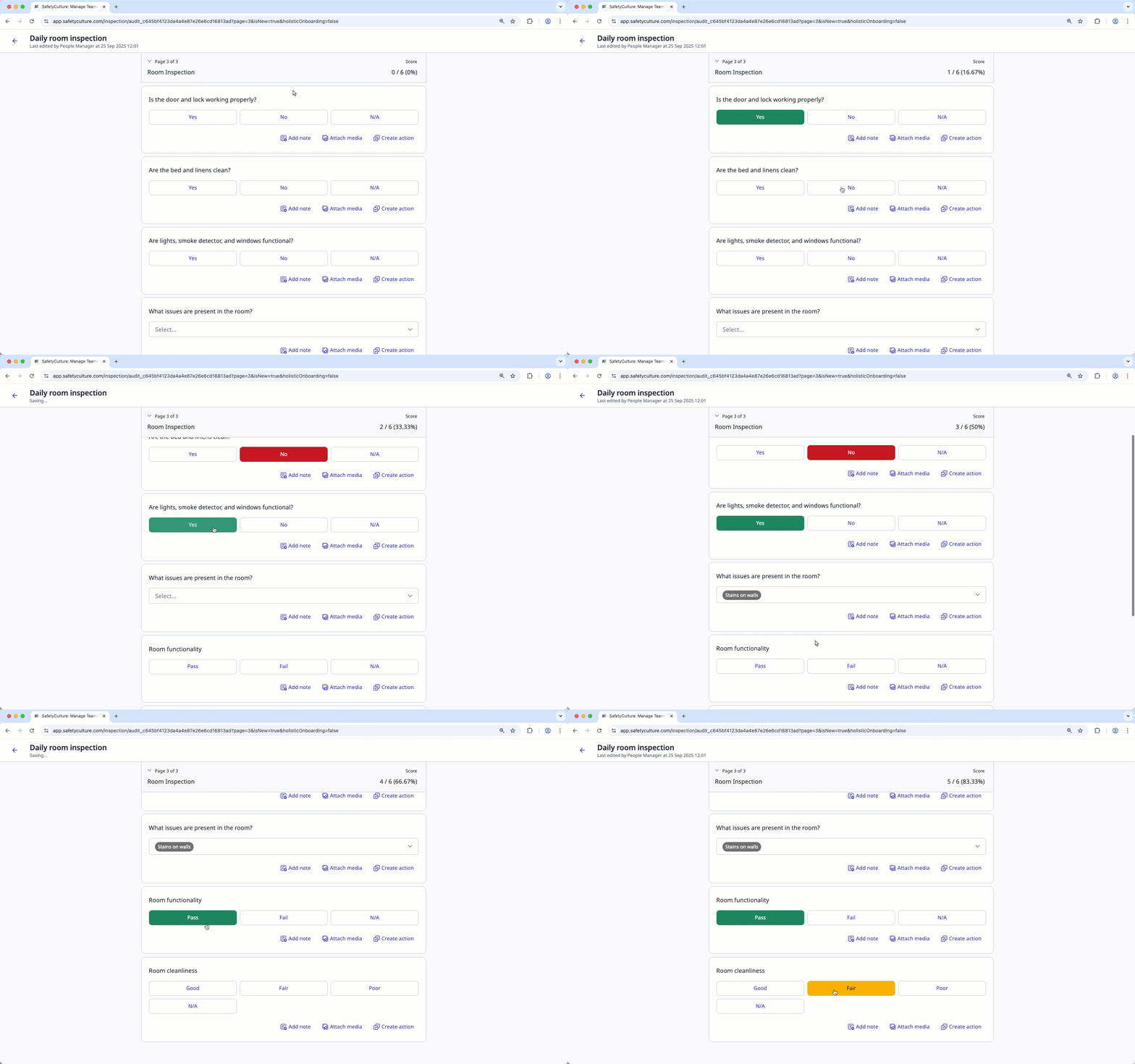
What you'll need
Create a multiple choice response question
Select Templates in the sidebar or select it in More.
Click the template and select Edit template in the side panel.
Add a new question or select an existing one.
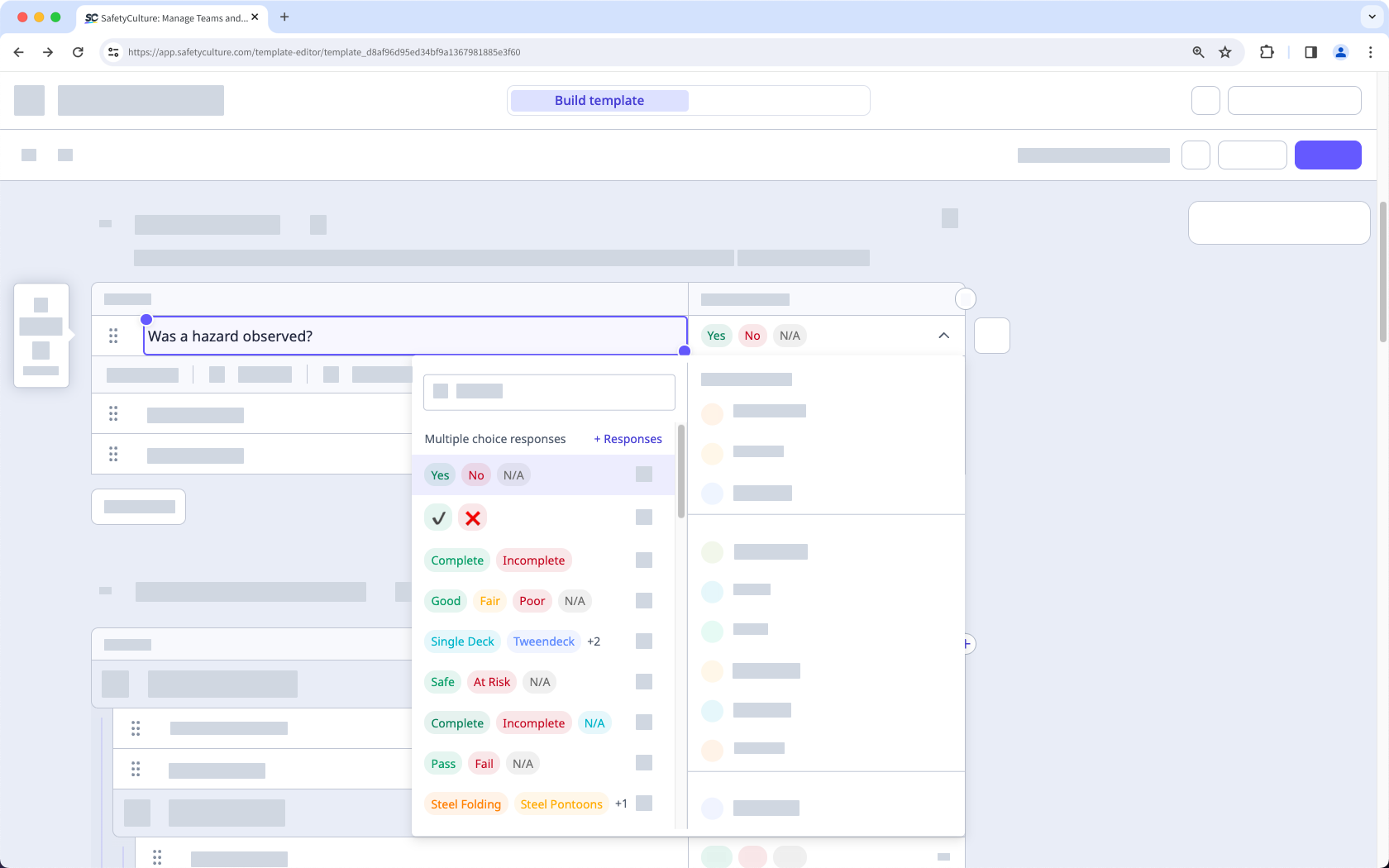
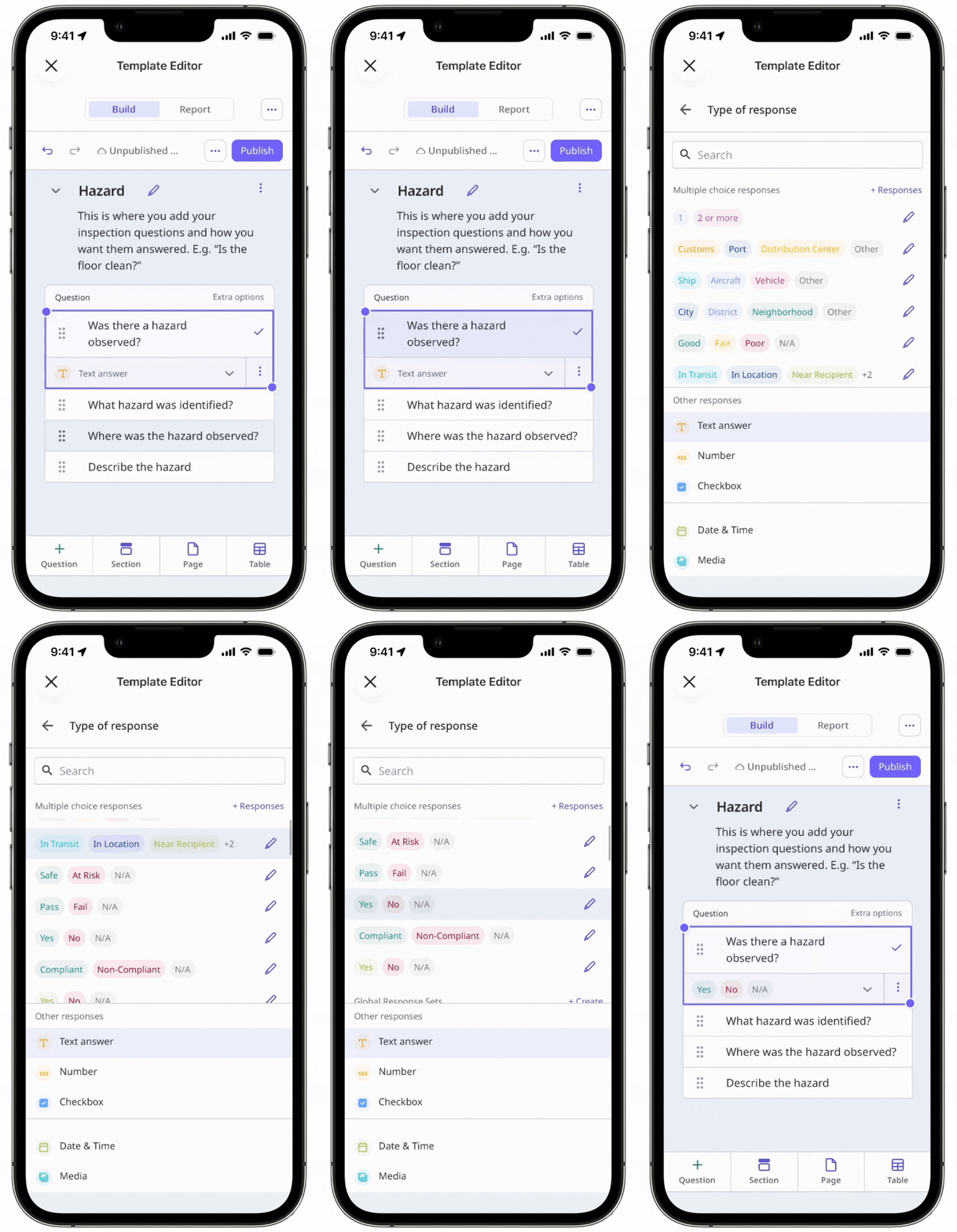
Click under the "Type of response" column on the right-hand side and select any custom response sets or Global Response Sets.
Click Publish on the upper-right of the page to publish the template. If you're not ready to publish the template, you can go back to the templates list and come back when you're ready.
Published changes made to templates only apply to new inspections moving forward.


