Why add templates to actions?
Creating an action allows you to identify and track tasks as a team. Typically, an inspection is needed to conduct a more detailed observation before completing a task. By adding templates to action types, your team can have readily available templates to streamline task completion and ensure that details are captured accurately.
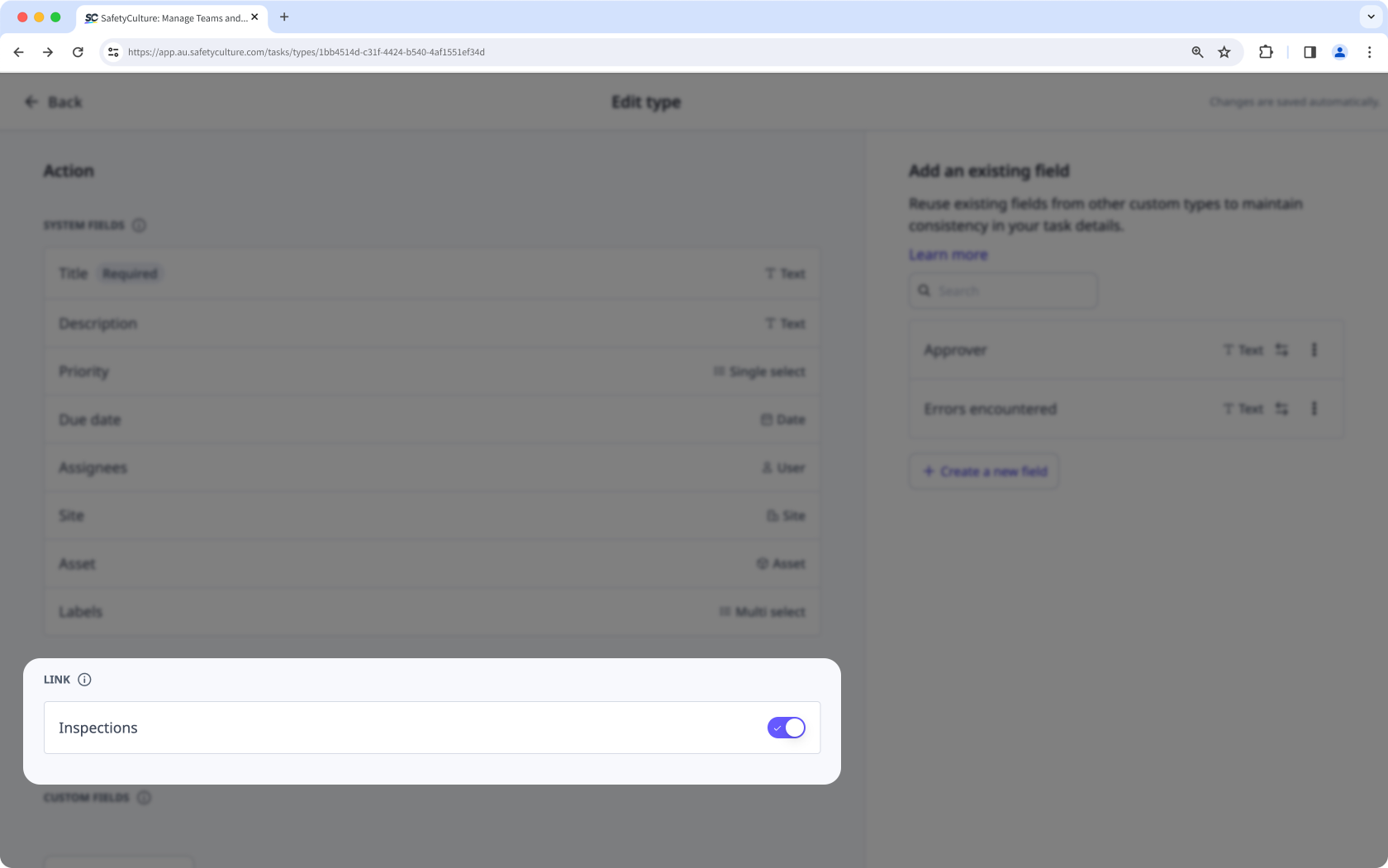
By default, organizations can't add templates to actions or start inspections directly from an action unless they turn on the option to link templates to an action type.
Link templates to action types
Select Actions in the sidebar or select it in More.
Click Settings on the upper-right of the page.
Click Edit type on the right-hand side of the action type.
Scroll down to the "LINK" section and turn "Inspections" on or off.