What you'll need
Join via invite link
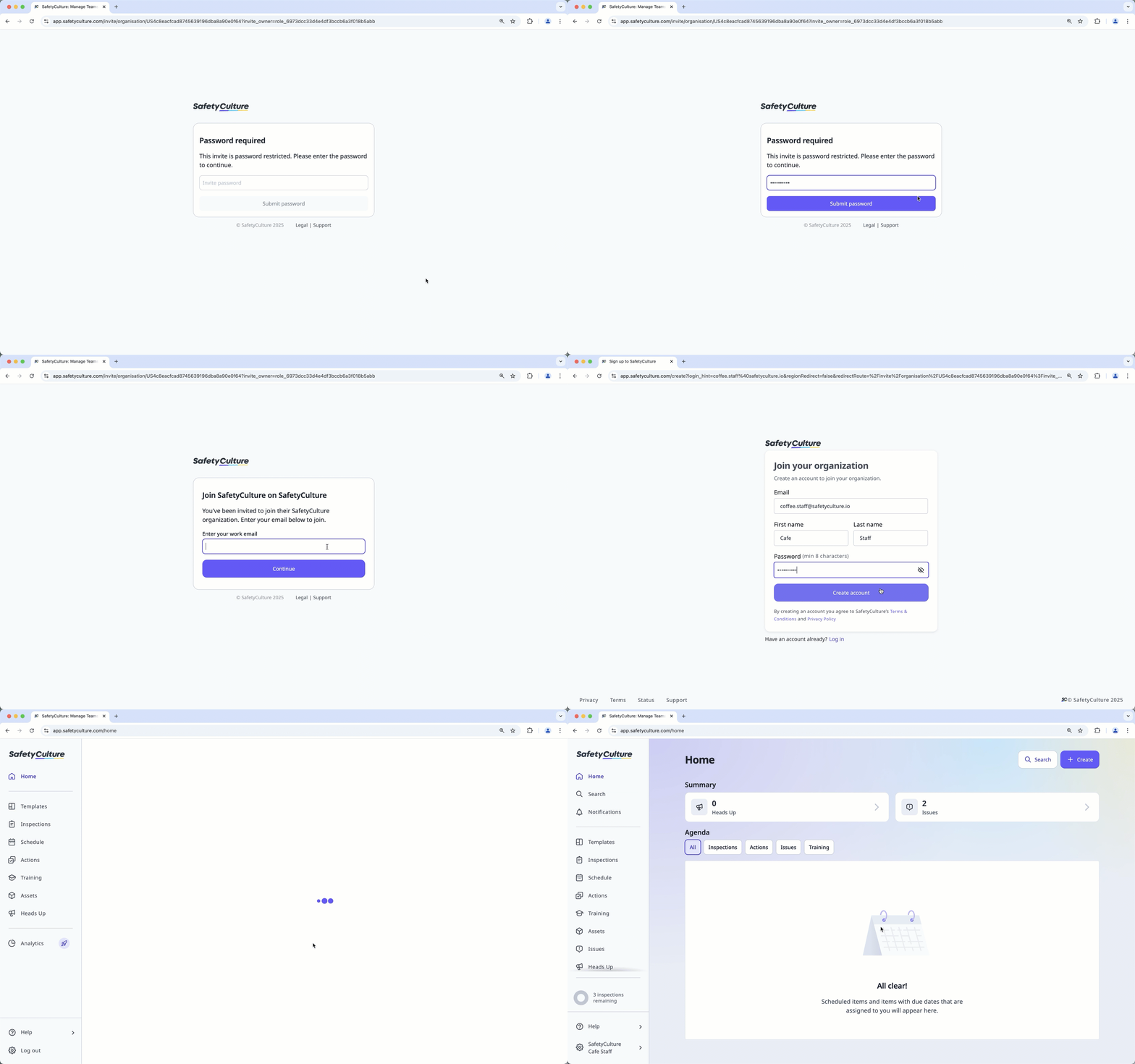
Open the invite link.
This should open a page via your device's default web browser.
If the link is password-protected, enter the invite link password, then click Submit password.
Enter your email address and click Continue.
Join the organization based on the steps most relevant to you.
If you don't have a SafetyCulture account, click Create new account to register for an account.
If you have an existing account, log in to your account and click Join organization.
Join via QR code
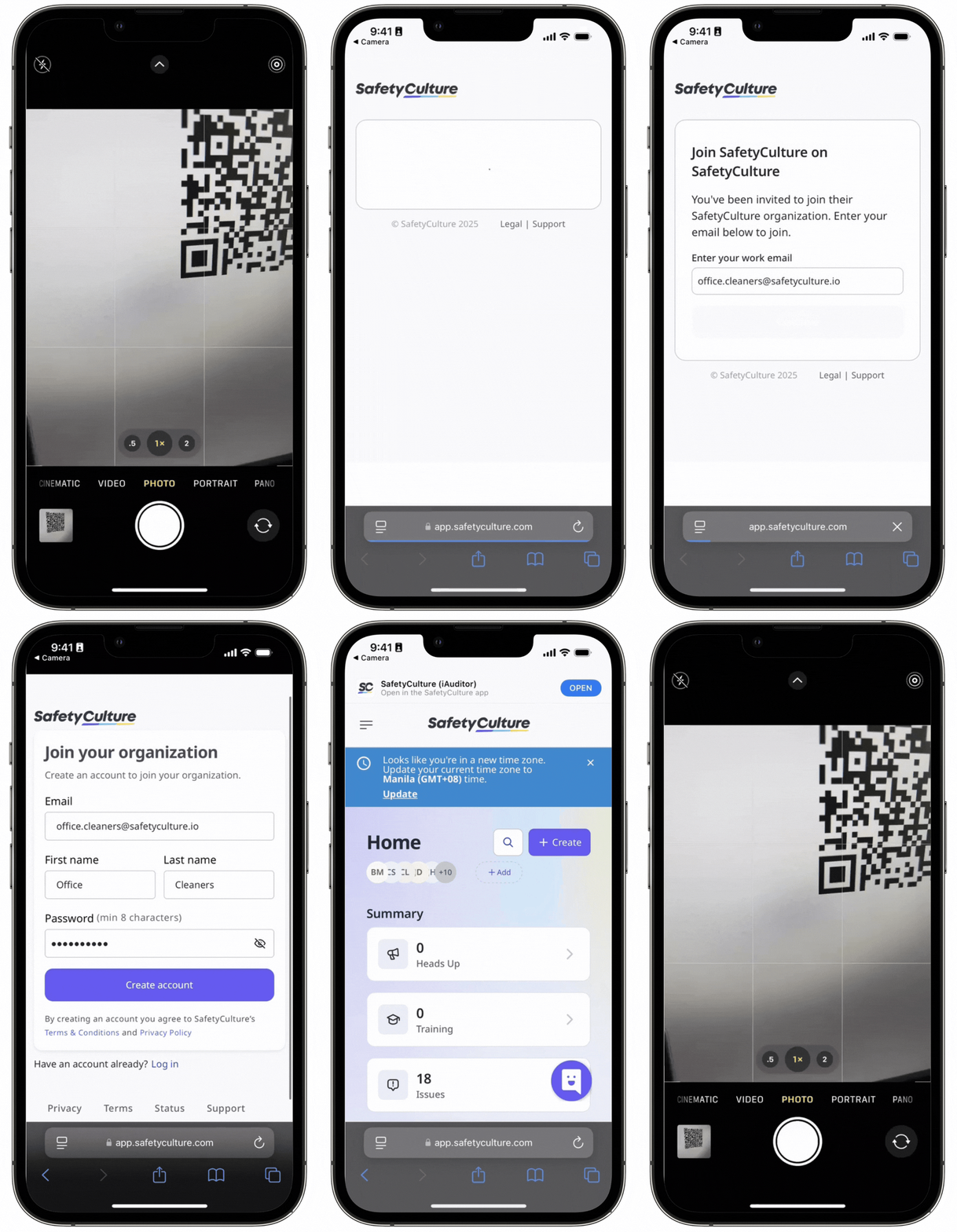
Scan the invite QR code.
This should open a page via your device's default web browser.
If the link is password-protected, enter the invite link password, then tap Submit password
Enter your email address and tap Continue.
Join the organization based on the steps most relevant to you.
If you don't have a SafetyCulture account, tap Create new account to register for an account.
If you have an existing account, log in to your account and tap Join organization.
Join via SMS link
Tap the invite link in the SMS message sent by your organization admin.
This should open a page via your device's default web browser.
Enter your email address and click Continue.
Join the organization based on the steps most relevant to you.
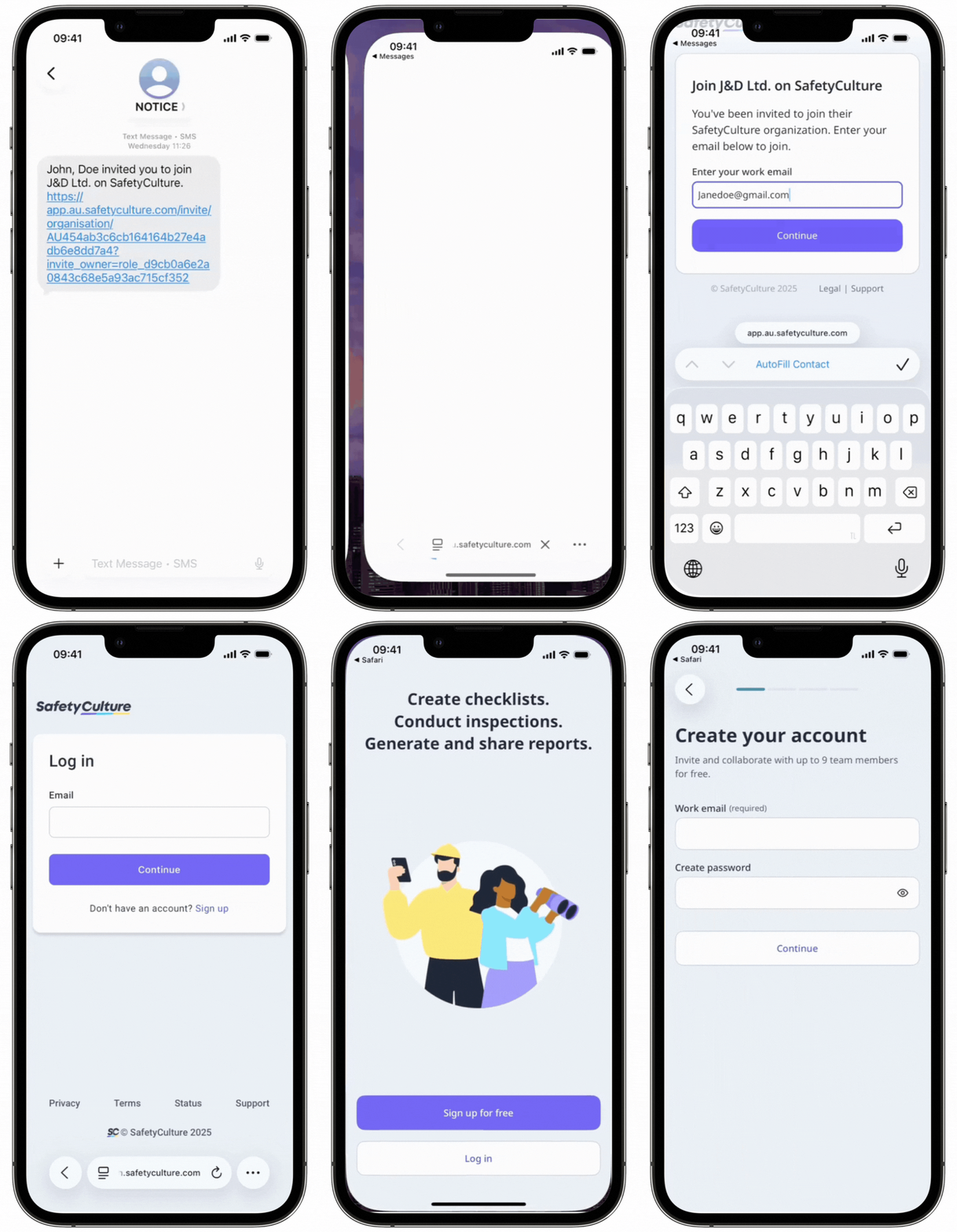
If you don't have a SafetyCulture account, click Create new account to register for an account.
If you have an existing account, log in to your account and click Join organization.
Join via an email link
Open the email you received from SafetyCulture.
Click or Tap Accept invitation.
This should open a page via your device's default web browser.
Enter your email address and click Continue.
Join the organization based on the steps most relevant to you.
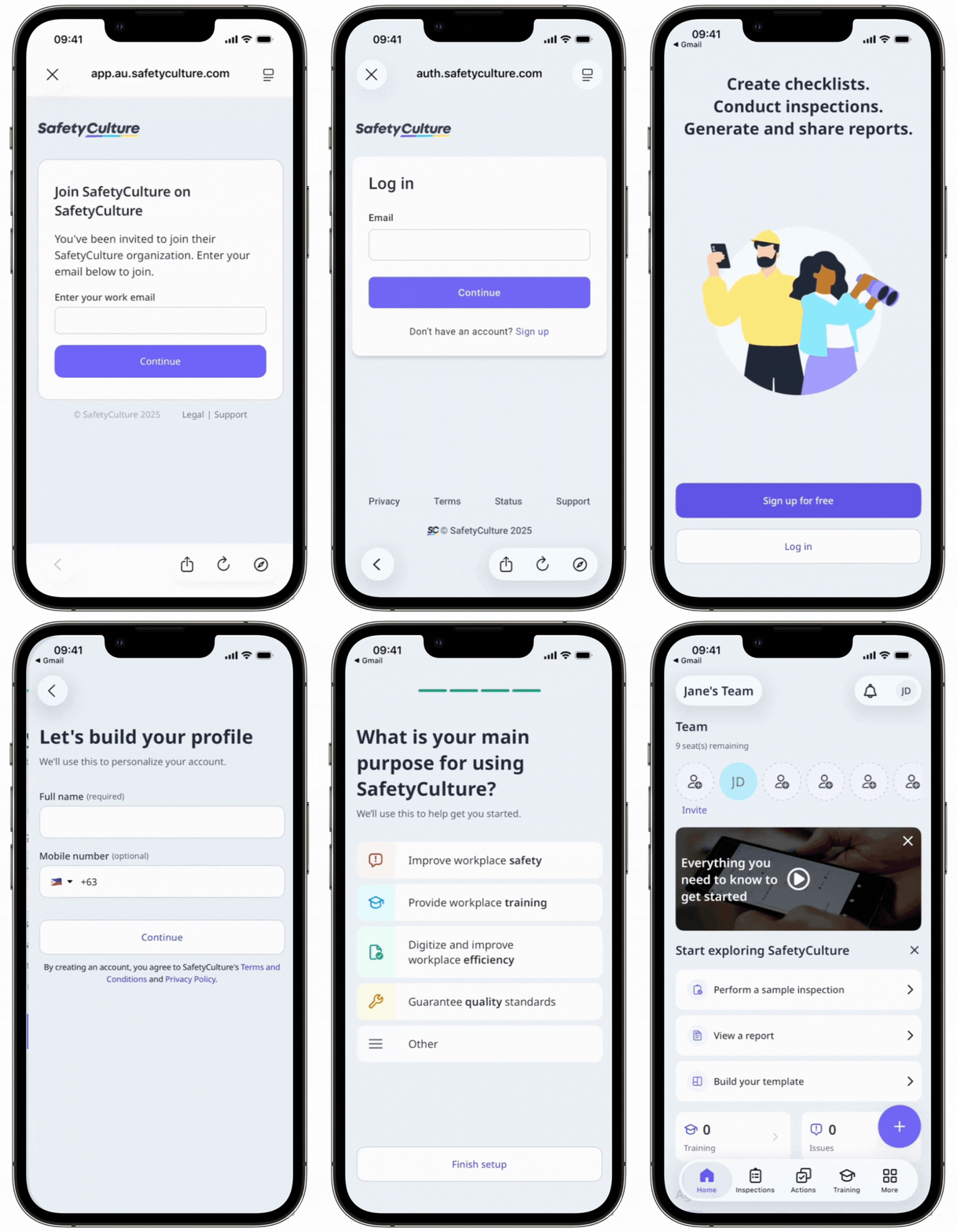
If you don't have a SafetyCulture account, click Create new account to register for an account.
If you have an existing account, log in to your account and click Join organization.