
What is SafetyCulture?
SafetyCulture is a mobile and web application that provides visibility and insights into raising safety and quality standards across an organization. You have the ability to form an organization in SafetyCulture to collect consistent data, standardize operations, send reports, identify failed areas, and get problems resolved with this easy-to-use checklist software.
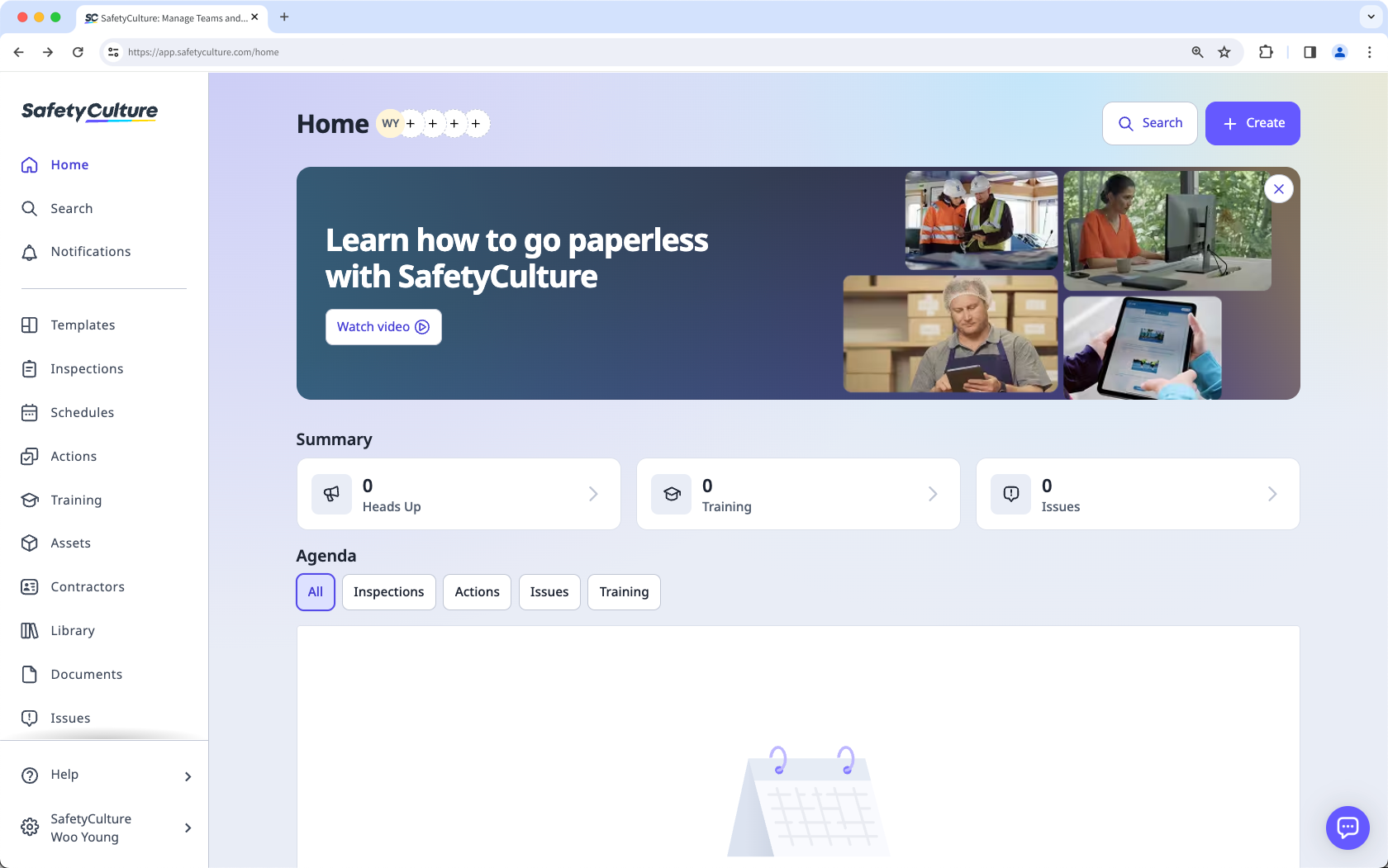
Sign up for SafetyCulture
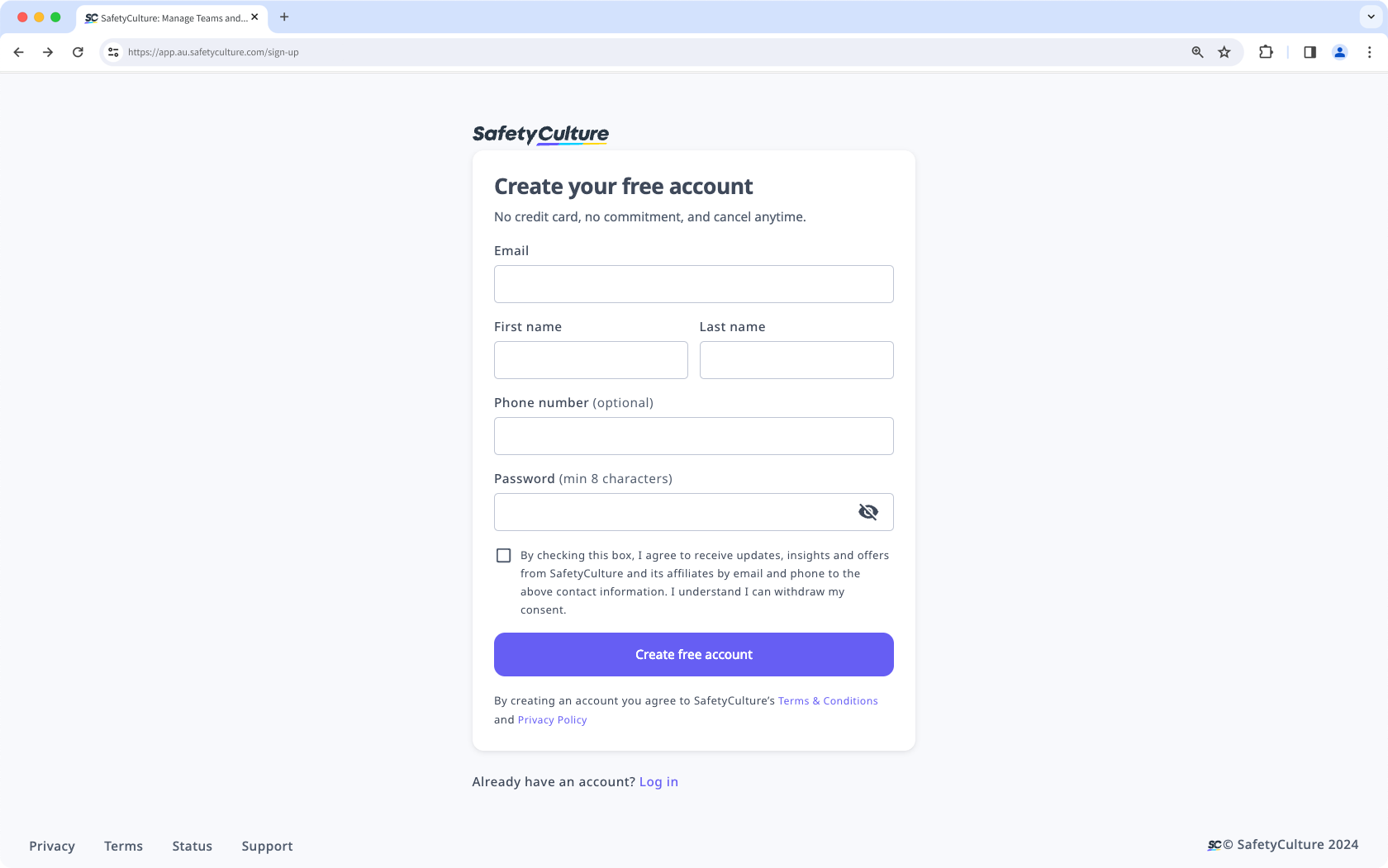
Navigate to the SafetyCulture account registration page (opens in new tab).
Fill in the account registration form and click Create free account. This creates your SafetyCulture account and sends out an email for you to confirm your account email address.
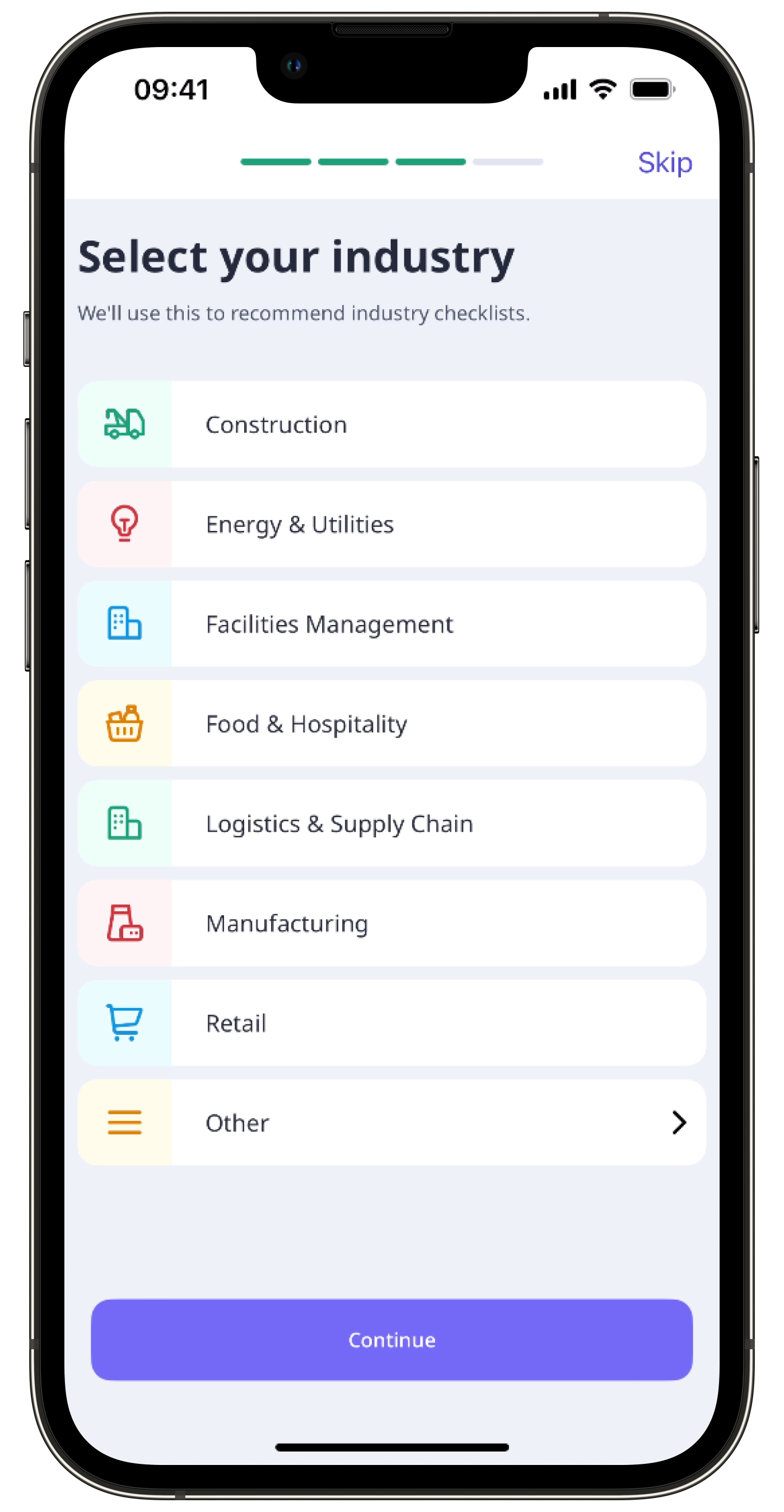
Check out our getting started guide (opens in new tab) to learn all you need to know to take off with SafetyCulture.
Check your email inbox and confirm your account email as soon as you sign up for SafetyCulture. This ensures that any important updates we send, including reset password emails, reach the correct address.
For an easier login experience, we recommend bookmarking the following link in your browser: https://auth.safetyculture.com/login


