
Why use asset questions?
Asset questions in SafetyCulture provide a powerful way to link your inspections directly to specific assets, ensuring that your data gets collected and attributed to the same assets every time. By adding asset questions to your templates, you can track the condition and performance of all assets in your organization when you capture readings in inspections. Subsequently, it allows you to prioritize maintenance for specific assets that begin to show signs of wear and tear.
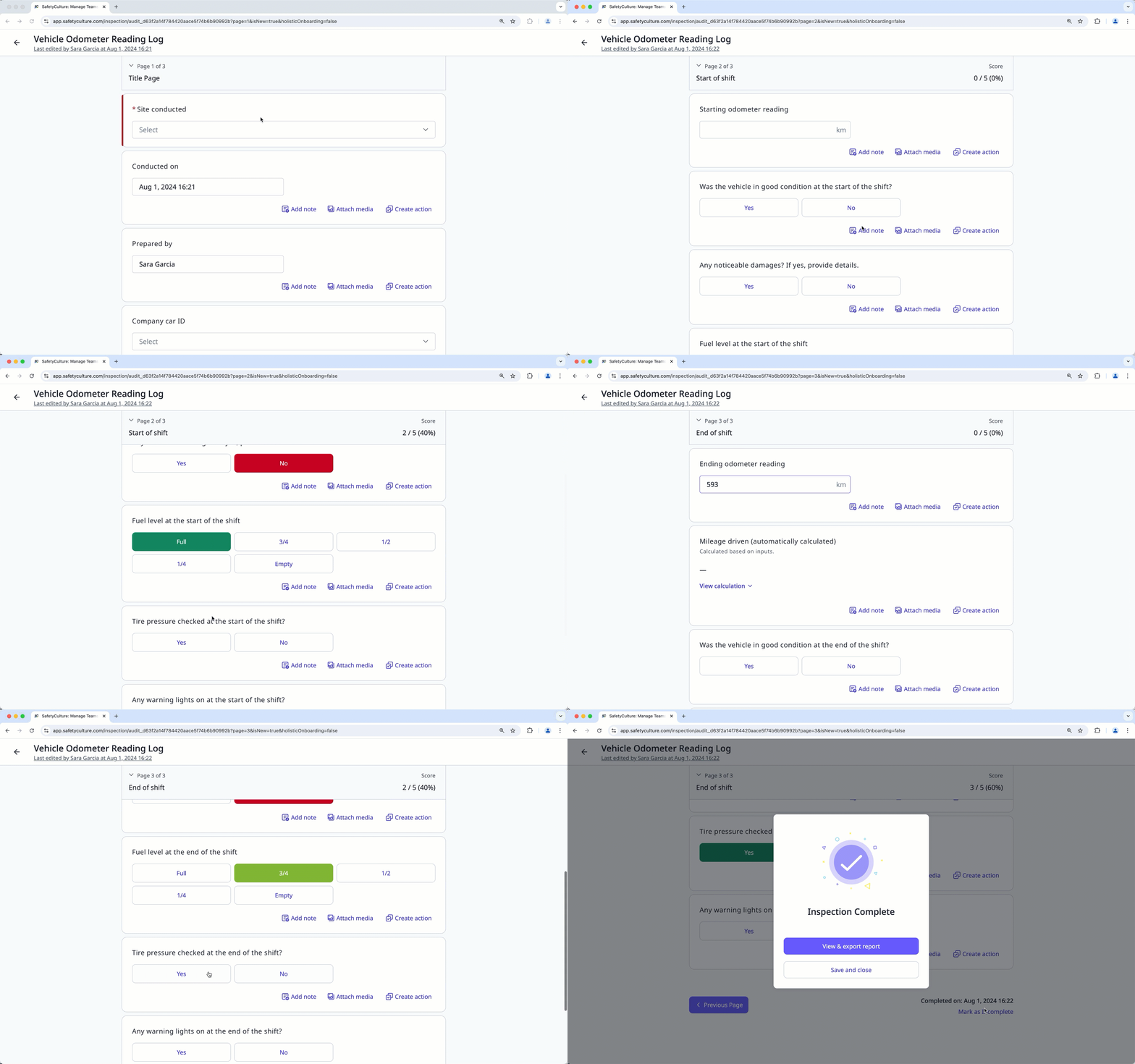
View a template with asset questions
Select Assets in the sidebar or select it in More.
Click Settings on the upper-right of the page.
Click Templates at the top of the page to view a list of templates with asset questions.
You can search for the template or filter the list by clicking Add filter next to the search field and select from the list of options.
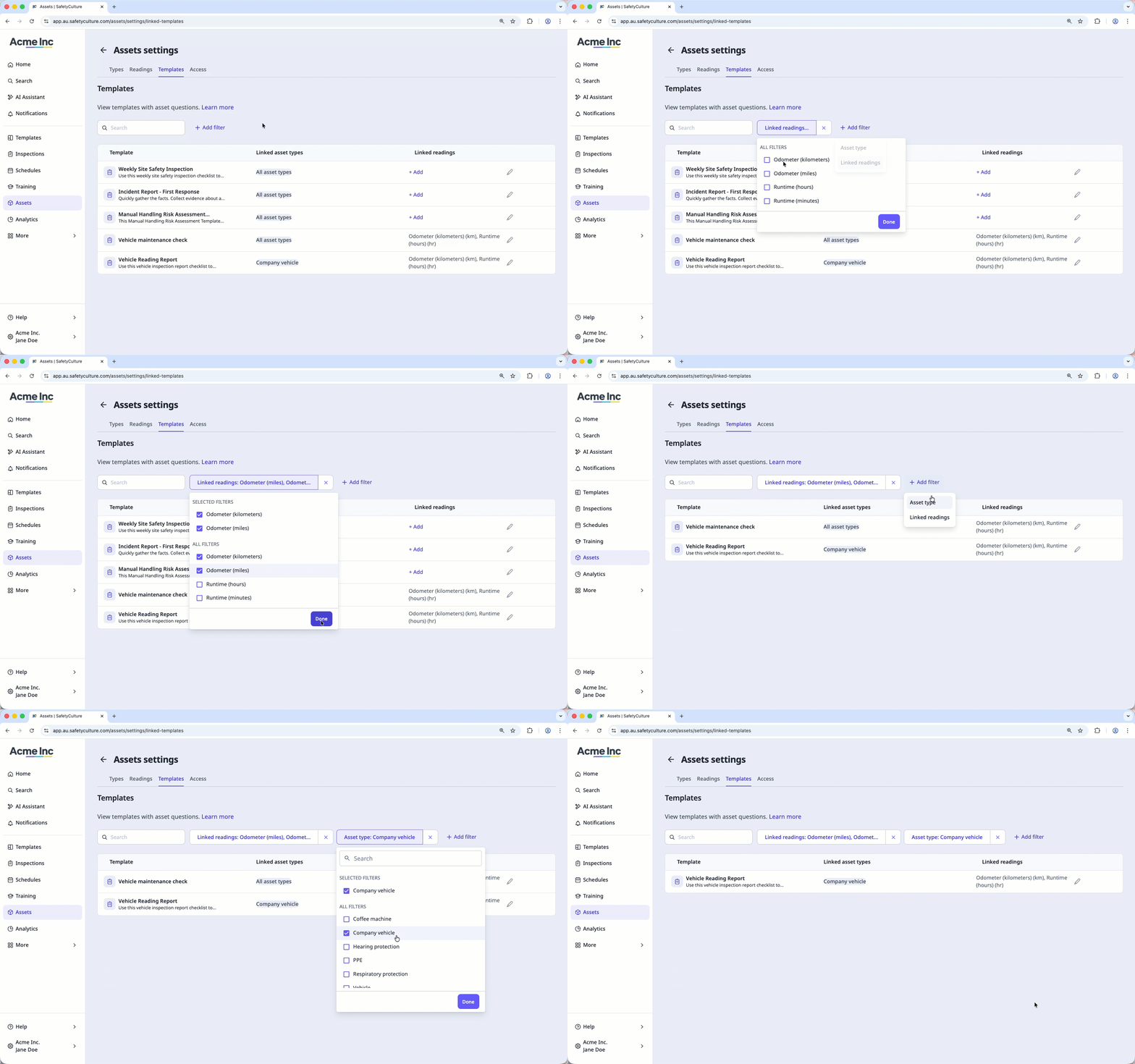
If you want to edit a template and add a reading, click on the template's right-hand side.


