What does it mean to upgrade from Free Plan to Premium Plan?
While the Free Plan offers a great way to start digitizing your processes, allowing you to create templates and collaborate with your team to perform inspections, complete actions, and resolve issues, the Premium Plan opens a world of opportunities to bring in everyone from your organization.
Premium Plan offers all the benefits of the Free Plan plus tons of additional exciting features, such as adding unlimited team members with different seat types (opens in new tab), gaining insights into trend analysis with Analytics, building integrations with our API offerings, and more.
Visit our pricing page to learn more about the available features in each plan and choose which one best suits your organization's size and needs.
What you'll need
Payment options
SafetyCulture offers flexible payment methods to accommodate your organization's preferences. Choose from the following options to manage your SafetyCulture Plan:
Credit card: This payment method can be used for annual and monthly subscriptions, regardless of the amount. Payments are automatically charged to the card details we have on file on your subscription renewal date. However, please note that your credit card details are not used for payments if your organization pays by invoice.
PayPal: Use your PayPal (opens in new tab) account for a convenient and secure payment option. PayPal allows you to link multiple payment sources and manage your subscriptions with ease.
If you prefer to use bank transfer or direct debit, you can link your bank account to PayPal and use it as your payment option for easy payments.
Upgrade to Premium Plan
Click Try Premium for Free on the lower-left corner of the page.
In the pop-up, search and select your country. Enter your zip code if needed.
Click Try Premium for Free to start your 14-day free Premium Plan trial.
Once your trial ends, you can either downgrade to the Free Plan or continue using Premium Plan. Click Keep Premium to upgrade to the Premium Plan.
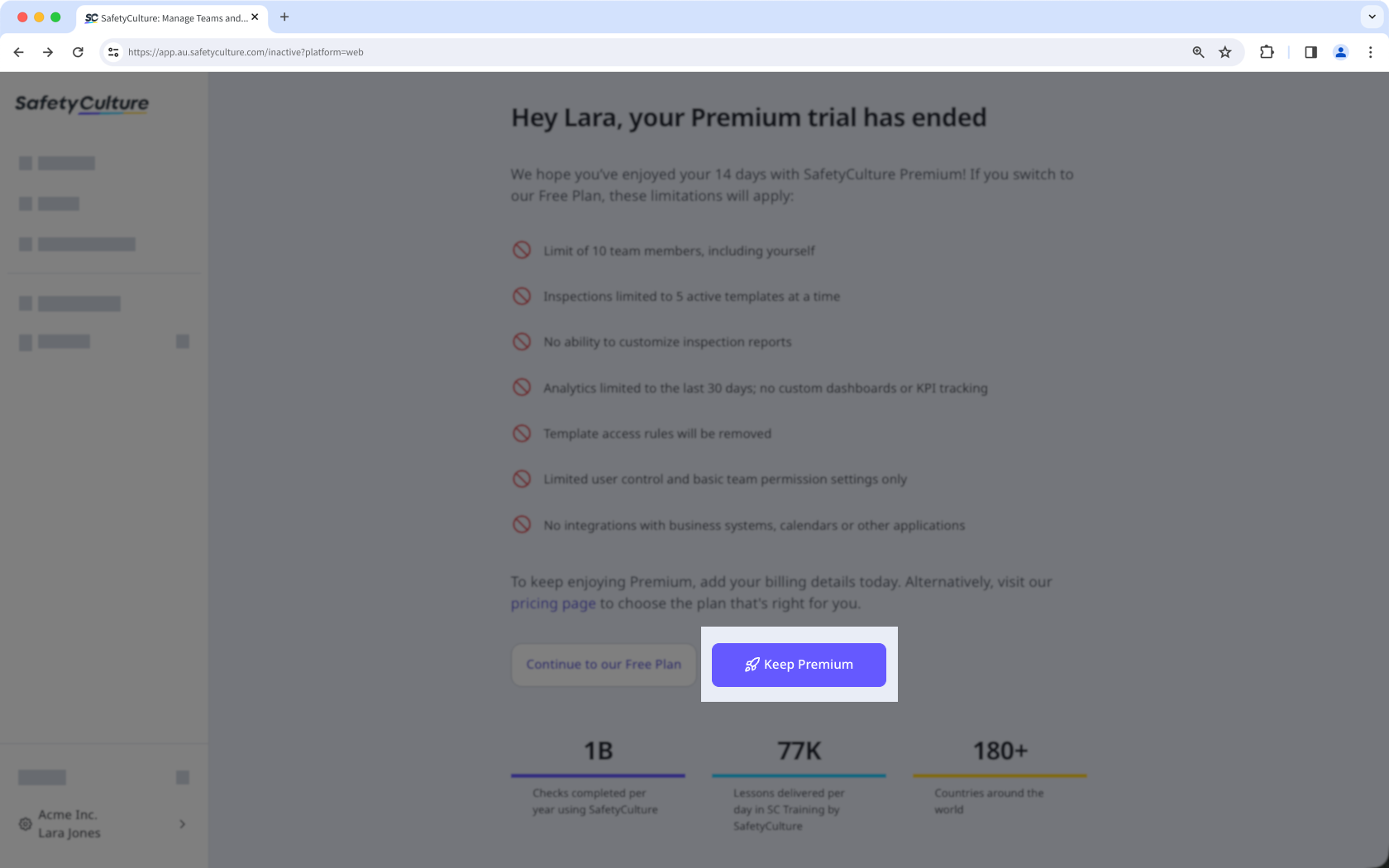
Add your payment method.
If you want to use a credit card, click Card and enter your payment details.
If you want to use PayPal, click PayPal to log in to your account. Add or select your preferred payment method and click Save and Continue.
Click Keep Premium.
To ensure a seamless transition from trial to Premium, you can add your payment details anytime during your trial. This way, you’ll enjoy uninterrupted access to all Premium features. Billing for the Premium Plan will only start once your 14-day trial ends.