
What are Quizzes in SafetyCulture?
Quizzes are an efficient way to re-engage team members who may have forgotten key learnings from training courses by delivering tests at regular intervals. They help check understanding and keep important knowledge fresh.
Unlike lesson quizzes, which are created directly within a course and contribute to course completion, Quizzes are standalone assessments that you can create using a pre-formatted Excel template. Once your Quiz is scheduled, you’ll be able to view analytics and gain insight into individual and group performance.

What you'll need
Training quiz data may take some time to sync and refresh.
We are actively working to enhance the syncing process and make data refresh faster.
View quiz performance
Select Training in the sidebar or select it in More.
Click Analytics at the top of the page and select Quizzes.
On this page, there are three tabs that offer different ways of viewing your data:
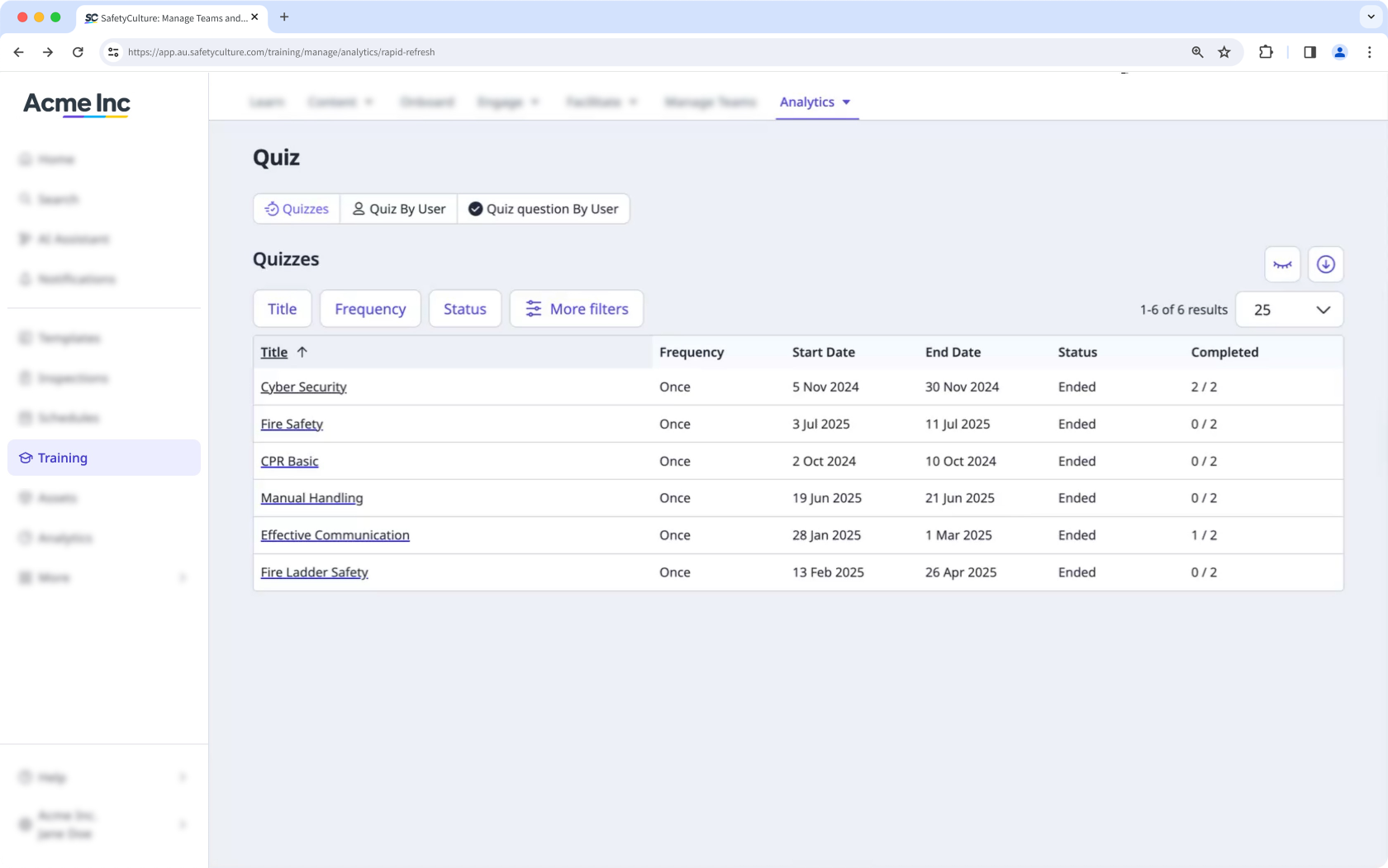
Quizzes: This gives you an overview of the quizzes.
Quiz by User: This shows each user who has taken every quiz.
Quiz Questions by User: This shows each user's progress toward answering every question from the quizzes.
Customize how you want to view your training data using the following options:
Click to narrow down your results.
Click to show and hide columns in tables.
Click to export the data as CSV.


