
What information is required for billing purposes?
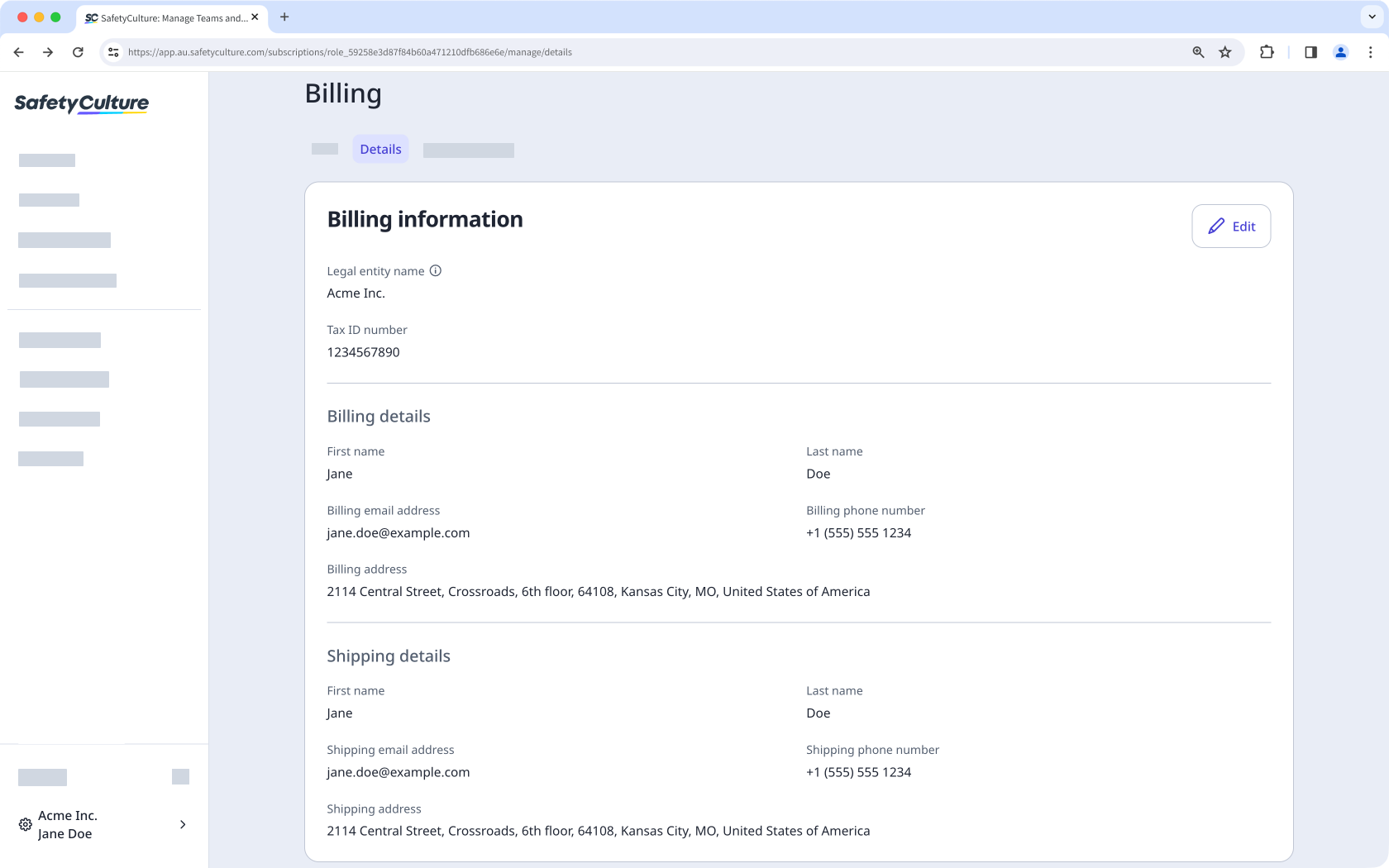
When you sign up for the Premium Plan or Enterprise Plan (opens in new tab), we collect key details to verify payments and meet tax requirements, including your legal entity name, billing contact name, tax ID (if applicable), and billing and shipping addresses. Keeping these details accurate and up to date helps reduce failed payments and ensures your invoices and tax documents stay correct. You can update your billing information in the web app whenever your company details change.
What you'll need
If you're based in the United States, ensure your organization's shipping address is correct to determine the sales tax.
Manage your organization's billing information
Click your organization name on the lower-left corner of the page and select Billing.
Click Details at the top of the page.
In the "Billing information" section, click Edit.
Update your organization's billing information accordingly:
Legal entity name: This is the organization or business name that appears in your tax invoices.
Tax ID number: This is an optional field to display your organization's tax ID number or equivalent on your invoices.
Billing and shipping details: These sections capture your organization's billing contact details and address.
Click Save and apply.
Updates to billing information only apply to new tax invoices, not past ones.


