¿Por qué ver los contratiempos en un activo?
Ver los contratiempos de un activo le muestra todos los contratiempos vinculados a él, tanto abiertos como resueltos. Esto le ofrece una visibilidad completa para que los contratiempos sigan por el buen camino, tanto si está asignando tareas como revisando el progreso. Revisar los contratiempos le ayuda a verificar la cobertura, detectar lo que falta y garantizar que el trabajo se aborde en el orden correcto. Con el tiempo, esta visibilidad le ayuda a identificar patrones, reducir el esfuerzo duplicado y mejorar la forma en que gestiona los contratiempos en sus activos.
Lo que necesitarás
Ver un activo con contratiempos abiertos
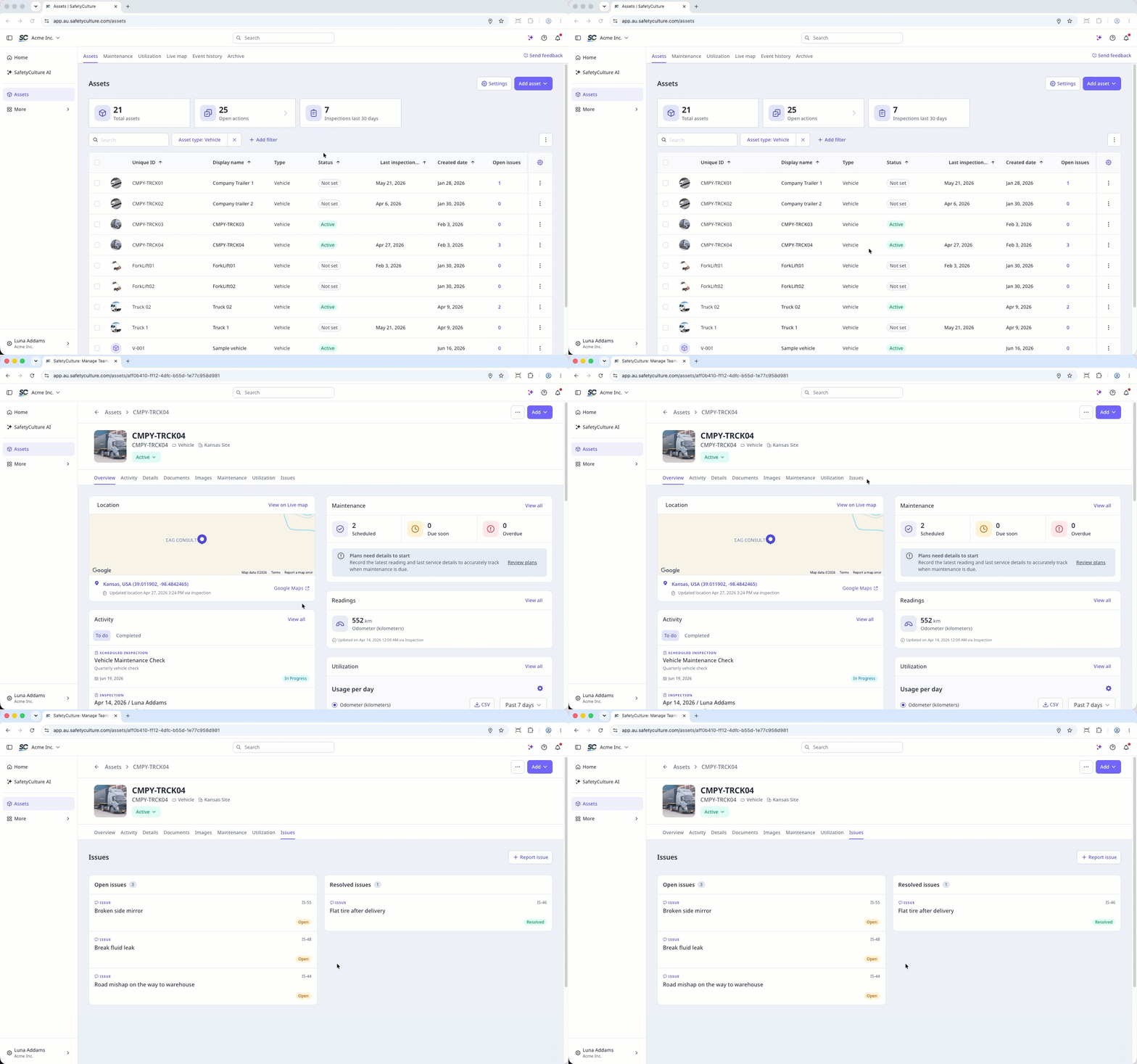
Select Activos in the sidebar or select it in Más.
To view open issues for each asset in the list, add the Contratiempos sin solucionar column:
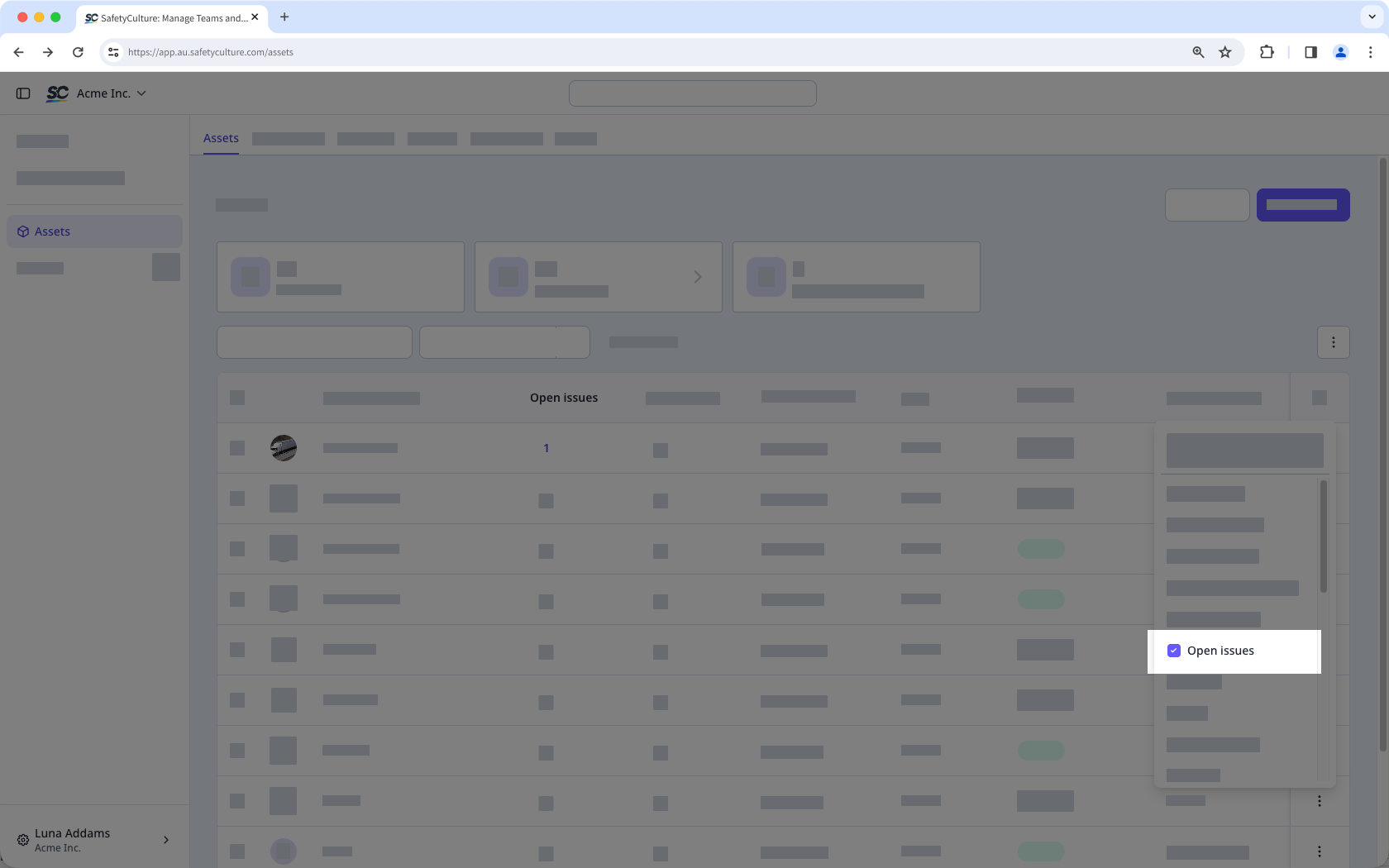
Click the at the upper-right of the asset list.
Select Contratiempos sin solucionar.
Click the issue count for the asset.
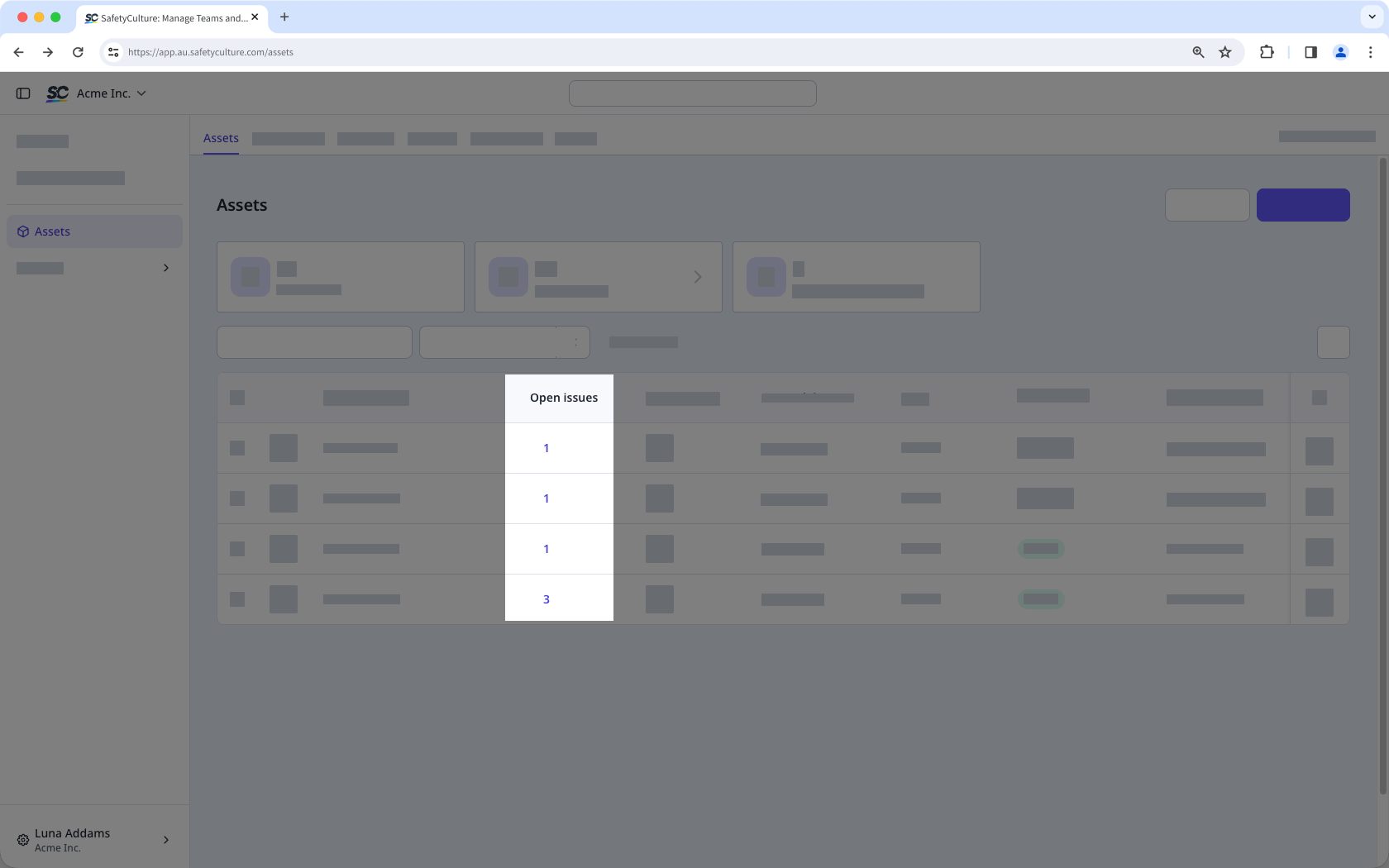
View the open issues in the side panel.
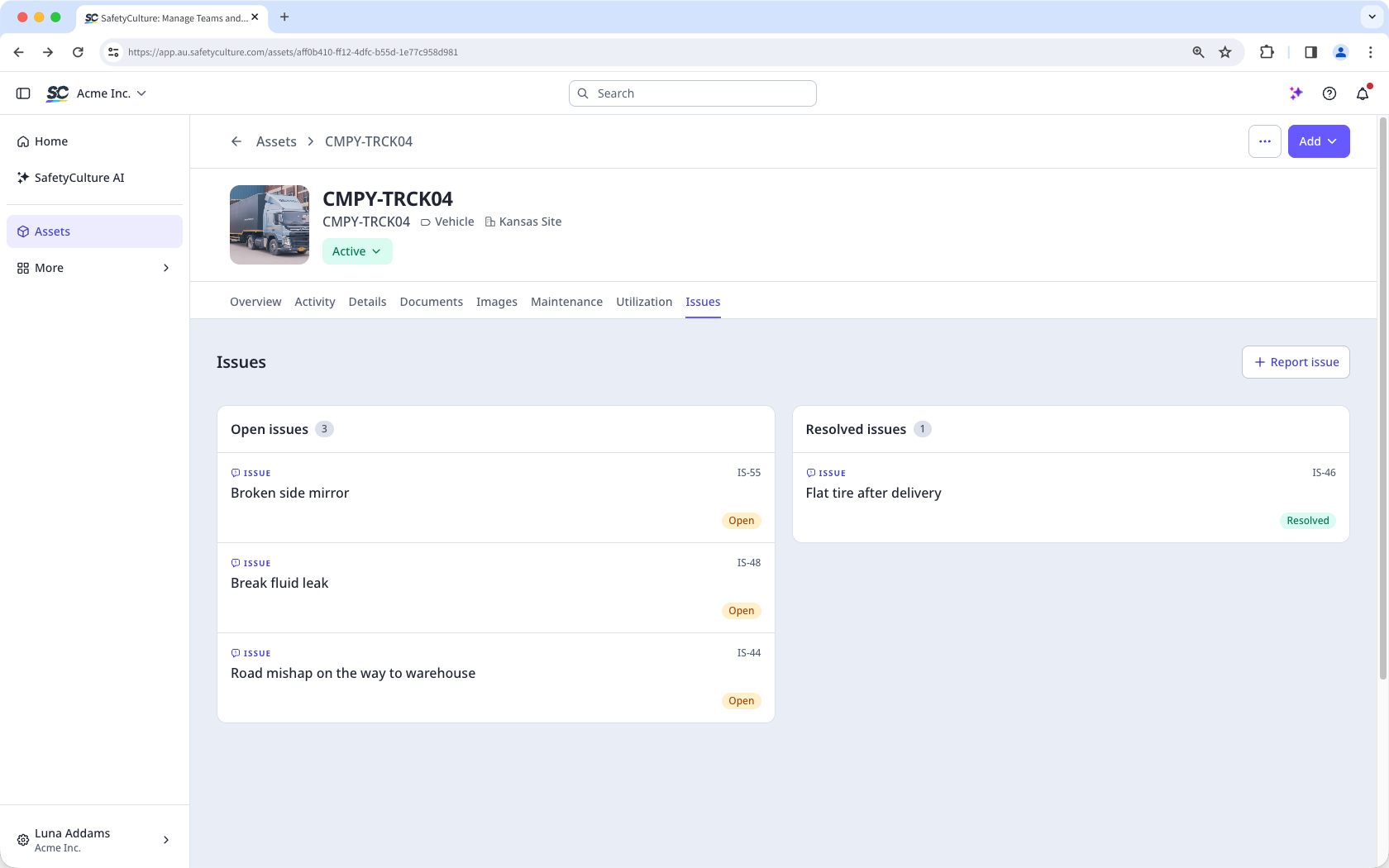
Alternatively, in the asset profile click Contratiempos tab to view the issues linked to the asset:
Contratiempos sin solucionar: Issues that have been created and require action. They are visible on the asset, and your team can assign, update, or resolve them.
Contratiempos resueltos: Issues that have been addressed and closed. Resolved issues are kept on the asset record so your team can track what was reported and how each issue was handled.