
- Usar SafetyCulture
- Acciones
- Hacer que los sitios sean obligatorios para las acciones
Hacer que los sitios sean obligatorios para las acciones
Learn how to make sites required for actions via the web app to ensure actions are consistently tracked to the right location or site.Hacer que los sitios sean obligatorios para las acciones
Select
 Acciones in the sidebar or select it in
  Más.
Más.Click
 Ajustes at the top of the page.
Scroll down to the "Required fields" section and check the Obligatorio box for
 Sitio.
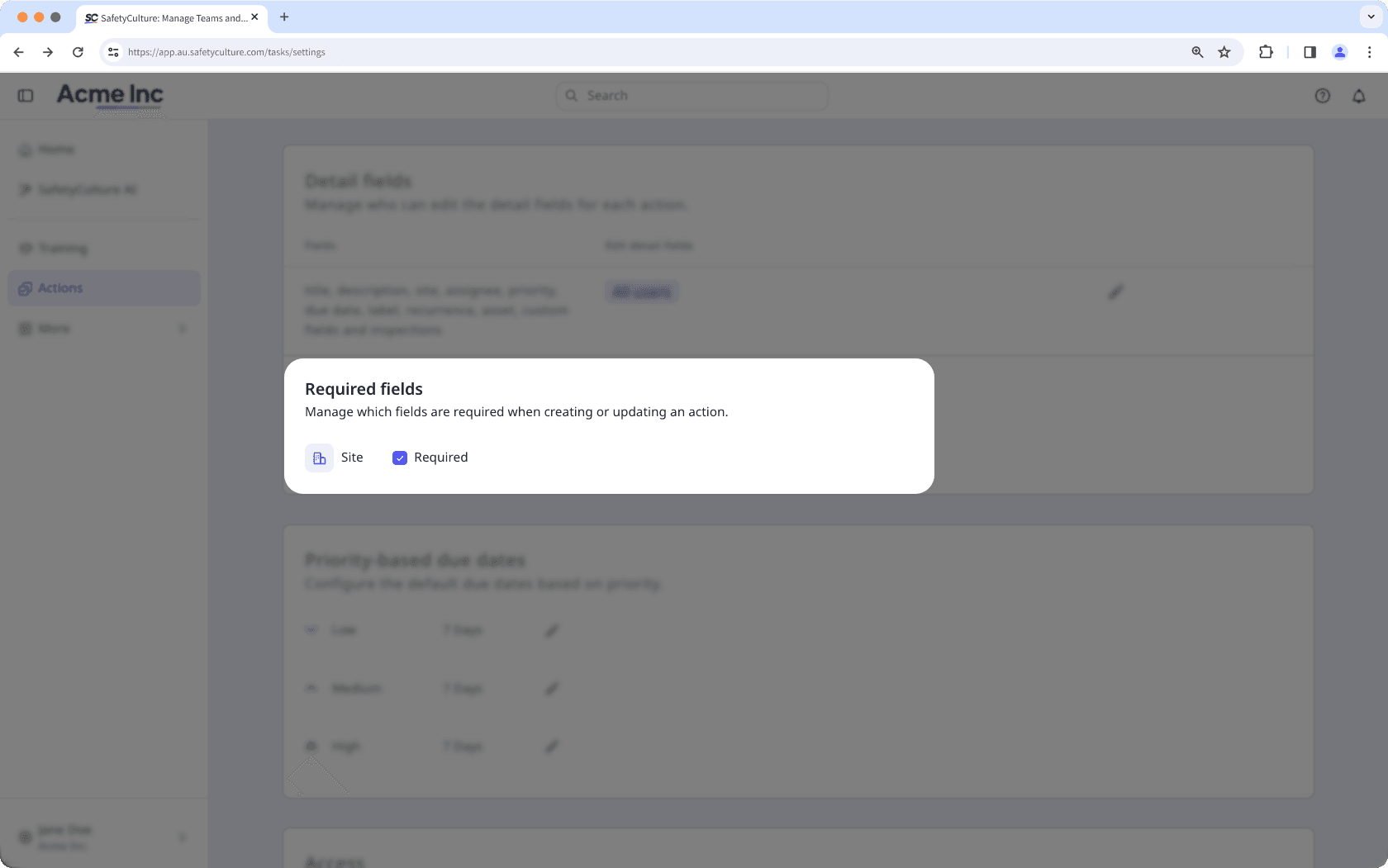
Las acciones creadas desde inspecciones, informes de inspección, contratiempos, activos y planes de mantenimiento de activos heredan automáticamente el sitio del elemento, por lo que los usuarios que creen acciones desde esas funciones no se verán afectados por este ajuste.
¿Necesita más ayuda?
¿Esta página le fue de ayuda?
Gracias por hacérnoslo saber.