Was Sie brauchen
Sie können bestehende oder neue Benutzer einzeln oder in über CSV oder Excel zu einem Unternehmen hinzufügen.
Sie können einen neuen oder bestehenden Benutzer in der Firma hinzufügen und ihn als Hauptkontakt zuweisen, wenn Sie ein Dokument oder Formular anfordern.
Hinzufügen eines Benutzers zu einem Unternehmen
Select Auftragnehmer in the sidebar or select it in Mehr.
Select a company.
Click Arbeiter tab in the company profile.
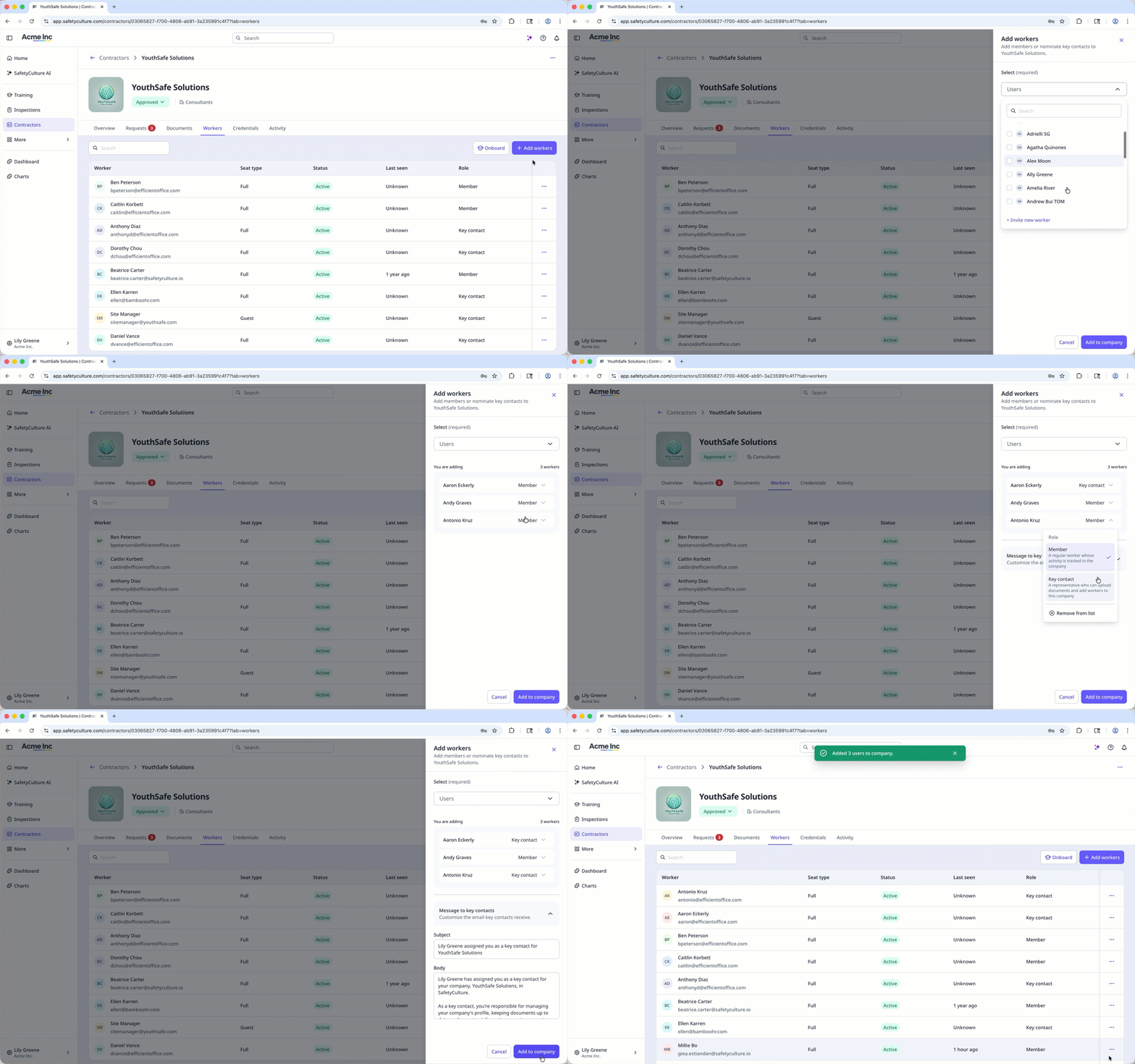
Click Arbeiter hinzufügen on the upper-right of the user list.
In the side panel, choose whether to select an existing user or invite a new one:
To select an existing user: Select a user from the dropdown menu.
To invite a new user: Click Neuen Mitarbeiter einladen from the dropdown menu. In the pop-up window, enter the user's email address, first name and last name, and select a seat type. Then, click Zum Team hinzufügen.
Click next to the user's name and select their role:
Mitglied: A regular worker whose activity is tracked in the company.
Key contact: A representative who can upload documents and add workers to the company. You can also customize the email key contacts receive in the “Message to key contacts” section.
You can also click Aus der Liste entfernen if you want to remove a user before adding them.
When you're ready, click Zum Unternehmen hinzufügen.
Einen Benutzer aus einem Unternehmen entfernen
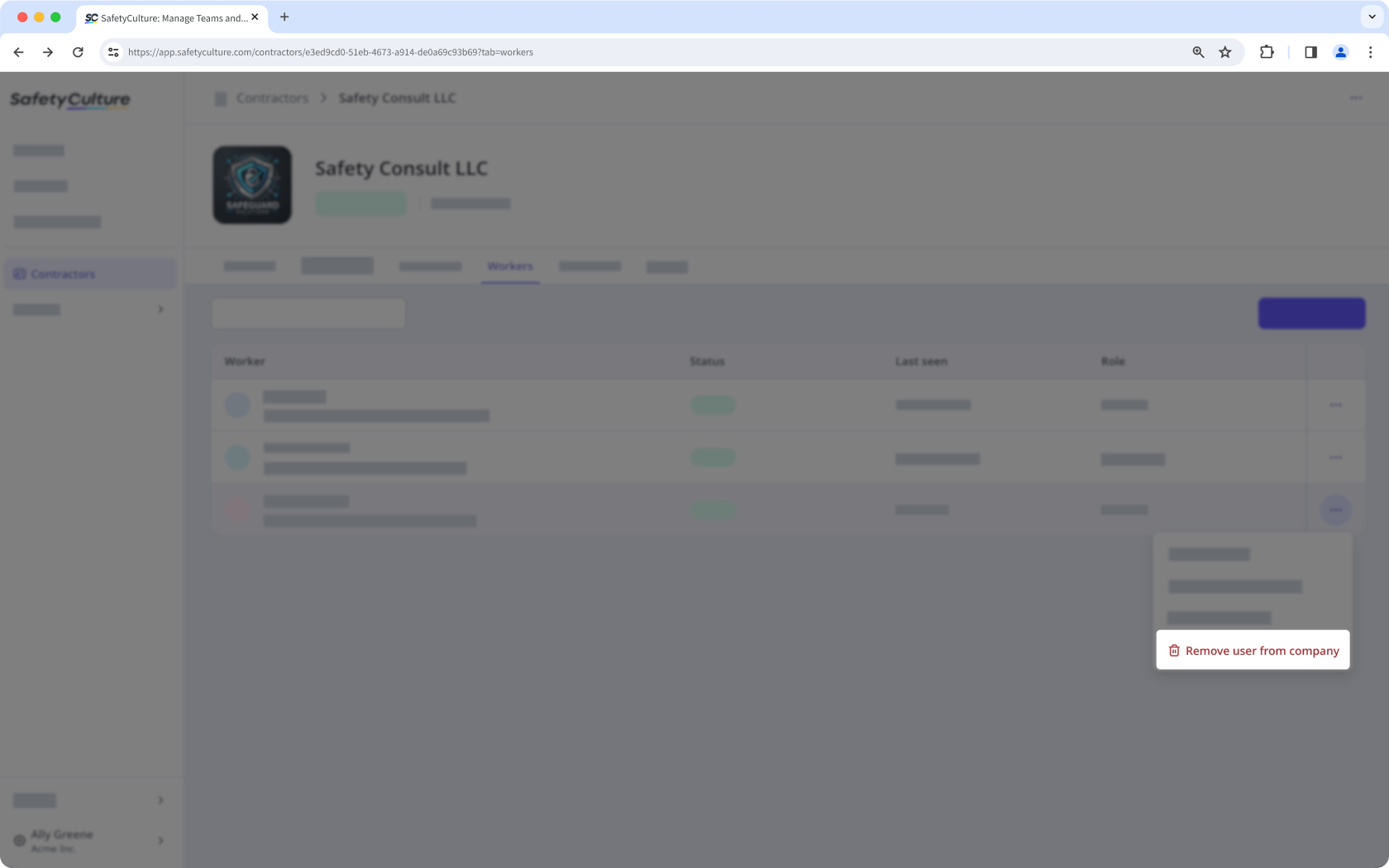
Wählen Sie Auftragnehmer in der Seitenleiste oder in Mehr aus.
Ein Unternehmen auswählen.
Klicken Sie im Unternehmensprofil auf die Registerkarte Arbeiter.
Klicken Sie auf auf der rechten Seite der Benutzerzeile und wählen Sie Nutzer aus Unternehmen entfernen.