What are company audit logs?
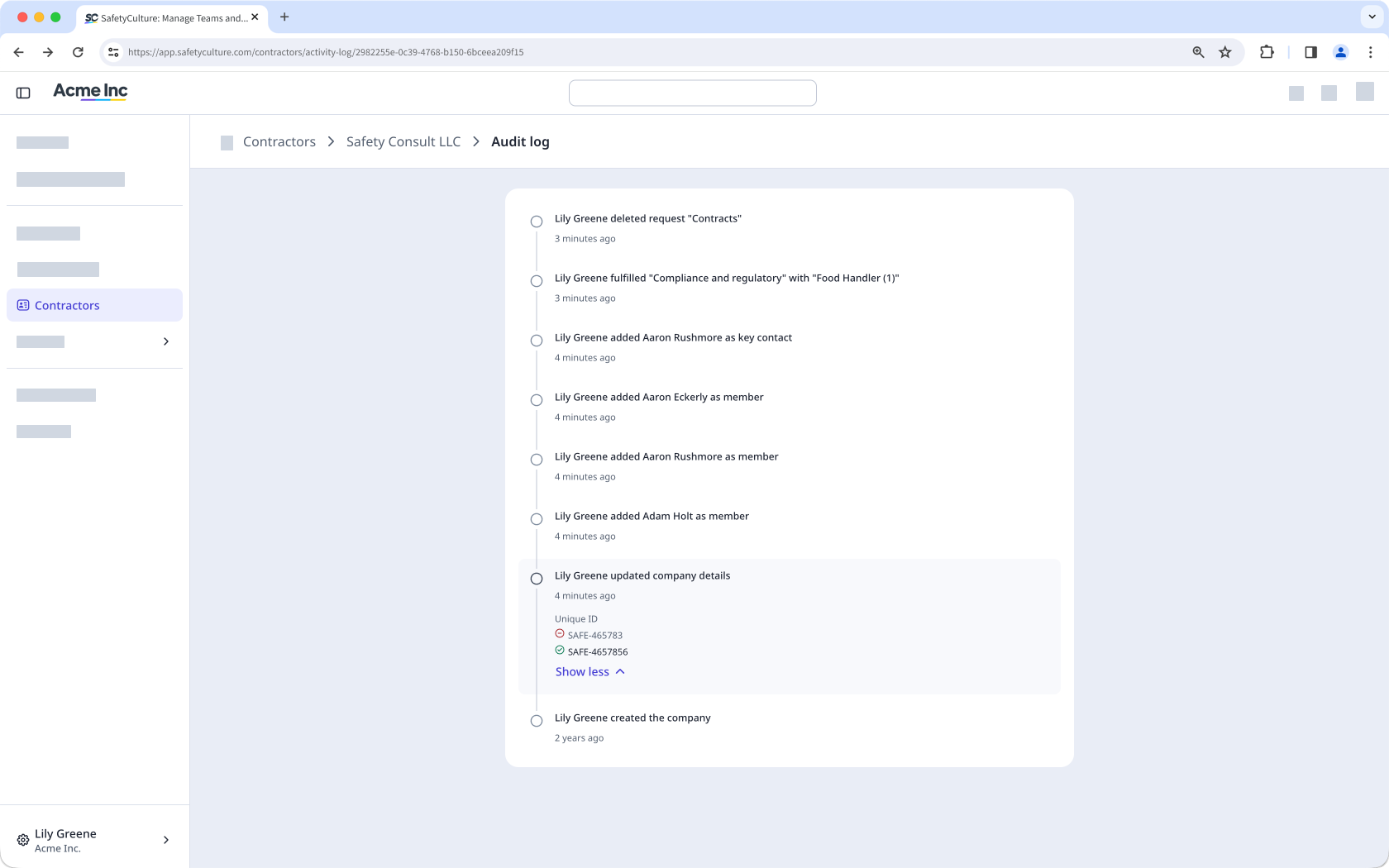
Company audit logs are a real-time record of every change made within a company, capturing who did what and when. The audit log in each company profile helps you track activity across company details, document requests, documents, workers, and approvals, giving you a detailed record of all activity within a company. With a clear trail of every action, you can verify changes, support compliance, and quickly investigate when something changes unexpectedly.
Was Sie brauchen
Auditprotokoll eines Unternehmens anzeigen
Wählen Sie Auftragnehmer in der Seitenleiste oder in Mehr aus.
Wählen Sie ein Unternehmen aus.
Klicken Sie auf oben rechts auf der Seite und wählen Sie Auditprotokoll.
Auf dieser Seite können Sie alle Änderungen anzeigen, die innerhalb des Unternehmens vorgenommen wurden.