
Edit the latest company document version
Select Contractors in the sidebar or select it in More.
Select a company.
Click Documents tab in the company profile.
Click on the right-hand side of the document, and select Edit latest version.
Upload a new media file.
Update the details if needed.
Click Save and close.
Request a new document version
Select Contractors in the sidebar or select it in More.
Select a company.
Click Documents tab in the company profile.
Click on the right-hand side of the document you want to edit.
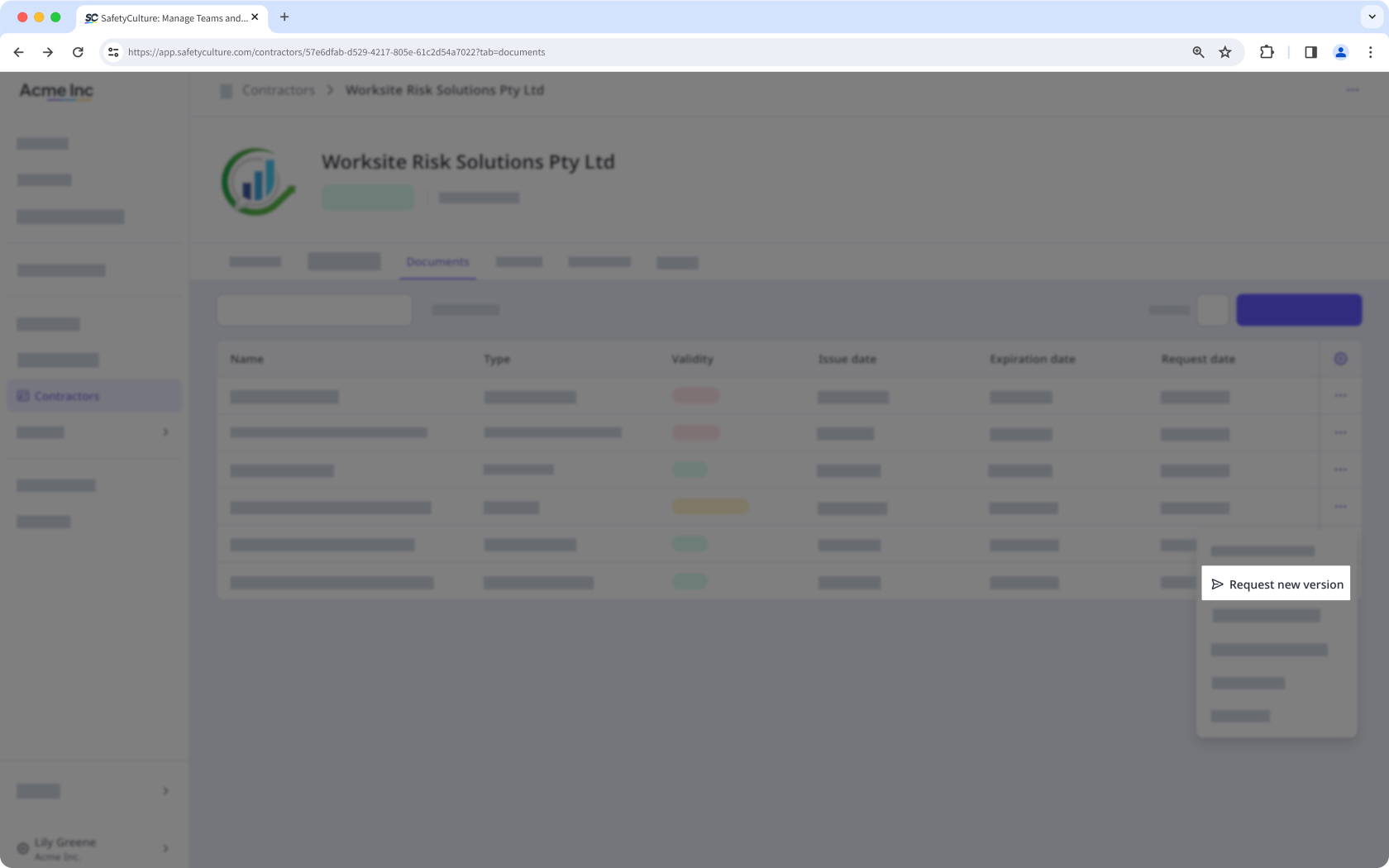
Select Request new version to request an updated version of the document from key contacts.
View a document's a version history
Select Contractors in the sidebar or select it in More.
Select the company.
Click Documents tab in the company profile.
Select the document.
Click the version of the document on the upper-left of the page, and select a different version.


