SafetyCulture
  1. Home
  2. Using SafetyCulture
  3. Actions
  4. Make sites required for actions

Actions

Last updated: May 26, 2026

Make sites required for actions

Learn how to make sites required for actions via the web app to ensure actions are consistently tracked to the right location or site.

Make sites required for actions

  1. Log in to the web app.

  2. Select

    Actions
    in the sidebar or select it in More .

  3. Click

    Settings
    at the top of the page.

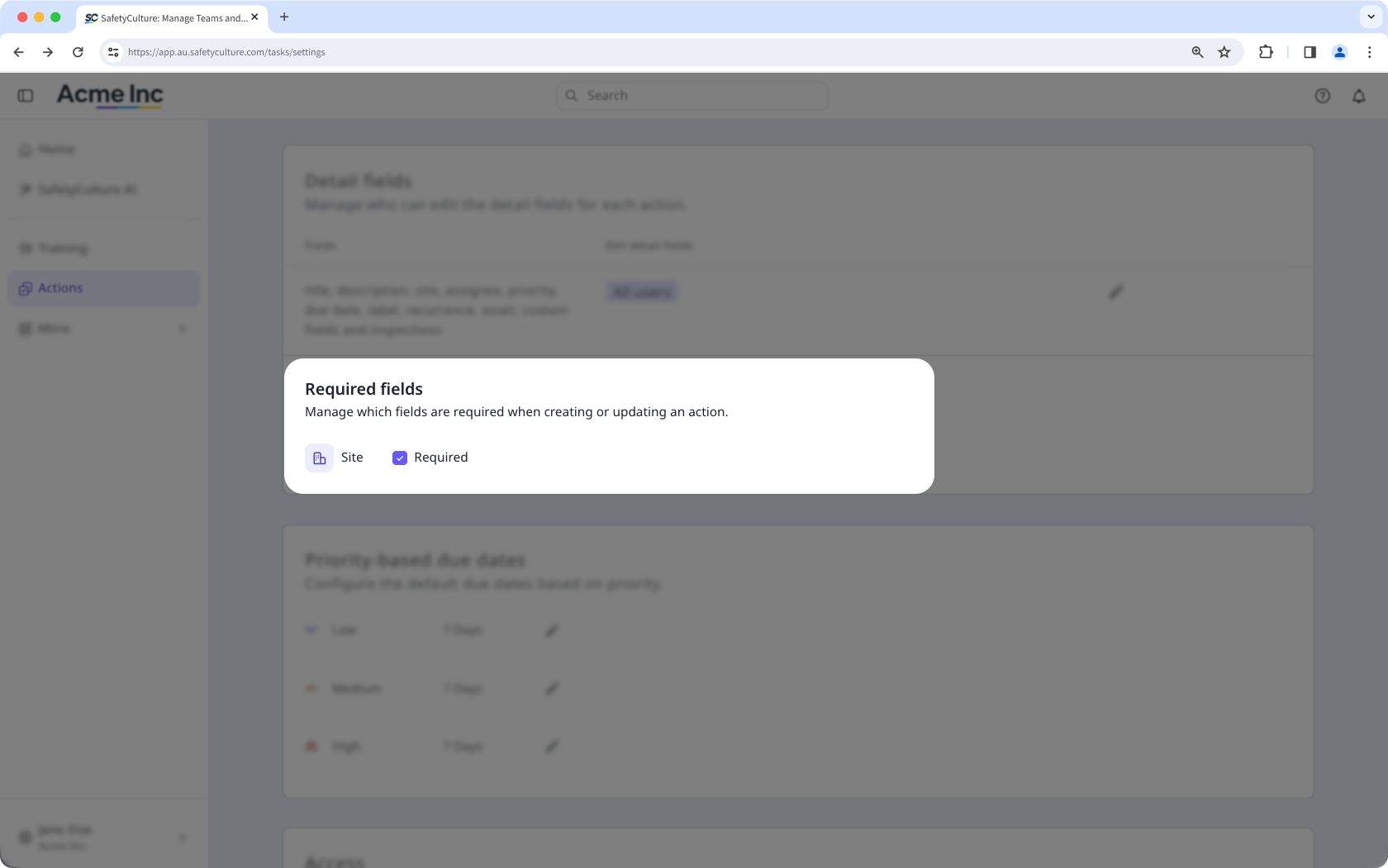
  4. Scroll down to the "Required fields" section and check the Required box for Site .The Actions' setting page with the Required fields section visible.

Actions created from inspections, inspection reports, issues, assets, and asset maintenance plans automatically inherit the item’s site, so users creating actions from those features won't be affected by this setting.

Was this page helpful?

SafetyCulture
App Store
Google Play