How does exporting a dashboard work?
When you export an Analytics dashboard, you get a snapshot of all your charts in one PDF file. You can export the entire dashboard at once instead of downloading individual charts while keeping it visible for reference. This makes it easier for teams to share reports across the organization without manually compiling information, reducing the risk of error.
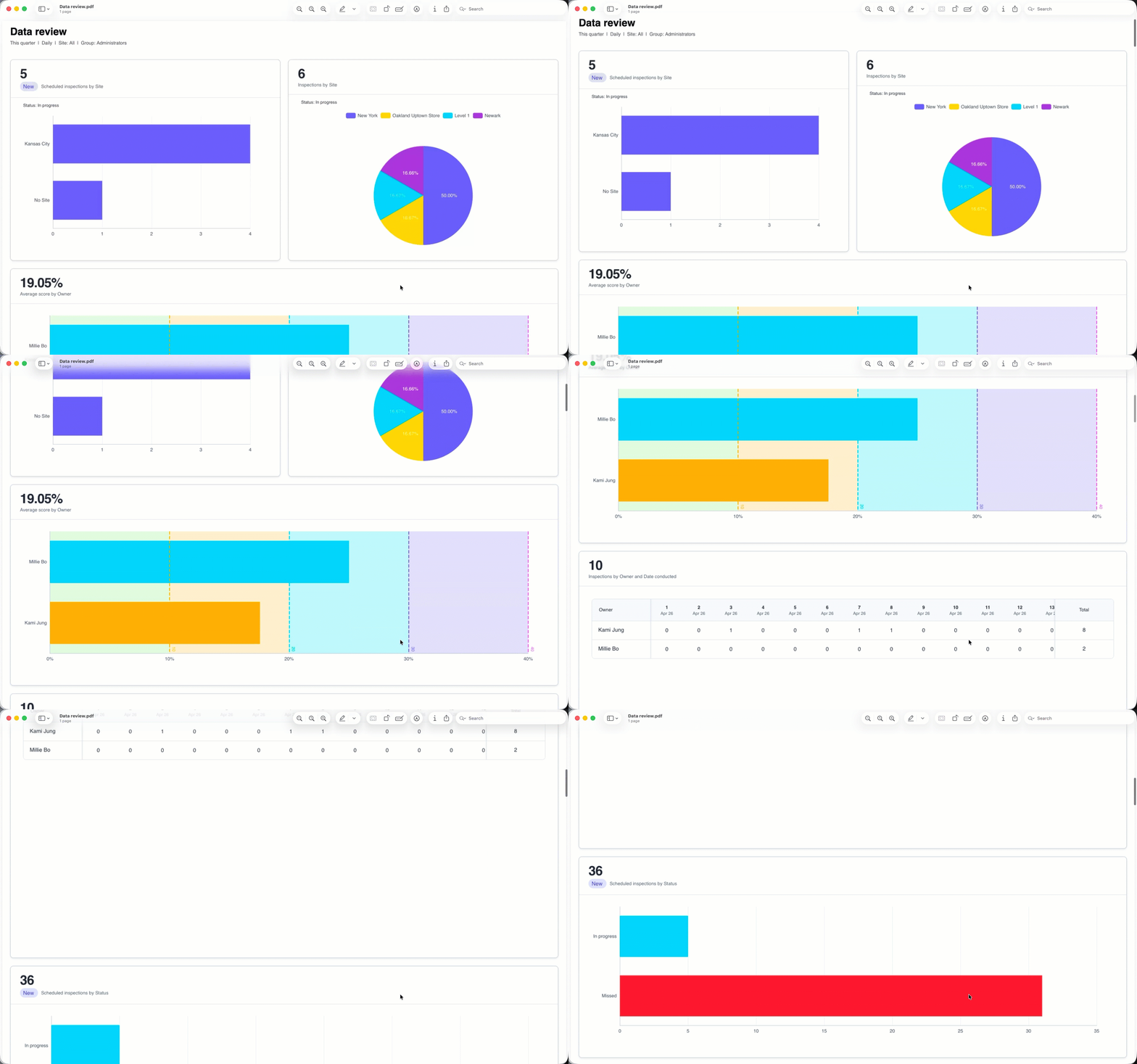
Dashboard export configuration
Depending on the chart type, you can configure which parts of your charts are included in the PDF file. These configurations are captured only for charts that are visible on the page when you export the dashboard. Any charts you've scrolled past appear in the PDF file in their default state.
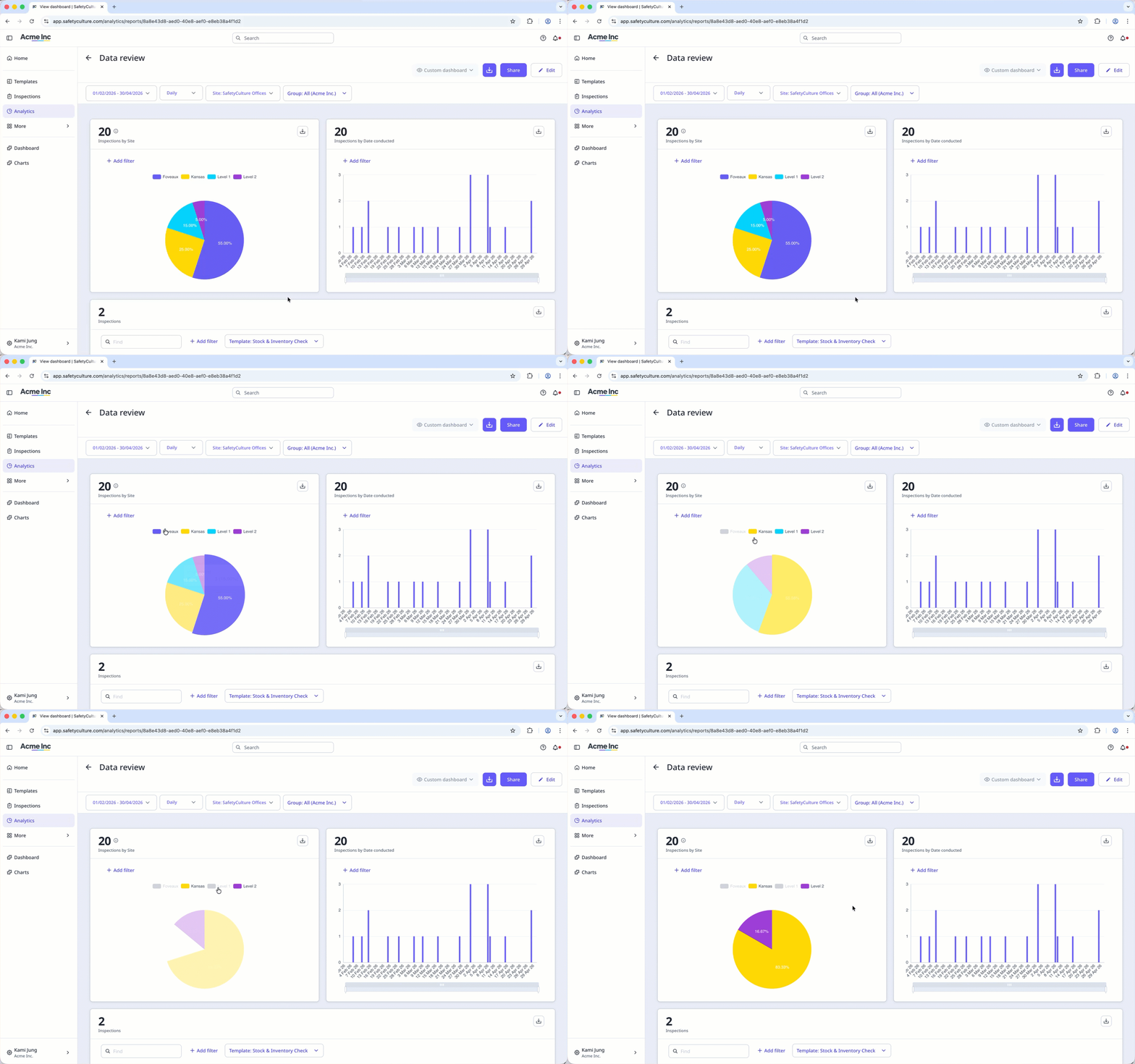
Charts with legends
You can hide segments of a chart by clicking the corresponding item in the legend. The hidden segment doesn't appear in the chart in the PDF file, but the legend remains visible.
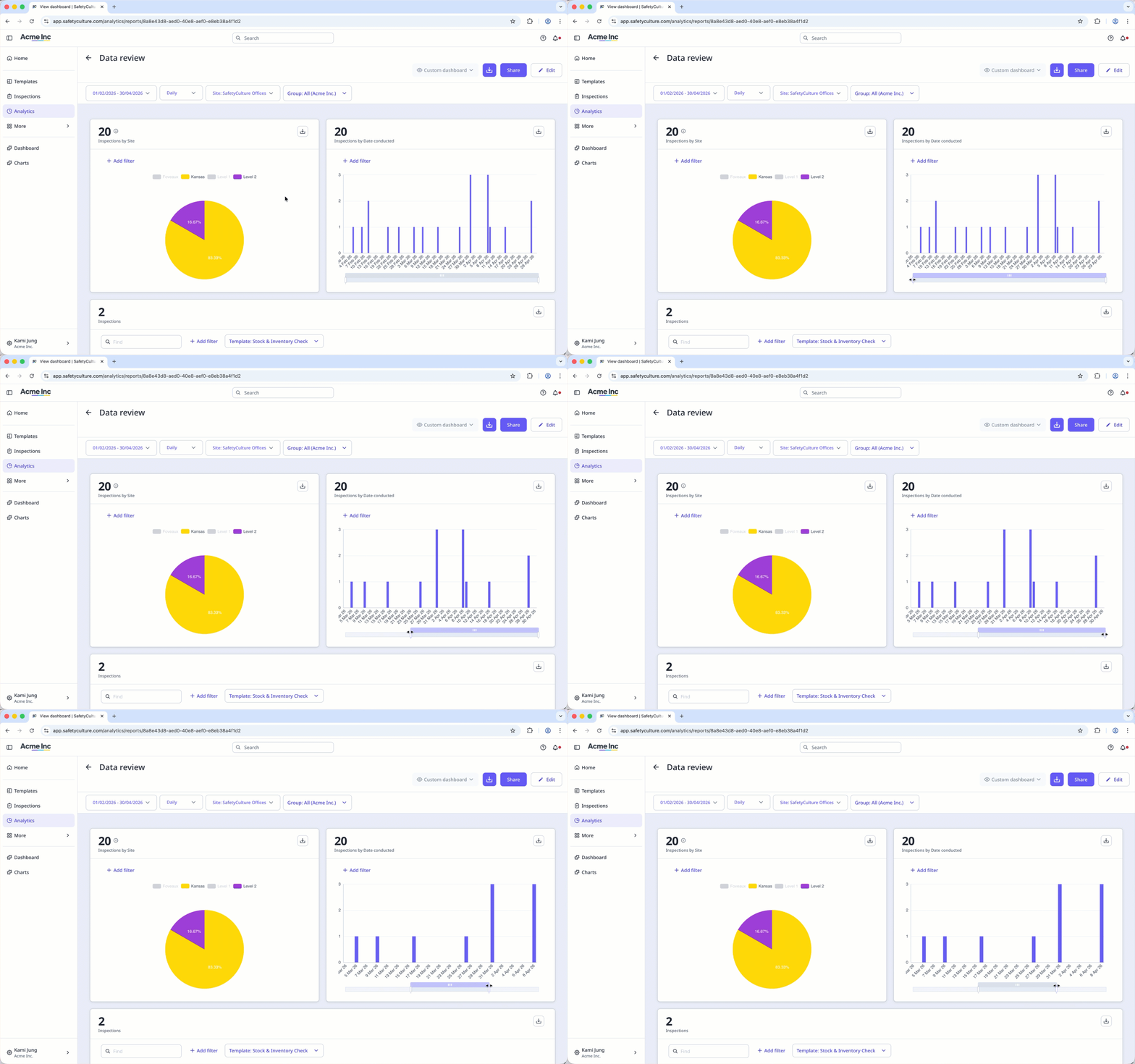
Scrollable charts
You can scroll and adjust the zoom on your charts using the scrollbar.
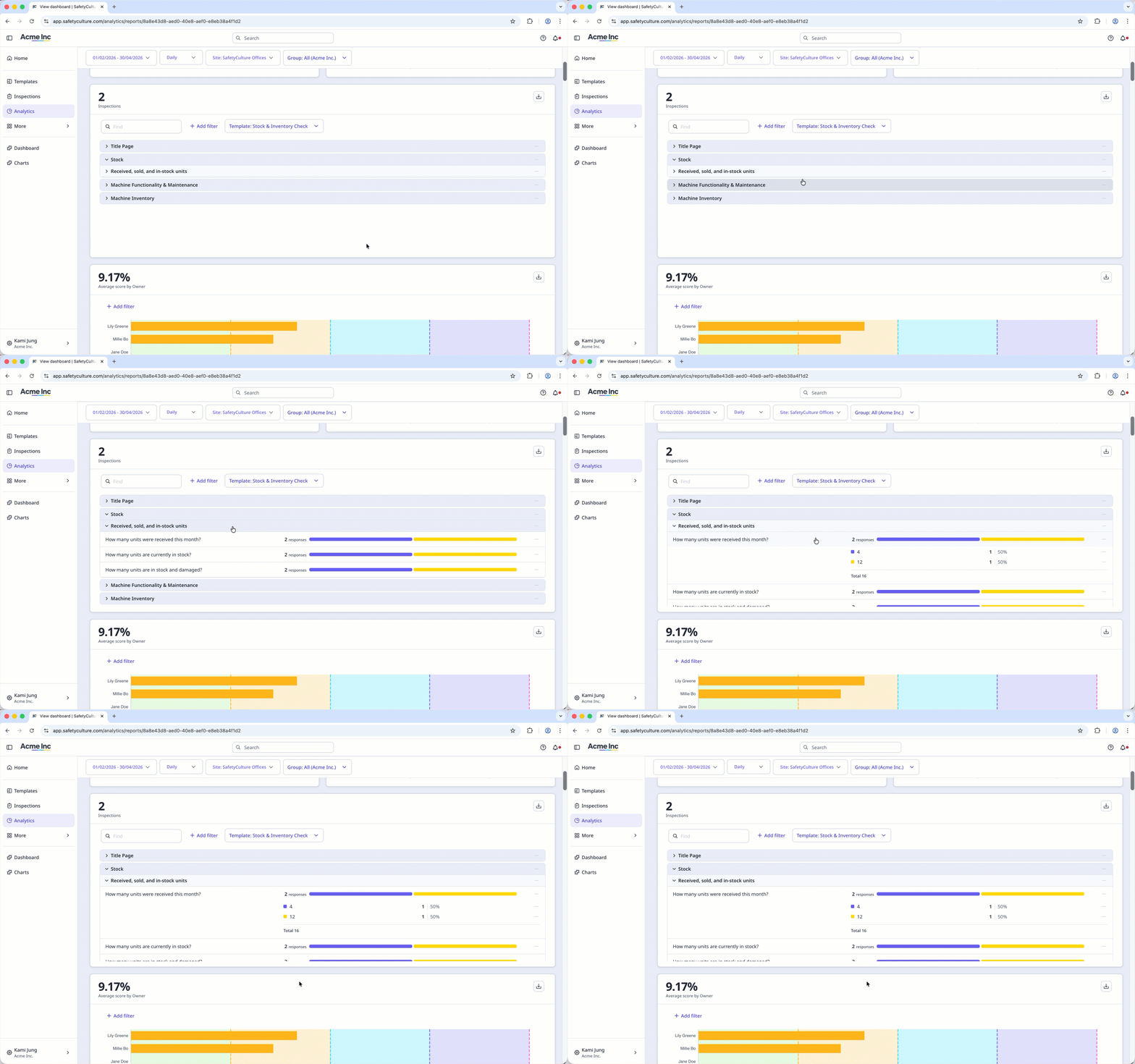
Responses table
You can hide and collapse rows in the Responses table.
What you'll need
Export an Analytics dashboard as PDF
Select Analytics in the sidebar or select it in More.
Click the dashboard.
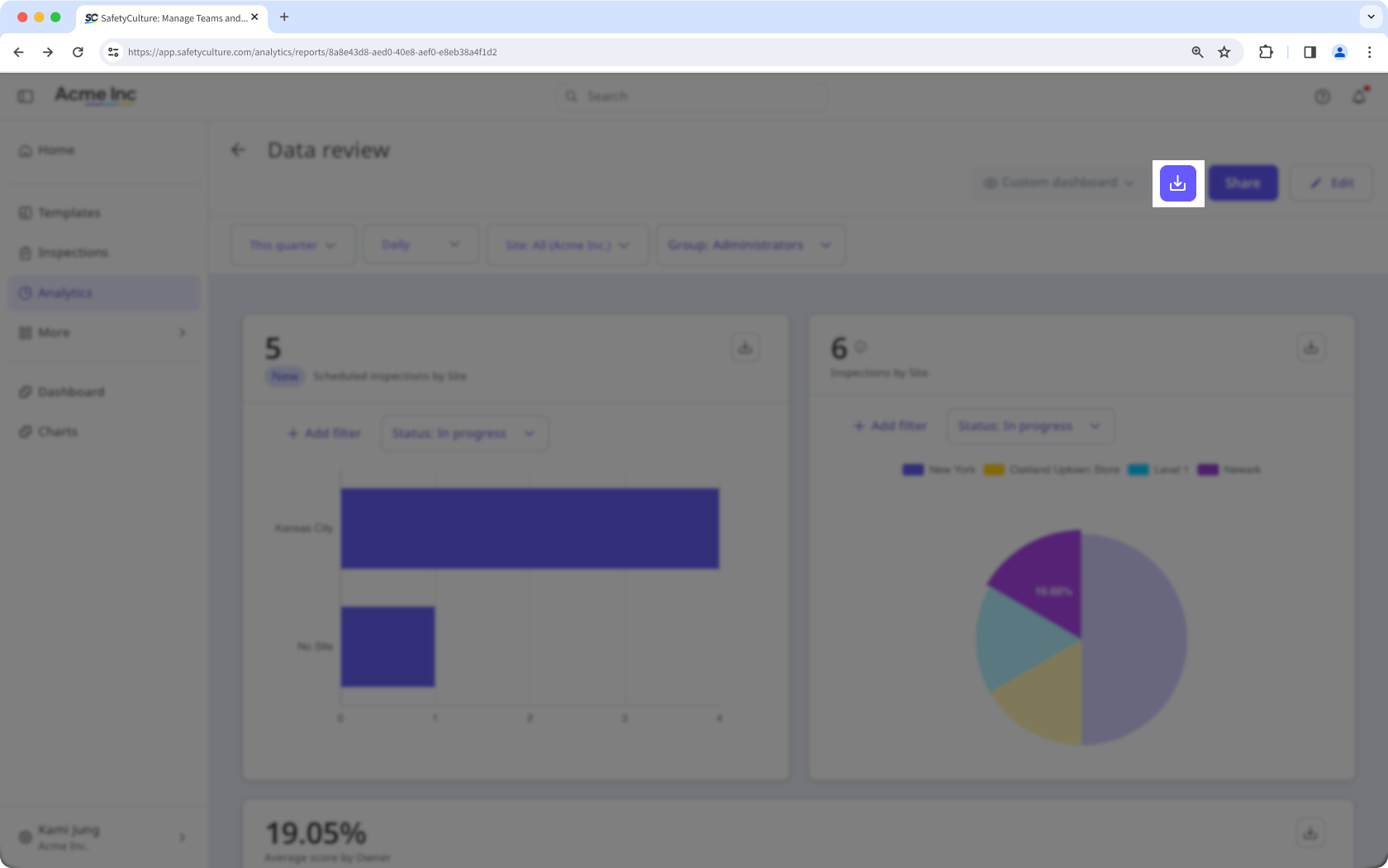
Click on the upper-right of the dashboard.
Hovering over a chart while the dashboard is exporting adds a shadow to the part of the chart in the exported PDF file. To prevent this, keep your cursor away from the charts until the export is complete.