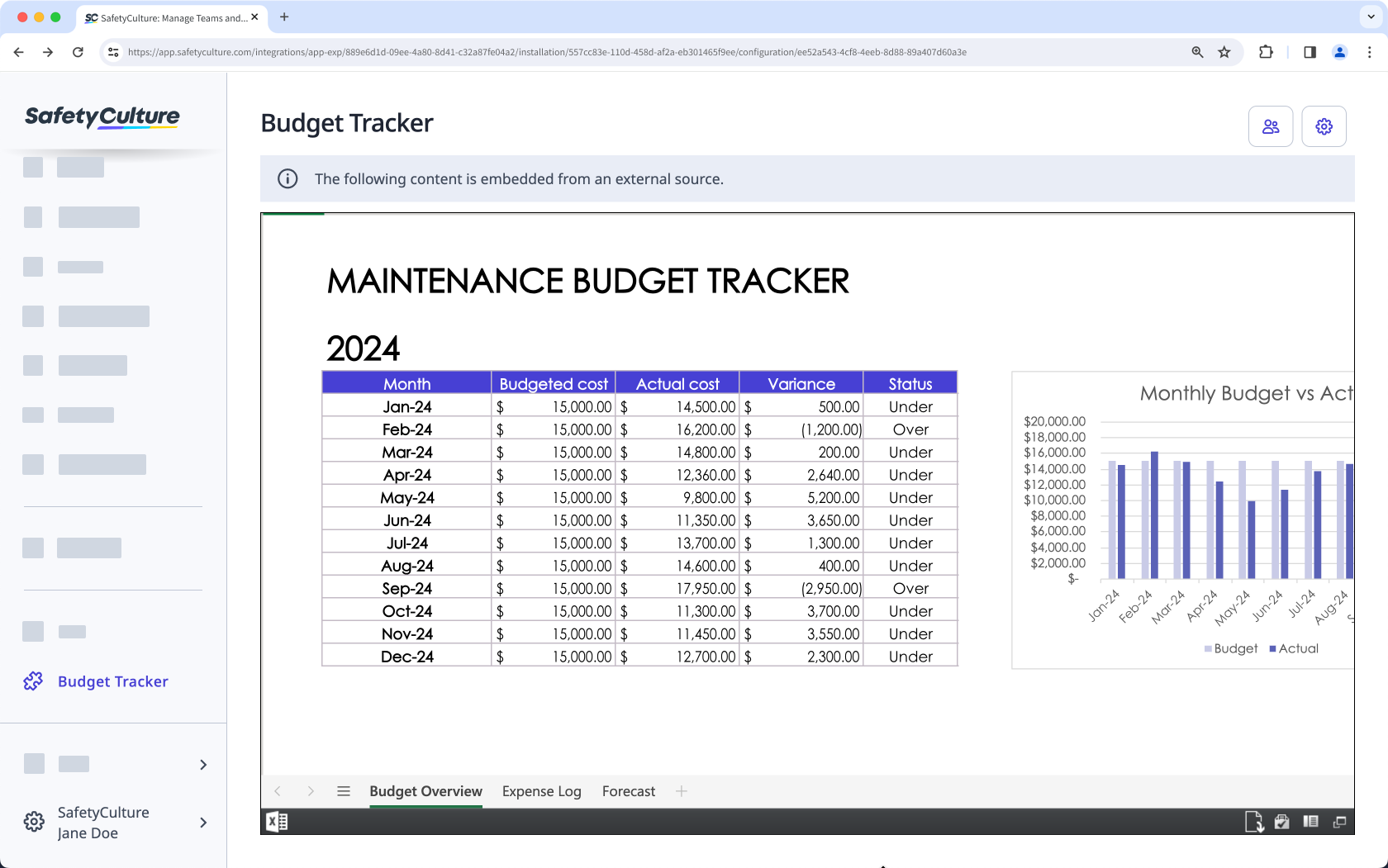
How does displaying Microsoft Excel workbooks in SafetyCulture work?
Microsoft Excel is a powerful tool for managing complex data, performing advanced calculations, and building detailed reports. By embedding your Excel workbooks directly into the SafetyCulture web app, your team can collaborate on critical data without leaving their workflows. Whether you display the full workbook or specific sheets, you can provide live insights or editable content to streamline decision-making and enhance operational efficiency.
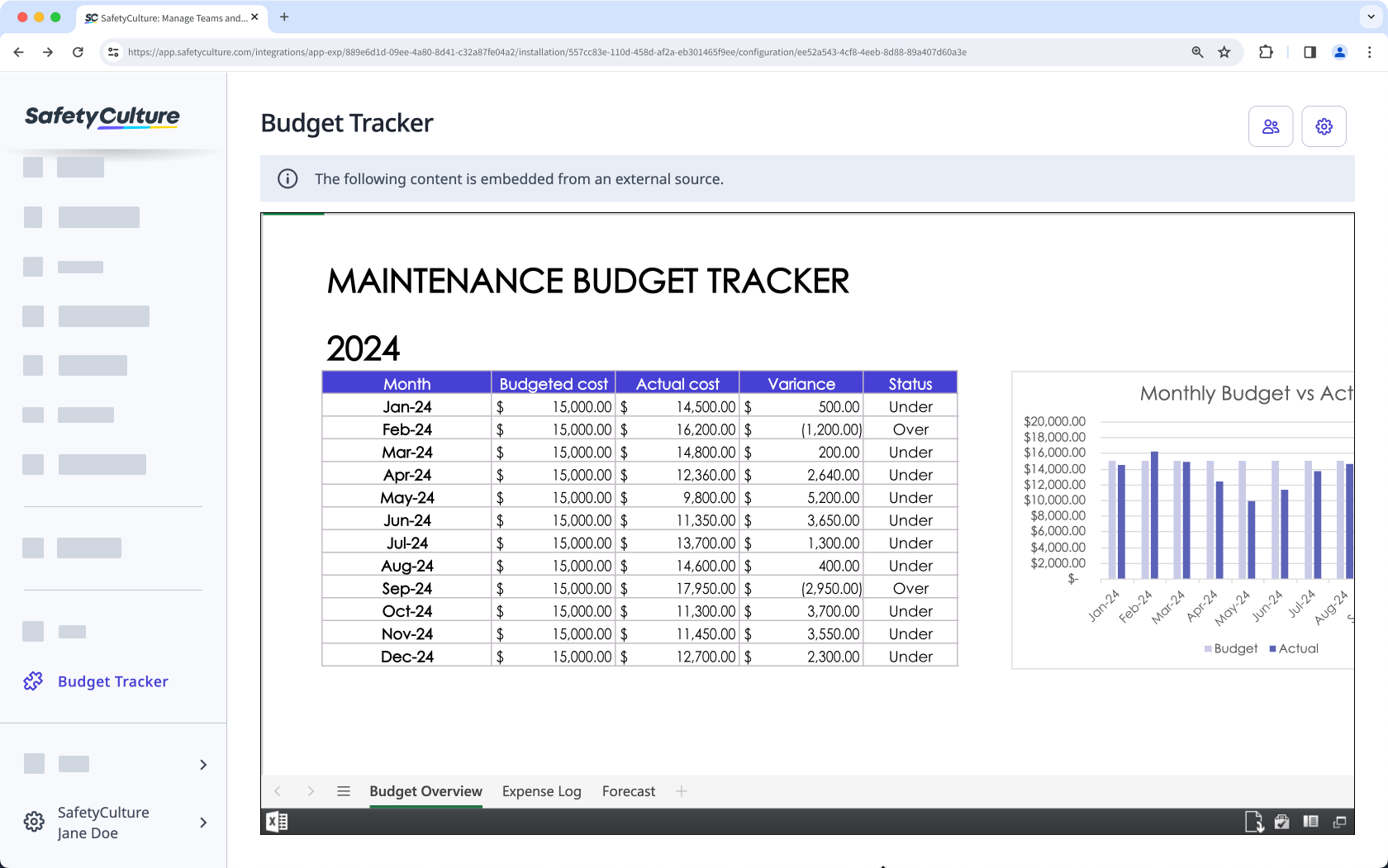
Embed your favorite productivity apps in SafetyCulture and transform your digital workspace into the ultimate collaboration tool.
What you'll need
1. Get a Microsoft Excel workbook embed link
Click Apps from the menu on the left-hand side.
Select Excel.
Click the Excel workbook you want to embed.
Click File.
Select Share, and then click Embed this workbook.
In the pop-up window, customize how you want your embedded workbook to appear.
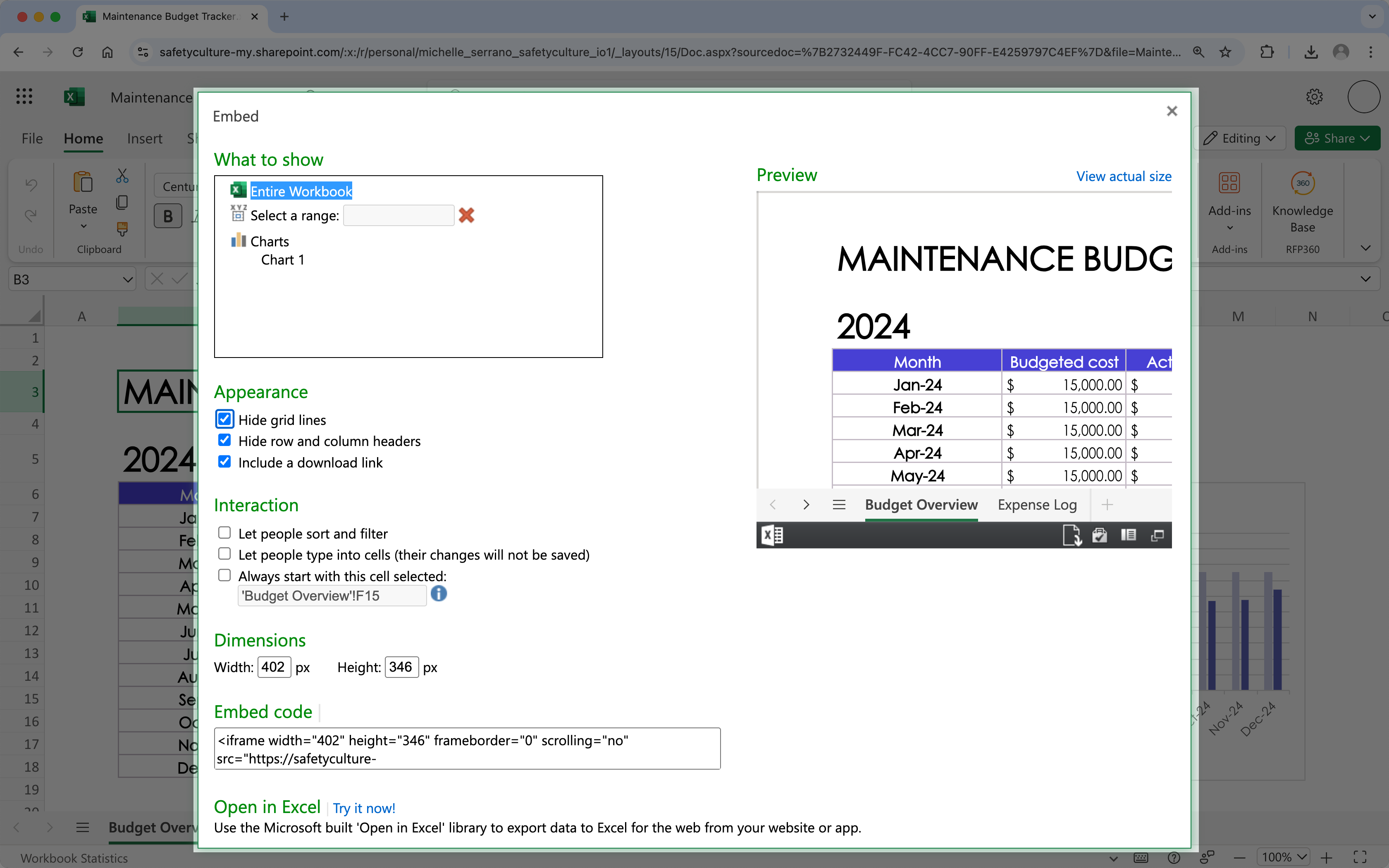
Copy the embed code.
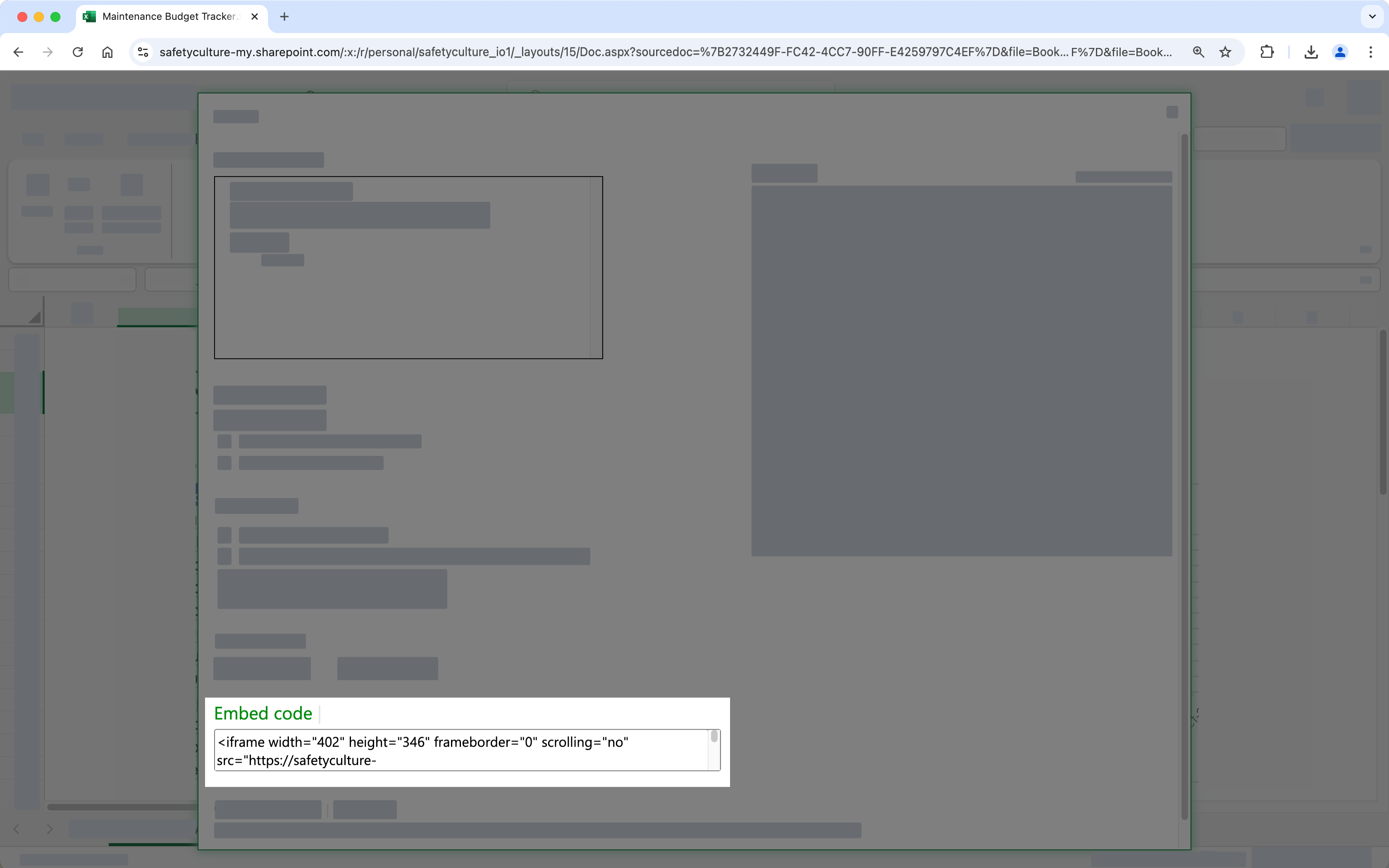
2. Display a Microsoft Excel workbook in SafetyCulture
Click your organization name on the lower-left corner of the page and select Integrations.
Search for "Microsoft Excel" and select the integration.
Click Install at the center of the page.
In the pop-up window, click Install.
Click Add page at the center of the page.
In the pop-up window, add the following details:
Label: Enter a name. This will appear on the left-hand side menu.
URL: Enter a Microsoft Excel workbook embed link.
Click Save.
Click Add page to add another workbook. You can add up to 10 workbooks for your organization.
View your Microsoft Excel workbook from the menu on the left-hand side.